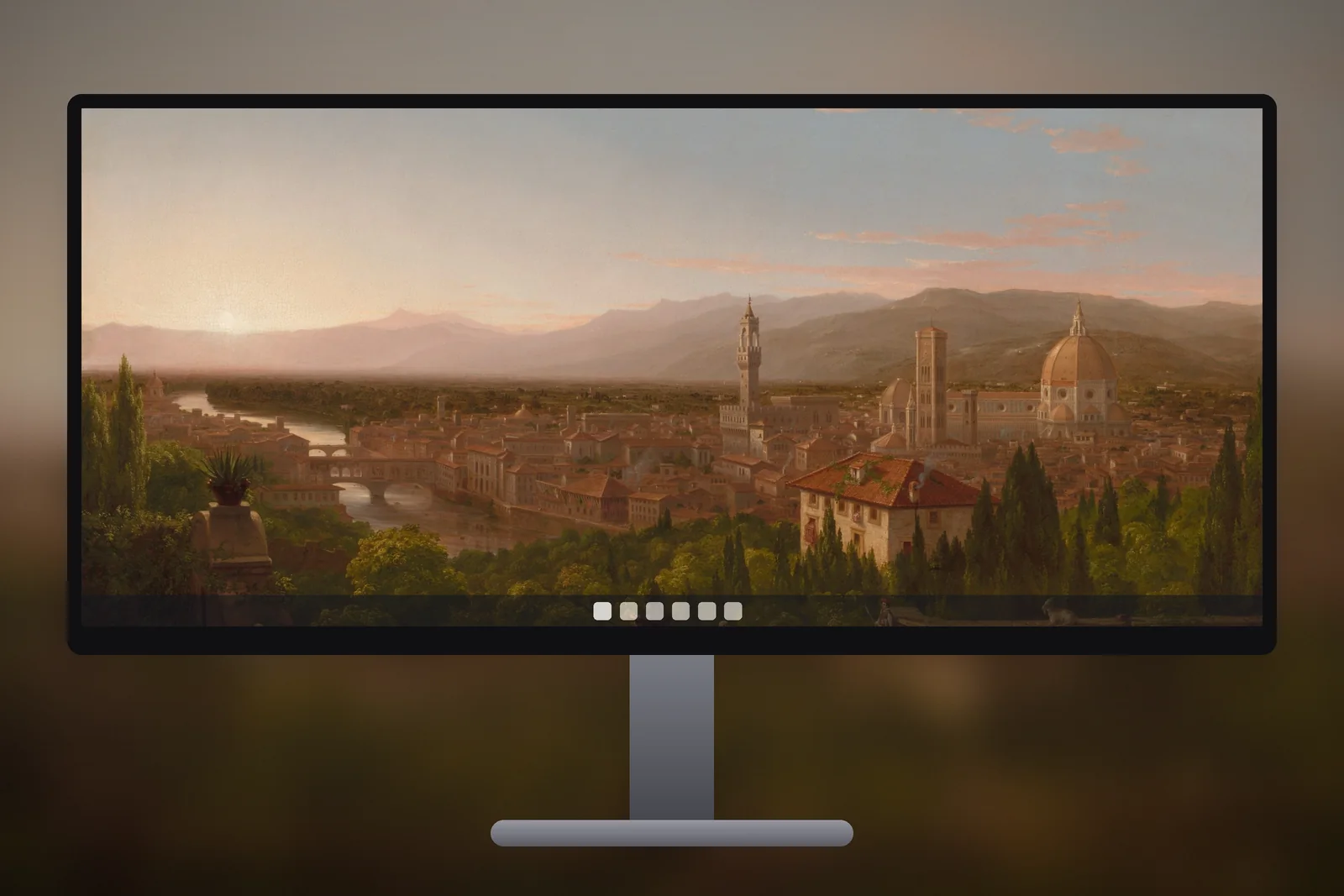
An ultrawide wallpaper needs to match your monitor's extra width: 3440 × 1440 for the most common 34-inch ultrawide, 2560 × 1080 for smaller 29-inch models and 5120 × 1440 for 49-inch super ultrawides. If you use an ordinary 16:9 picture instead, Windows has to cut a large strip off its top and bottom to fill the screen, which is why so many wallpapers look zoomed in on these monitors.
Here is what the ratios mean, how much a normal picture loses, and which kinds of image actually look good stretched across a wide desk.
In short
| Your monitor | Wallpaper to use | What a 16:9 picture loses with Fill |
|---|---|---|
| 34-inch 21:9 (3440 × 1440) | 3440 × 1440 | About a quarter of its height |
| 29-inch 21:9 (2560 × 1080) | 2560 × 1080, or a 3440 × 1440 file scaled down | About a quarter of its height |
| 38-inch 21:9 (3840 × 1600) | 3840 × 1600, or a 3440 × 1440 file scaled up slightly | About a quarter of its height |
| 49-inch 32:9 (5120 × 1440) | 5120 × 1440 | Half of its height |
What 21:9 and 32:9 actually mean
A standard monitor is 16:9, so it is 16 units wide for every 9 units tall. Ultrawide monitors are sold as 21:9, which is about a third wider, and super ultrawides as 32:9, which is the same as two 16:9 screens joined side by side.
The 21:9 label is rounded. The real resolutions work out slightly wider, at roughly 2.4 to 1:
| Resolution | Marketed as | Real ratio | Typical monitor |
|---|---|---|---|
| 2560 × 1080 | 21:9 | about 2.37 : 1 | 29-inch and some 34-inch |
| 3440 × 1440 | 21:9 | about 2.39 : 1 | 34-inch |
| 3840 × 1600 | 21:9 | 2.4 : 1 | 38-inch |
| 3840 × 1080 | 32:9 | 3.56 : 1 | 49-inch (dual 1080p) |
| 5120 × 1440 | 32:9 | 3.56 : 1 | 49-inch (dual 1440p) |
To check which one you have, open Settings → System → Display and look at Display resolution. The value marked Recommended is your monitor's native size. The same Display page is where you arrange screens if the ultrawide sits next to a laptop.
Why 16:9 pictures get cropped top and bottom
Windows' default fit, Fill, scales a picture until it covers the whole screen and then trims whatever hangs over the edges. On a wide screen it is the height that hangs over.
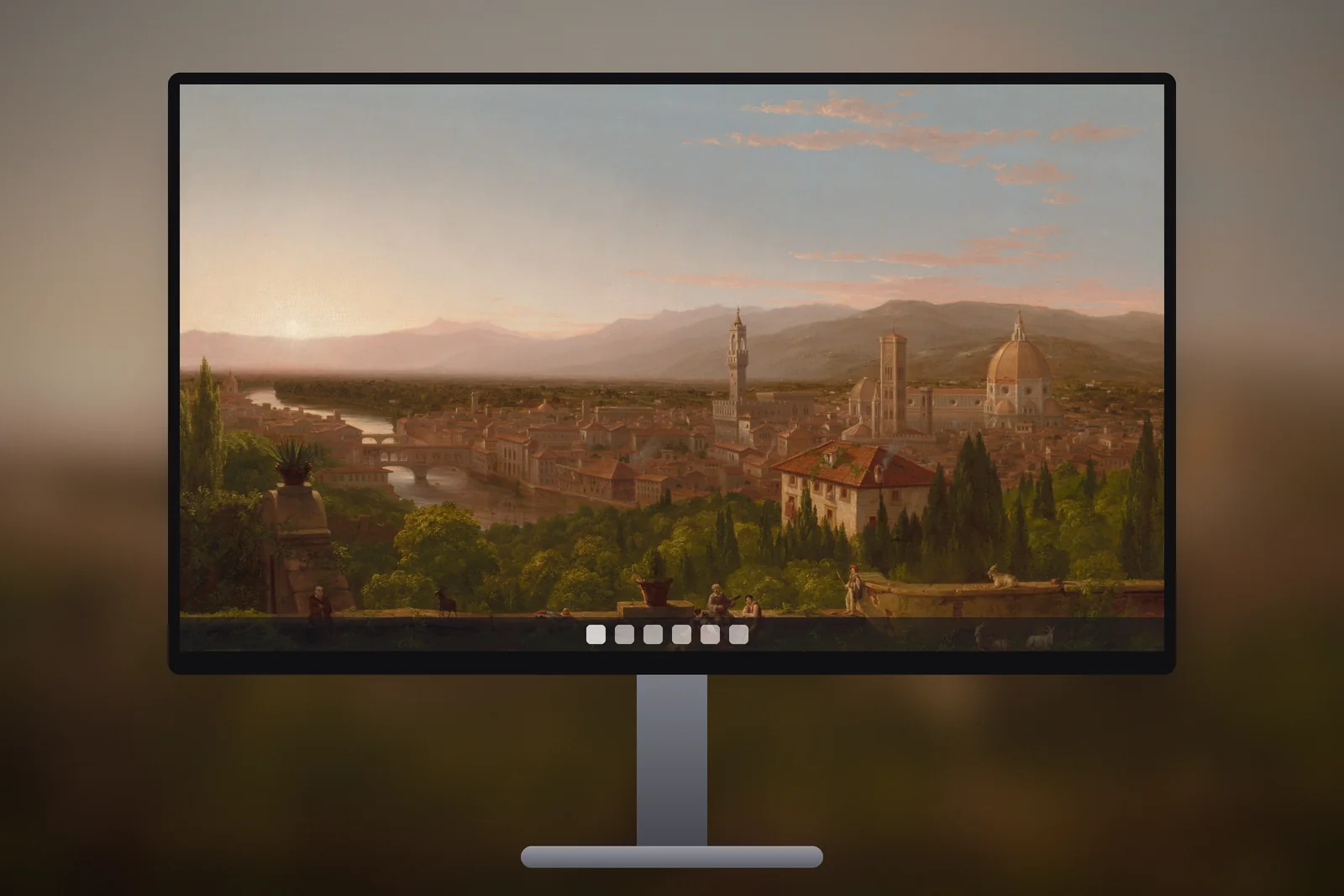
- A 16:9 picture on a 3440 × 1440 screen is scaled to 3440 pixels wide, which makes it about 1935 pixels tall. Roughly a quarter of the height is cut away.
- On a 2560 × 1080 screen the loss is the same, about 25 percent.
- On a 32:9 super ultrawide, a 16:9 picture loses half its height. A mountain peak near the top or a lake near the bottom simply disappears.
There is a second problem: sharpness. A 1920 × 1080 image has to be enlarged nearly 1.8 times to cover a 3440-pixel-wide screen, and enlarged pictures look soft. Start with a file at least as wide as your monitor, ideally made for it.
Compositions that suit an ultrawide screen
A wide screen rewards wide subjects. The images that look best are ones where the interest runs sideways rather than up and down.
- Long horizons: coastlines, plains, marshes and lakes, where losing a little sky changes nothing.
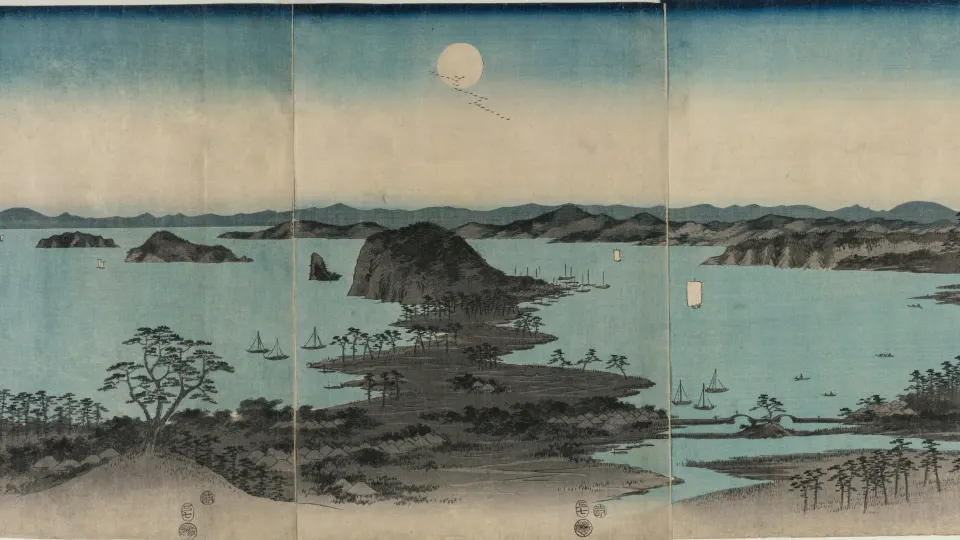
- Panoramas: mountain ranges and valleys photographed or painted as a wide strip.
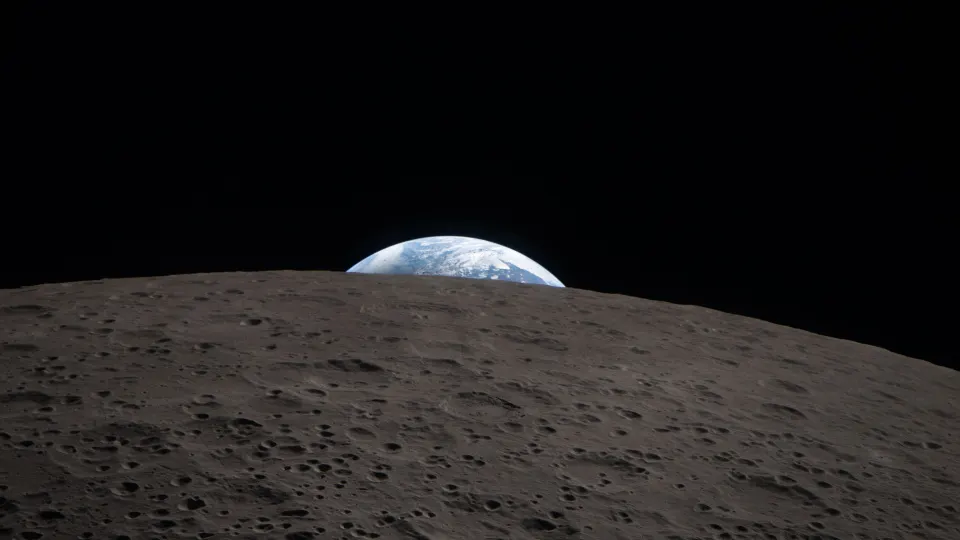
- Space and orbit views: the curve of the Earth and bands of aurora stretch naturally across the width.
- Off-centre subjects: a lone tree or building on one side leaves the other side calm for desktop icons and windows.
- Avoid tall subjects: waterfalls, towers and portrait-style shots lose their top and bottom first.
Keep in mind where your windows sit. On a 34-inch screen most people work in the middle, so the two outer thirds are what you actually see during the day. A picture with detail at the edges and a quiet centre often feels better than one with a single central subject.
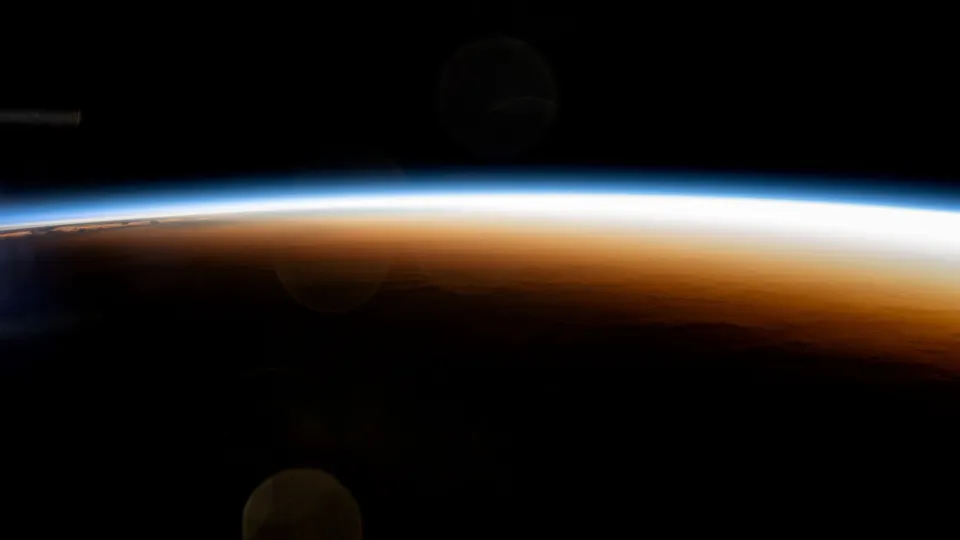 Orbital Sunrise Horizon
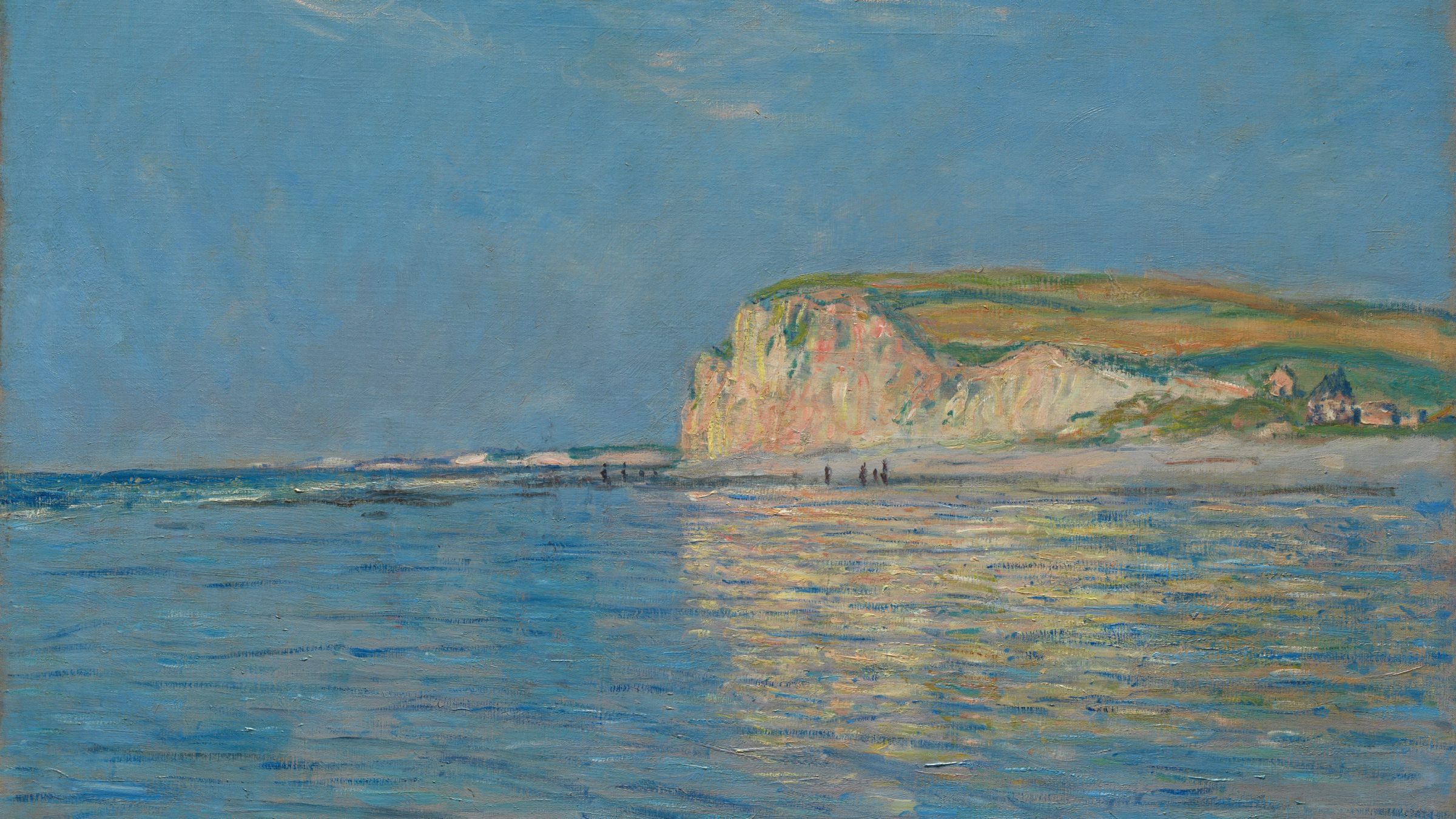
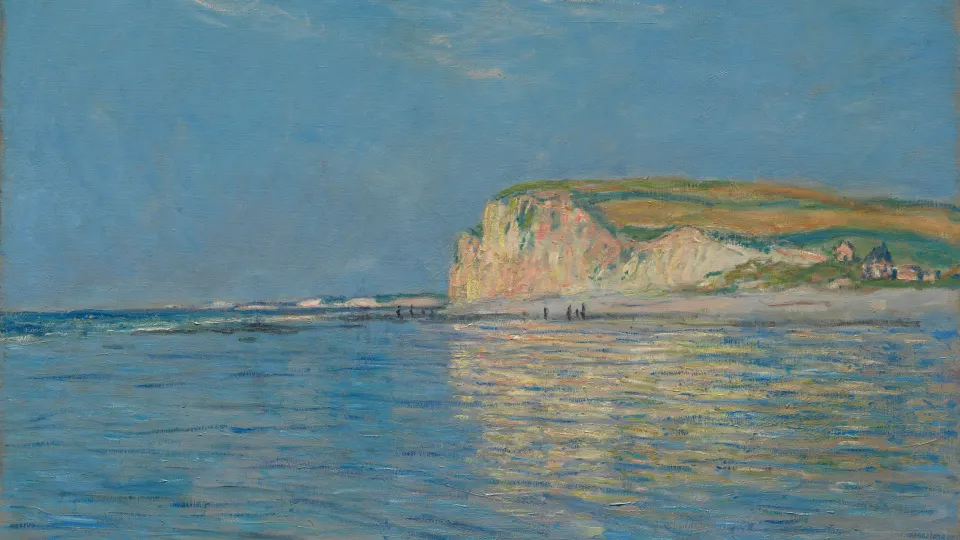 Low Tide Blue Coast
 Tuscan Valley Evening
 Green Aurora Arc
 Winter Marsh Sunset
Getting a wallpaper at 3440 × 1440
Every wallpaper in the PC wallpaper section is cut to an exact ultrawide 3440 × 1440 version alongside 1080p, 1440p, 4K and 16:10 laptop sizes. The crop is made for the 21:9 shape, so the picture is framed for the width rather than trimmed by Windows on the fly. All of them are free for personal use under the wallpaper licence.
If your monitor is 2560 × 1080 or 3840 × 1600, the 3440 × 1440 file is still the closest match. The ratios are almost identical, so Windows only scales it down or up slightly and crops a handful of pixels. For a 5120 × 1440 super ultrawide there is more trimming, because 32:9 is far wider than 21:9; choose a picture whose subject sits in the middle band of the frame.
Space scenes are a safe start for any wide format. The space wallpapers for PC mostly put the horizon or the aurora across the middle, which survives cropping well.


How to set an ultrawide wallpaper with Fill
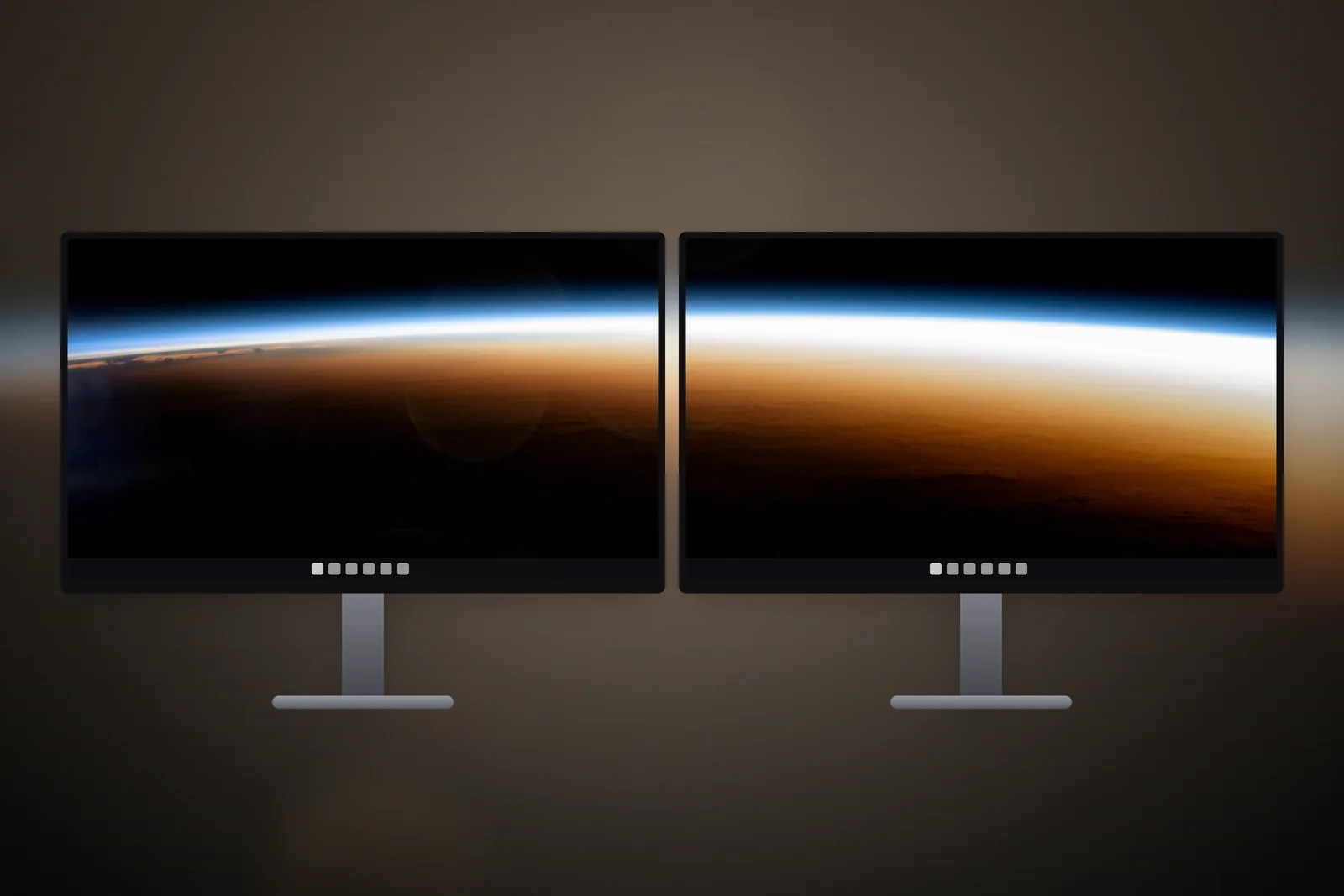
- Download the wallpaper at the size that matches your monitor.
- Open Settings → Personalisation → Background.
- Set Personalise your background to Picture and click Browse photos.
- Choose the file, then set Choose a fit for your desktop image to Fill.
You can also right-click the downloaded file in File Explorer and choose Set as desktop background. With a file at the exact resolution, Fill shows it pixel for pixel and nothing is cropped.
Avoid Stretch on an ultrawide. It forces the picture to the screen shape without keeping its proportions, so a 16:9 photo ends up with flattened hills and oval moons. For a single ultrawide monitor with a correctly sized file, Fill is the right choice almost every time.
Read next: Dual Monitor Wallpaper: Span One Image or Use One per Screen and Wallpaper Resolution Guide: What Size Do You Need?.
Quick answers
What size wallpaper do I need for an ultrawide monitor?
Match your screen's resolution. Most 34-inch ultrawides are 3440 × 1440, smaller ones 2560 × 1080, and 49-inch super ultrawides 5120 × 1440 or 3840 × 1080.
Why is my wallpaper zoomed in on my ultrawide?
It is a 16:9 picture set to Fill. Windows scales it to the full width and cuts about a quarter of the height. Use a 21:9 file or switch to Fit to see the whole image.
Will a 3440x1440 wallpaper work on a 2560x1080 monitor?
Yes. The two shapes are nearly identical, so Windows scales the image down with almost no cropping, and it stays sharp because it is being reduced rather than enlarged.
What wallpaper size fits a 49-inch super ultrawide?
Most 49-inch 32:9 monitors are 5120 × 1440, and older ones 3840 × 1080. Use a file at that size; a 21:9 picture loses a large strip from its top and bottom, so keep its subject in the middle band.
Should I use Span on a single ultrawide monitor?
No. Span stretches one picture across several connected monitors. On one ultrawide, choose Fill with a file at your exact resolution, or Fit if a 16:9 picture must stay whole.
Sources
- How to make your Windows computer aesthetic, Microsoft
- Using a monitor with a closed laptop, Microsoft