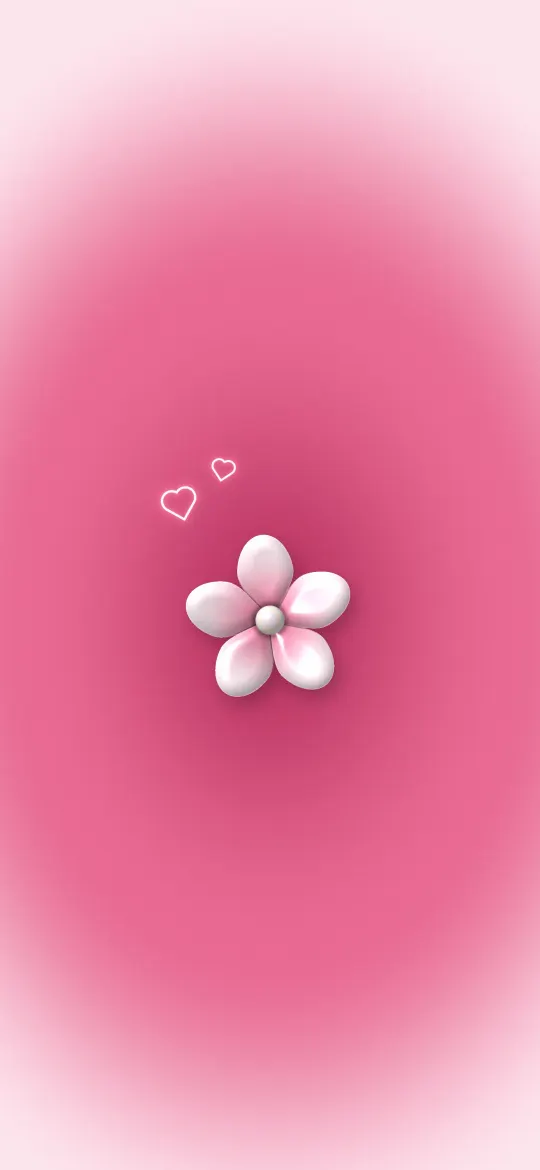
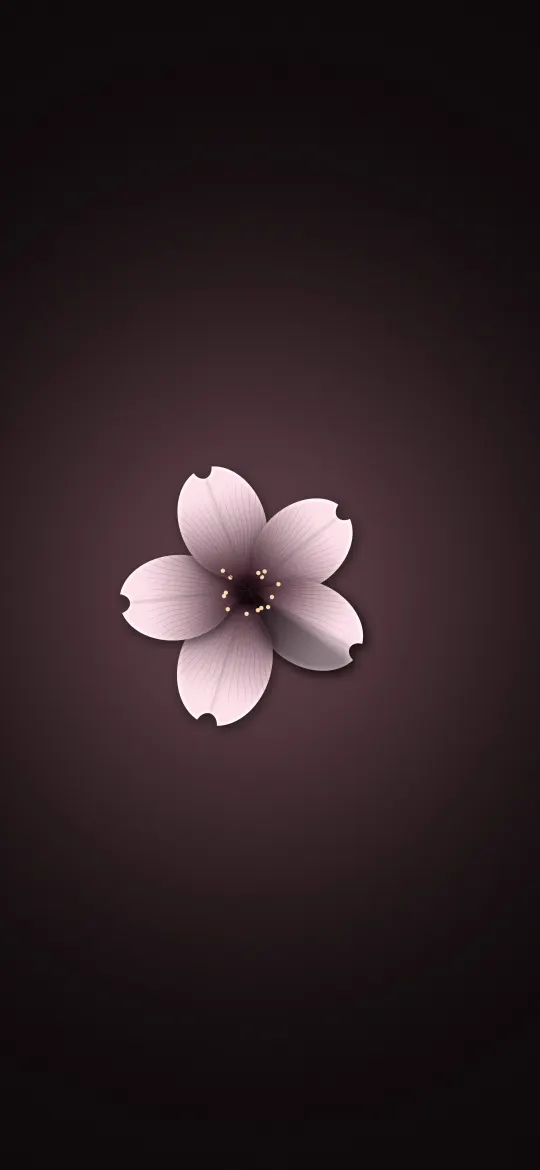
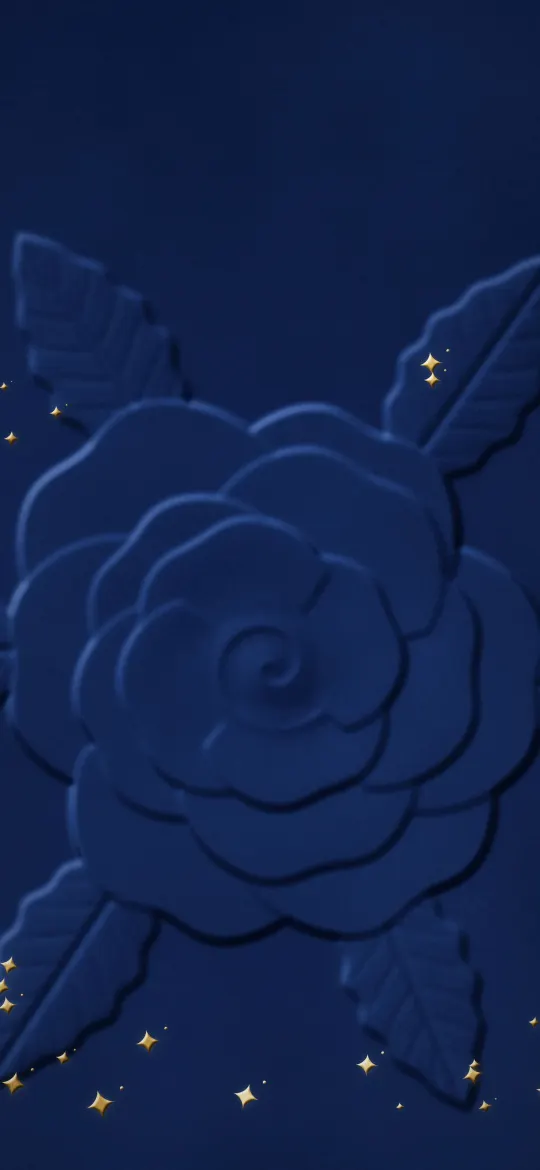
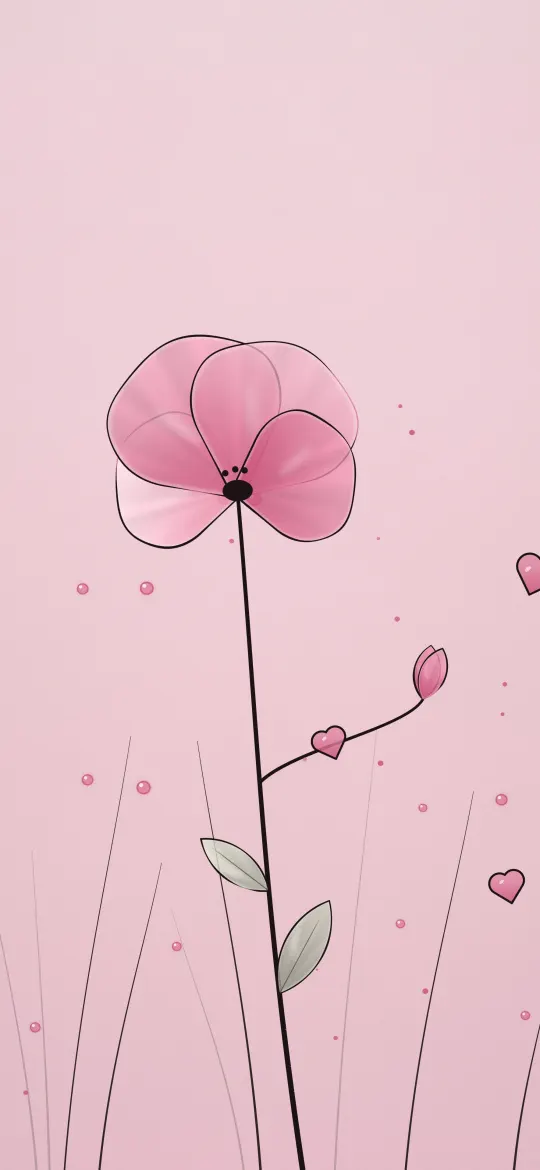
 Rose Glow Flower
Cute & Aesthetic
Wallpapers cut to the exact pixels of your iPhone
Every wallpaper comes in 16 sizes, from iPhone SE to iPhone Duo, so it fills your screen with nothing stretched or cropped off.
Featured
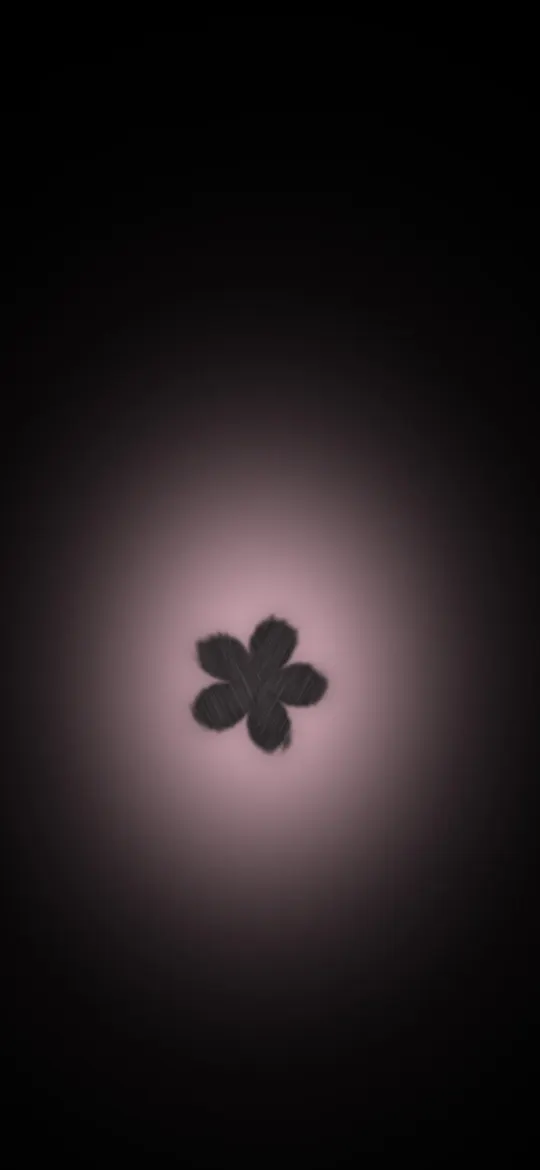
Rose Glow Flower
Cute & Aesthetic
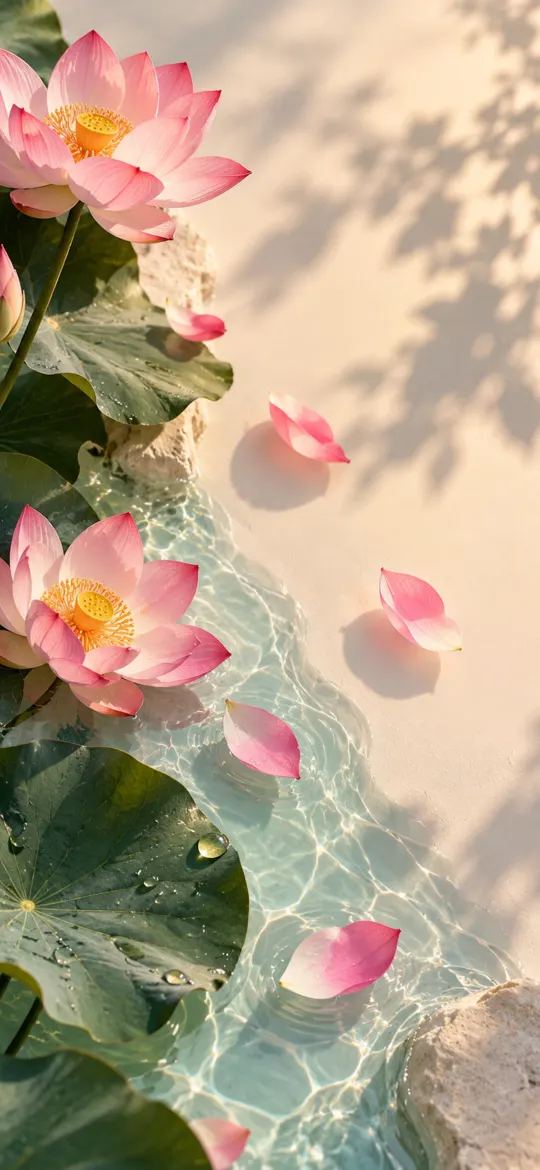 Pink Lotus Pond in Sunlight
Abstract
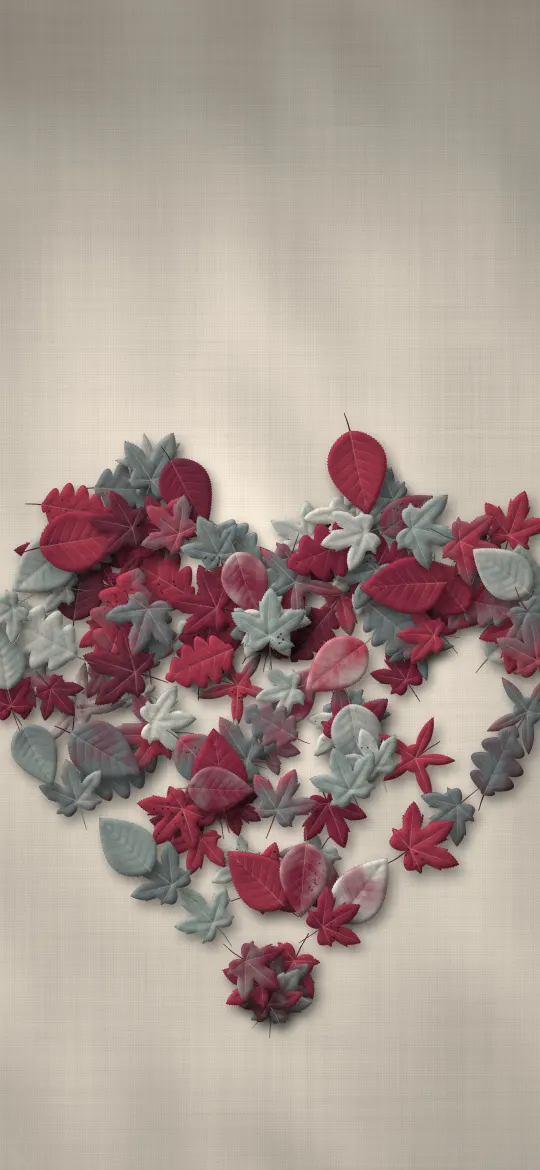 Autumn Leaf Heart
Autumn & Fall
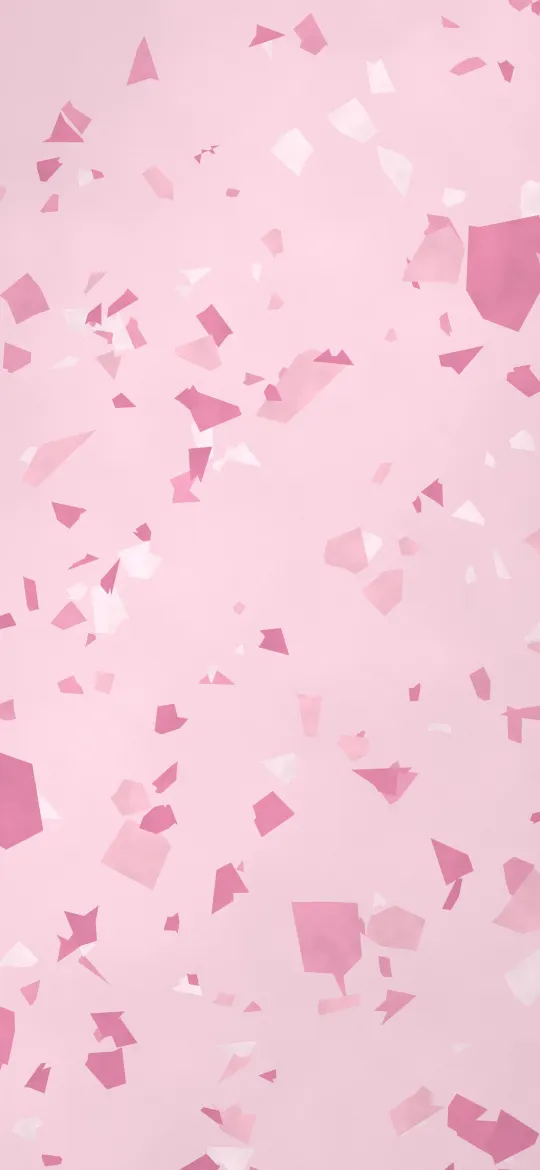
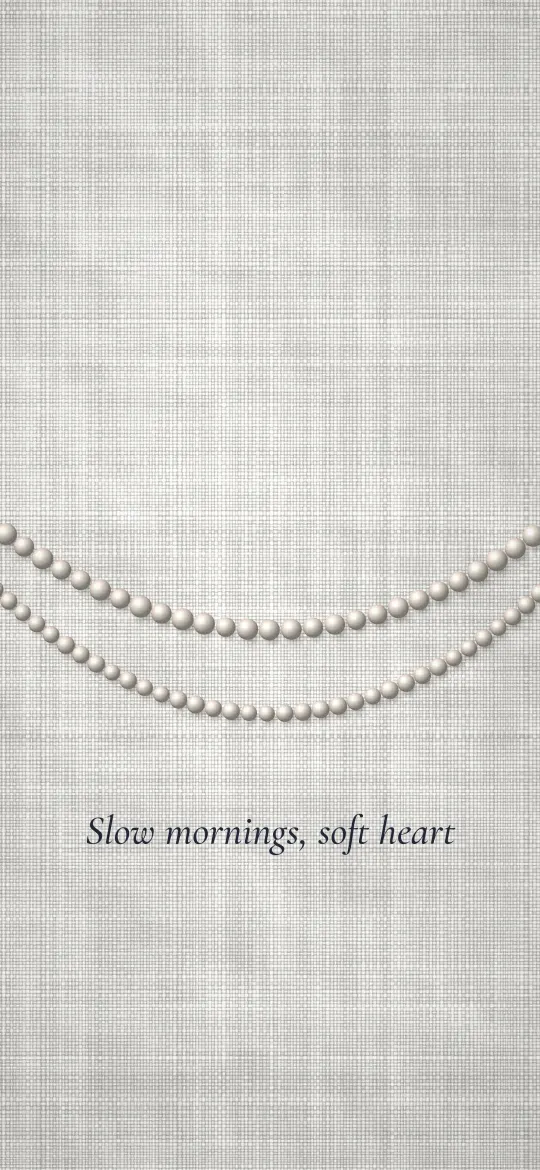
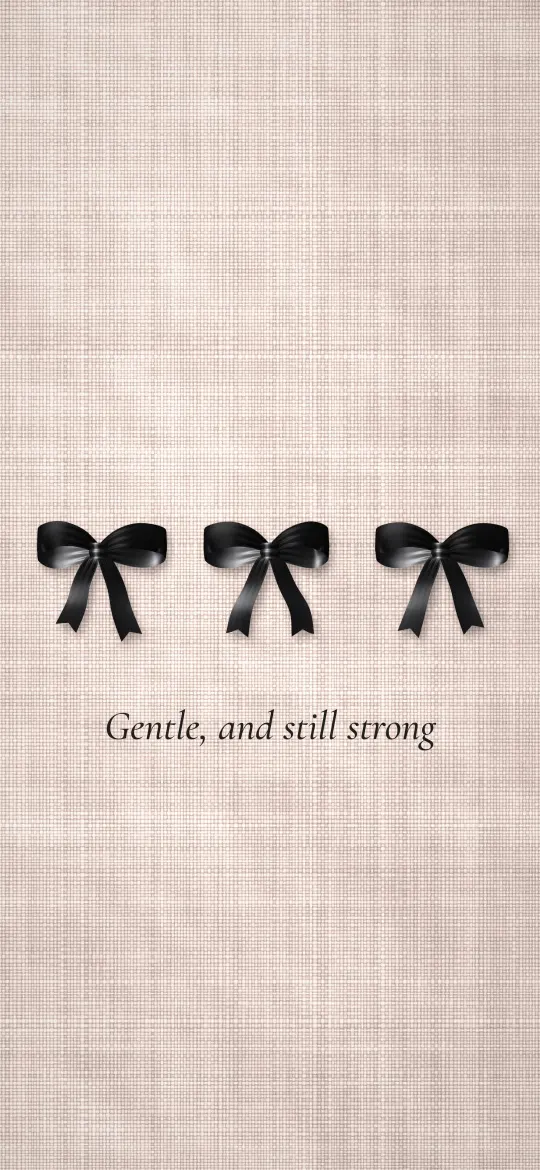
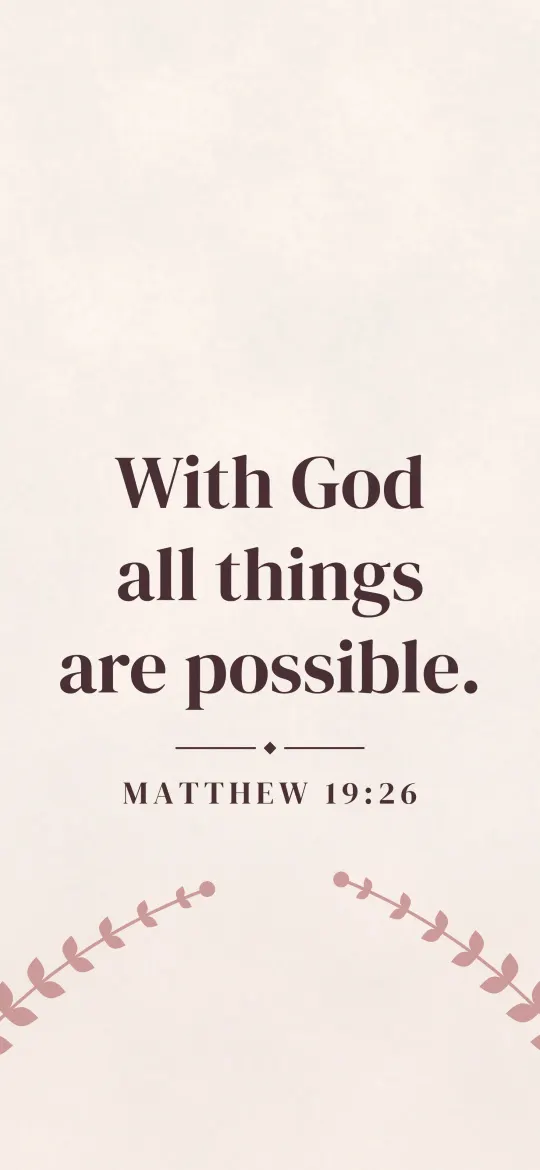
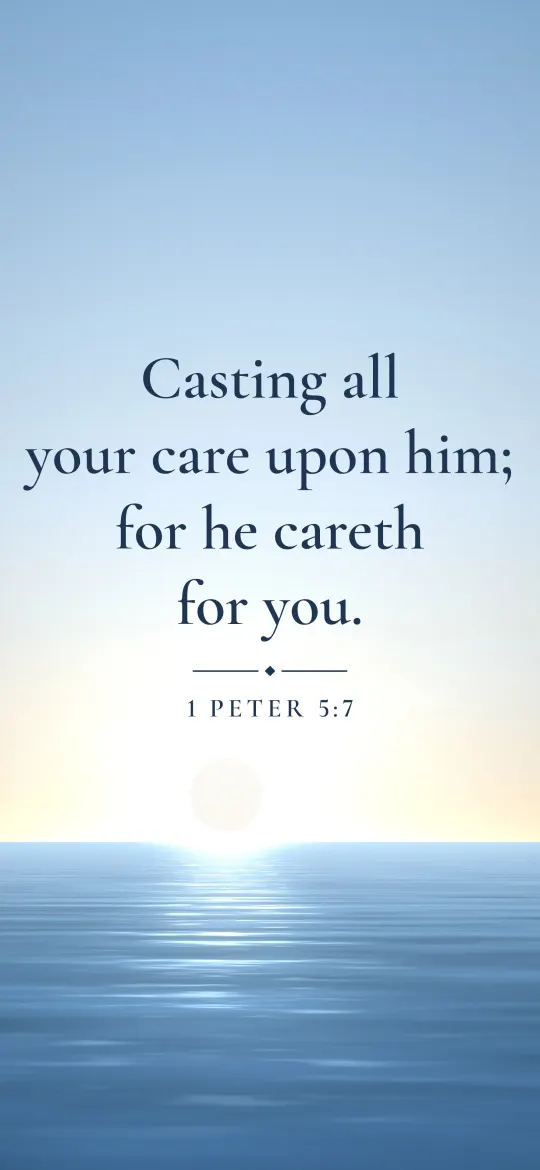
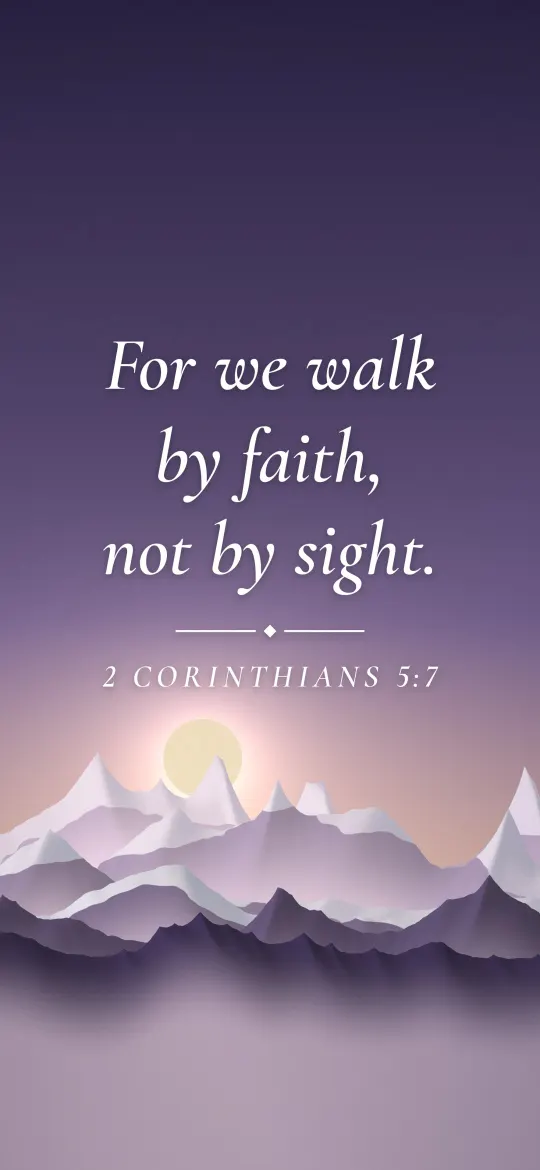
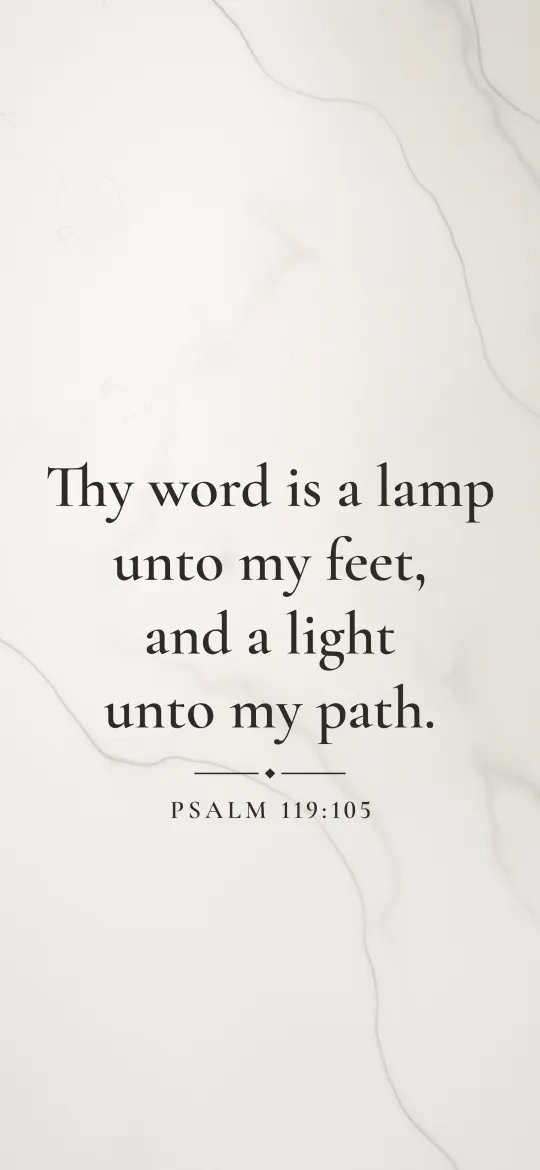
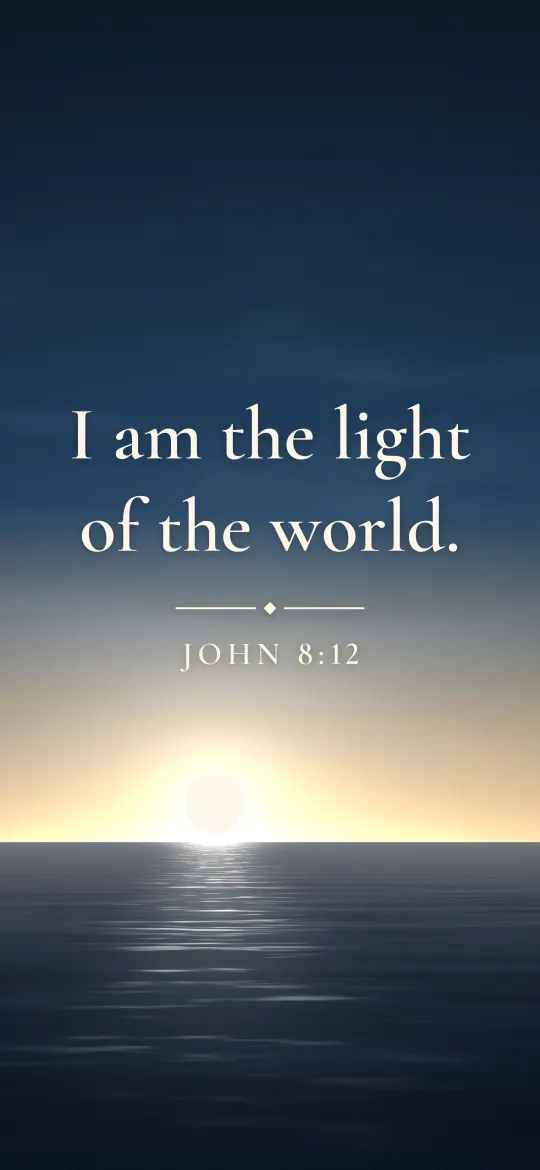
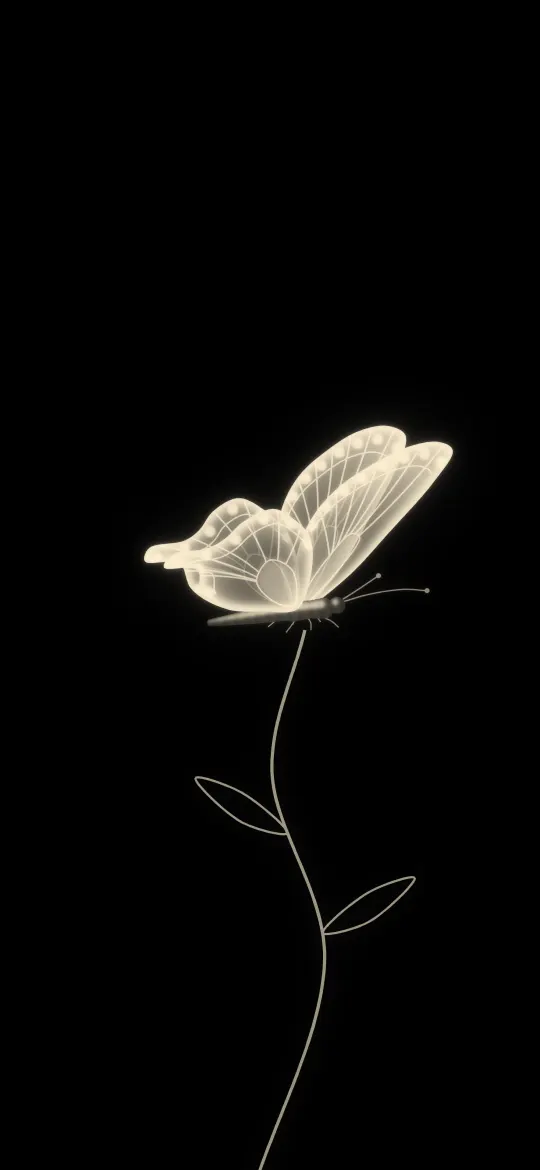
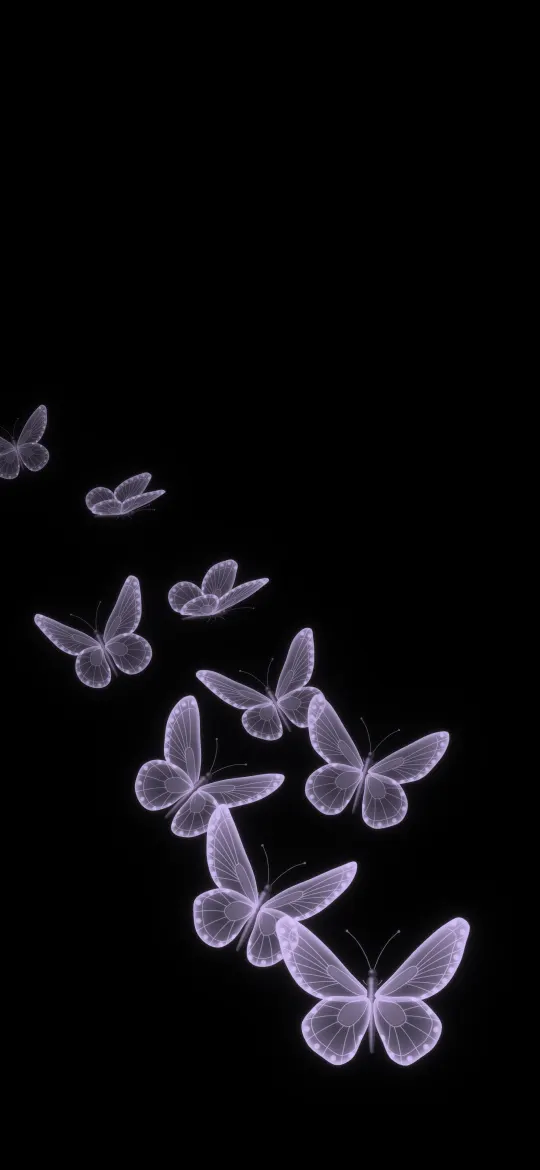
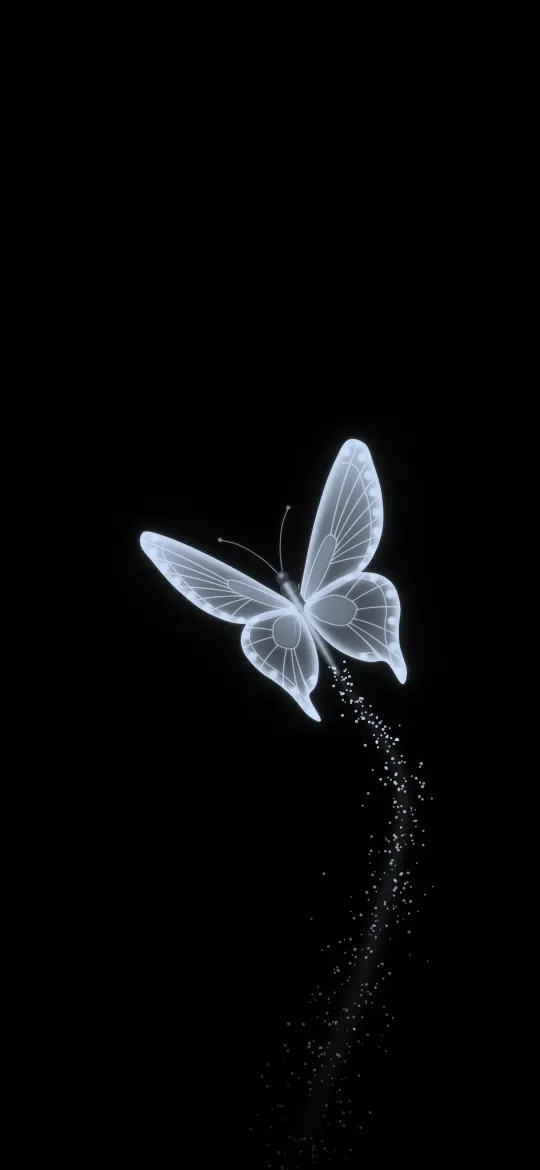
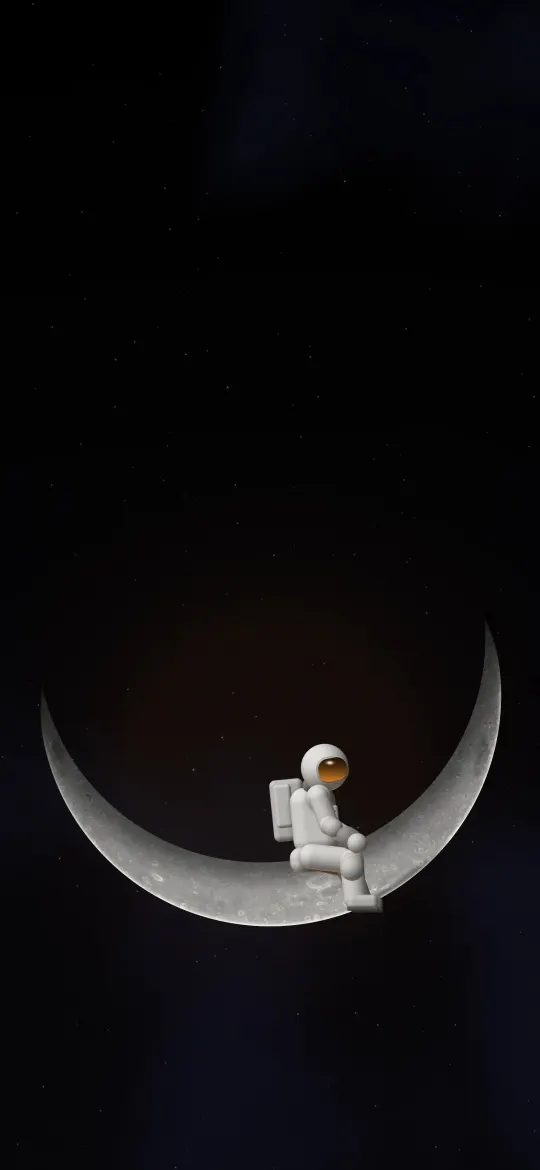
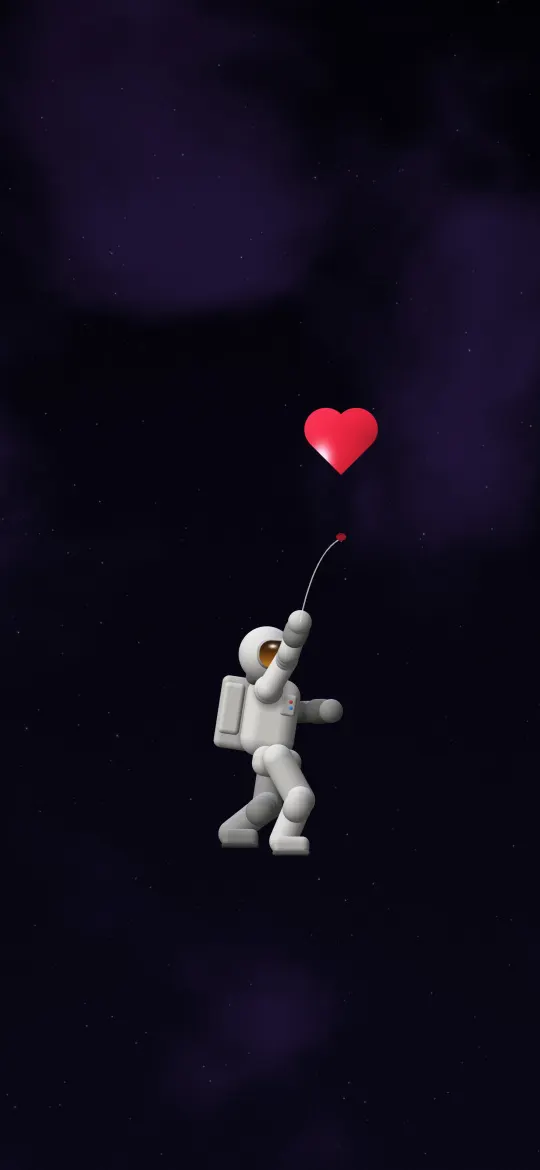
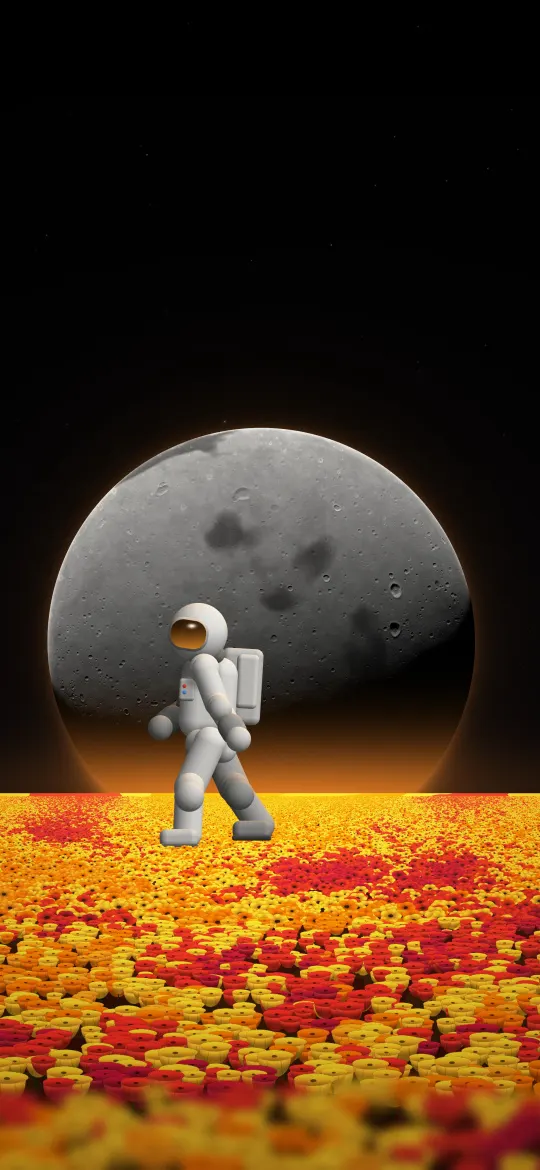
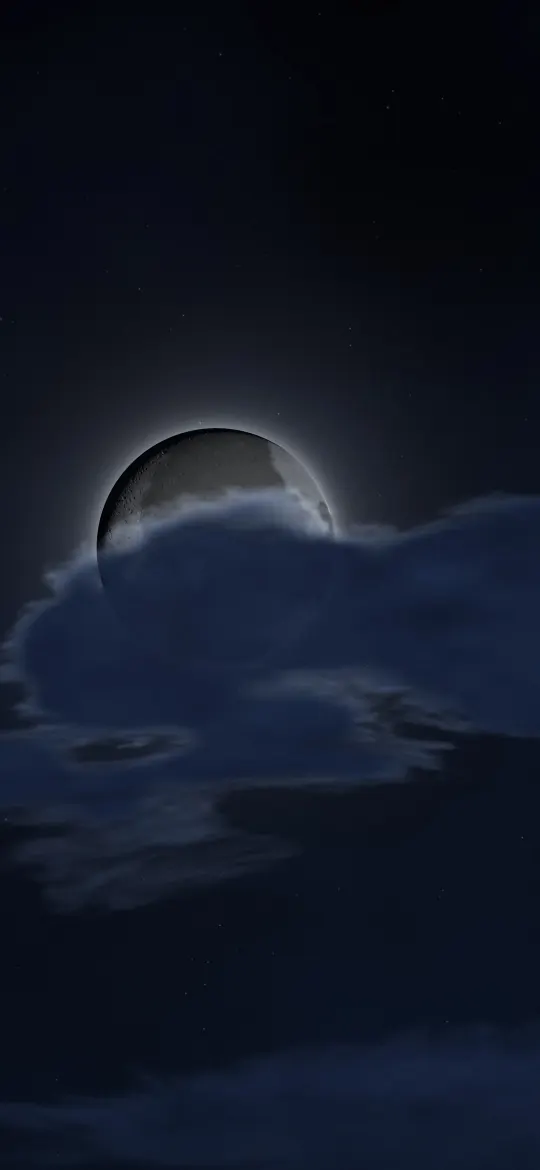
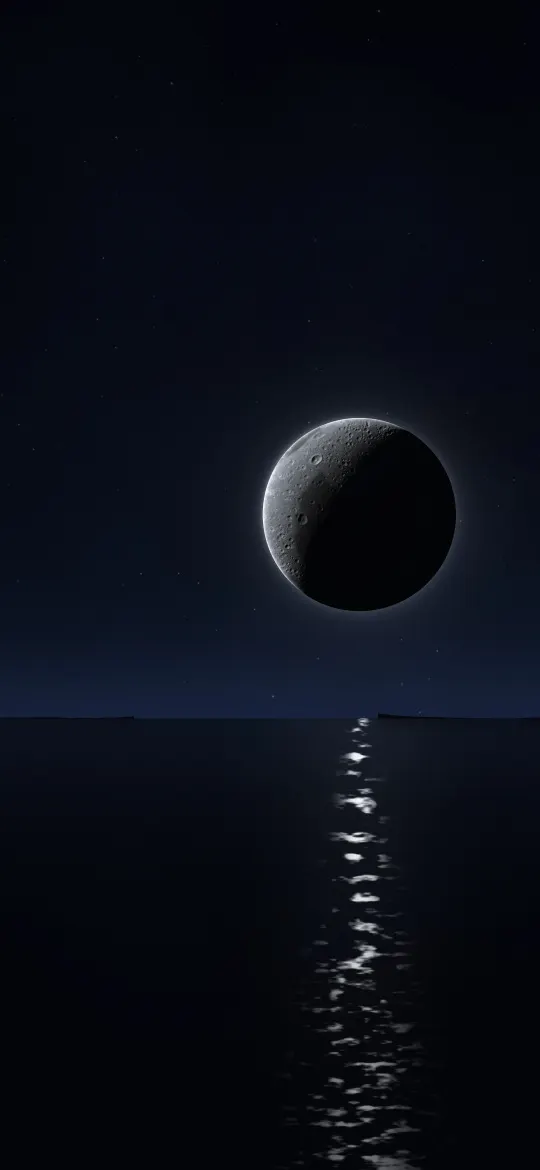
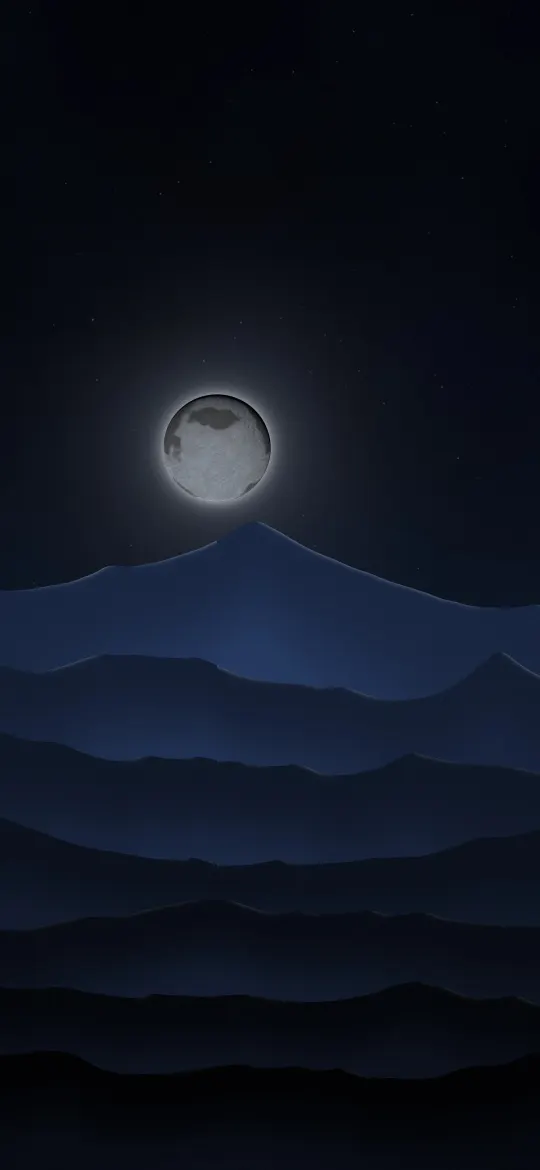
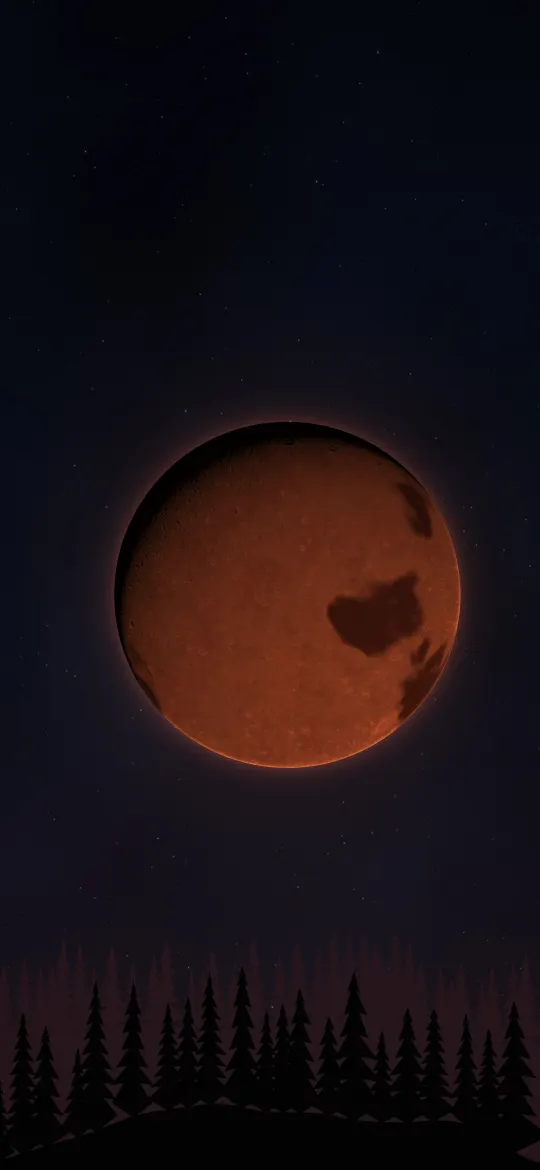

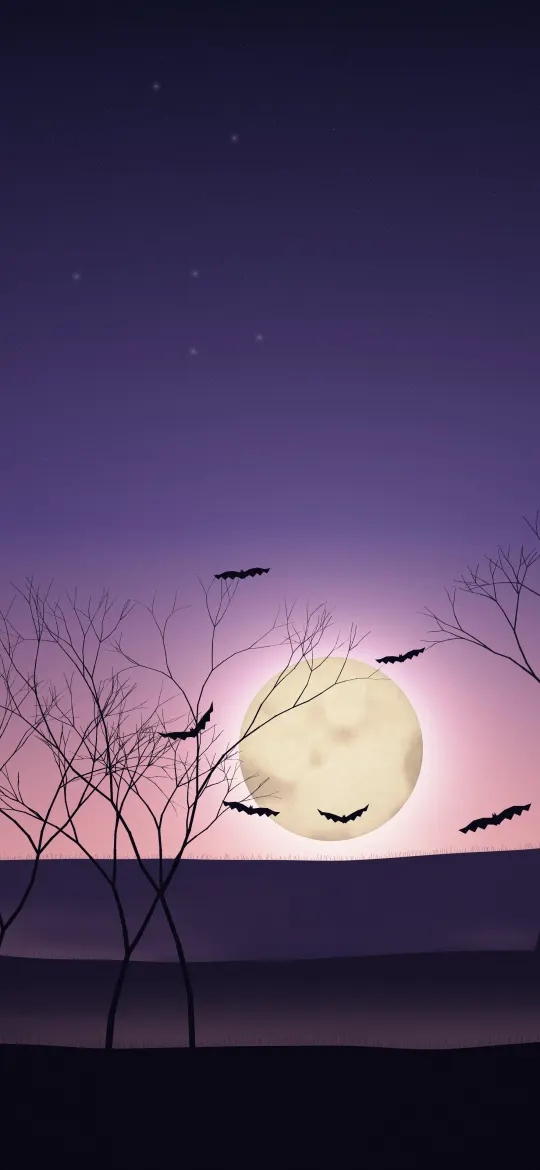
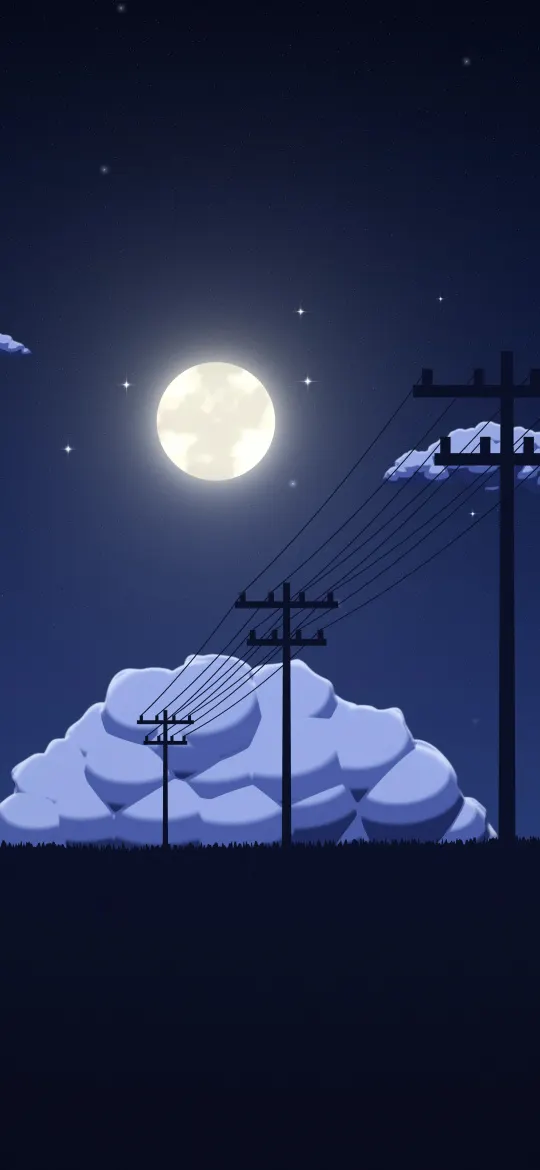
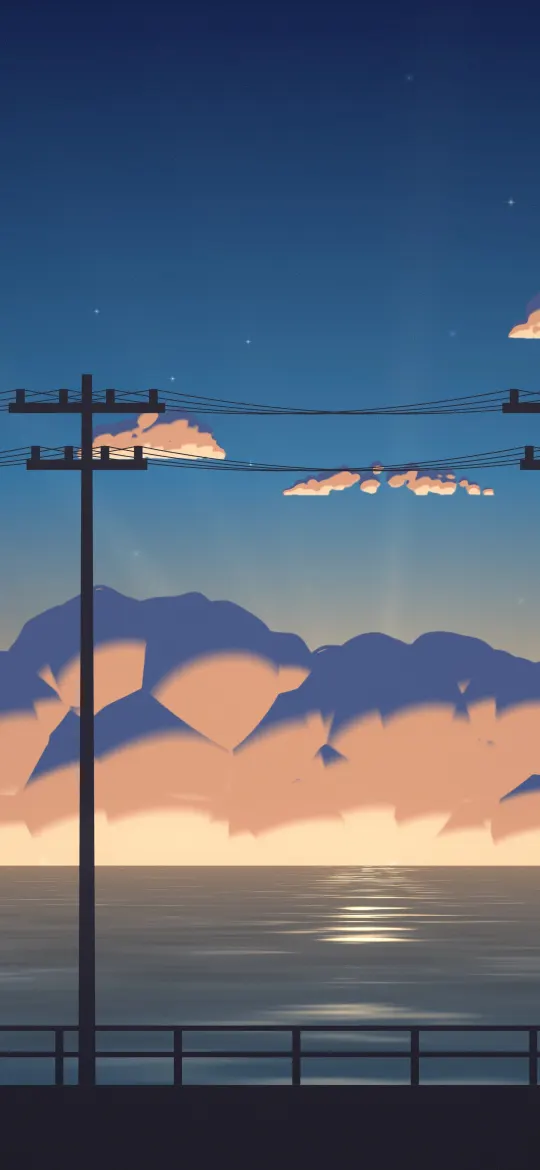

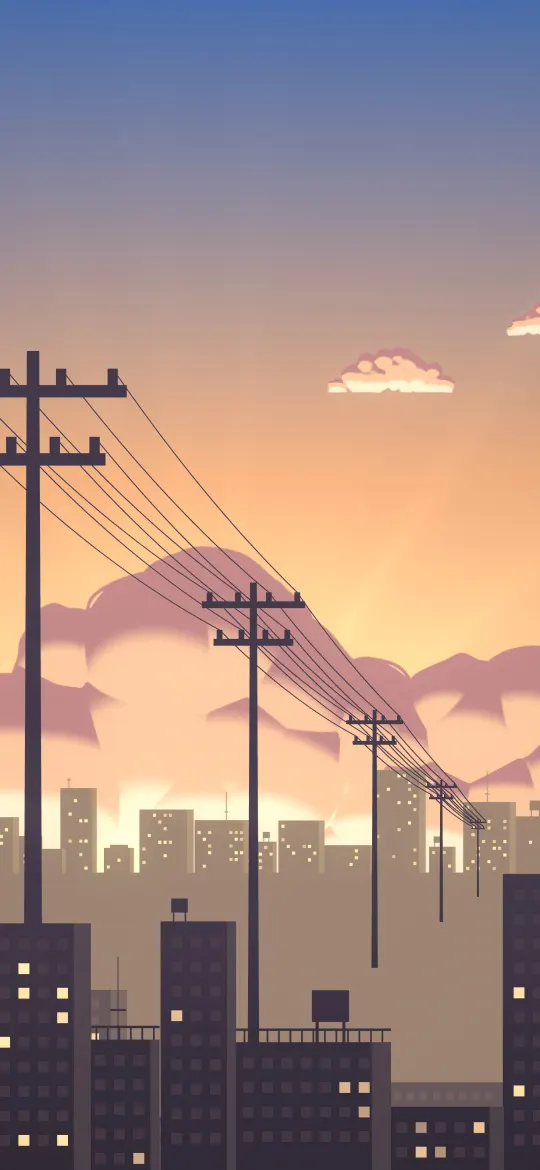
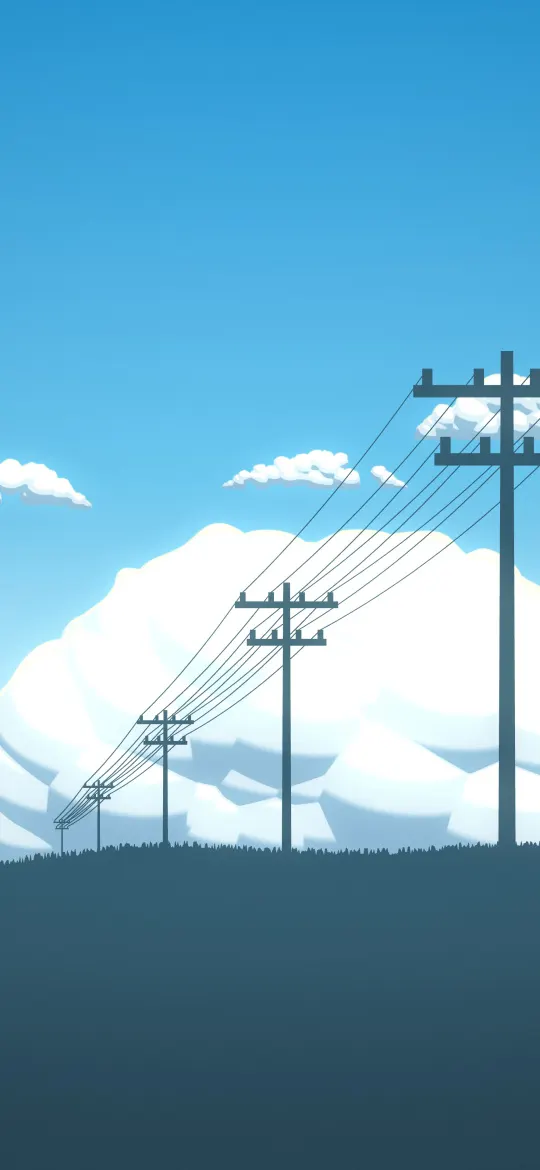

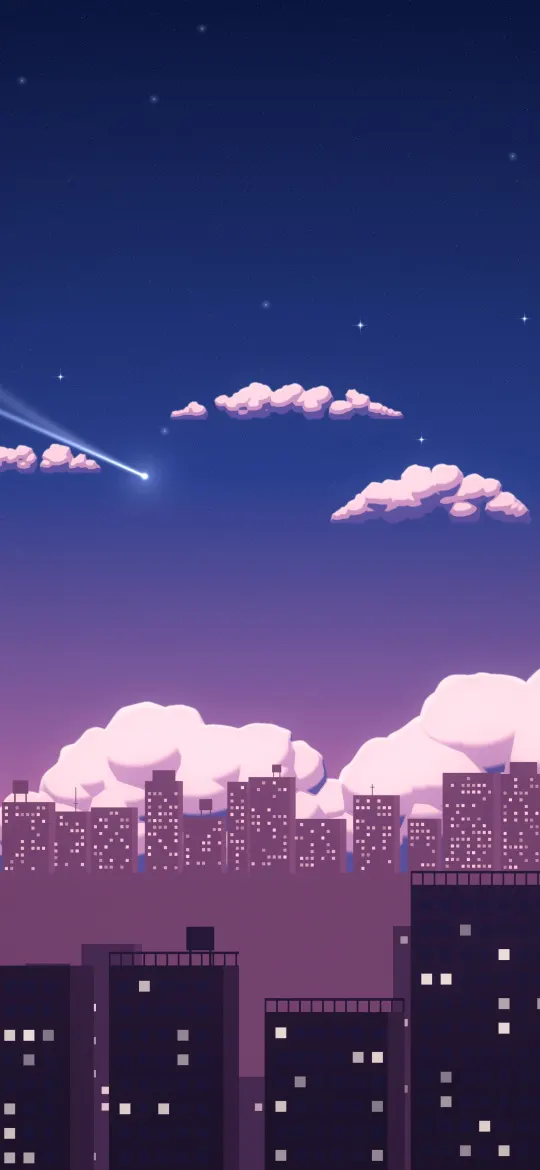








How it works
- Pick your iPhone. Choose your model once and every wallpaper is shown in your screen's shape.
- Preview it. Tap the phone icon to see the wallpaper on a lock screen and home screen before you download.
- Download the exact size. Your model's file is selected for you, cropped pixel for pixel to your screen.
Wallpapers for your iPhone model
Size chart- iPhone Duo — inner screen (upright)1878 × 2670
- iPhone Duo — cover screen1398 × 2034
- iPhone 18 Pro Max / 17 Pro Max / 16 Pro Max1320 × 2868
- iPhone 18 Pro / 17 Pro / 17 / 16 Pro1206 × 2622
- iPhone Air1260 × 2736
- iPhone 16 Plus / 15 Plus / 15 Pro Max / 14 Pro Max1290 × 2796
- iPhone 16 / 15 / 15 Pro / 14 Pro1179 × 2556
- iPhone 14 Plus / 13 Pro Max / 12 Pro Max1284 × 2778
- iPhone 17e / 16e / 14 / 13 / 13 Pro / 12 / 12 Pro1170 × 2532
- iPhone 13 mini / 12 mini1080 × 2340
- iPhone 11 Pro Max / XS Max1242 × 2688
- iPhone 11 Pro / XS / X1125 × 2436
- iPhone 11 / XR828 × 1792
- iPhone 8 Plus / 7 Plus1080 × 1920
- iPhone SE (2nd & 3rd gen) / 8 / 7750 × 1334
- 4K Universal (any phone)2160 × 3840
Popular themes
Free 4K iPhone wallpapers, sized for your screen
iPhonesWallpaper is a library of free, high-resolution wallpapers made for iPhone. Most wallpaper sites give you one image and leave iOS to zoom it to fit; here, every wallpaper is cropped from its full-resolution original to the exact pixel size of each iPhone screen, so the subject stays where it was framed and fine detail stays sharp.
Browse 568 wallpapers across 16 categories, from dark and AMOLED designs that look deep on OLED screens to minimal backgrounds that keep widgets readable, nature photography and abstract art. Filter by colour, find your model in the iPhone wallpaper size chart, or read how to set a wallpaper on iPhone.
From the blog
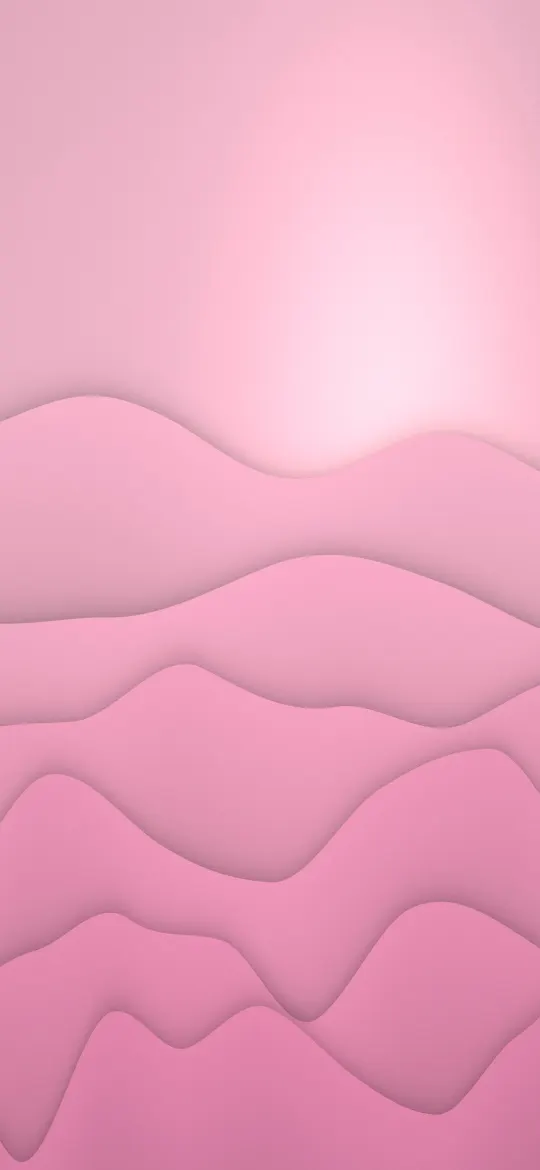
All posts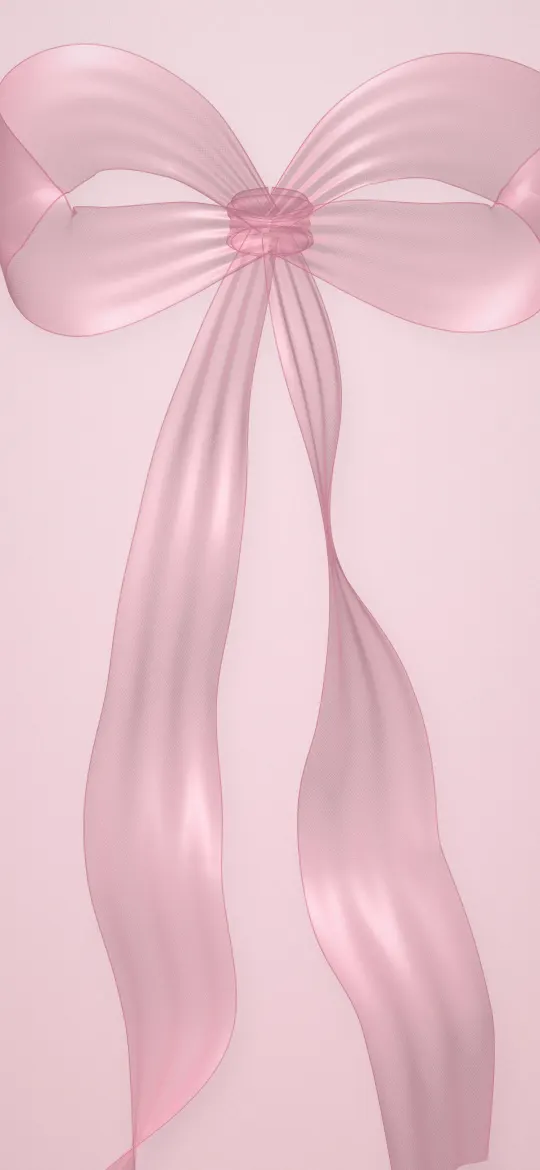 Pink Wallpaper for iPhone: Blush, Rose and Hot Pink Ideas
From soft blush to bold hot pink: which shades of pink work best on an iPhone, how to match the clock and icons, and free 4K pink wallpapers.
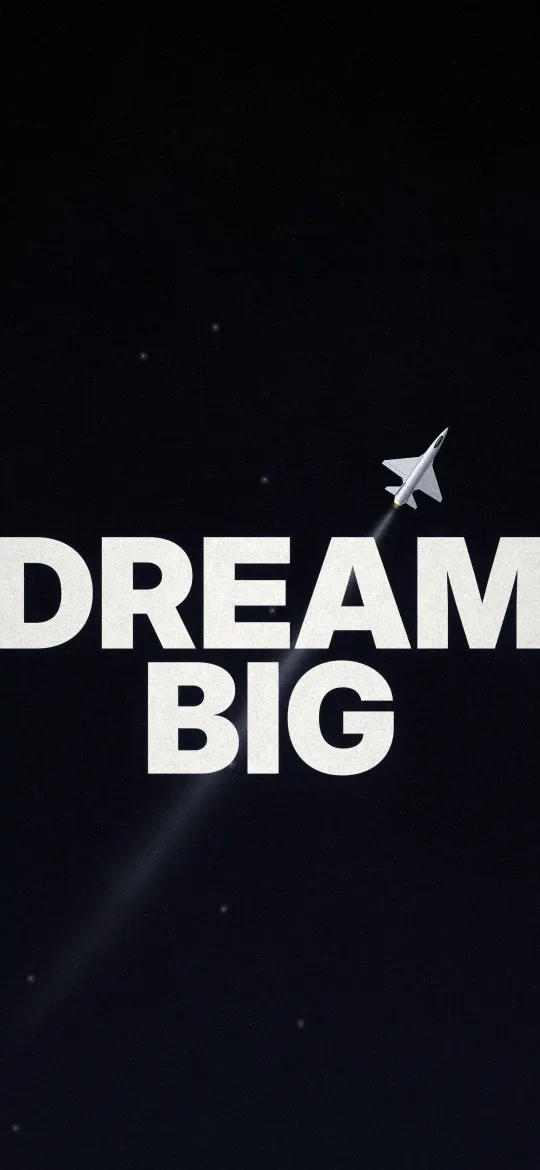 Motivational iPhone Wallpapers: Words and Pictures That Push You Forward
Bold one-line posters, silhouettes on the climb and calm quote cards: how to choose a motivational wallpaper you will still like in a month, with free 4K picks.
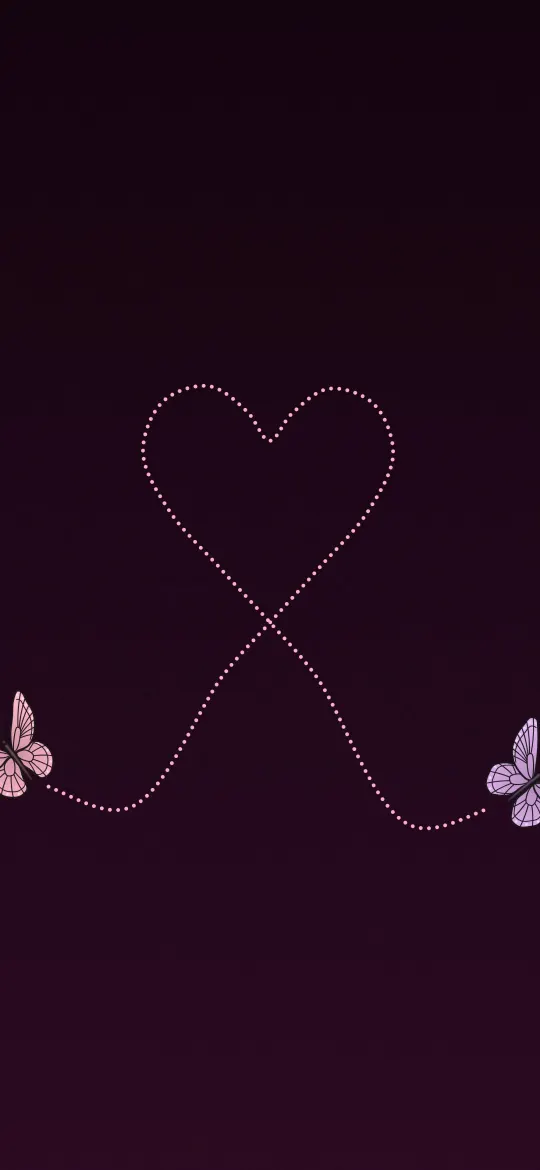 Heart Wallpapers for iPhone: Cute, Minimal and Chrome Hearts
Butterfly heart trails, glowing charcoal hearts, liquid chrome and cuddly teddies: heart wallpapers for every mood, and how to keep them readable on the Lock Screen.
Frequently asked questions
Are the wallpapers really free?
Yes. Every wallpaper is free to download and use on your own iPhone, with no sign-up. The license page explains what you can and can't do with the files.
Which iPhone models are supported?
Every iPhone from iPhone SE and iPhone 8 to iPhone 18 Pro Max, iPhone Air and both screens of iPhone Duo. Each wallpaper is cropped to the exact resolution of each model, plus a universal 4K file for any other phone.
Why download my model's size instead of the 4K file?
A file at your screen's exact resolution is shown pixel for pixel. A file with a different shape gets zoomed by iOS, which crops the edges and softens detail.
Can I see how a wallpaper looks before downloading?
Yes. Tap the phone icon on any wallpaper, or "Try on your screen" on its page, to preview it on a lock screen and home screen drawn as your iPhone.
How do I set a wallpaper on my iPhone?
Open the image in Photos, tap Share, then Use as Wallpaper, and tap Add. Our step-by-step guide also covers Safari downloads and different lock and home screens.