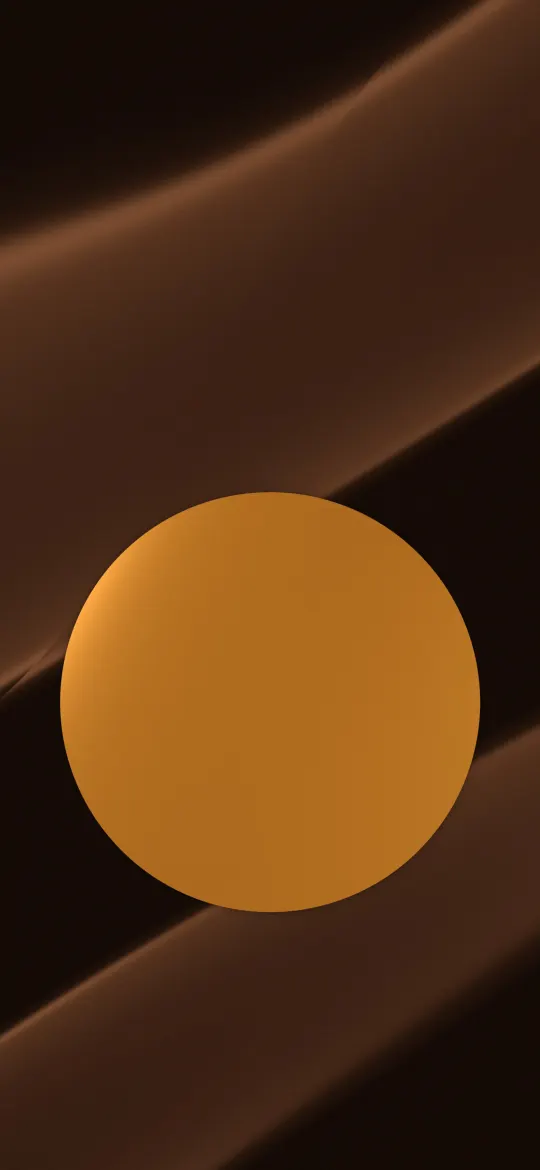
 Amber Sun on Satin
Abstract wallpapers
Abstract shapes, gradients and art
103 wallpapers
Amber Sun on Satin
 Graphite Over Emerald
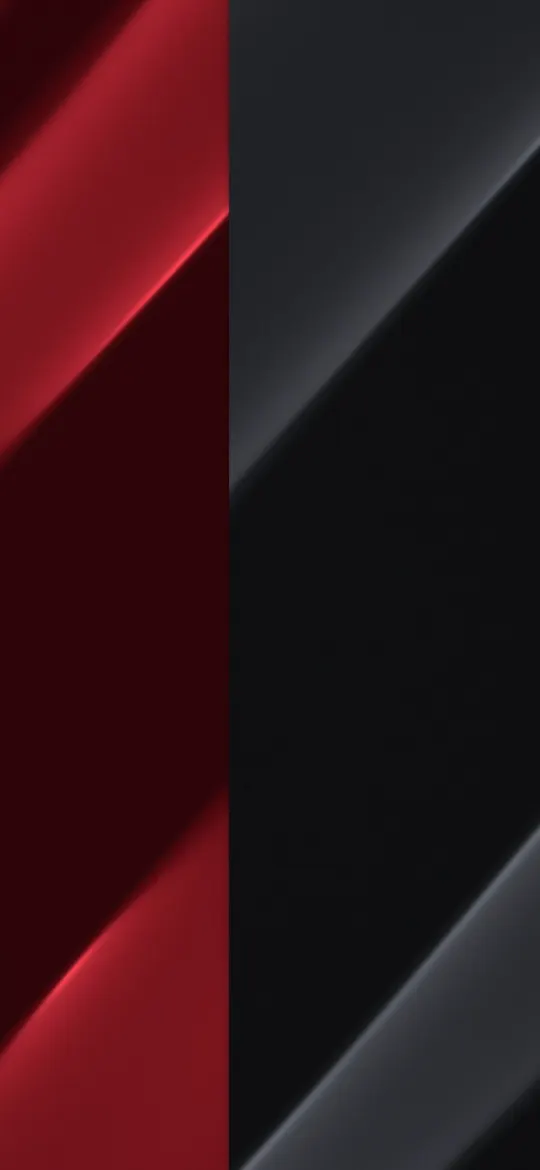 Red and Graphite Split
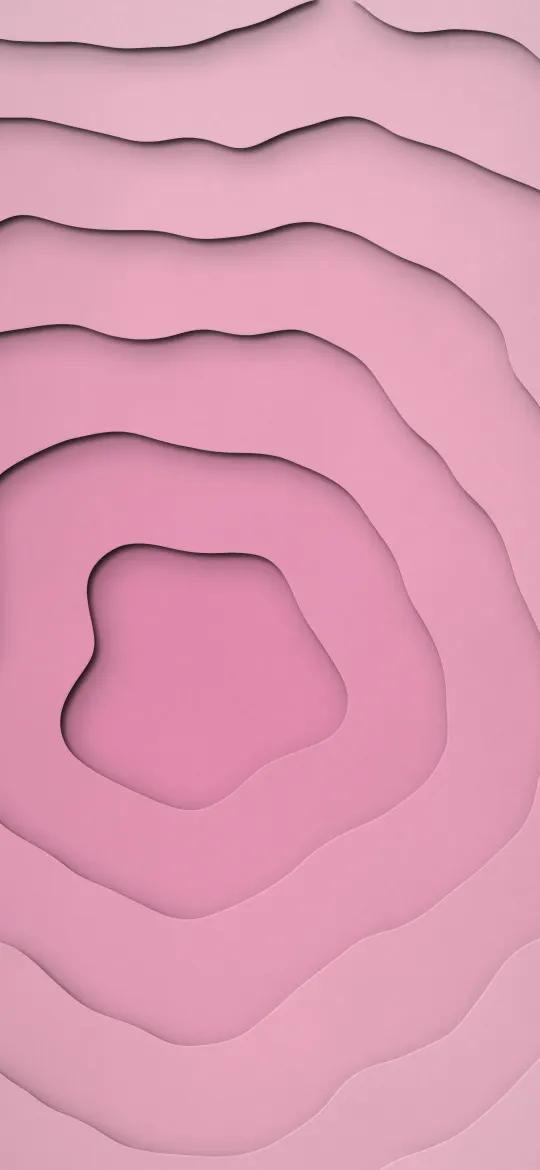 Blush Paper Portal
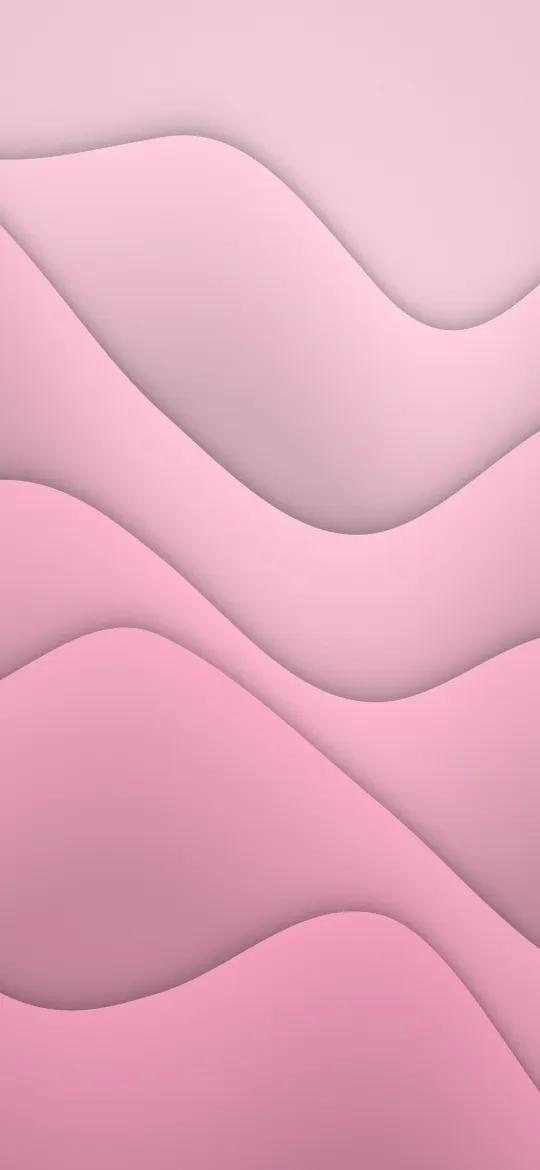 Peony Paper Waves
 Blush Satin Folds
 Black to Purple Fade
 Indigo Ember Pour
 Peach Sorbet Gradient
 Ruby Shard Facets
 Sorbet Thread Waves
 Night Glass Glow
 Jade Ink Swirl
 Aqua Tide Layers
 Cobalt Haze Gradient
 Reeded Glass Bloom
 Candy Paint Pour
 Black and Gold Silk Waves
 Blue and Gold Marble Swirl
 Teal Silk Waves
 Crimson Red Silk Waves
 Pearl White Silk Waves
 Red and Orange Silk Waves
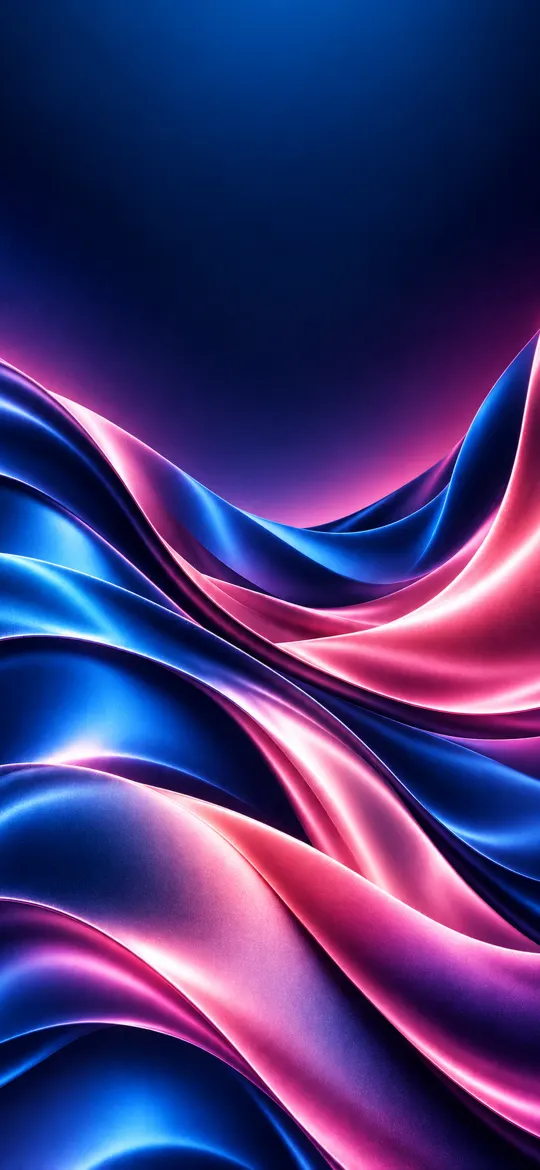 Blue and Pink Silk Waves
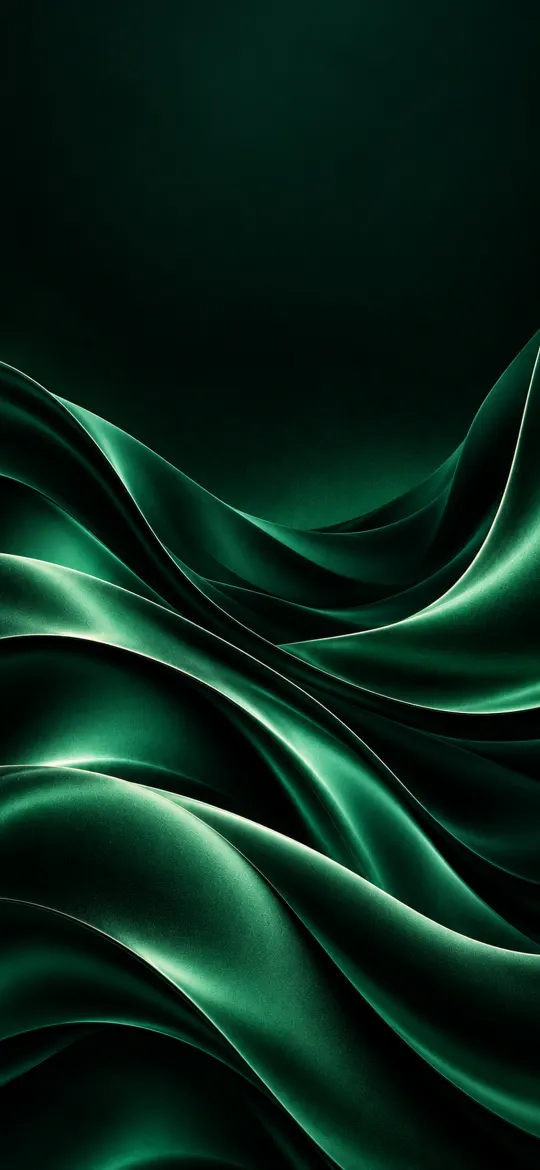 Emerald Green Silk Waves
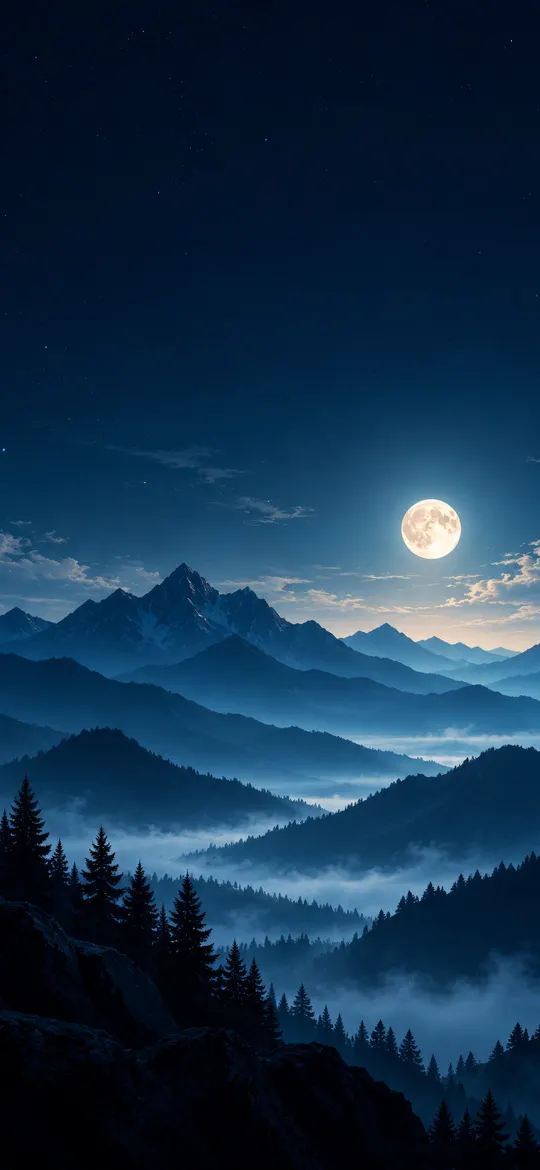 Full Moon Over Misty Blue Mountains
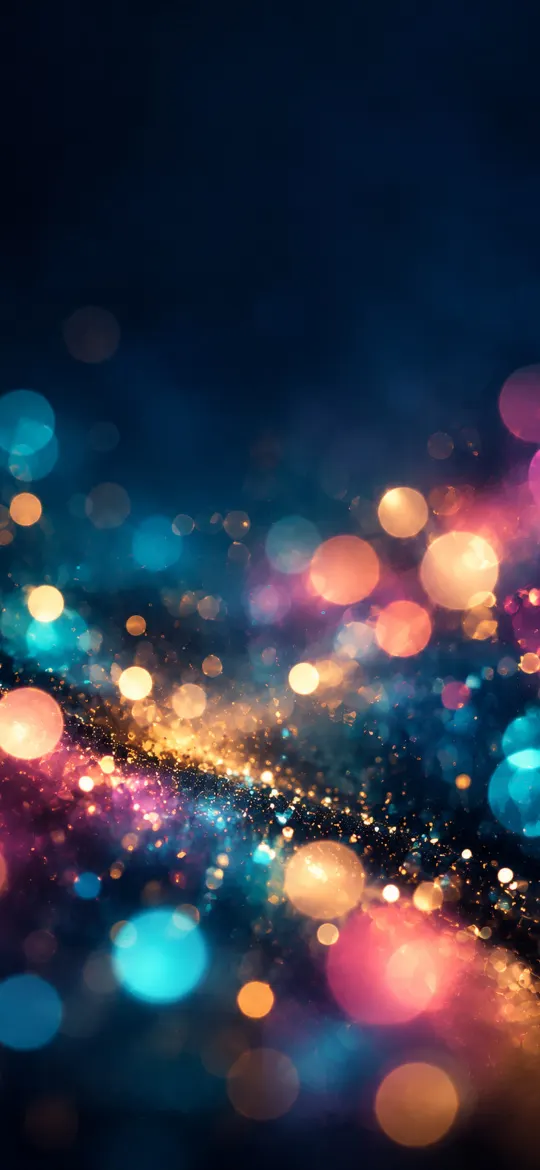 Colorful Bokeh Lights on Navy
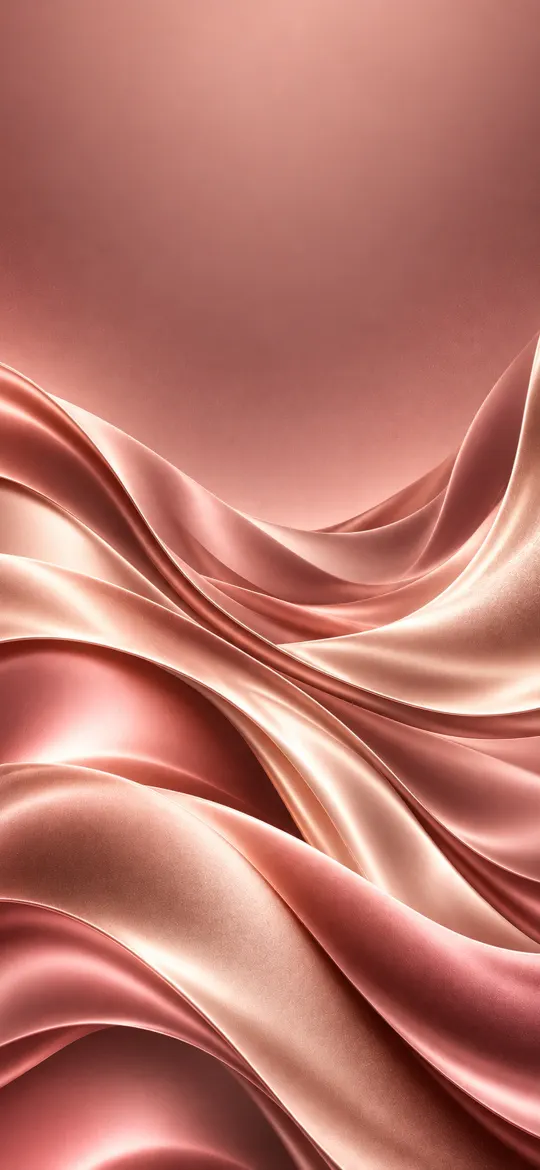 Rose Gold Silk Waves
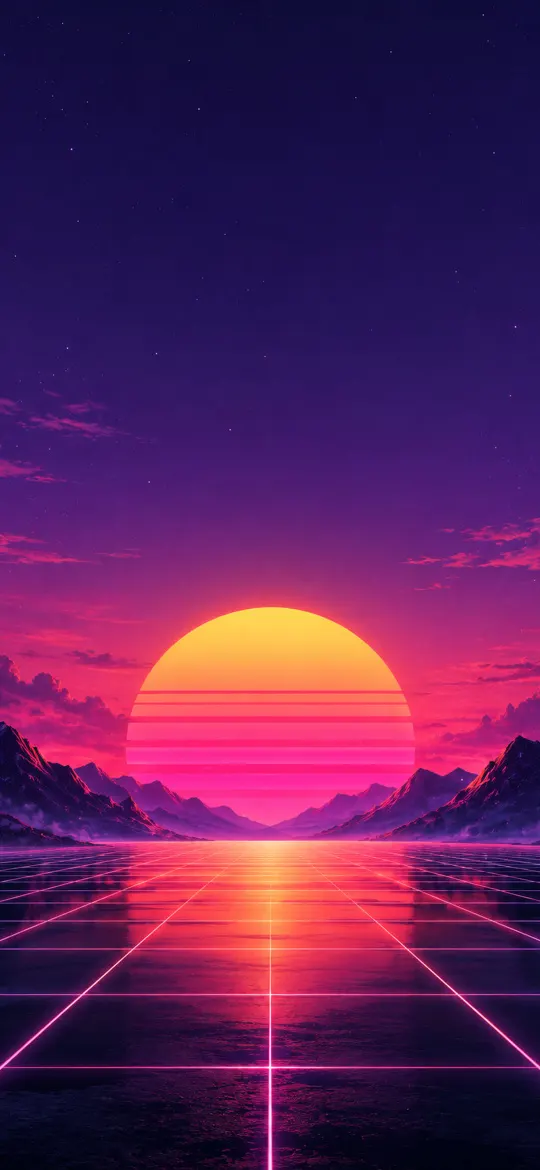 Synthwave Sunset Grid
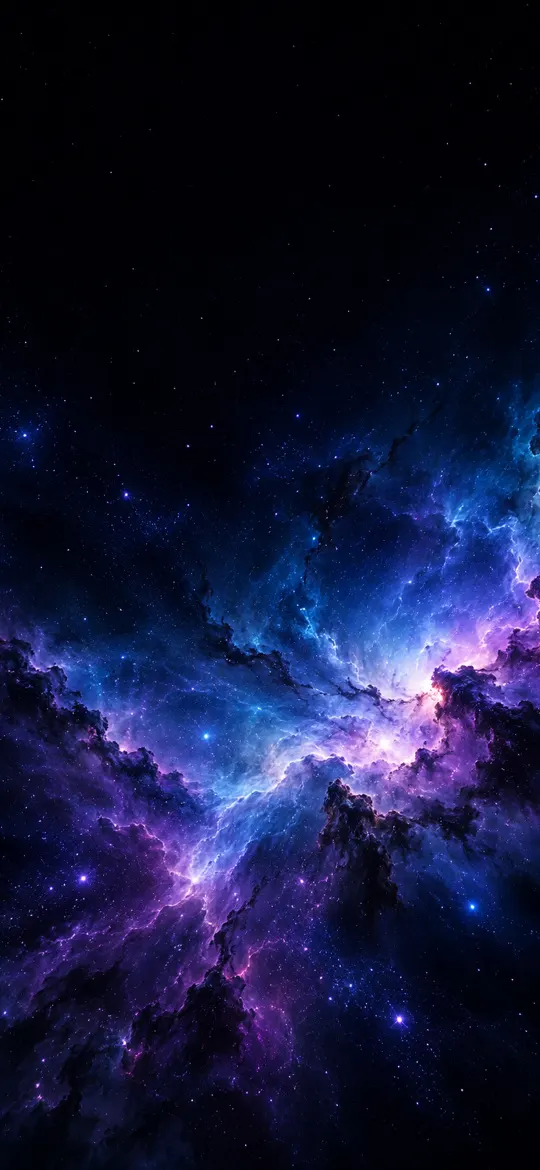 Retro Vaporwave
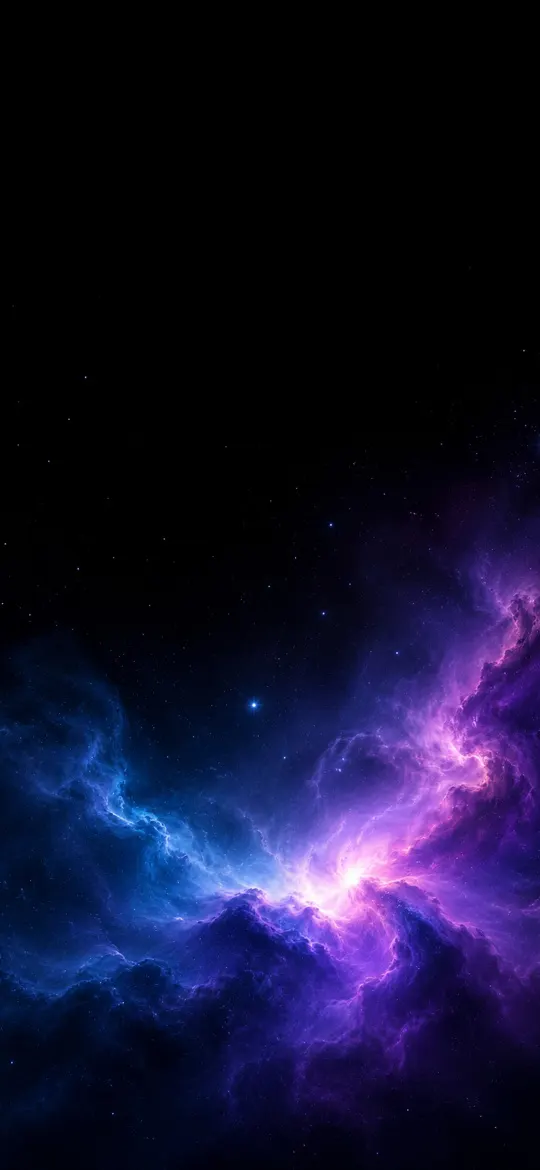 Blue Purple Nebula
 Moody Forest
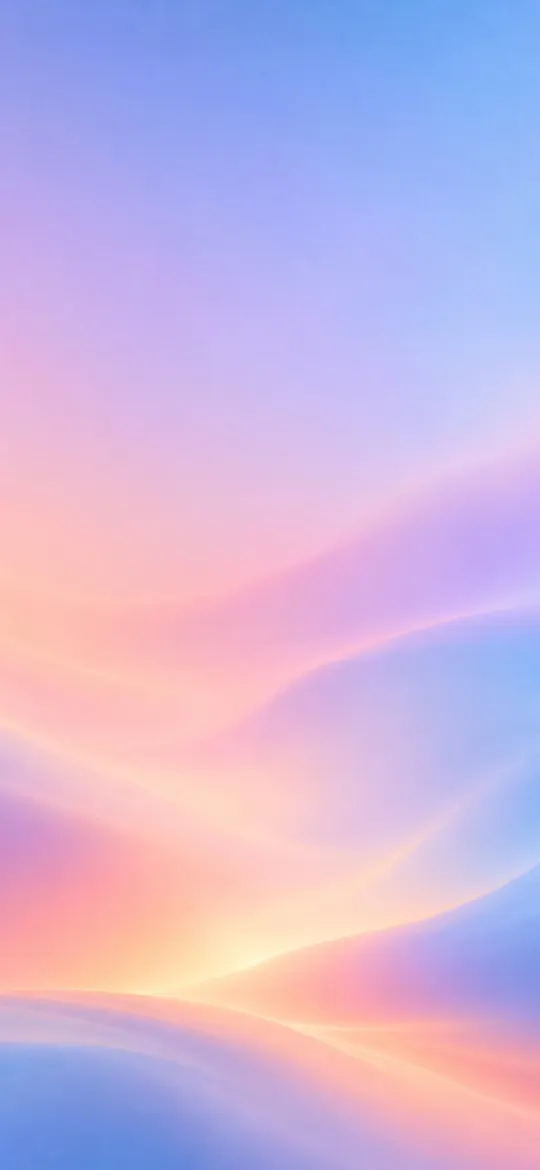 Pastel Gradient
 Minimal Crescent Moon
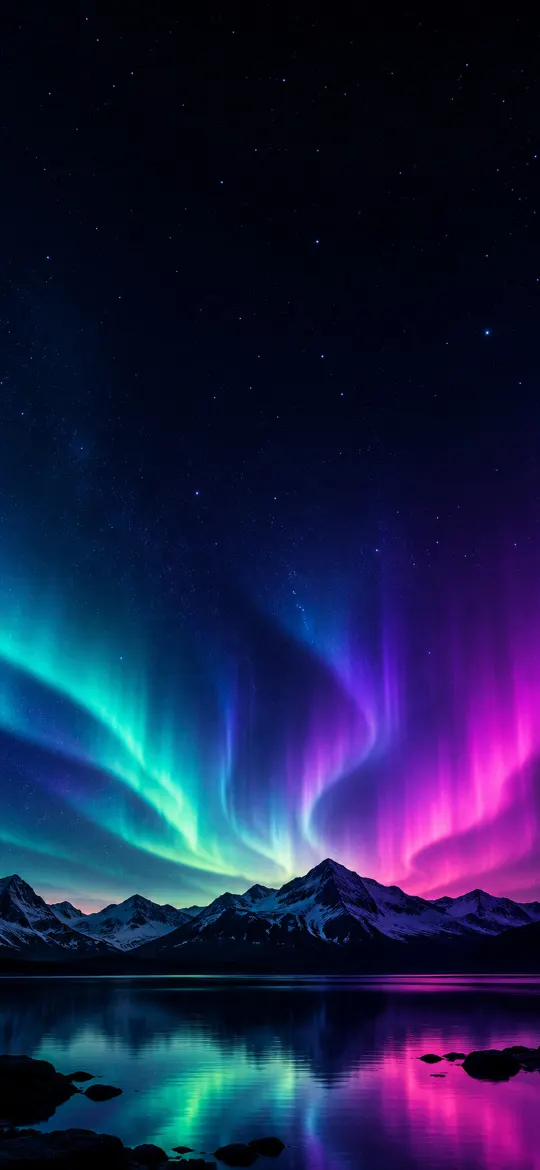 Aurora iPhone Wallpaper 4K – Teal & Purple
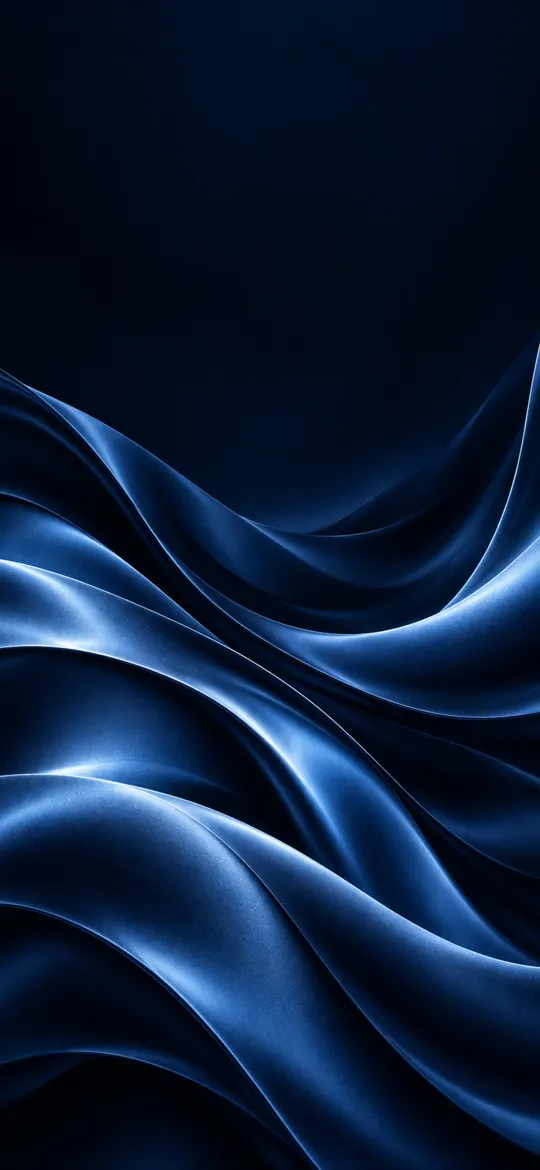 Midnight Blue Silk Waves
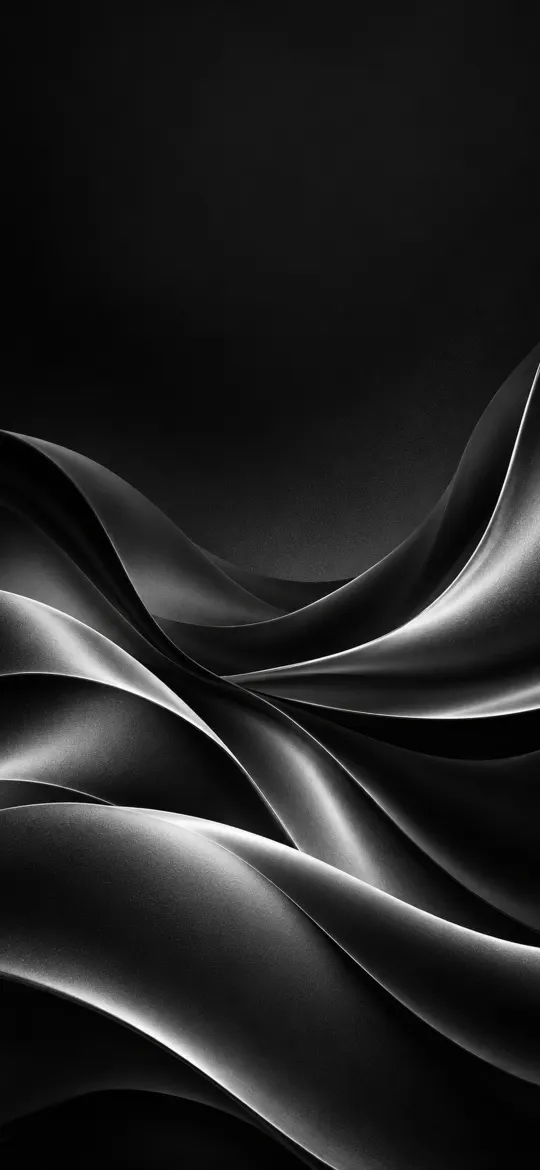 Black and Silver Silk Waves
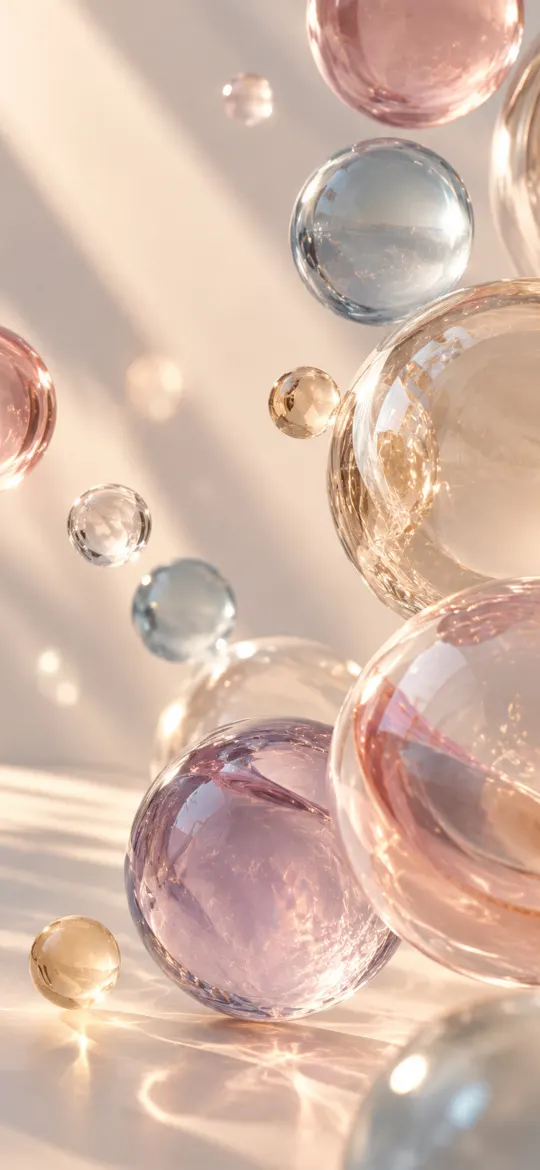 Glass Spheres in Soft Sunlight
 Cherry Blossom Terrace Pool at Sunset
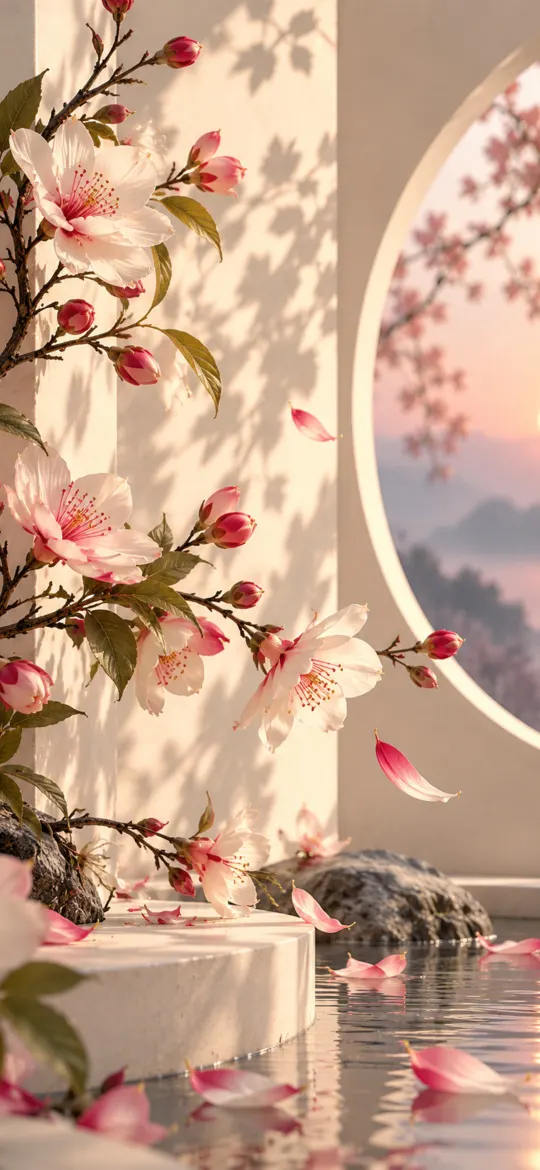 Blossom Branches by a Moon Gate
 Pink Butterfly in Leaf Shadows
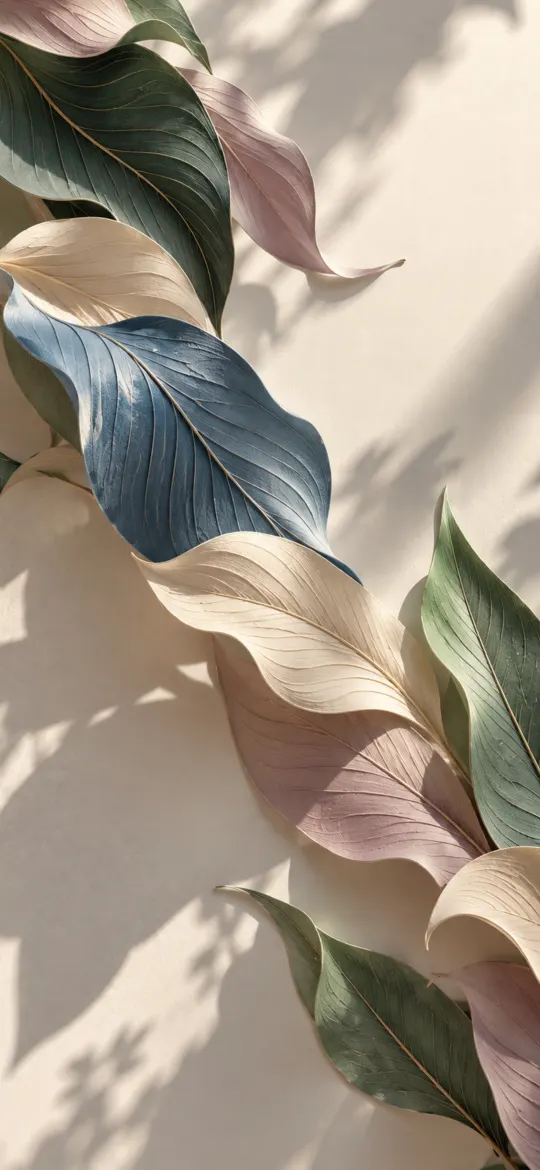 Pastel Leaves on a Cream Wall
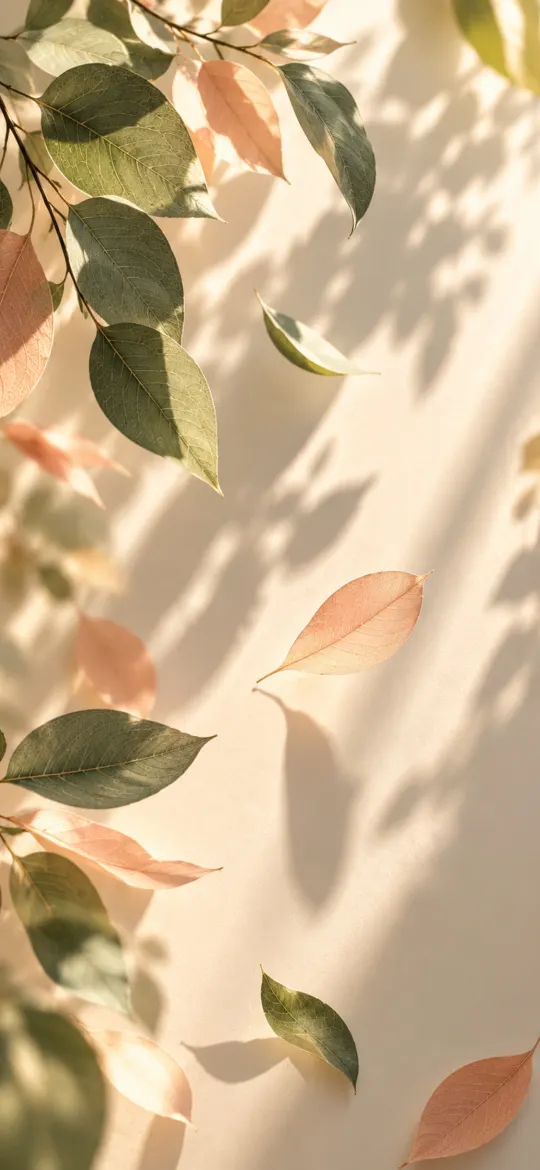 Sunlit Leaves and Shadows on Cream
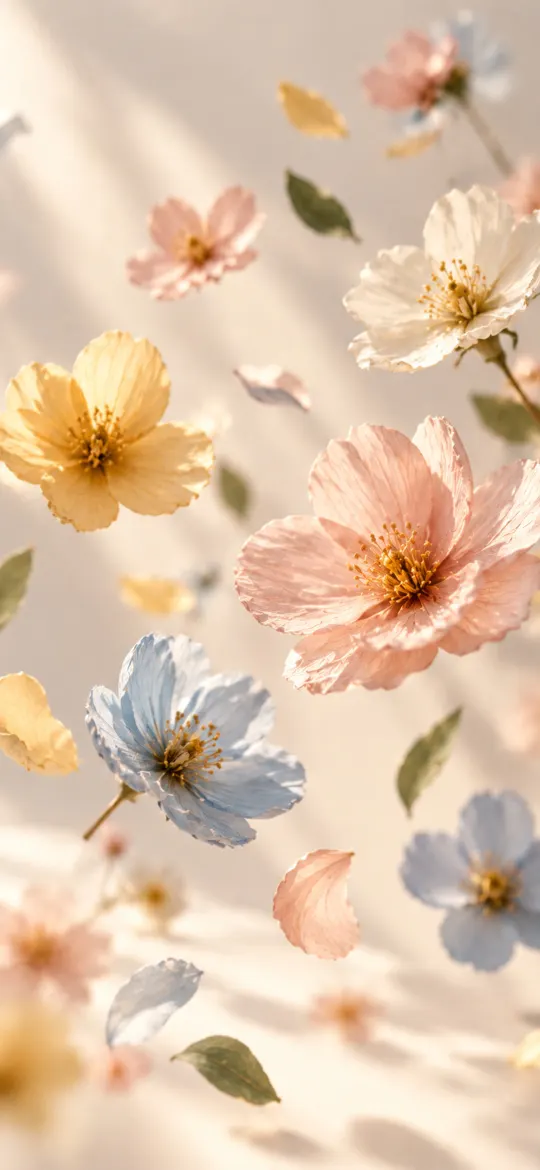 Floating Pastel Blossoms
 Floating Glass Bubbles in Soft Light
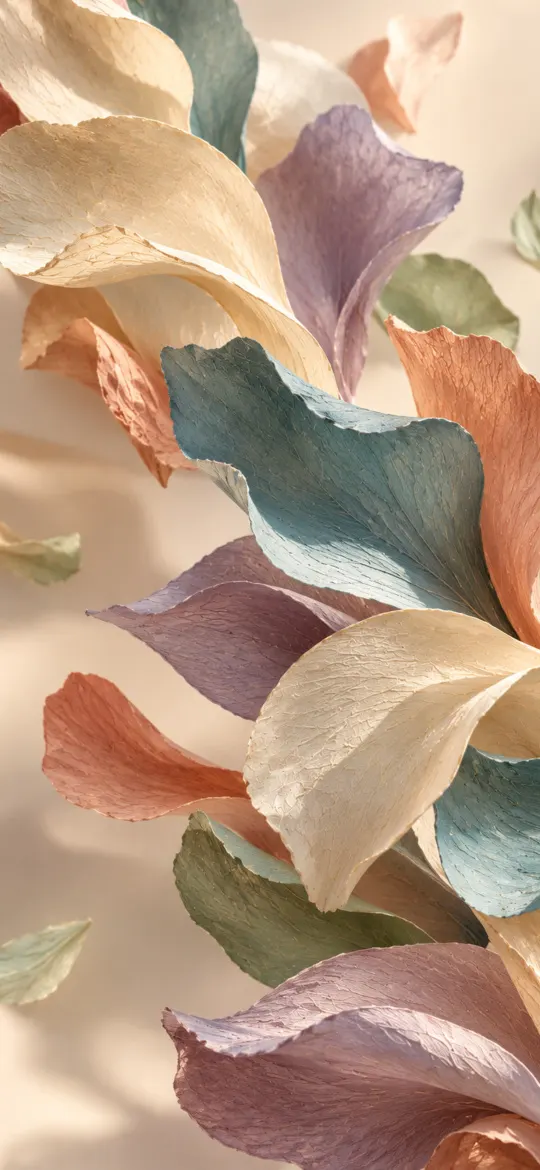 Pastel Petals Floating on Cream
 Peach Floral Corner
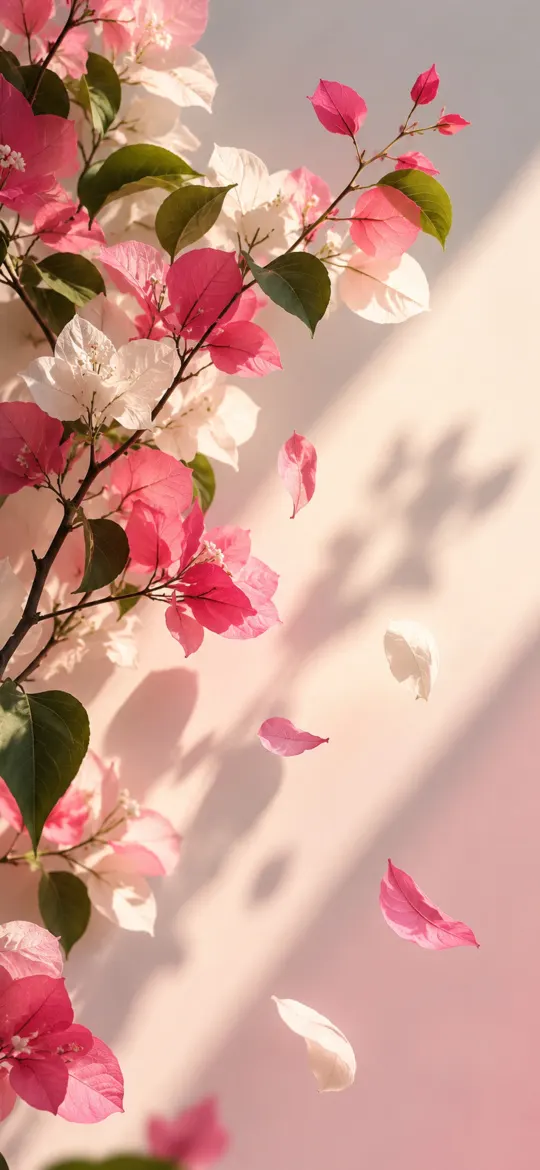 Pink Bougainvillea in Afternoon Light
Abstract wallpapers are the safest choice when you want colour on your lock screen without a busy photo competing with the clock. This collection covers liquid chrome splashes, smoke trails, folded paper and stone mosaics, glossy 3D ribbons and bold geometric layers, all rendered at 4K so edges stay crisp on Super Retina displays.
Choosing an abstract wallpaper for iPhone
Keep the top third of the image calm if you use a large clock or widgets, and pick high-contrast shapes for the home screen so app icons stay readable. Dark abstract designs with bright accents look especially deep on OLED iPhones, where black pixels switch off completely.
Made to fit every screen
Every abstract wallpaper here is cropped from the original artwork to the exact resolution of each iPhone, from iPhone SE to iPhone Duo, so the composition stays centred instead of being stretched or zoomed by iOS.