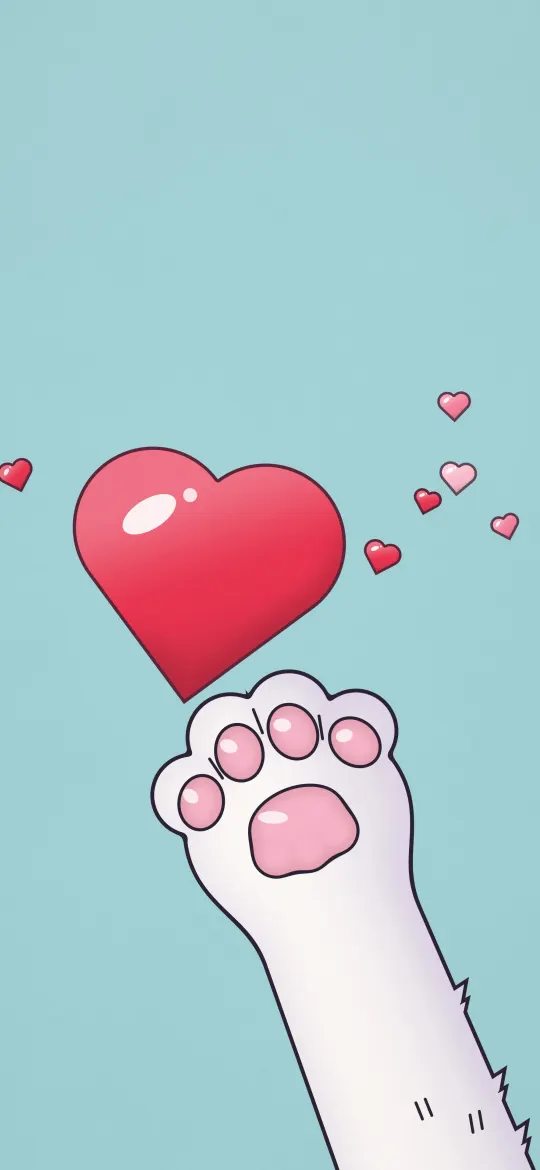
 Reaching Paw Red Heart
Grey iPhone wallpapers
Stone, silver, slate and misty grey wallpapers: calm, neutral backgrounds that let your apps and widgets stand out.
24 wallpapers
Reaching Paw Red Heart
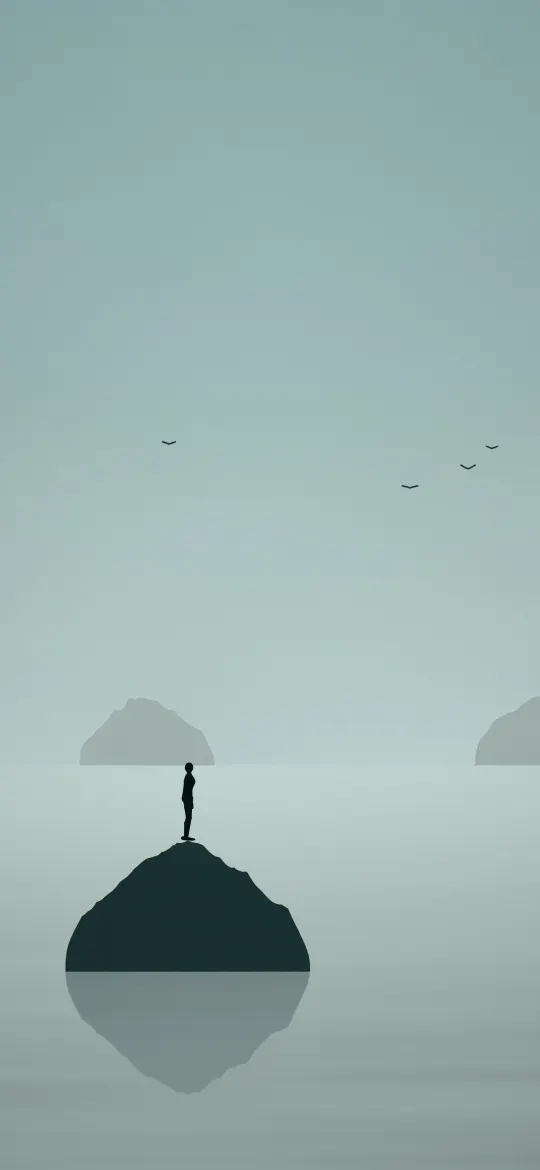 Lone Rock in a Misty Sea
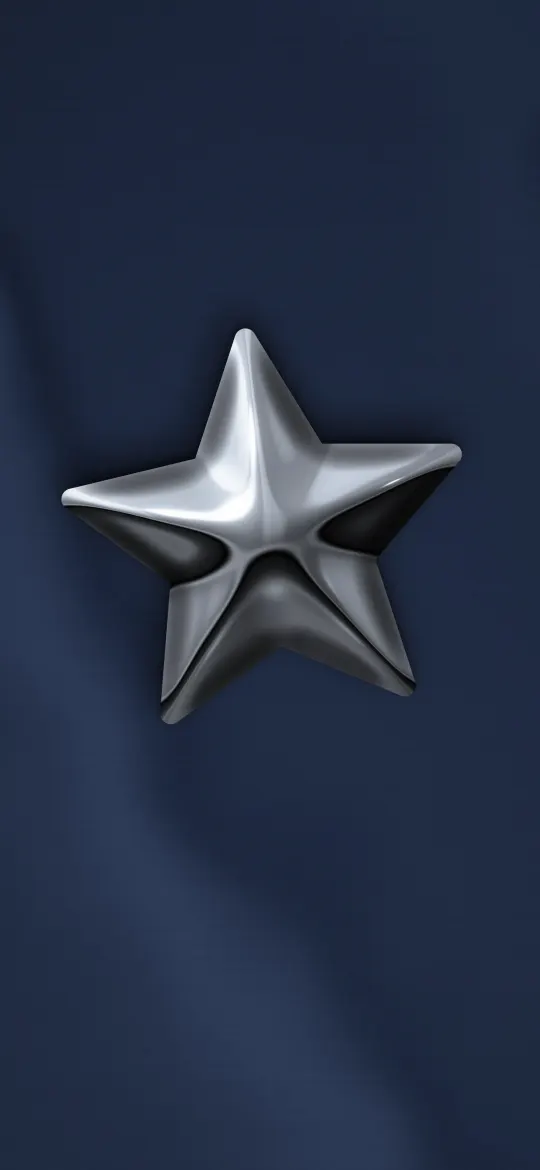 Chrome Star on Navy Satin
 Cloud Grey Mist
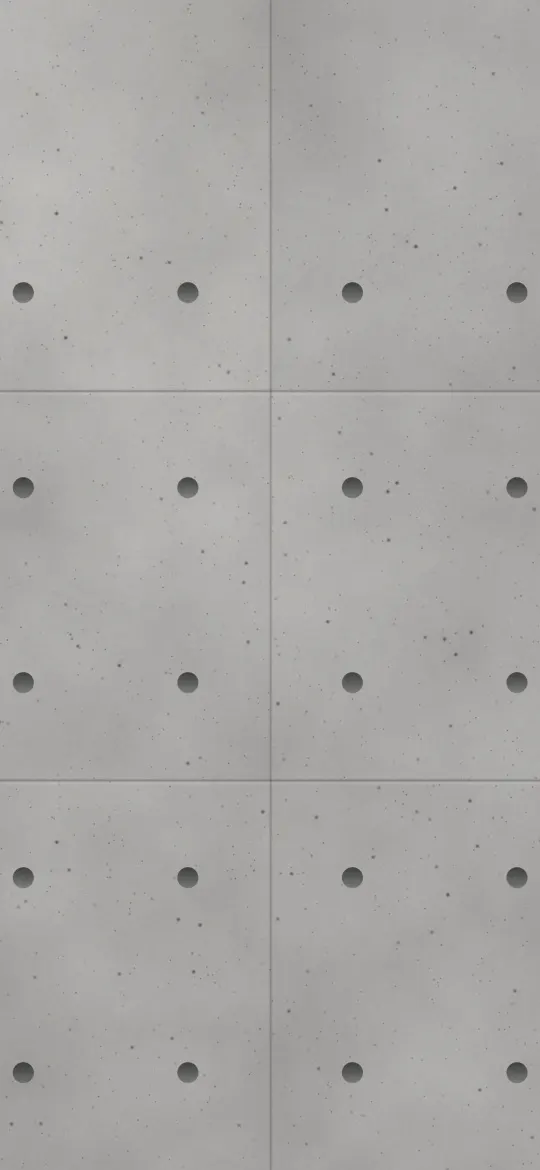 Poured Concrete Panels
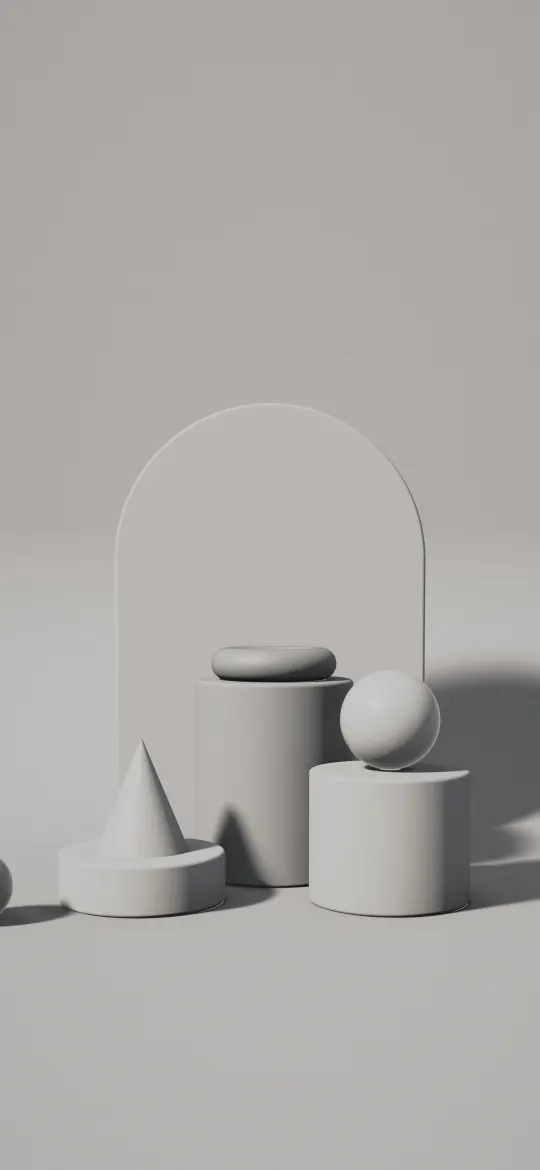 Ash Plinth Studio
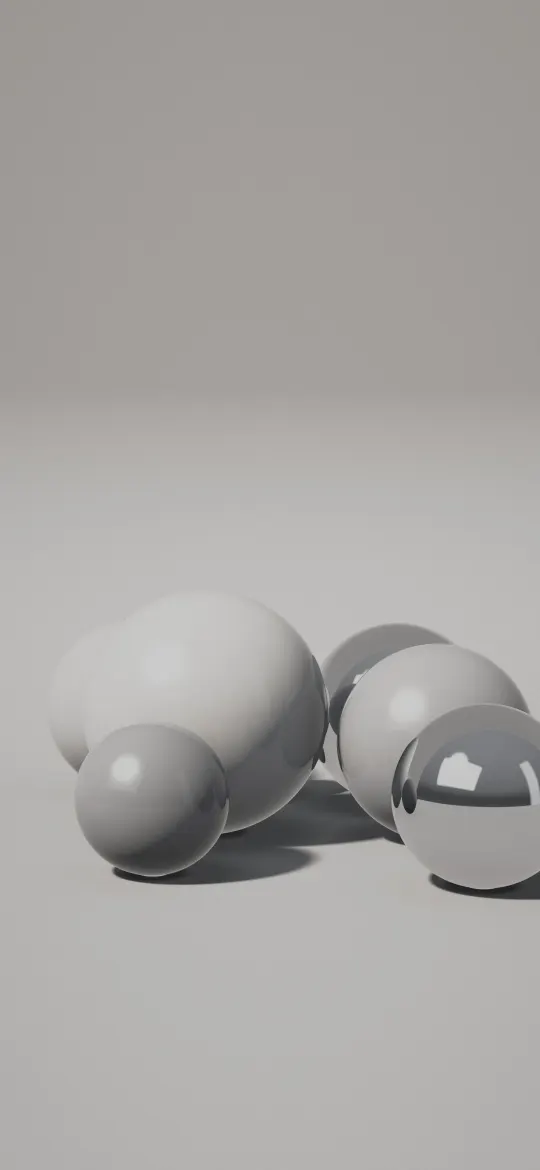 Silver Sphere Cluster
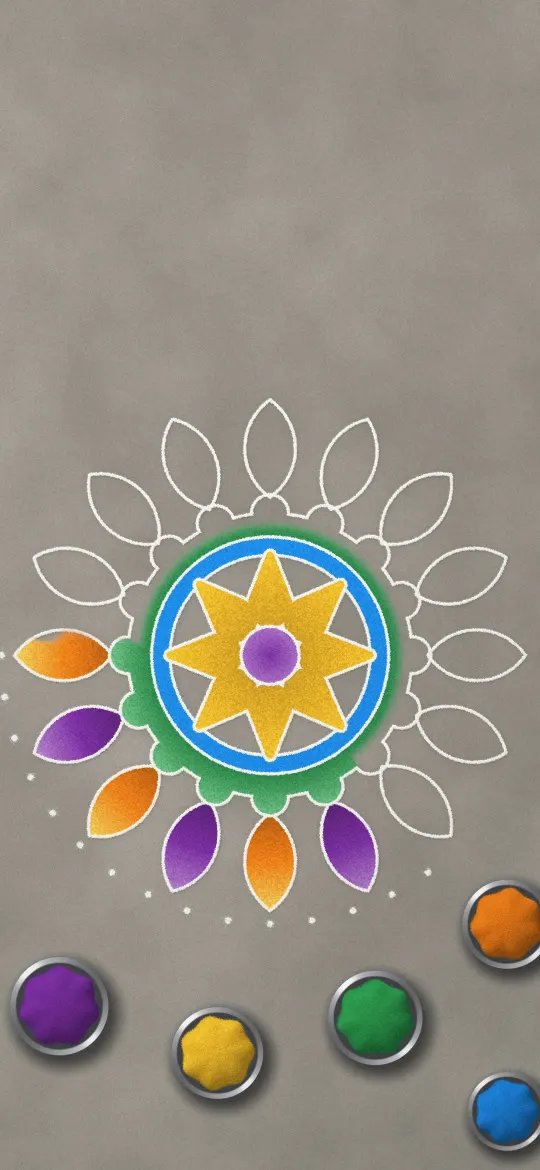 Rangoli in Progress
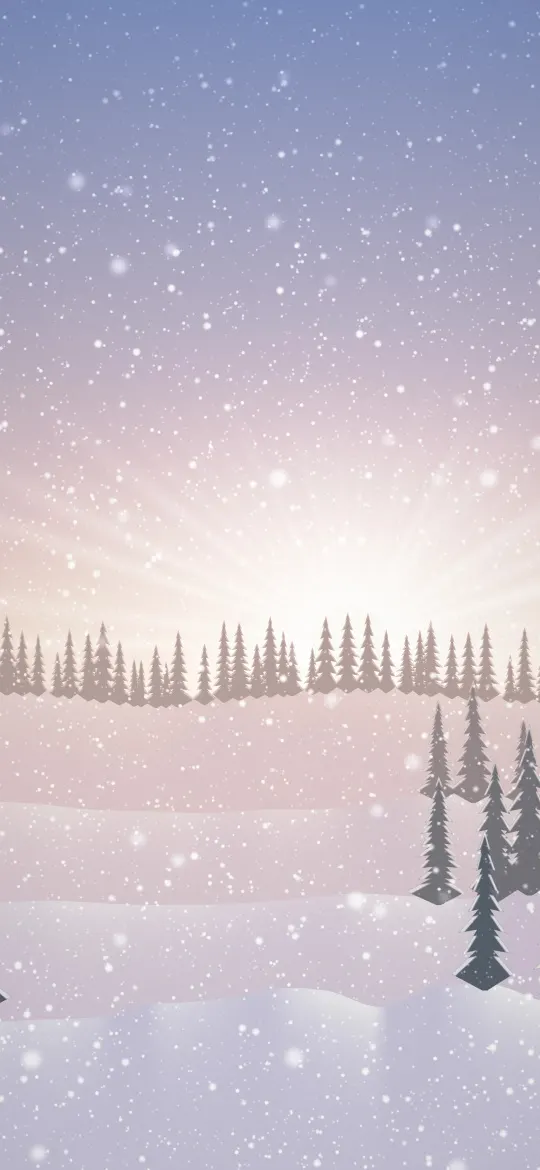 Pink Dawn Snowfall
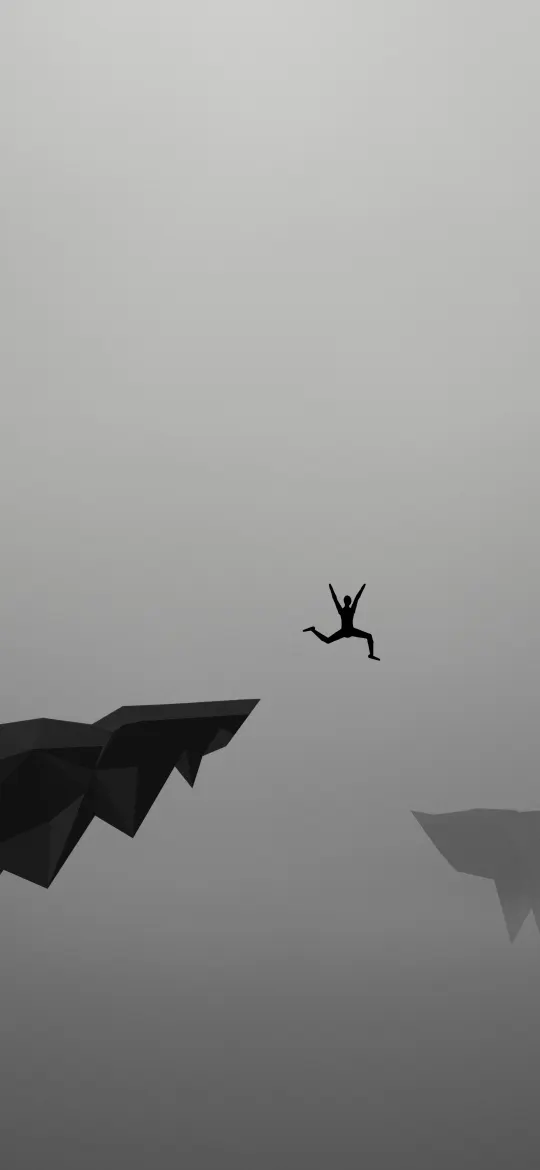 Leap of Faith in Grey
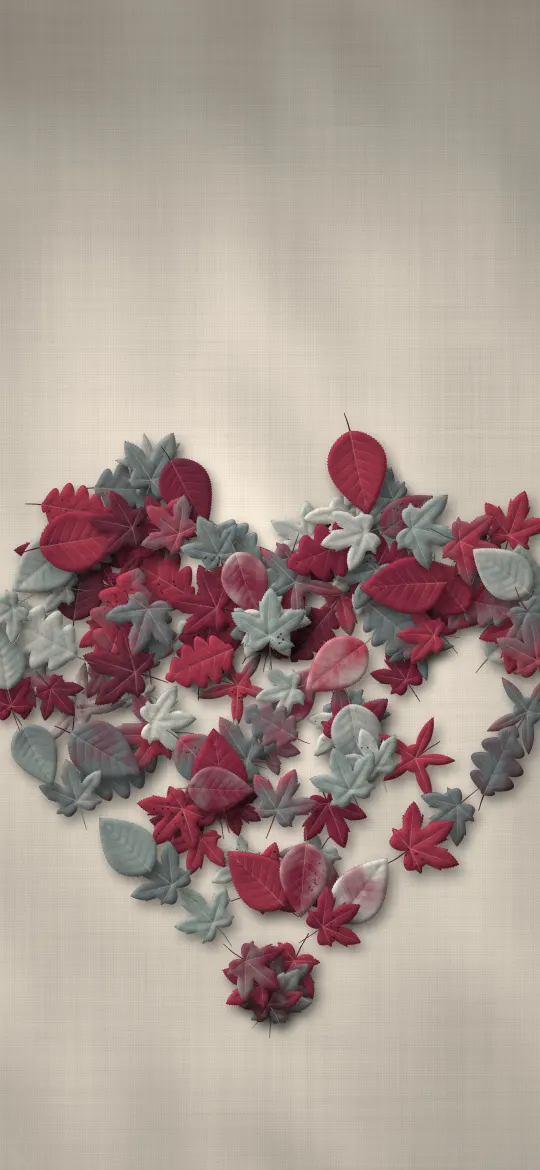 Autumn Leaf Heart
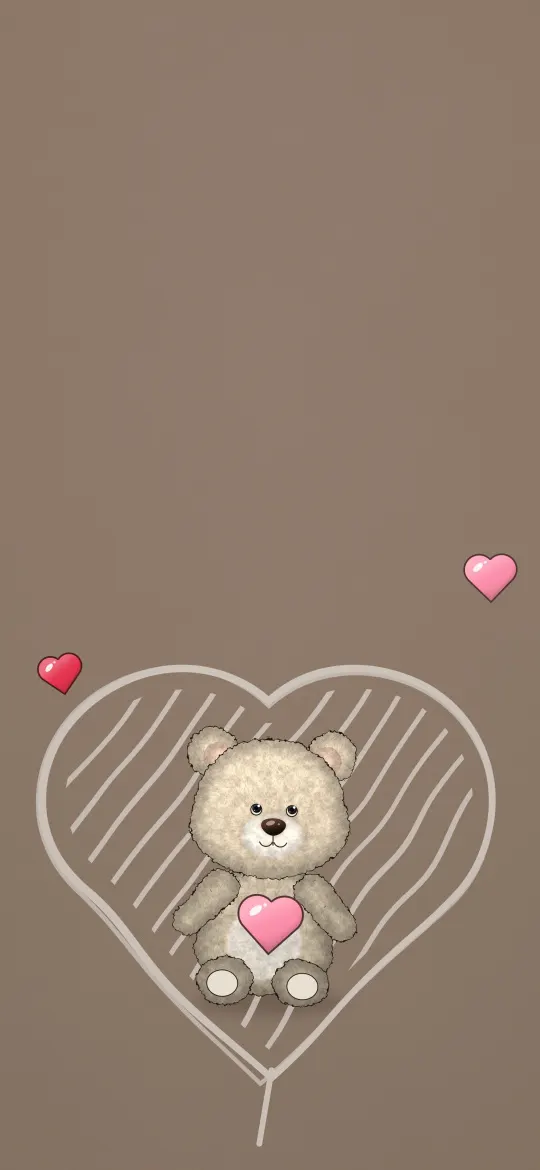 Teddy in a Sketched Heart
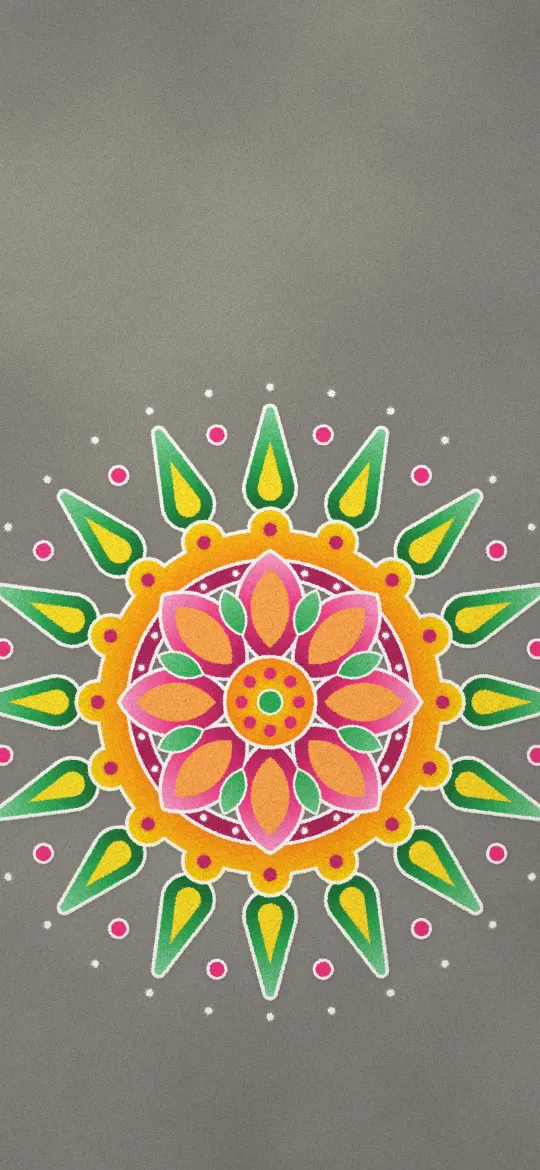 Classic Rangoli
 Lavender Ridge Mist
 Wooden Geta on Mossy Stone Steps
 Japanese Temple Bell
 Rainy Japanese Temple Roof
 Japanese Glass Wind Chime
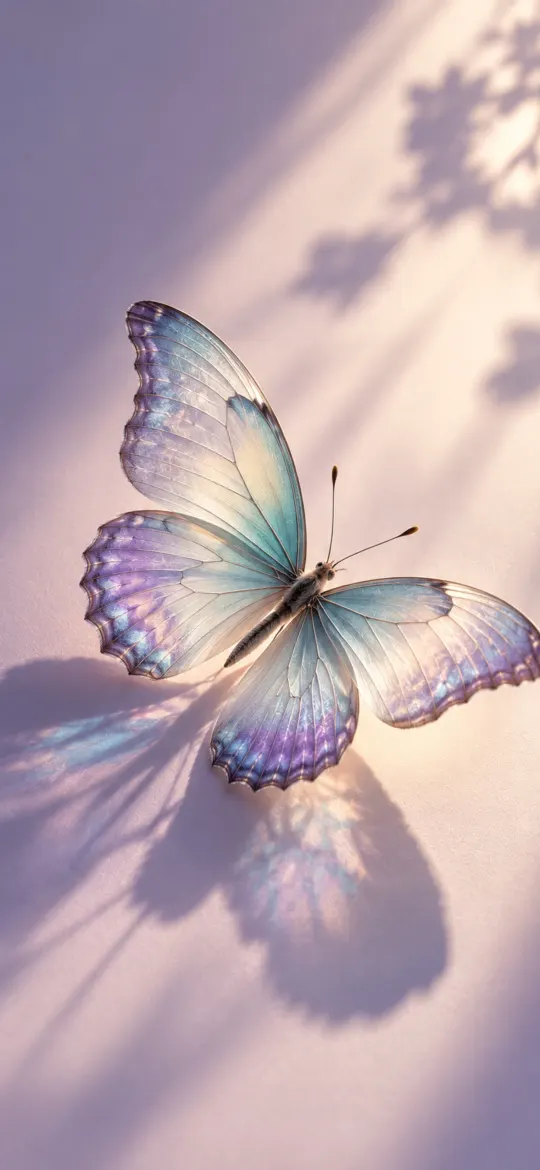 Iridescent Butterfly on Lilac
 Frosted Glass Tiles
 Minimal Fog
 Himalayan Snow Peaks Sunrise Valley
 Alpine Mountain Lake Reflection & Pine Forest
 Wildflower Meadow in Morning Sunlight
Why pick a grey wallpaper?
Grey is the quiet middle between black and white. It doesn't compete with colourful app icons, it looks at home with both light and dark appearance, and it suits any case or phone colour. Lighter greys feel soft and minimal; darker slate and graphite tones feel moodier without going fully black.
The wallpapers on this page were sorted by their main colour, measured from the picture itself, or by the colour theme they were made in, so each one is grey across most of the screen: foggy landscapes, stone and concrete textures, silver satin and soft gradients. For darker pictures see the black wallpapers; for clean, simple designs browse the Minimal category and our guide to minimalist wallpapers.
Gray wallpaper questions
Is it "grey" or "gray"?
Both spellings mean the same colour: grey is common in British English and gray in American English. This page lists every wallpaper whose main colour is grey.
Are these grey wallpapers free?
Yes. Every wallpaper here is free to download and use on your own iPhone, with no sign-up.
Does a grey wallpaper save battery like a black one?
Not really. On an OLED iPhone only black pixels are switched off, so a grey wallpaper uses about as much power as other colours of the same brightness. Pick a black wallpaper if saving power matters most.
Which size should I download?
Pick your iPhone model on the wallpaper's page and download that file. It matches your screen pixel for pixel, so iOS doesn't zoom or crop it. The 4K file works on any other phone.