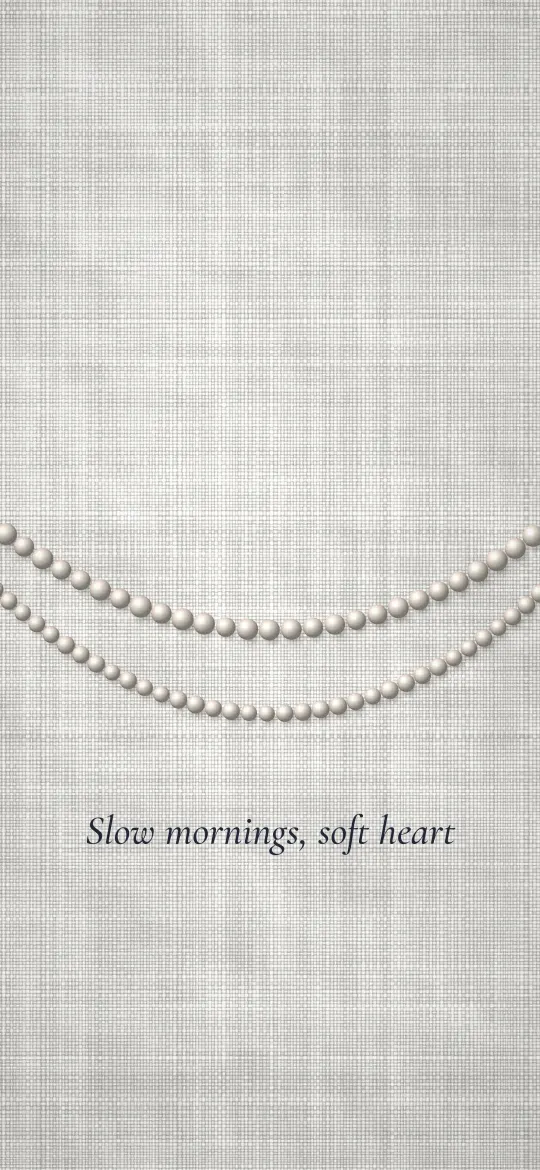
 Pearl Strands on Grey Linen
iPhone 8 Plus and 7 Plus wallpapers
568 free wallpapers cut to 1080 × 1920 pixels, the exact resolution of the 5.5-inch screen on the iPhone 8 Plus and 7 Plus.
Pearl Strands on Grey Linen
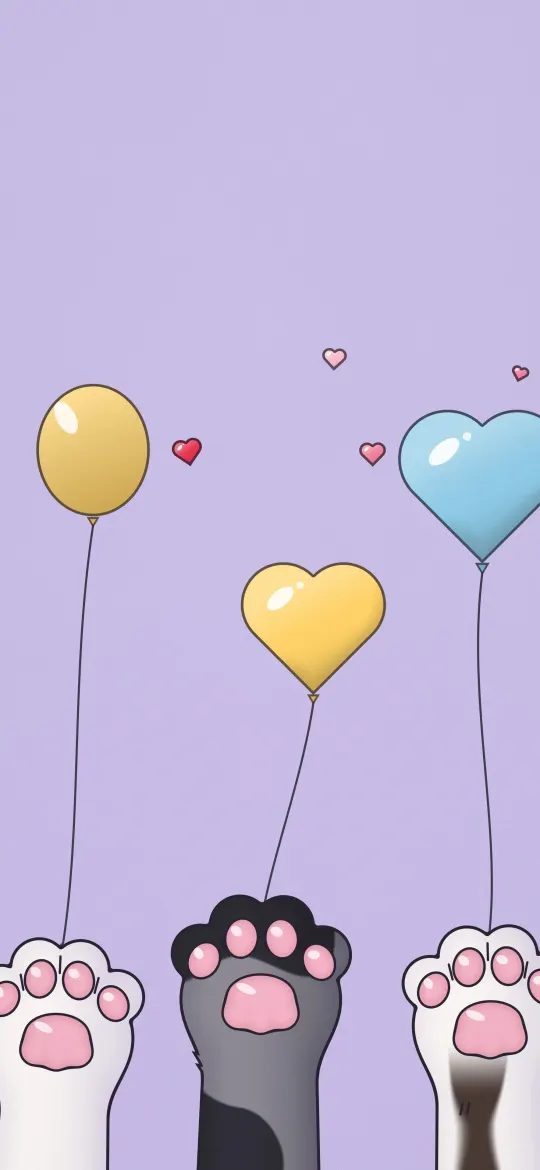 Paws and Party Balloons
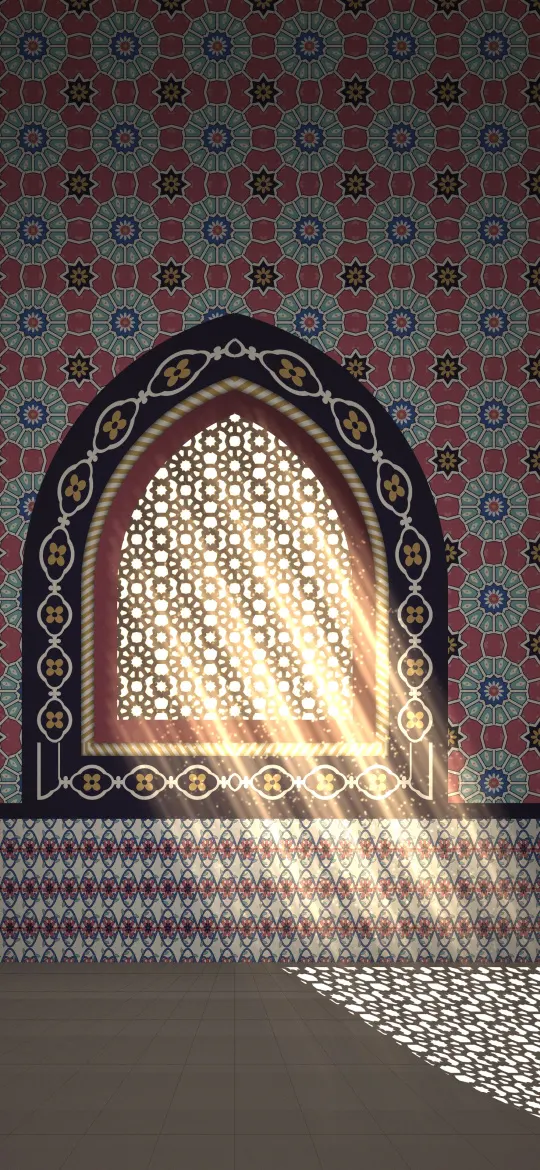 Lattice Window Light
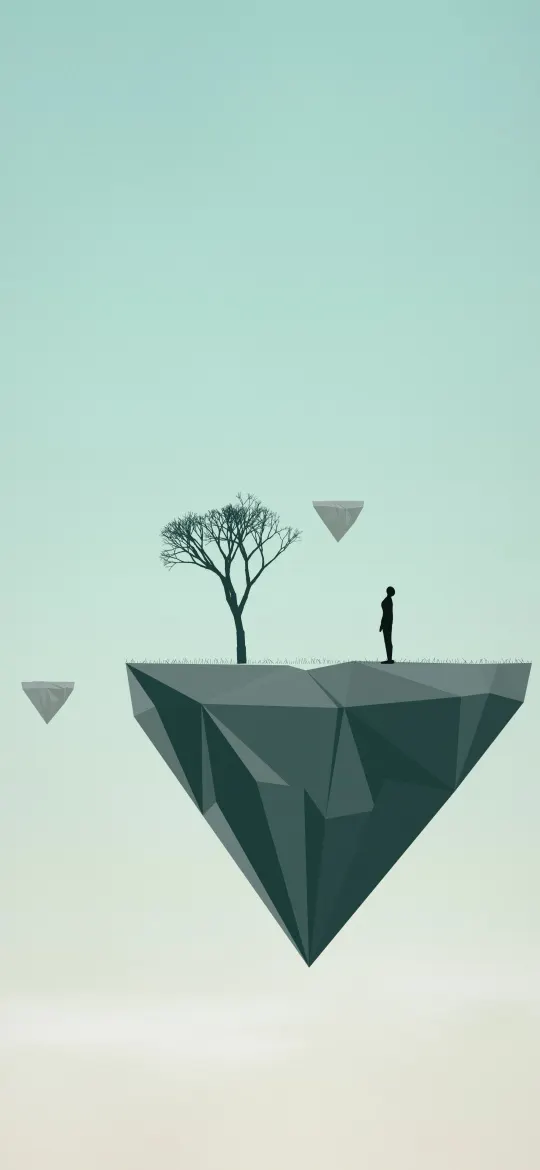 Floating Island Dreamer
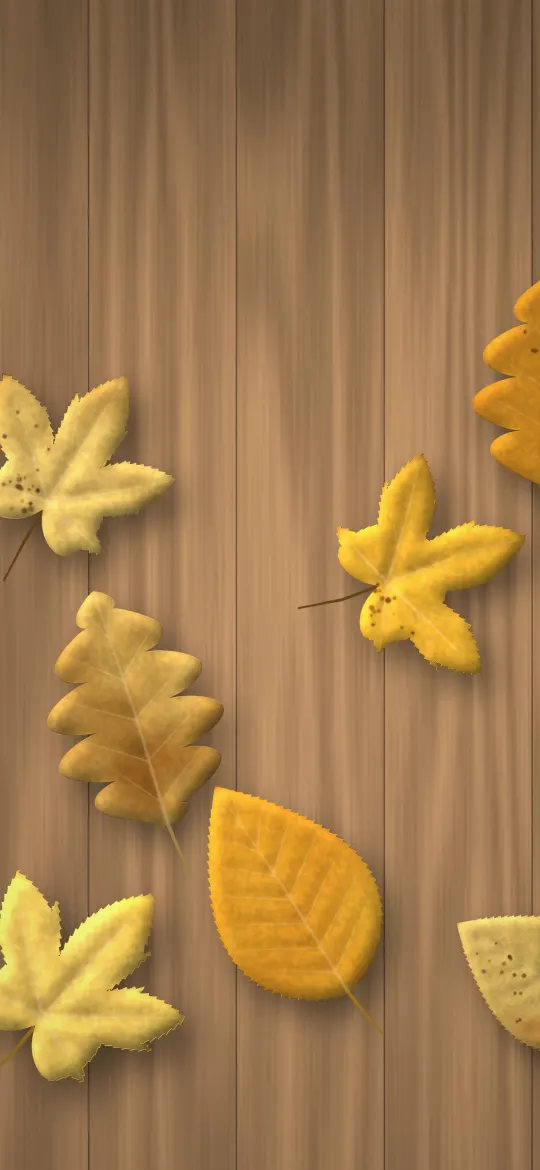 Golden Leaves on Wood
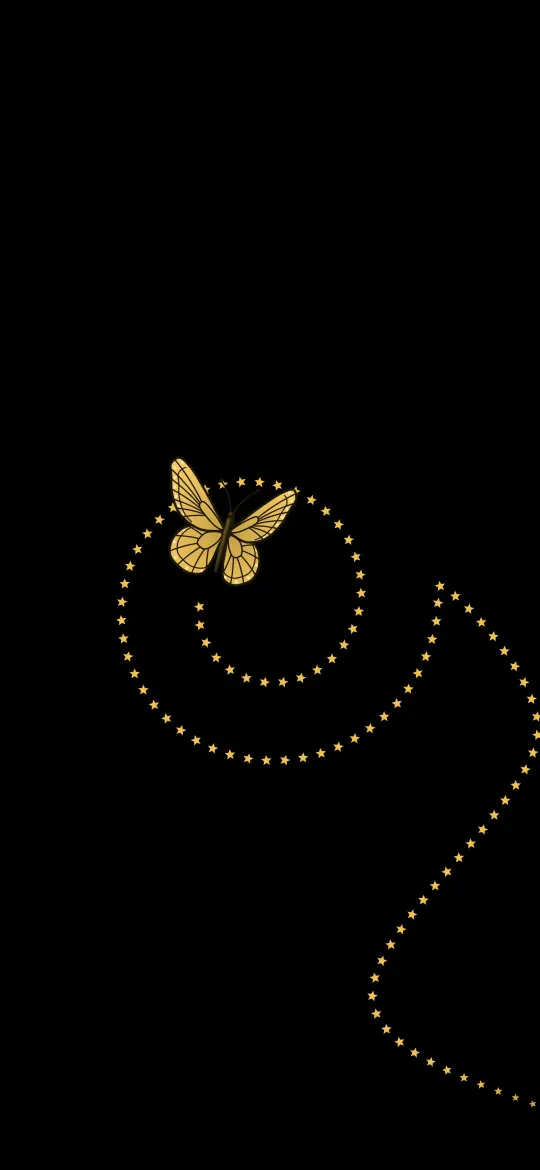 Golden Butterfly Star Spiral
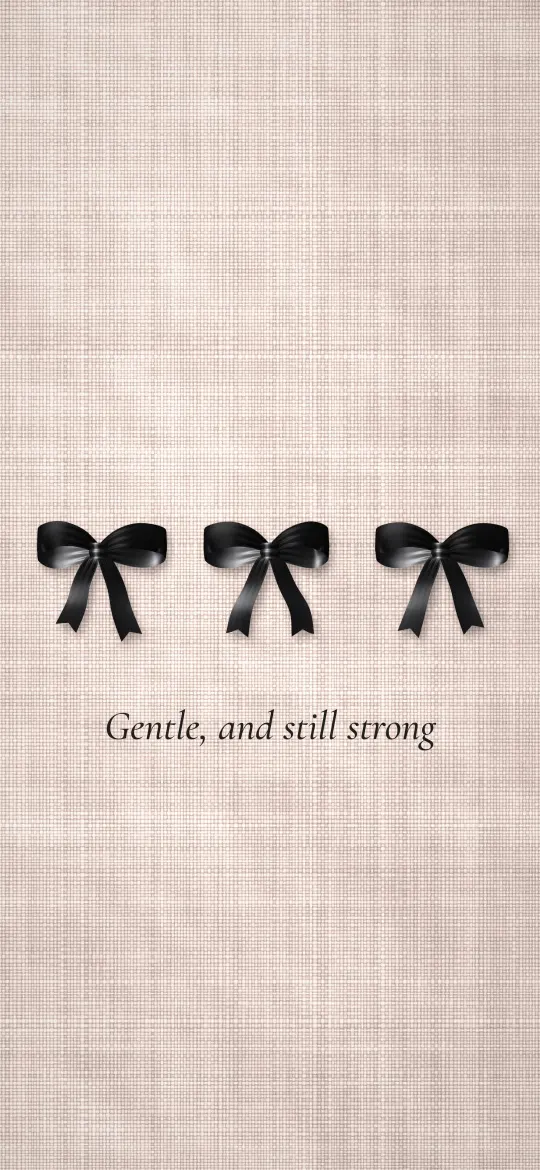 Three Little Black Bows
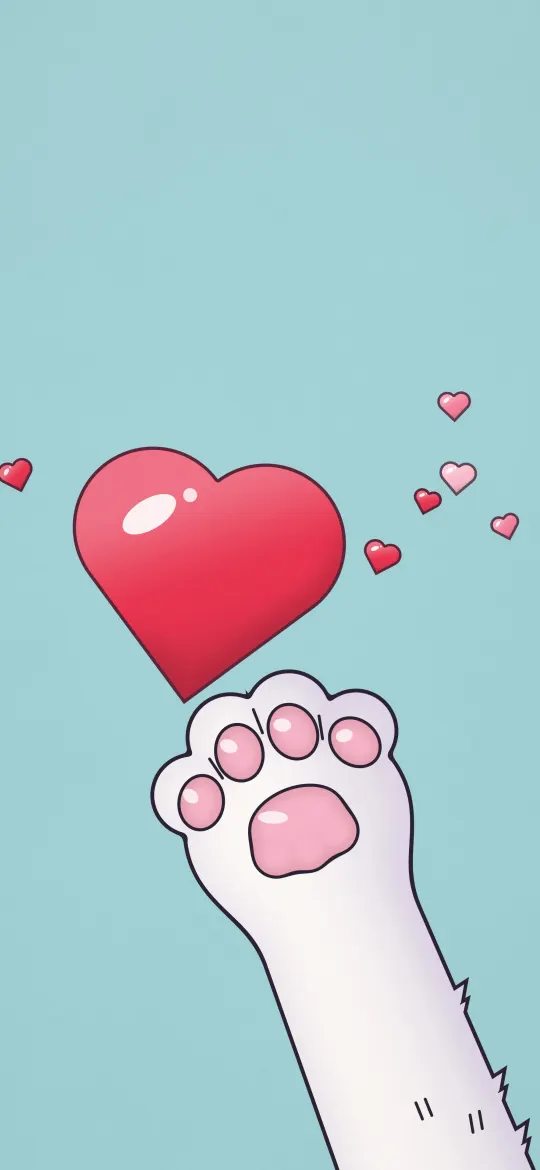 Reaching Paw Red Heart
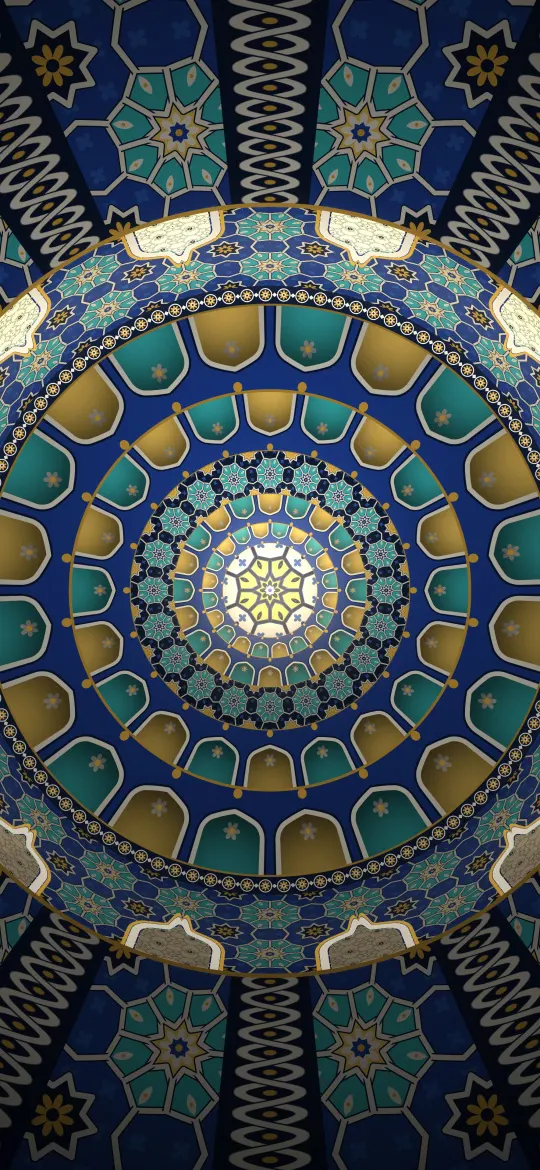 Tiled Dome from Below
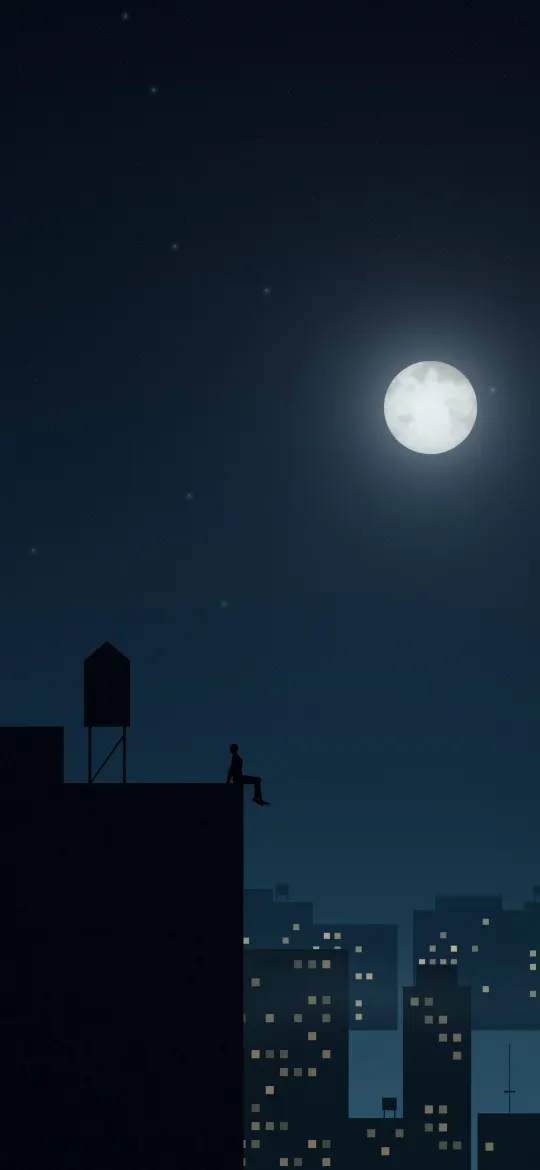 Rooftop City Night
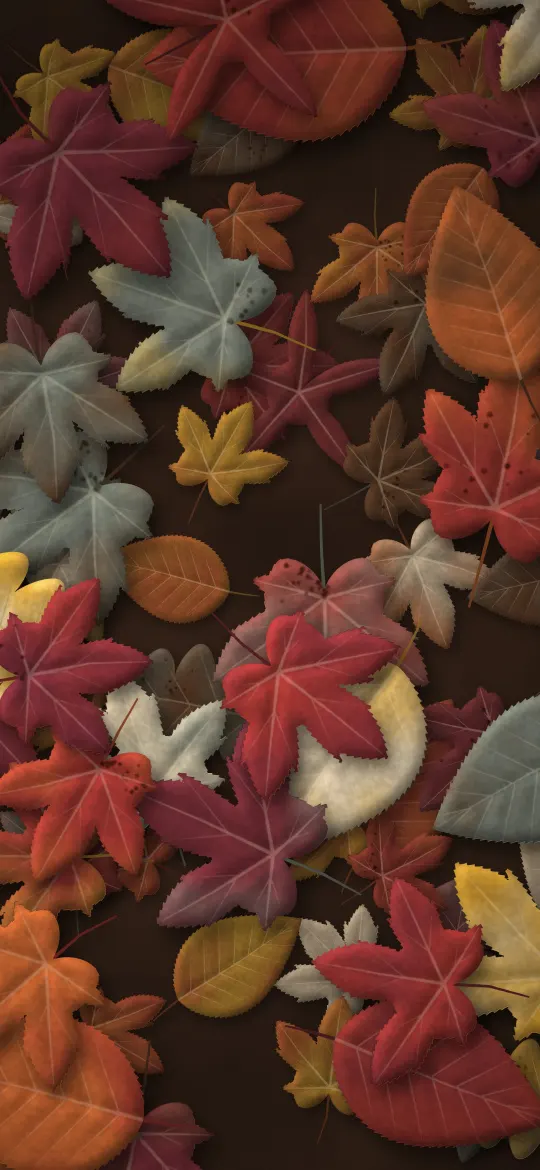 Fallen Leaf Flat Lay
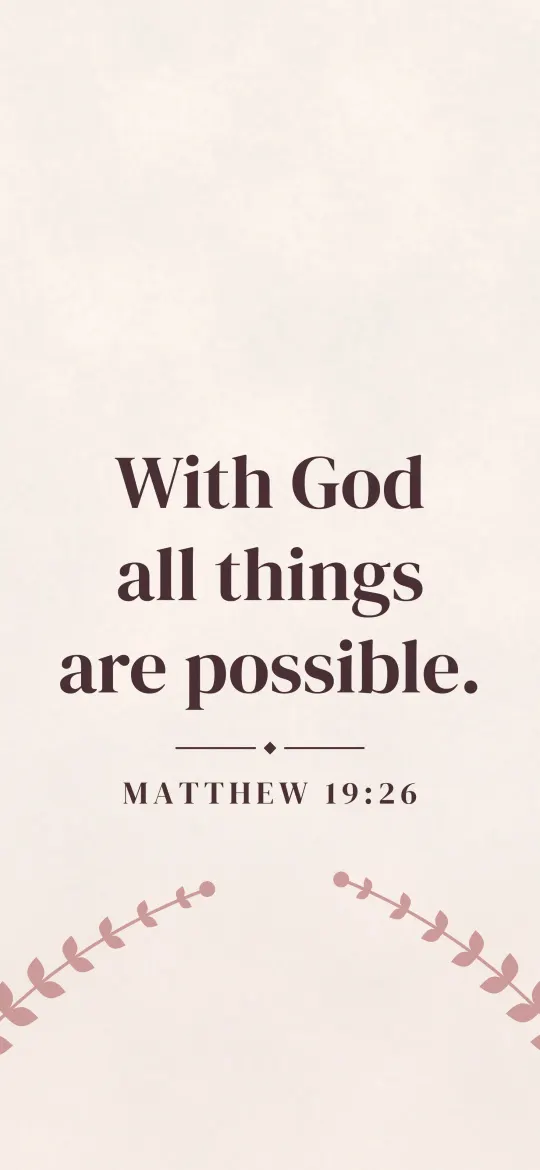 All Things Possible
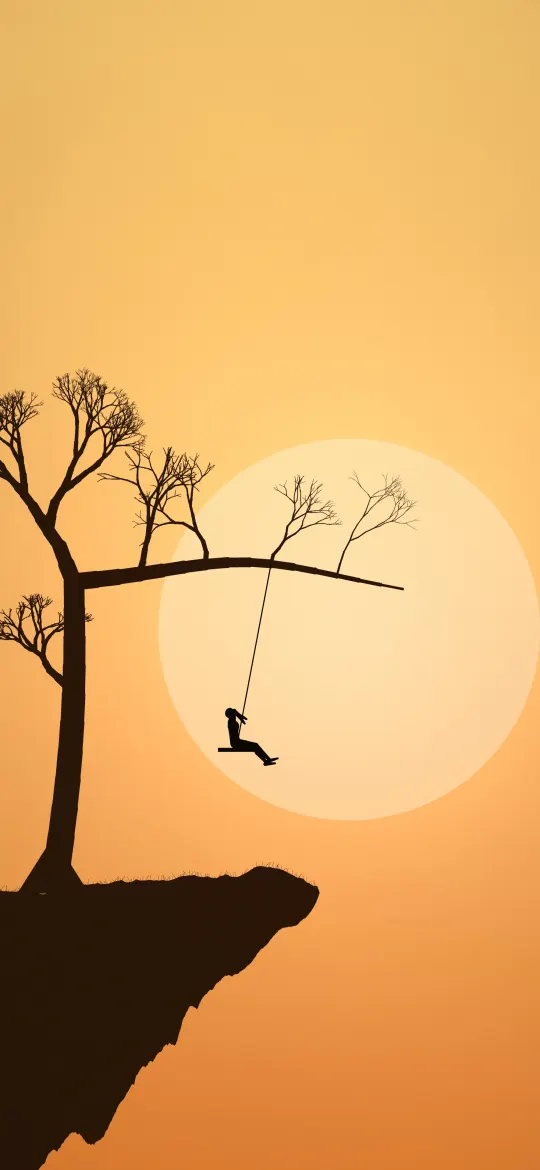 Swing Under a Lone Tree
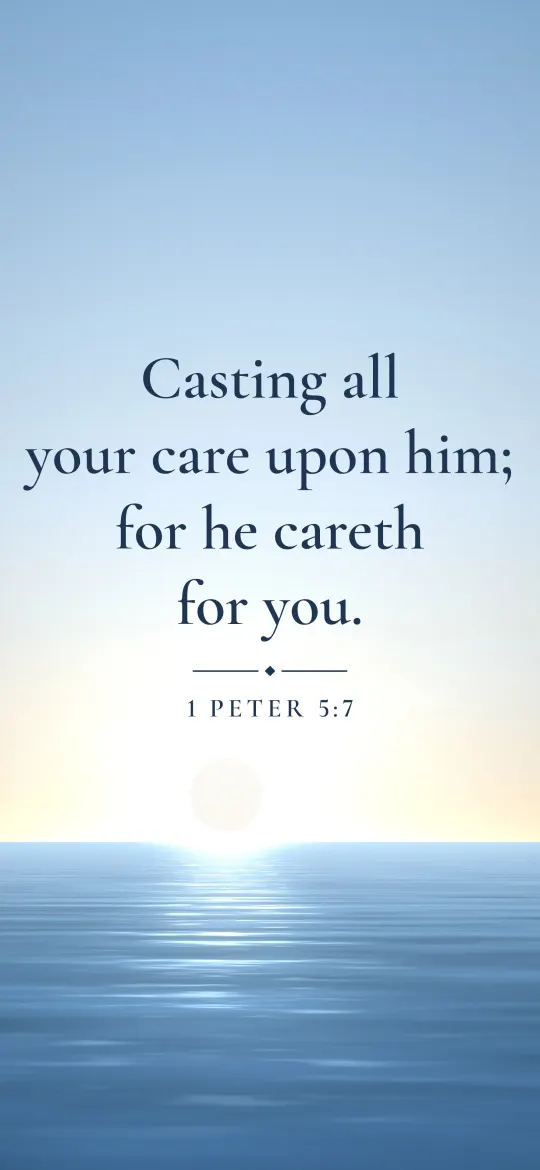 He Careth for You
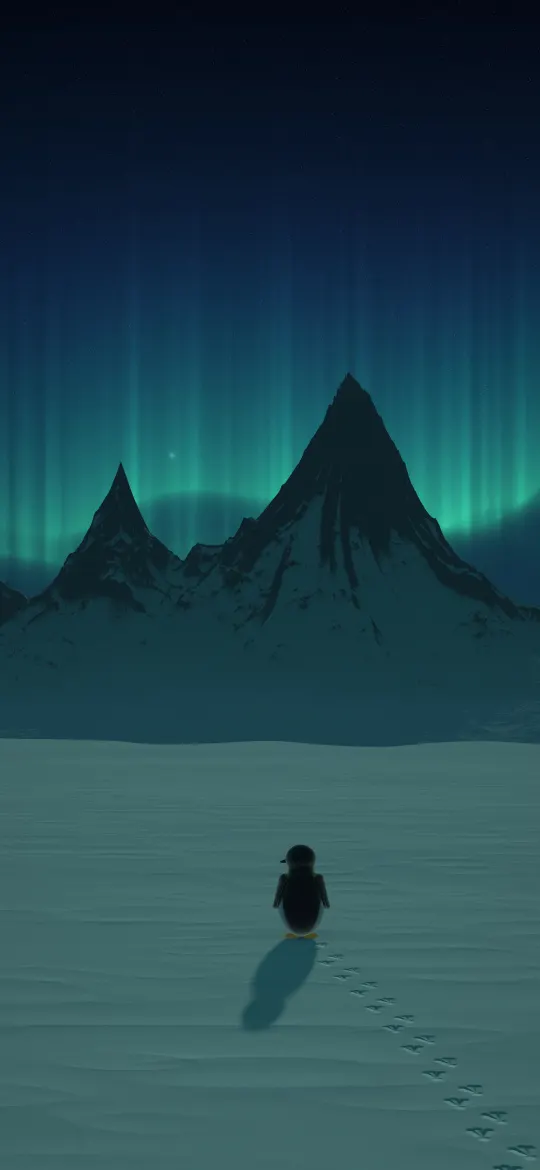 Penguin Under the Aurora
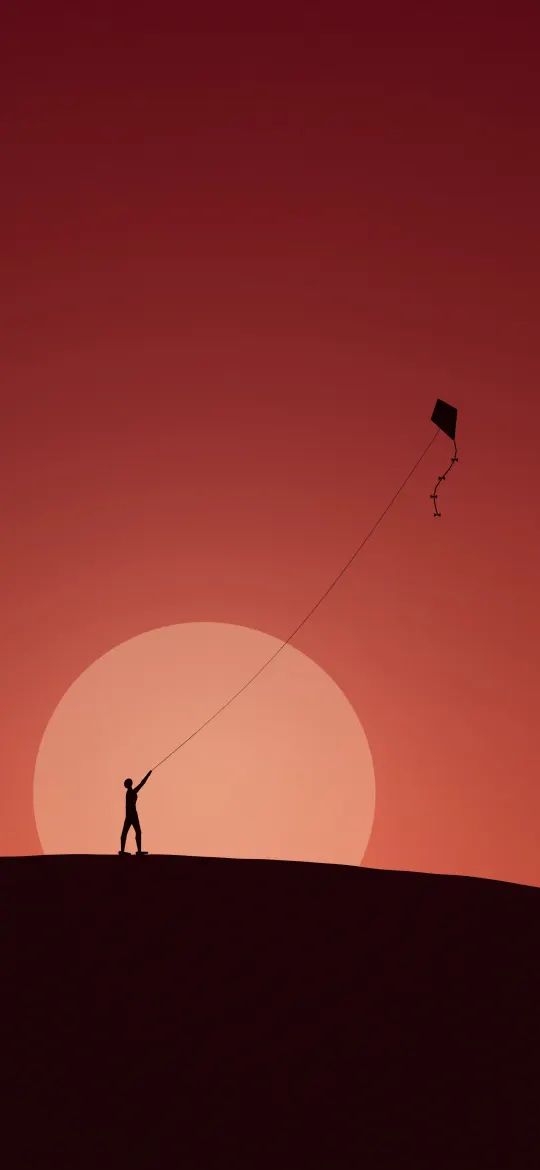 Kite Flyer Red Sky
 Amber Sun on Satin
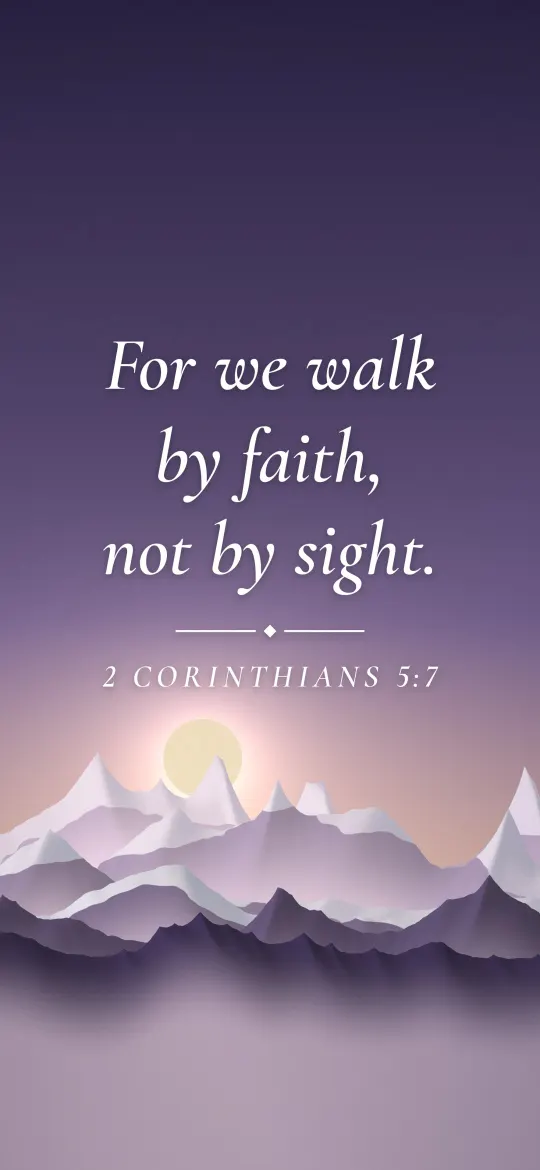 Walk by Faith
 Two Penguins at Sunset
 Lone Rock in a Misty Sea
 Graphite Over Emerald
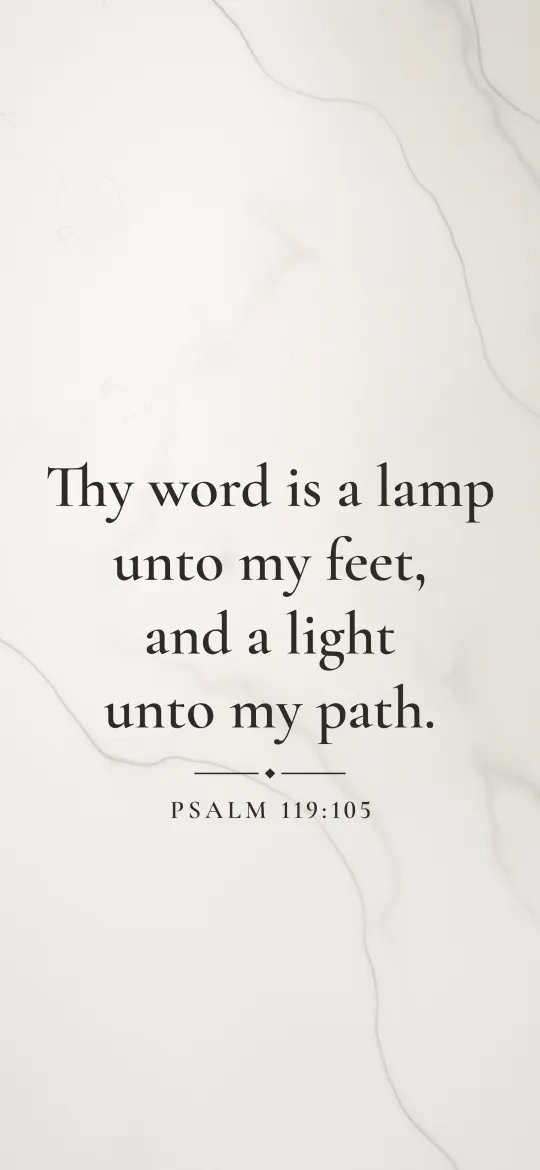 Lamp Unto My Feet
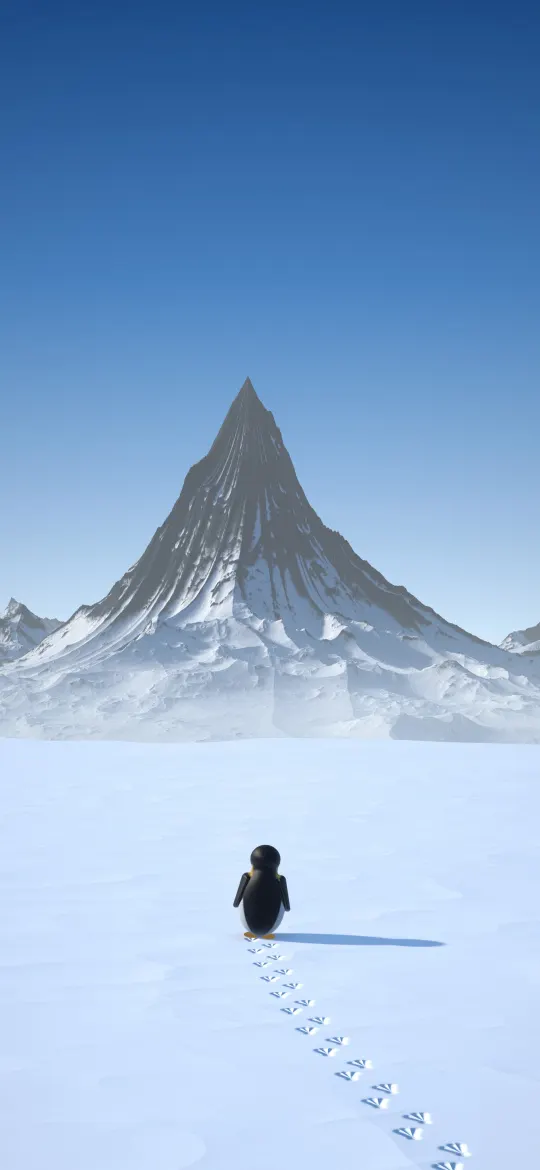 Lone Penguin Footprints
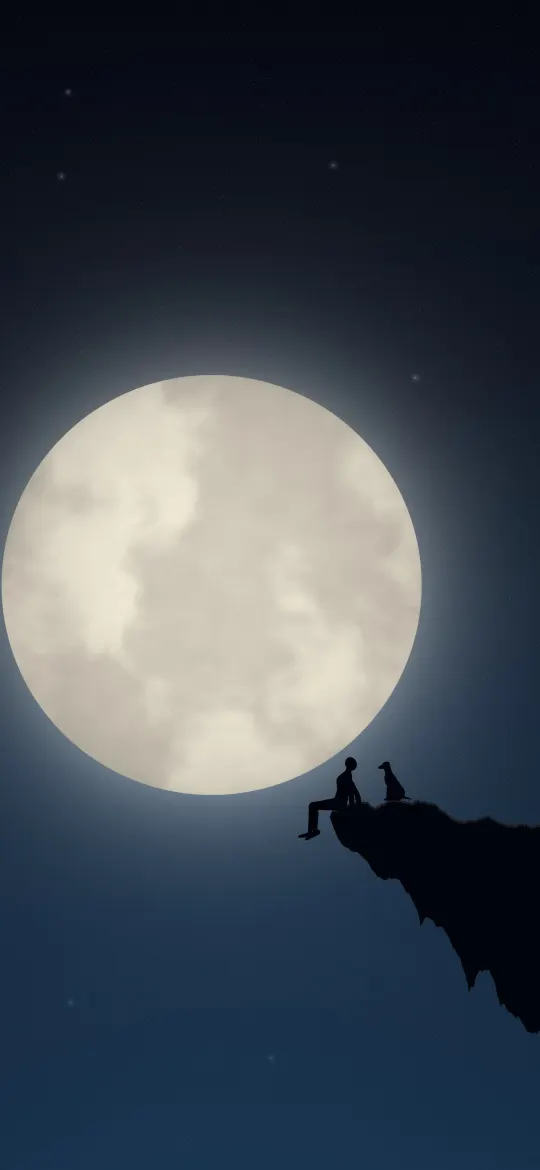 Moonlit Cliff with a Dog
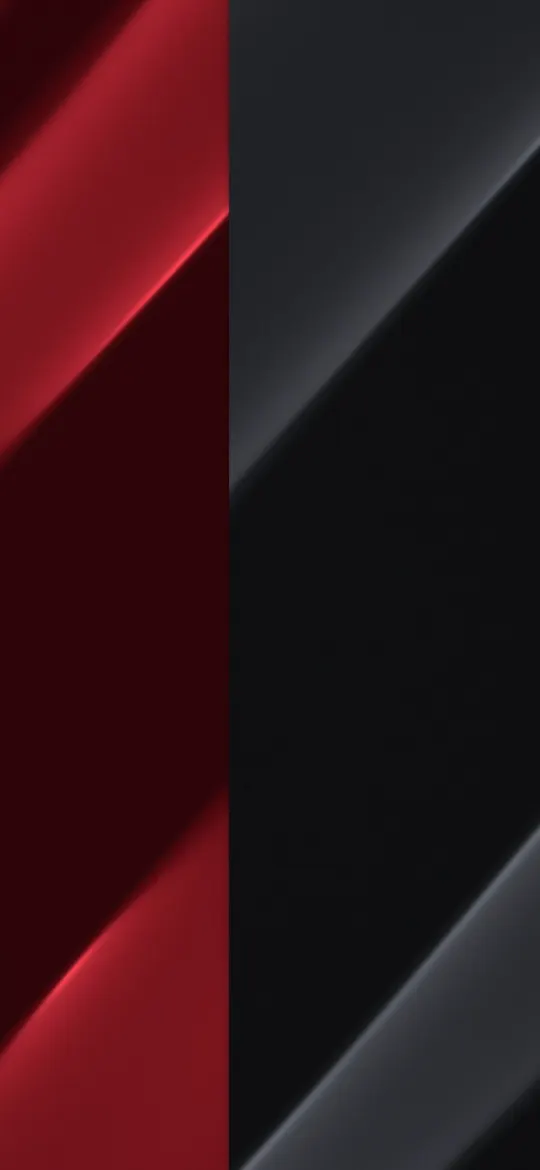 Red and Graphite Split
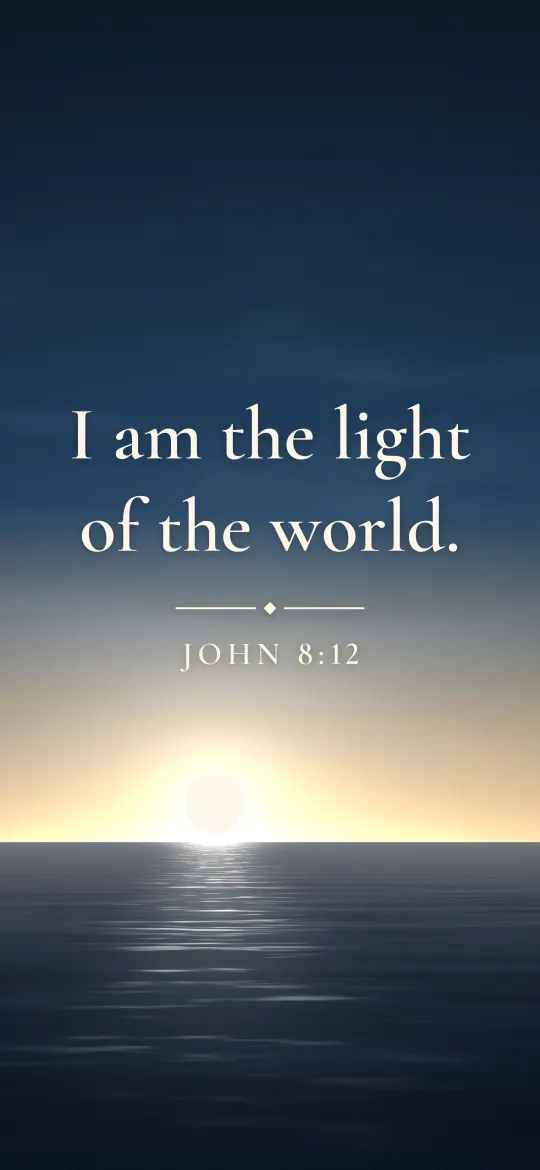 Light of the World
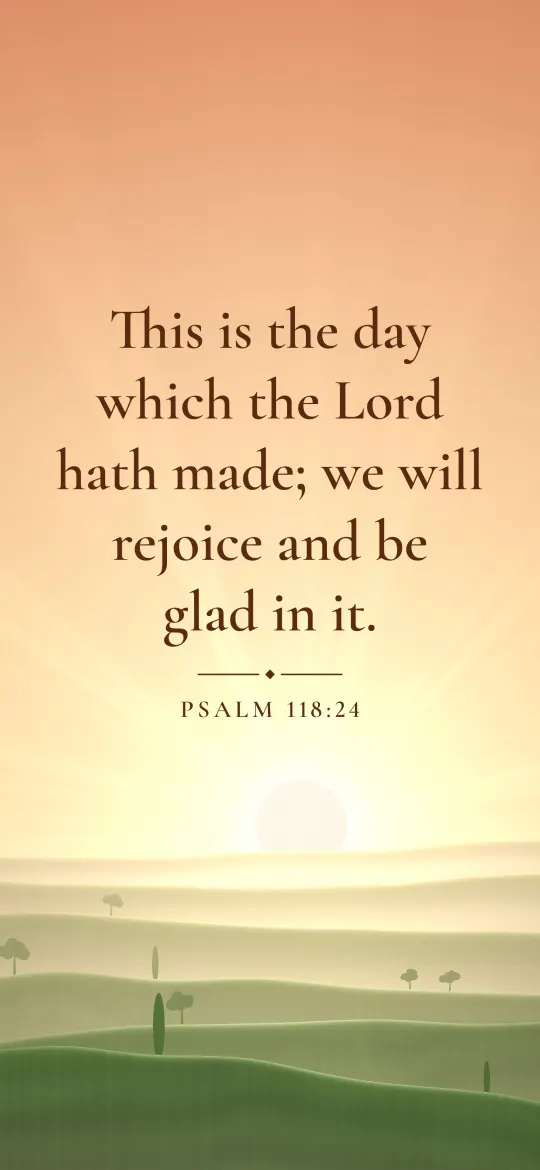 This Is the Day
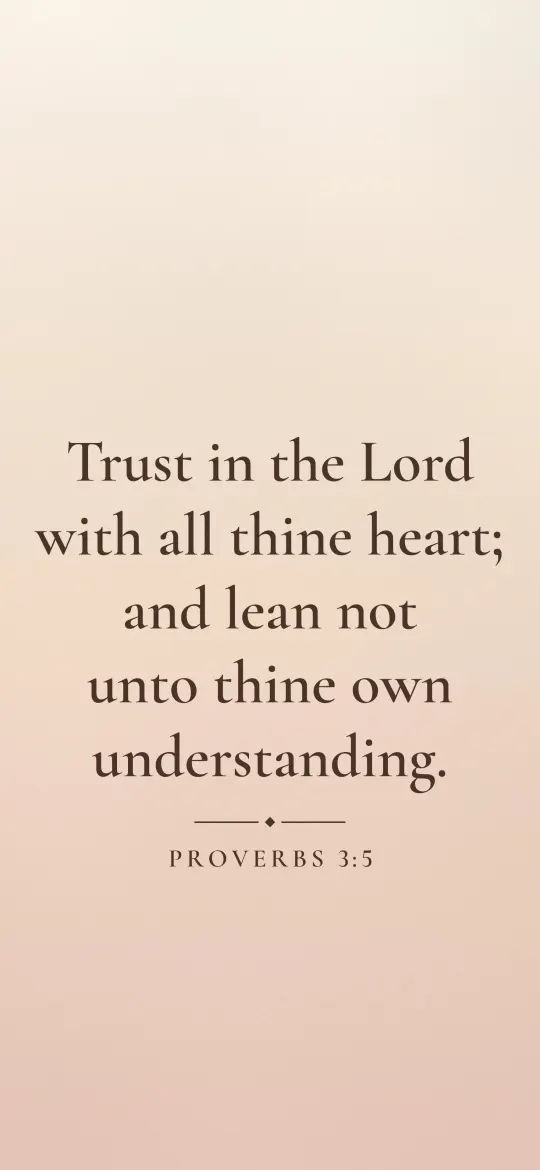 Trust in the Lord
 Navy Velvet Rose
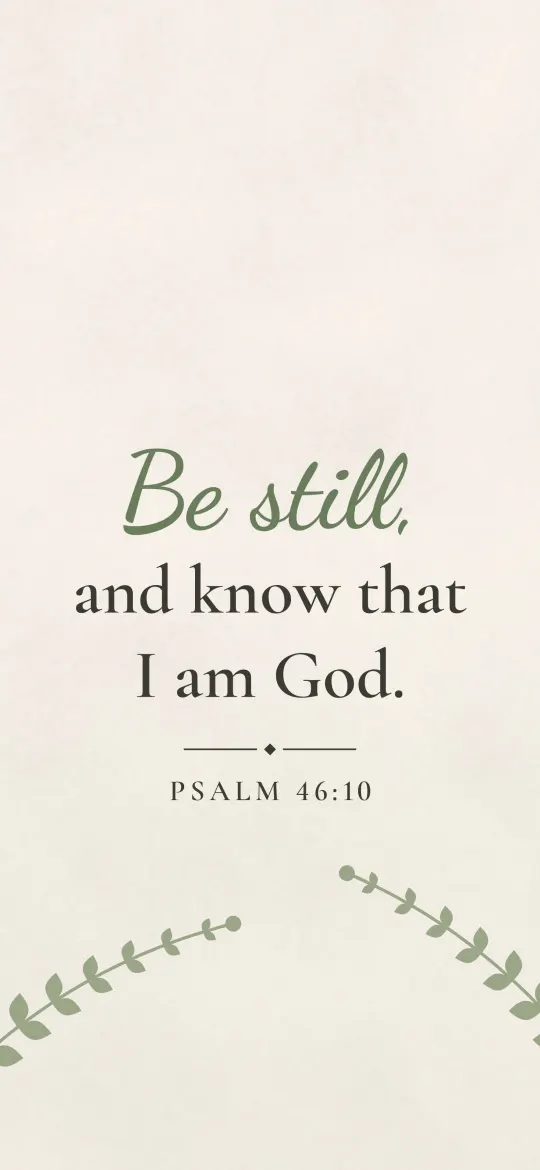 Be Still and Know
 Golden Butterflies on Emerald Velvet
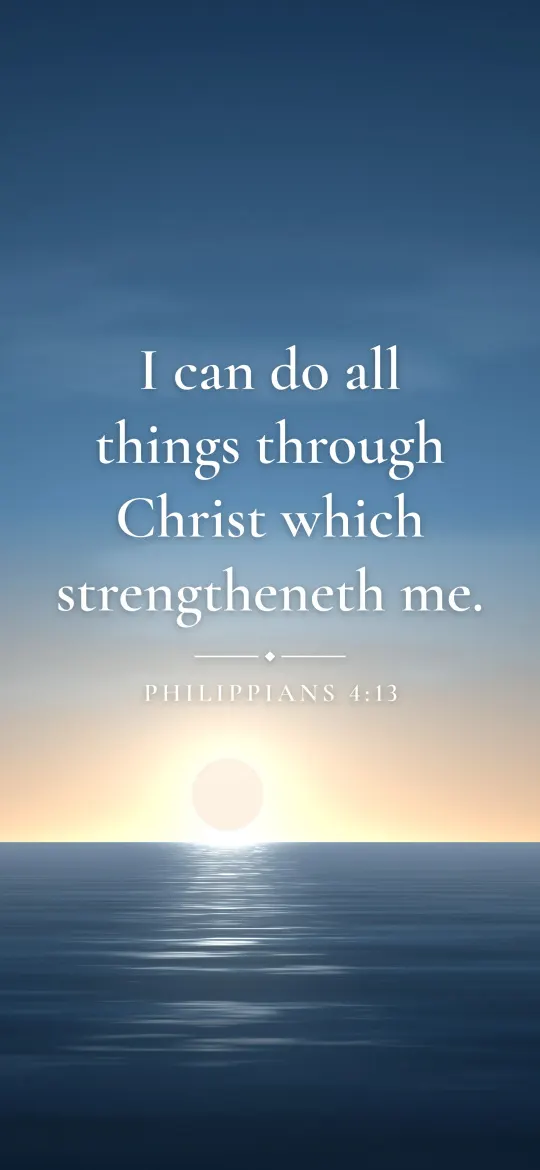 Strength Through Christ
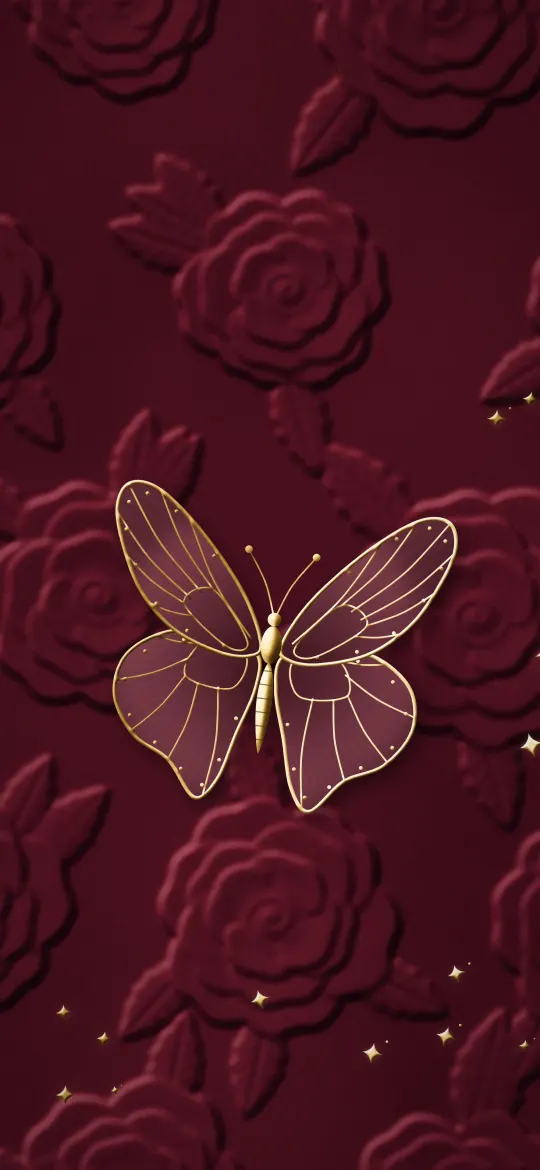 Gold Butterfly on Wine Velvet
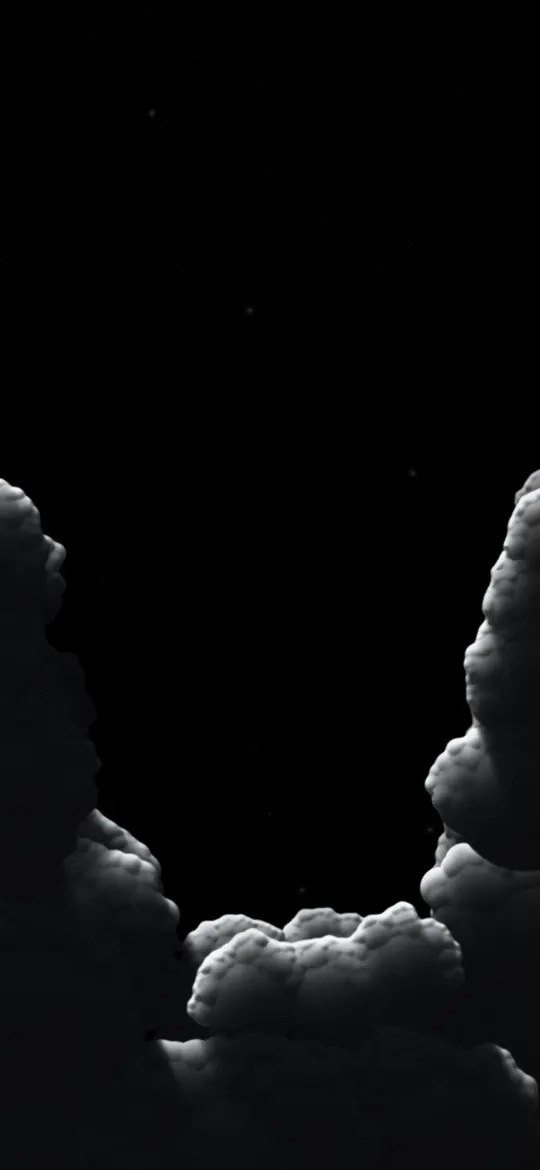 Starlit Cloud Gap
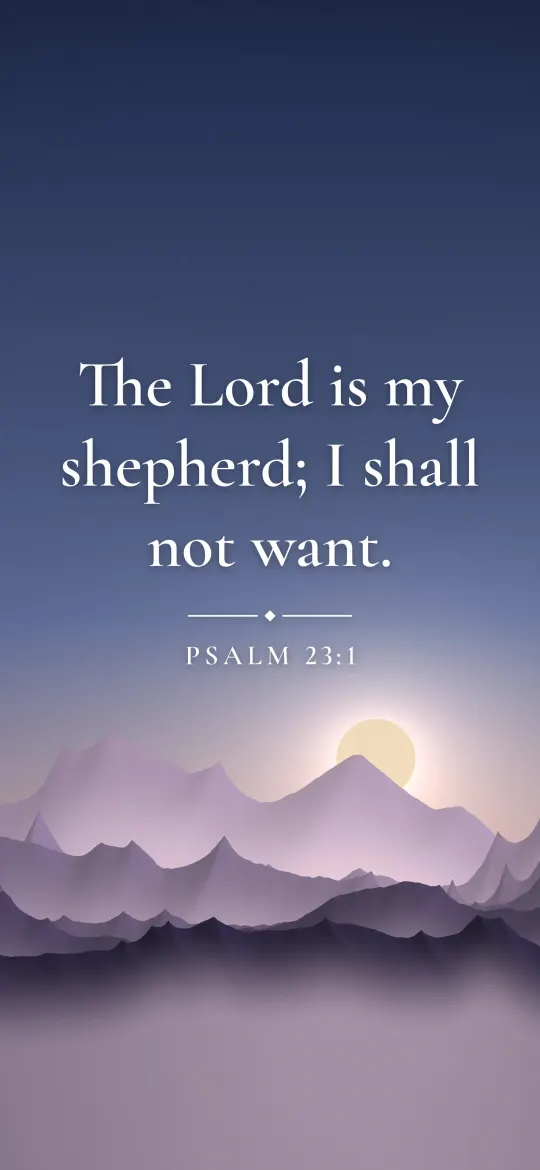 Psalm 23 Shepherd
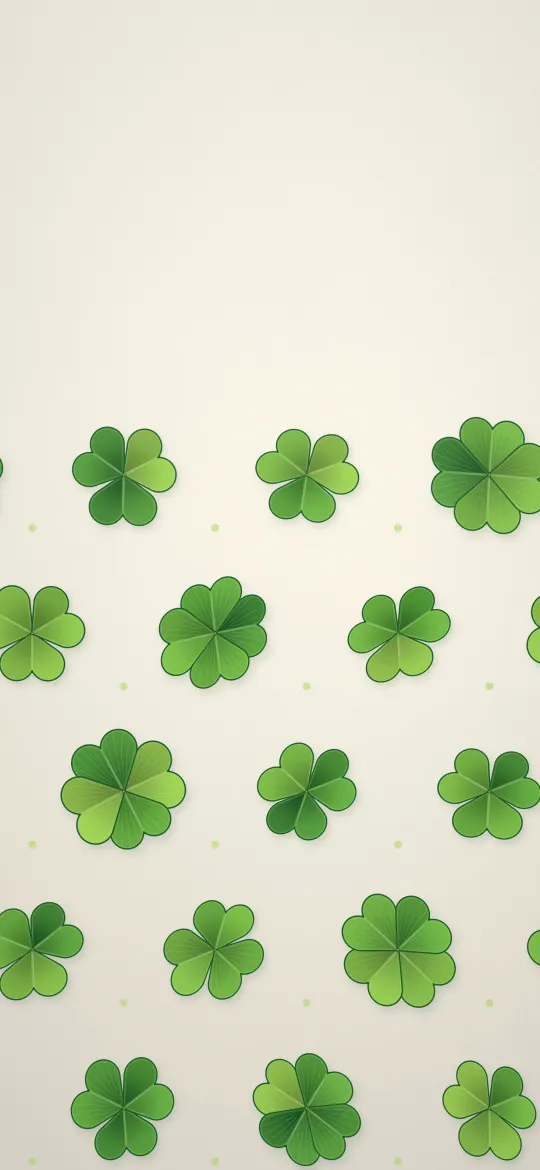 Lucky Clover Pattern
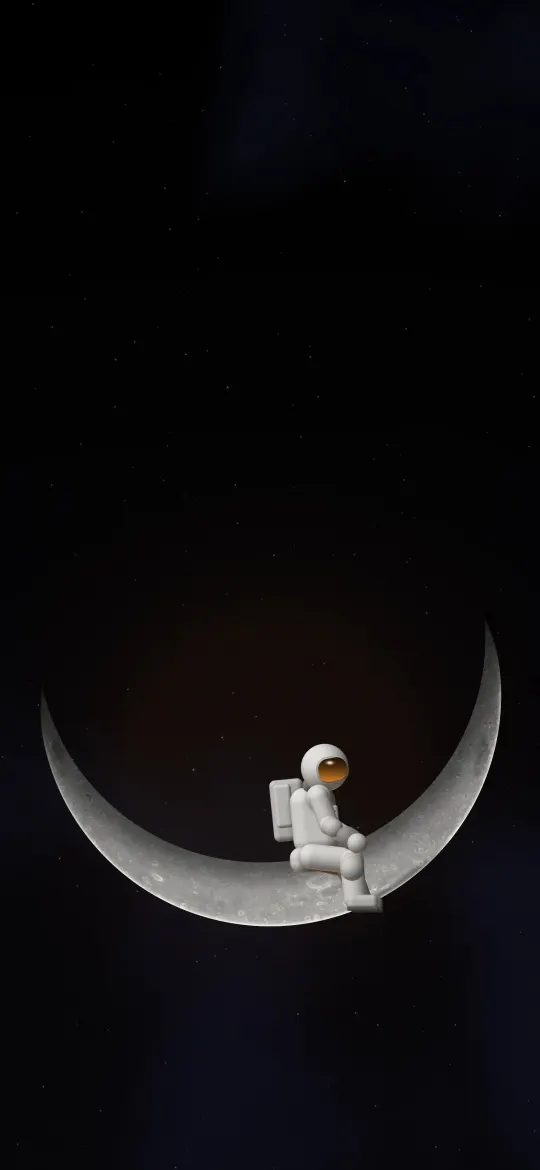 Astronaut on a Crescent Moon
 Ember Storm Clouds
 Going and Growing
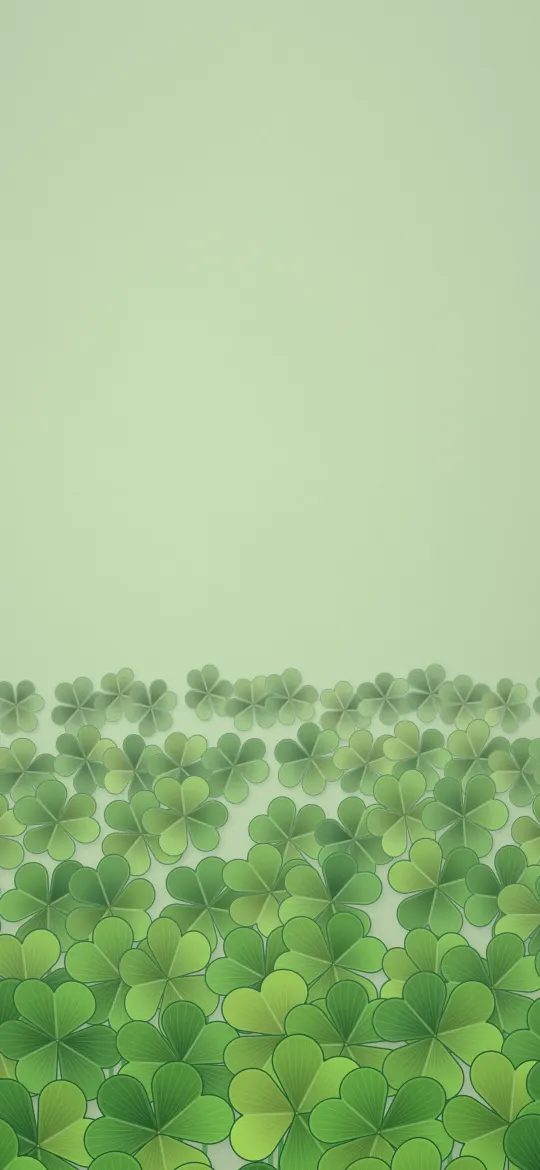 Shamrock Meadow
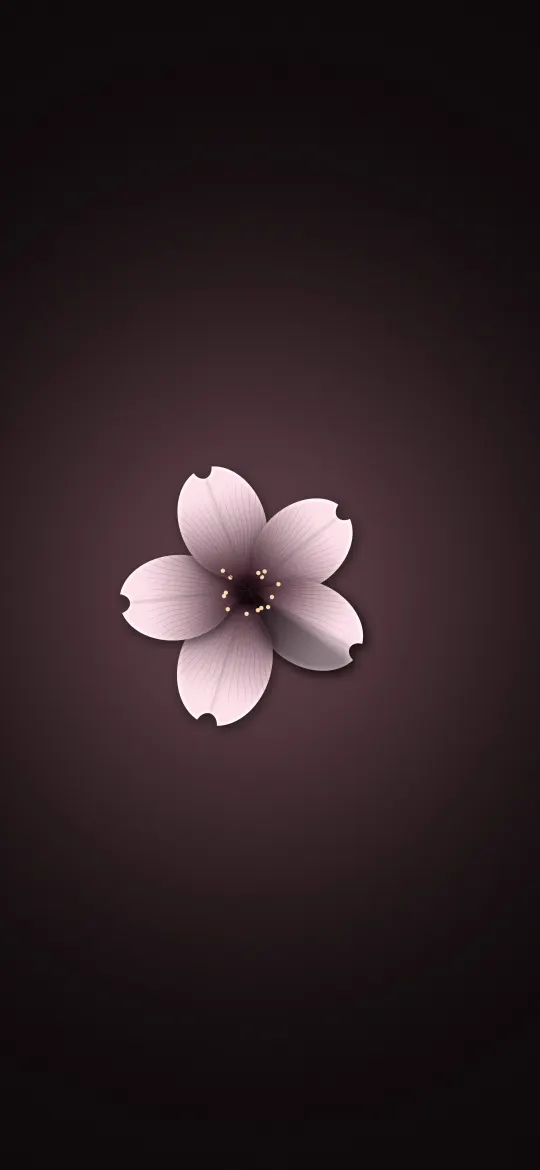 Sakura in the Spotlight
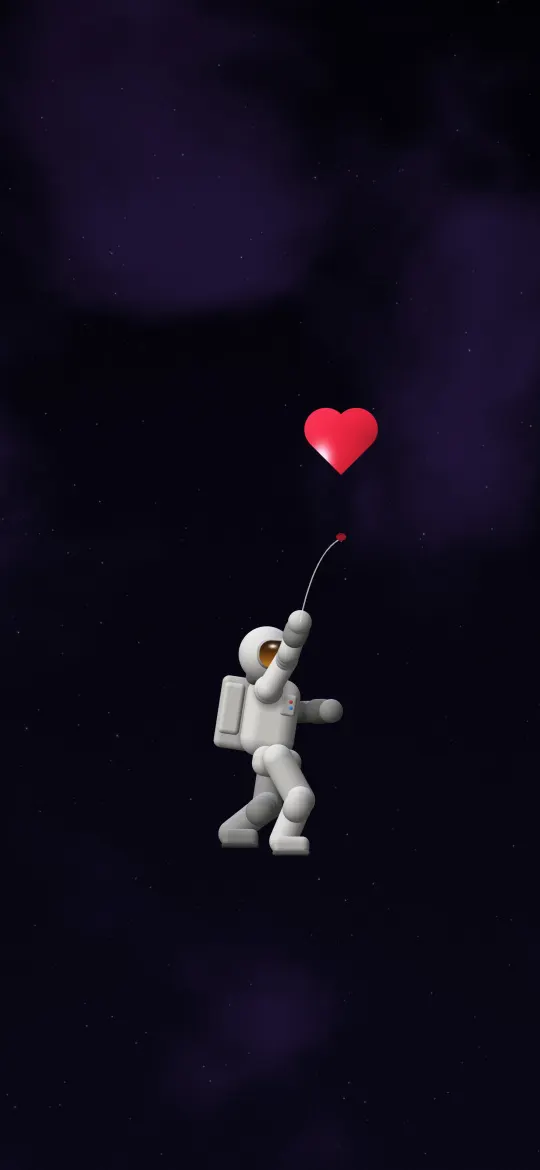 Astronaut with a Heart Balloon
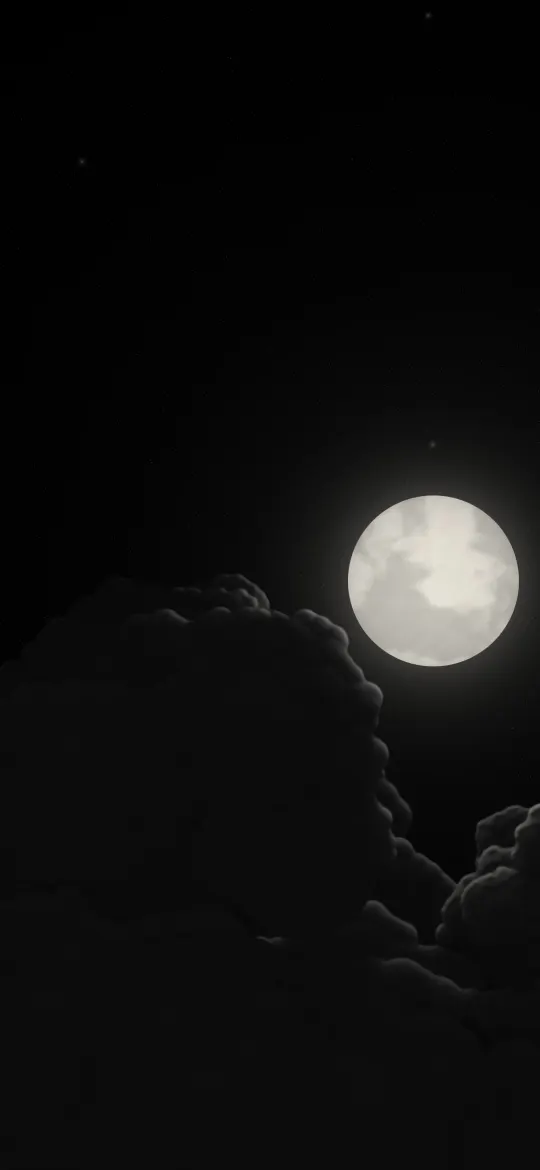 Moon Over Dark Clouds
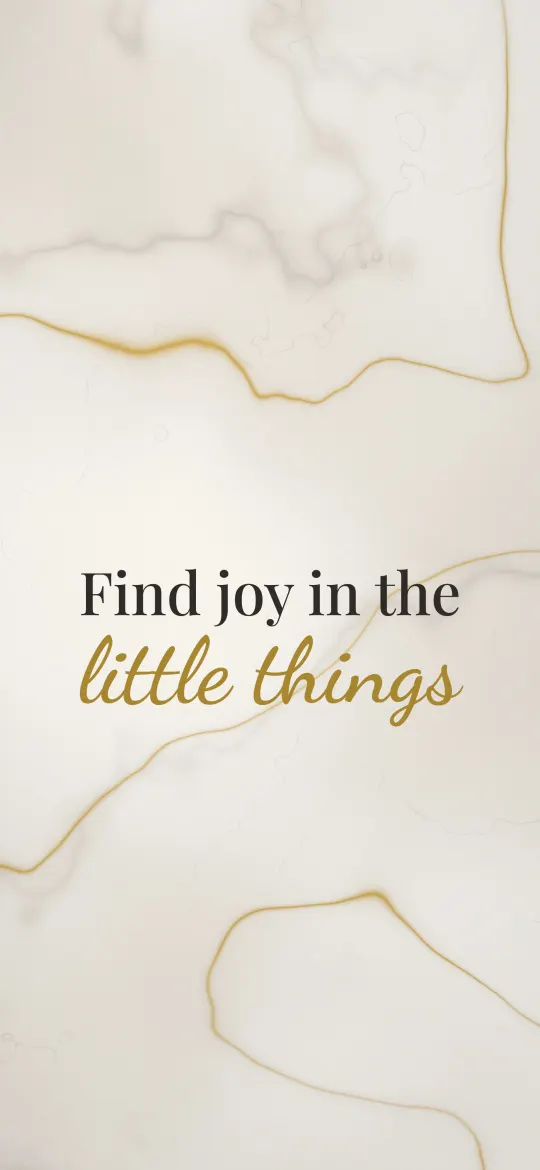 Joy in Little Things
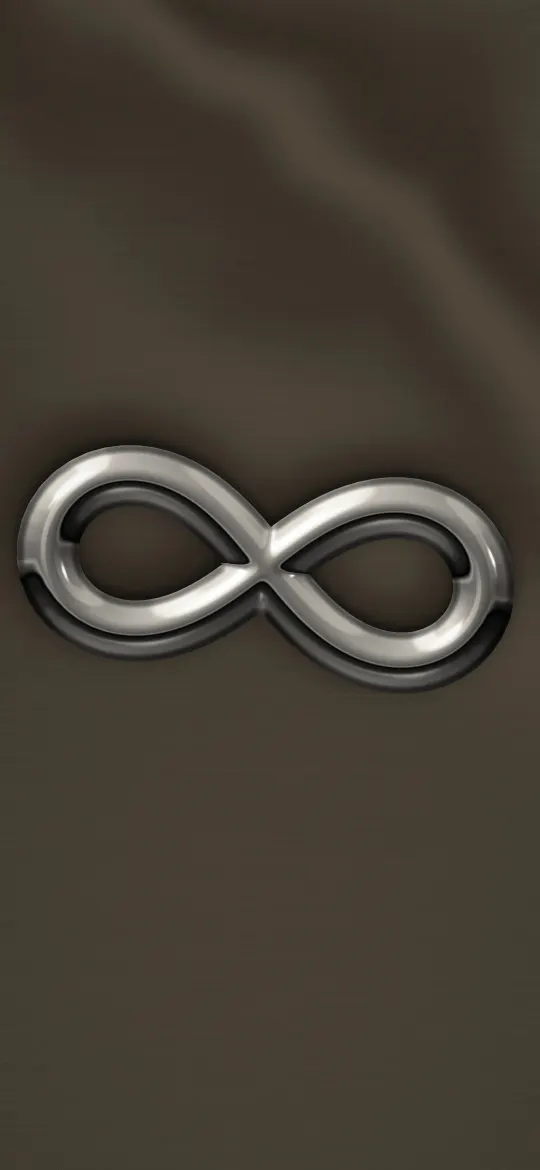 Chrome Infinity Sign
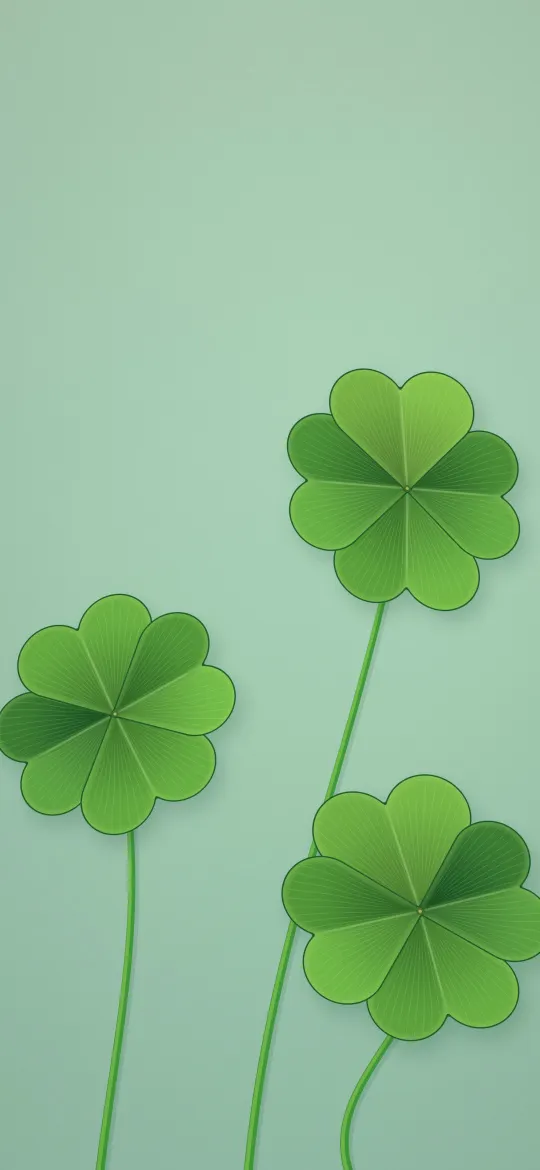 Three Lucky Clovers
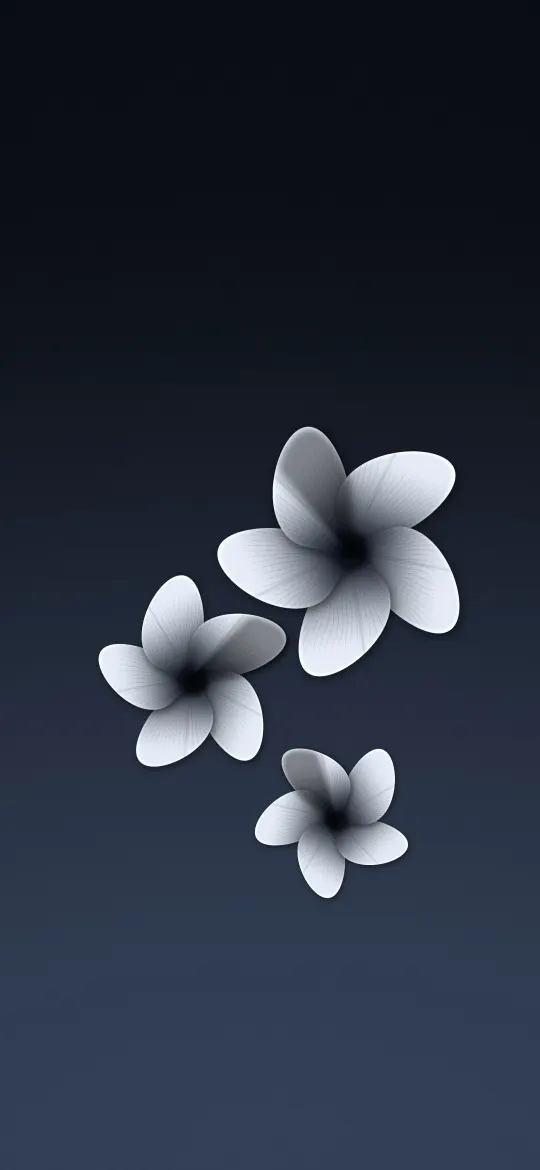 Three Frangipani on Slate
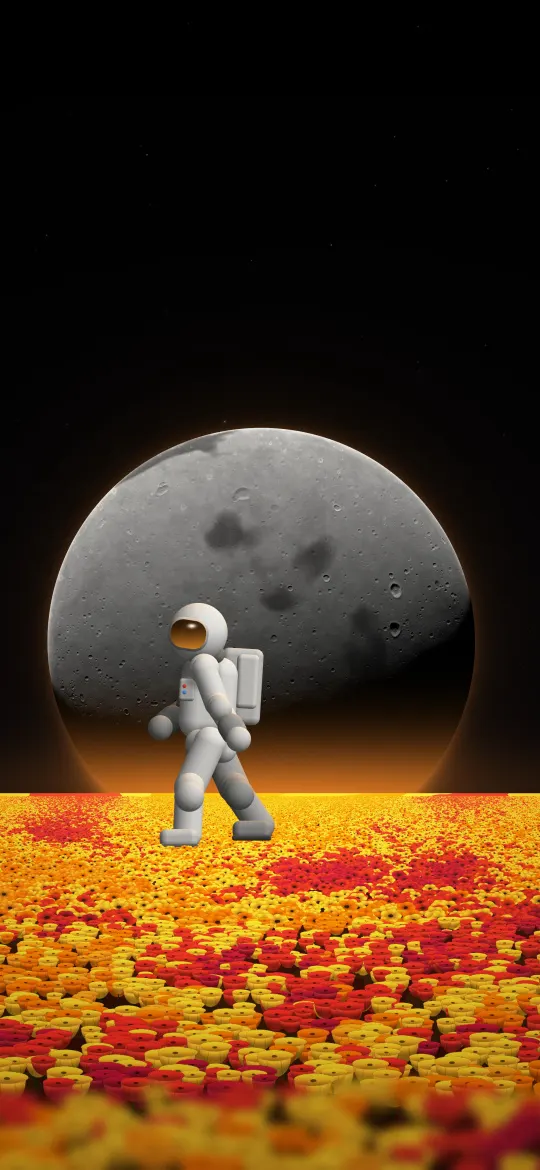 Astronaut in a Flower Field
Why the exact 1080 × 1920 size matters
The iPhone 8 Plus screen is 1080 × 1920 pixels, an aspect ratio of about 16:9. A generic wallpaper at a different shape gets zoomed by iOS to fill the screen, which softens detail and can push the subject under the clock. Every wallpaper on this page has been cropped from its full-resolution original to exactly 1080 × 1920, so what you see in the preview is what lands on your lock screen.
How to set a wallpaper on the iPhone 8 Plus
- Open a wallpaper above and tap Download wallpaper. Your model is selected for you.
- Open the image in Photos, tap the share button, then Use as Wallpaper.
- Adjust the clock style or depth effect if you like, tap Add, then choose lock screen, home screen or both.
More detail, including Files and Safari downloads, is in our guide to setting a wallpaper on iPhone.
iPhone 8 Plus wallpaper questions
What wallpaper size does the iPhone 8 Plus need?
The iPhone 8 Plus has a 5.5-inch screen at 1080 × 1920 pixels. Every wallpaper on this page is cropped to exactly that size, so it fills the screen without stretching.
Which iPhones use 1080 × 1920 wallpapers?
The iPhone 8 Plus and 7 Plus all share this 1080 × 1920 screen, so the same file fits each of them.
Will iOS zoom or move the wallpaper?
A wallpaper at your screen's exact resolution is shown as-is. If iOS still zooms it, turn off "Perspective Zoom" (on older iOS) or pinch to fit while adjusting the wallpaper.
Are these wallpapers free?
Yes. Every wallpaper is free to download and use on your own iPhone. See the license page for details.
Wallpapers for other iPhones
- iPhone Duo — inner screen (upright)
- iPhone Duo — cover screen
- iPhone 18 Pro Max / 17 Pro Max / 16 Pro Max
- iPhone 18 Pro / 17 Pro / 17 / 16 Pro
- iPhone Air
- iPhone 16 Plus / 15 Plus / 15 Pro Max / 14 Pro Max
- iPhone 16 / 15 / 15 Pro / 14 Pro
- iPhone 14 Plus / 13 Pro Max / 12 Pro Max
- iPhone 17e / 16e / 14 / 13 / 13 Pro / 12 / 12 Pro
- iPhone 13 mini / 12 mini
- iPhone 11 Pro Max / XS Max
- iPhone 11 Pro / XS / X
- iPhone 11 / XR
- iPhone SE (2nd & 3rd gen) / 8 / 7
- 4K Universal (any phone)