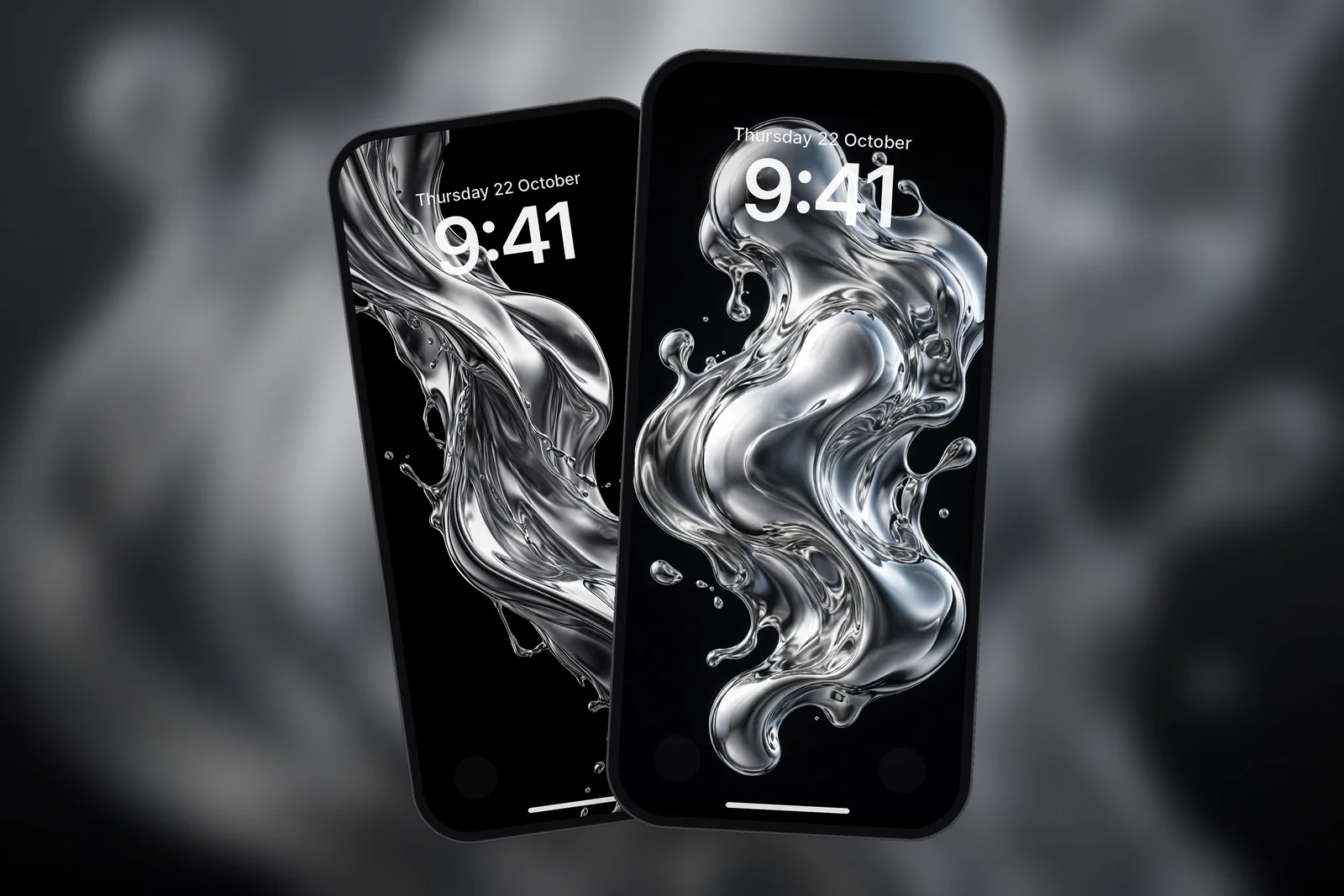
A 3D wallpaper for iPhone is a still image rendered to look solid: liquid chrome, glass or sculpted shapes with realistic light, reflections and shadows. On a black background these objects appear to float above the screen, especially on OLED iPhones. Pick one with the object in the lower two-thirds so the clock stays clear, and download it at your exact screen size or 2160 × 3840.
In short
- A 3D wallpaper is a flat image that uses lighting, reflections and shadow to suggest volume; it does not move or react to touch.
- Liquid chrome, clear glass and soft sculpted curves are the three most common 3D styles for iPhone.
- Pure black backgrounds make 3D objects look like they float, because OLED iPhones switch black pixels off completely.
- On iPhone 12 and later with iOS 26 or later, the spatial scene effect can turn a suitable image into a layered 3D Lock Screen, adding real depth on top of the rendered kind.
- Exact-size files keep reflections and highlights sharp; 3D renders lose their gloss quickly when upscaled.
What does "3D" mean for a still wallpaper?
For a wallpaper, "3D" means the image was made, or looks as if it was made, in 3D rendering software: a virtual object lit by virtual lights and photographed by a virtual camera. The result is still a flat picture, but your eye reads it as solid because of four cues.
- Specular highlights: small, bright reflections on shiny surfaces tell you exactly where the light is coming from.
- Reflections: chrome and glass show bent, distorted versions of their surroundings, which only happens on curved surfaces.
- Shading and shadow: a smooth change from light to dark across a shape shows its curve.
- Depth of field: sharp foreground details and softer background ones make the scene feel deep.
The best 3D wallpapers use all four, but keep the scene simple: one object, one light direction and a plain background. That is what stops them looking cluttered behind the clock.
Liquid chrome, glass and sculpted shapes compared
Liquid chrome looks like molten metal, glass looks like clear, light-bending material, and sculpted shapes look like smooth matte or satin forms. Each one suits a different kind of Lock Screen.
| 3D style | What it looks like | Best background | Works best for |
|---|---|---|---|
| Liquid chrome | Mirror-like flowing metal, splashes and ribbons | Pure black | OLED iPhones, dark mode, bold Lock Screens |
| Holographic chrome | Chrome with rainbow, iridescent colour shifts | Black | Colourful but still dark setups |
| Glass and prism | Clear or frosted shapes that bend light | Soft grey, blue or black | Minimal screens with widgets |
| Sculpted curves | Smooth layered forms in two or three tones | Matching tone, edge to edge | Calm, luxury-style Home Screens |
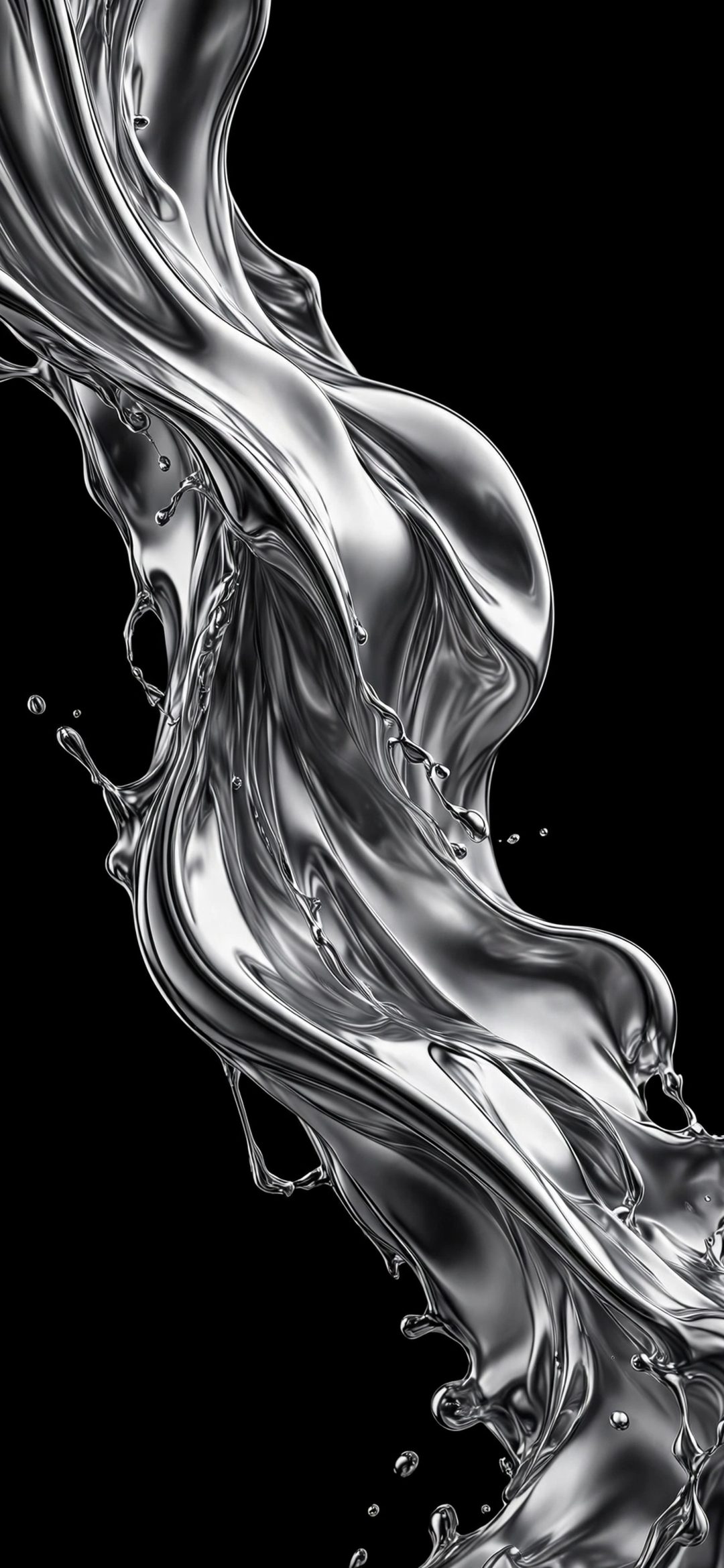
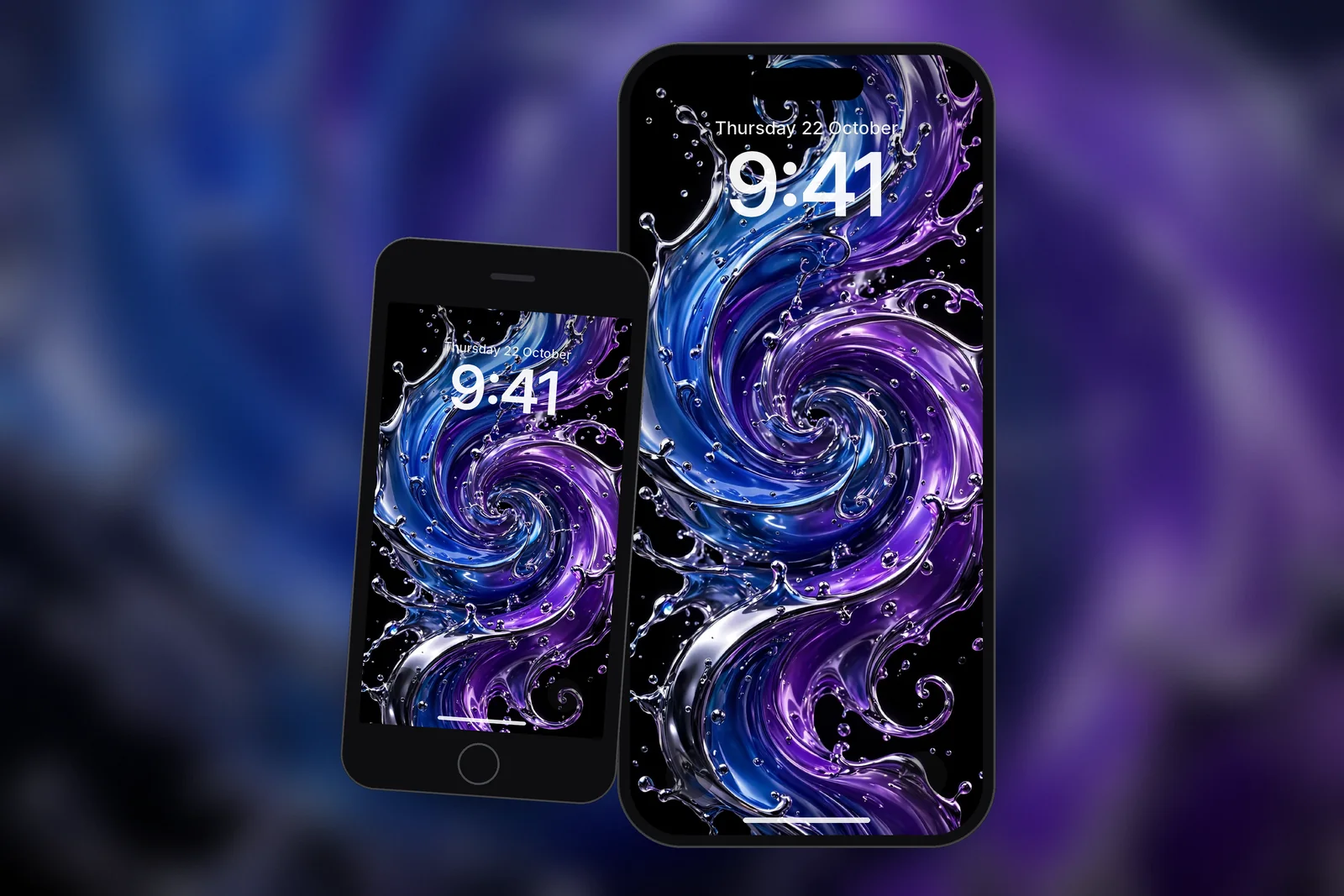
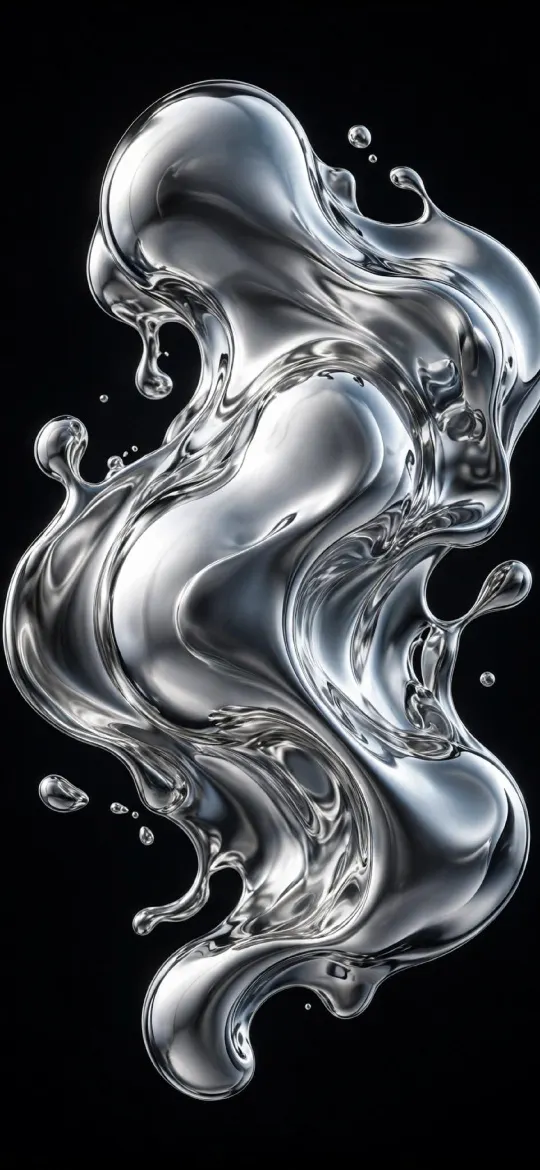
Liquid chrome is the most searched style. Single-colour silver chrome feels clean and technical; two-colour splashes such as blue and red or green and purple feel more energetic. A single chrome twist on black is the most minimal version and leaves the most room for widgets. All of these sit together under the chrome tag.
 Liquid Chrome
 Liquid Chrome Splash Abstract 3D OLED
 Minimalist Chrome Twist
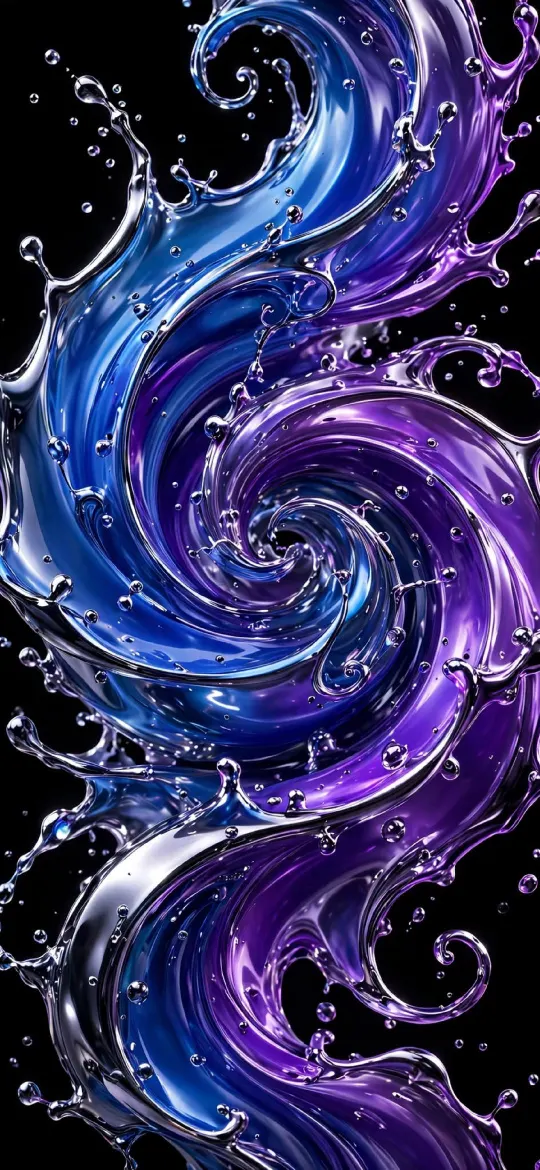 Blue Purple Liquid Chrome Swirl
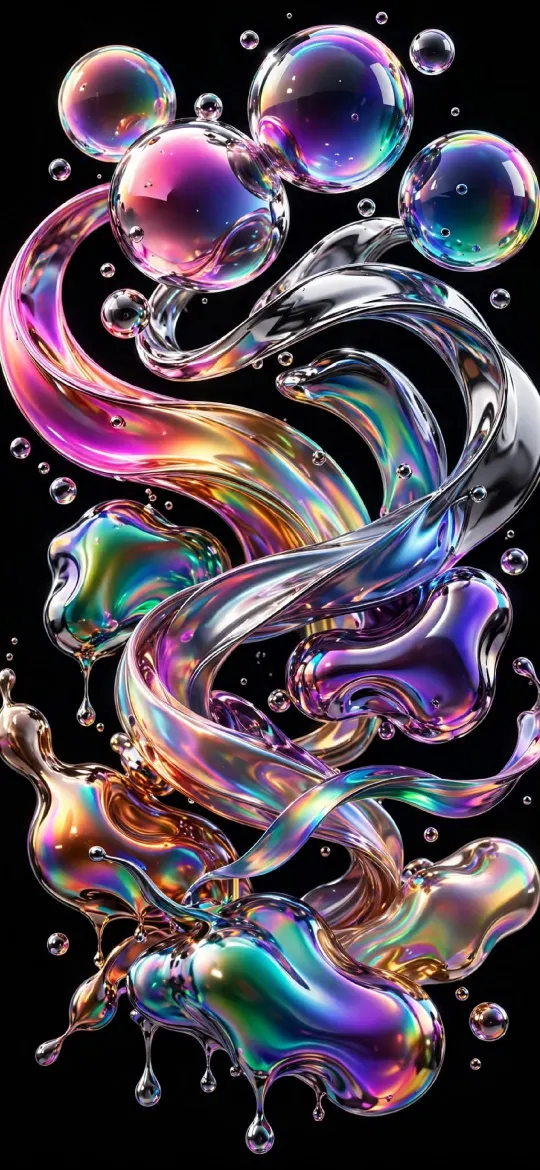 Holographic Chrome Bubbles Ribbons
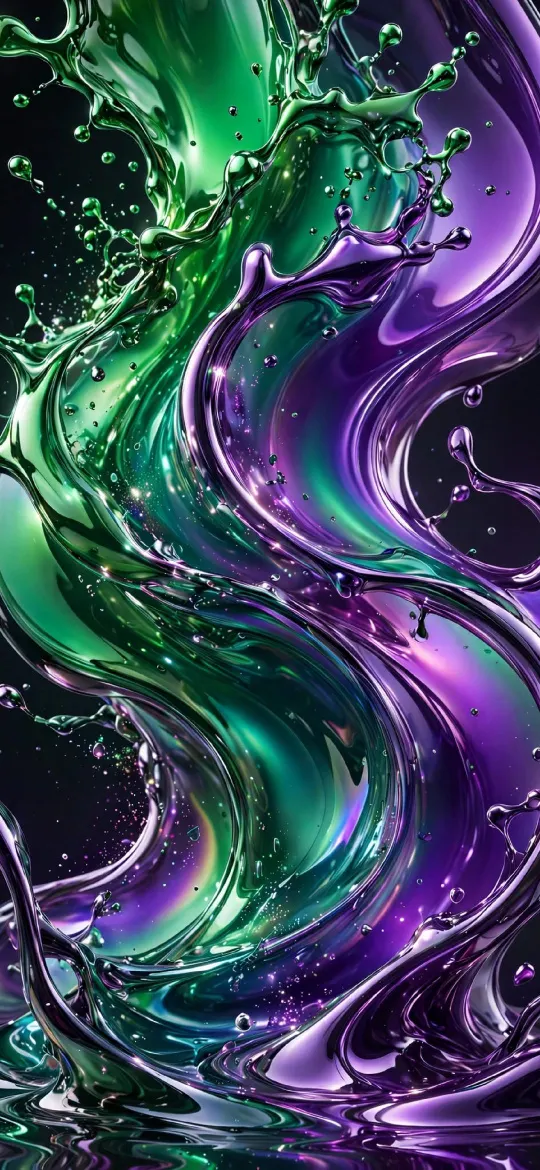 Green Purple Liquid Chrome Splash
How do Depth Effect and spatial scenes add to a 3D wallpaper?
Depth Effect lets part of the wallpaper sit in front of the clock, and a spatial scene turns a suitable image into layered 3D on the Lock Screen. Both add a real layer of depth on top of the depth already rendered into the image.
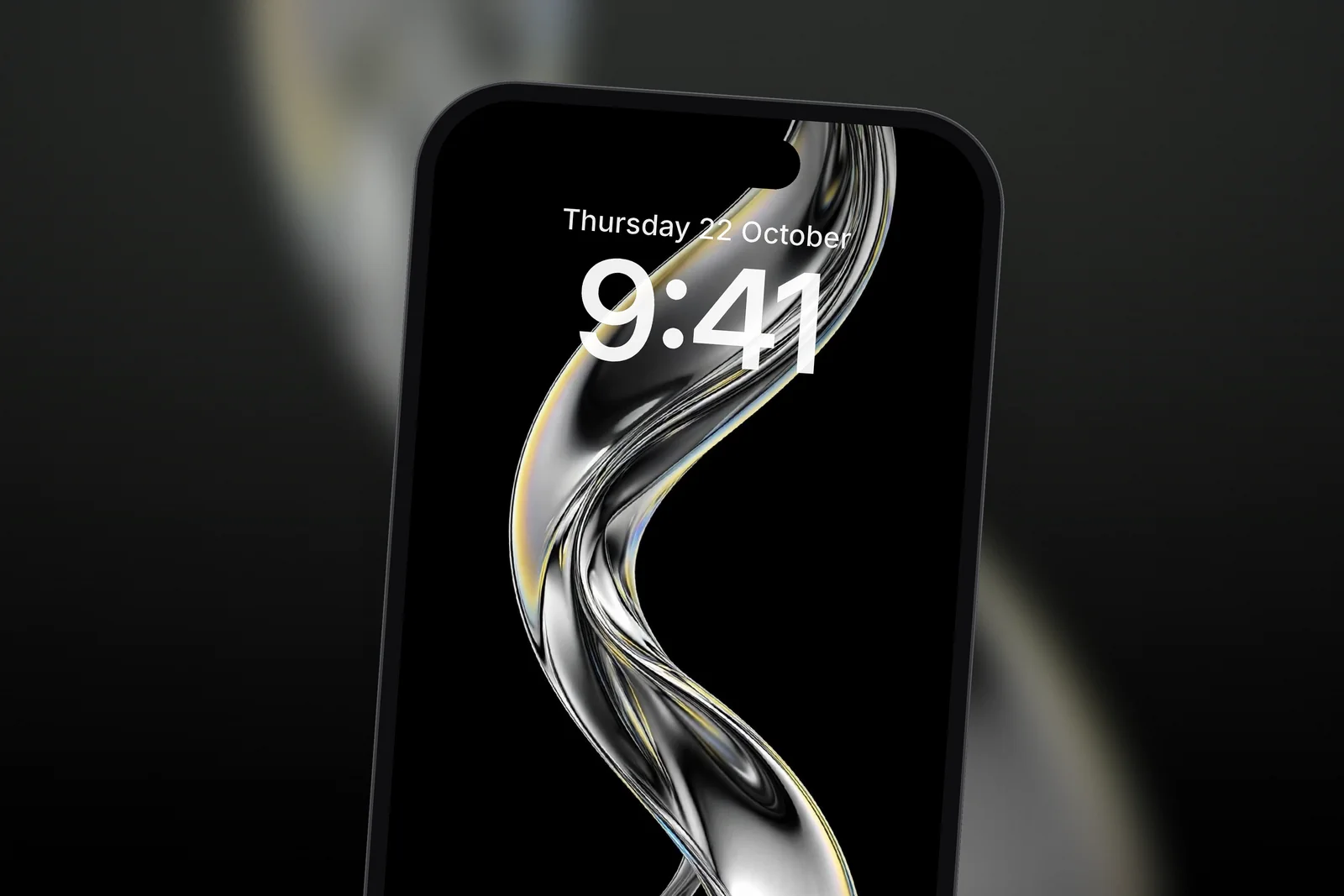
Depth Effect has been part of the iPhone Lock Screen editor since iOS 16. It detects a clear subject in a picture and places it over the time. It needs a well-defined subject, such as a chrome ribbon rising through the top of the frame, and Apple notes that layering may not be available if the subject is too high, too low or would cover too much of the clock. While customising the Lock Screen, choose Depth Effect when the picture supports layering. Abstract renders are less predictable than portraits, so try a few framings by pinching and dragging.
Spatial scenes are the newer option. On iPhone 12 and later with iOS 26 or later, go to Settings → Wallpaper → Add New Wallpaper → Photos, and either open the Spatial Scene tab at the end of the top bar or pick your own image and tap the Spatial Scene button if it appears. Apple says eligible photos usually have good lighting and a clear separation between subject and background, which a single chrome shape on black often has. The 3D effect shows on the Lock Screen only. For more on the first feature, read our guide to Depth Effect wallpapers and how to fix them.
Glass and soft 3D: the calmer side of the style
Glass and soft-sculpted 3D wallpapers suit people who want depth without the shine of chrome. Frosted glass tiles and translucent prisms give a light, airy feel with soft edges, and sculpted two-tone curves look like folded fabric or ceramic. They pair well with lots of widgets because the surfaces are smooth and low in contrast.
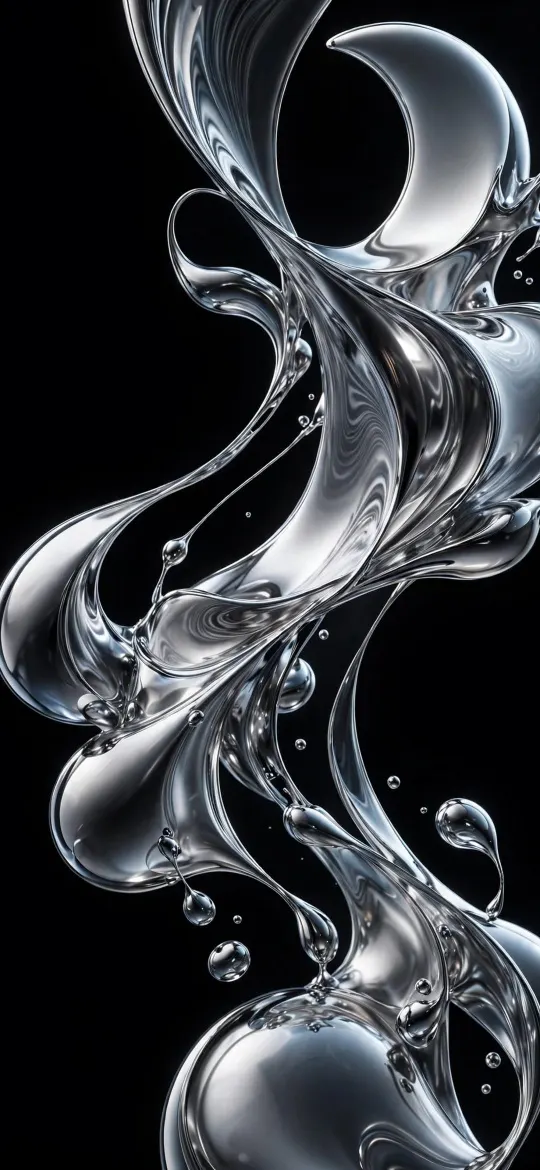 Dynamic Liquid Glass Chrome Splash OLED
 Frosted Glass Tiles
 Translucent Prism
 Cream Brown Minimalist
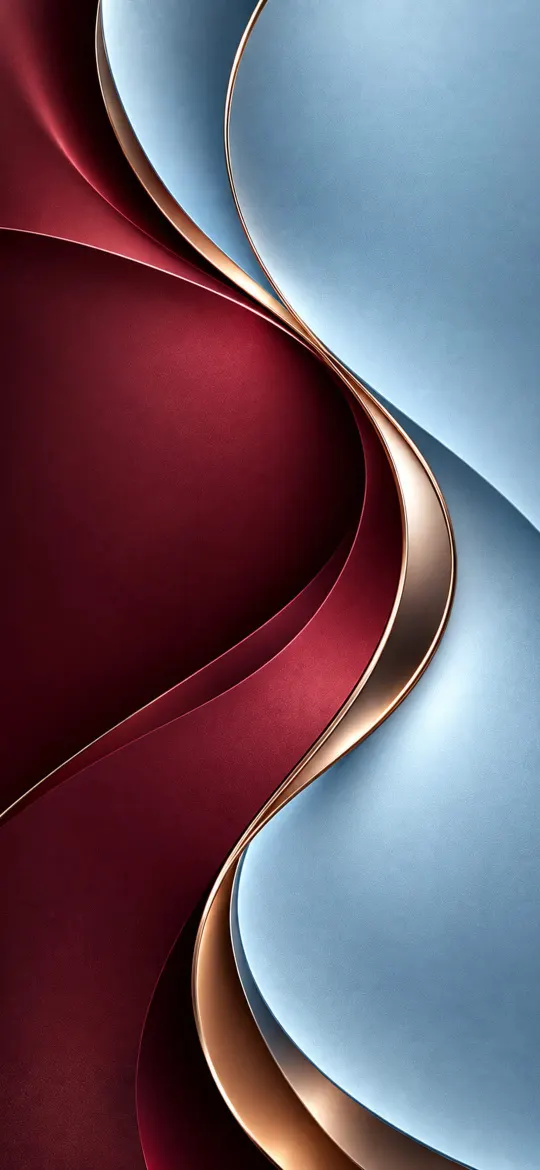 Burgundy Light Blue
How do I choose a 3D wallpaper that fits my Lock Screen?
Choose a 3D wallpaper by where the object sits and how dark the background is. The clock occupies the top part of the screen and the flashlight and camera buttons sit at the bottom corners, so the object should live in the middle or lower-middle of the frame.
- Keep the top third mostly background. A chrome splash right behind the time makes both hard to read.
- On an OLED iPhone, choose pure black backgrounds for the strongest floating effect; see the best true-black wallpapers for more.
- Match the clock colour to a highlight in the render, such as the blue or violet of a chrome swirl.
- Download the size for your model, or the 2160 × 3840 universal file. On iPhonesWallpaper, every wallpaper is cut to the exact screen size of every iPhone model, so reflections stay crisp.
Read next: Abstract Wallpaper for iPhone: Fluid, Glass, Geometric and Line Art and Depth Effect Wallpaper on iPhone: How It Works and How to Fix It.
Quick answers
Are there real 3D wallpapers that move on iPhone?
A still 3D wallpaper does not move. For motion, set a Live Photo that can play in slow motion: iOS plays it when the phone wakes. If wallpaper effects seem to be missing, check that Reduce Motion is off in Settings → Accessibility → Motion.
What is a liquid chrome wallpaper?
A liquid chrome wallpaper is a 3D render of flowing, mirror-like metal, often shaped into splashes, ribbons or bubbles. It looks best on a black background, where the bright reflections stand out.
Why does my 3D wallpaper look blurry on iPhone?
A 3D wallpaper looks blurry when the file is smaller than the screen and iOS stretches it, or when you zoom in heavily in the Lock Screen editor. Use the exact size for your model, such as 1320 × 2868 for the iPhone 18 Pro Max, 17 Pro Max and 16 Pro Max, or the 2160 × 3840 4K file.
Do 3D wallpapers work with Depth Effect?
Yes, if the image has one clear subject that overlaps the bottom of the clock without hiding too much of it. Abstract chrome and glass renders work less reliably than photos of people or animals, so try a few framings.
How do I make a 3D spatial wallpaper on iPhone?
On iPhone 12 or later with iOS 26 or later, go to Settings → Wallpaper → Add New Wallpaper → Photos and open the Spatial Scene tab, or pick a photo and tap the Spatial Scene button. Only eligible photos get the effect, and it shows on the Lock Screen only.
Sources
- Change your iPhone wallpaper, Apple Support
- Create a custom iPhone Lock Screen, Apple Support
- About the Super Retina display and Super Retina XDR display on your iPhone, Apple Support