A good autumn wallpaper leans on three colours: amber, rust and gold. Golden-hour landscapes, turning trees and warm minimal textures all work, on a phone or a desktop, because those mid-dark warm tones sit comfortably behind a white clock and white icons. Below are seasonal picks for iPhone, Mac, PC and iPad, with tips for making each one look its best.
In short
- Pick amber, rust, gold and warm brown, and keep to two or three of them in one picture.
- On a phone, keep sky or soft texture at the top for the clock and the bright part of the scene lower down.
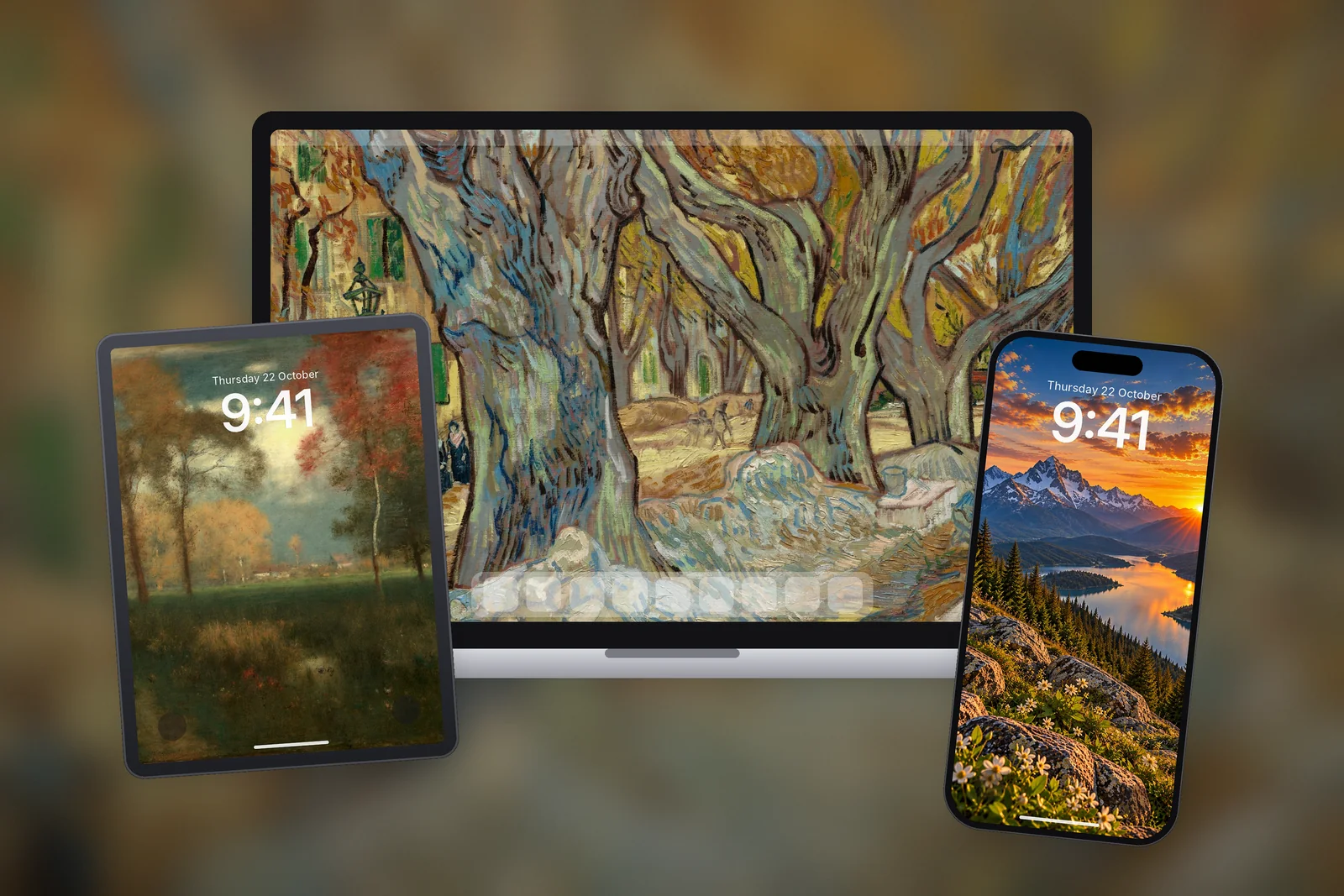
- On a desktop, wide landscapes such as tree avenues and valleys work best; on iPad, scenes spread across the whole frame survive rotation.
- Rotate a few through the season: on a Mac add a folder in Wallpaper settings, on Windows use Slideshow.
Why do autumn colours work so well on screens?
Autumn palettes are not just seasonal decoration. They happen to suit the way phones and computers display wallpapers.
- White text stays readable. Amber, rust and brown are mid to dark in tone, so the white Lock Screen clock, notifications and Home Screen labels have strong contrast without the picture needing to be black.
- They hold up under warm display modes. Night Shift on iPhone and Mac, and Night light on Windows, push the screen towards orange in the evening. Blue and purple wallpapers turn muddy under that tint; autumn colours barely change.
- They are easy on the eyes. Warm, low-saturation tones feel softer than bright neon or pure white, which matters for a screen you look at many times a day.
- They match the light outside. When the evenings draw in, a screen full of dusk and golden leaves feels in tune with the season rather than out of place.
The aesthetic people search for usually comes in two styles: golden-hour landscapes (low sun, long shadows, glowing valleys) and quiet warm minimalism (cream, terracotta and brown in simple shapes). Both work; the first suits a Lock Screen, the second suits a busy Home Screen.
Autumn wallpapers for iPhone
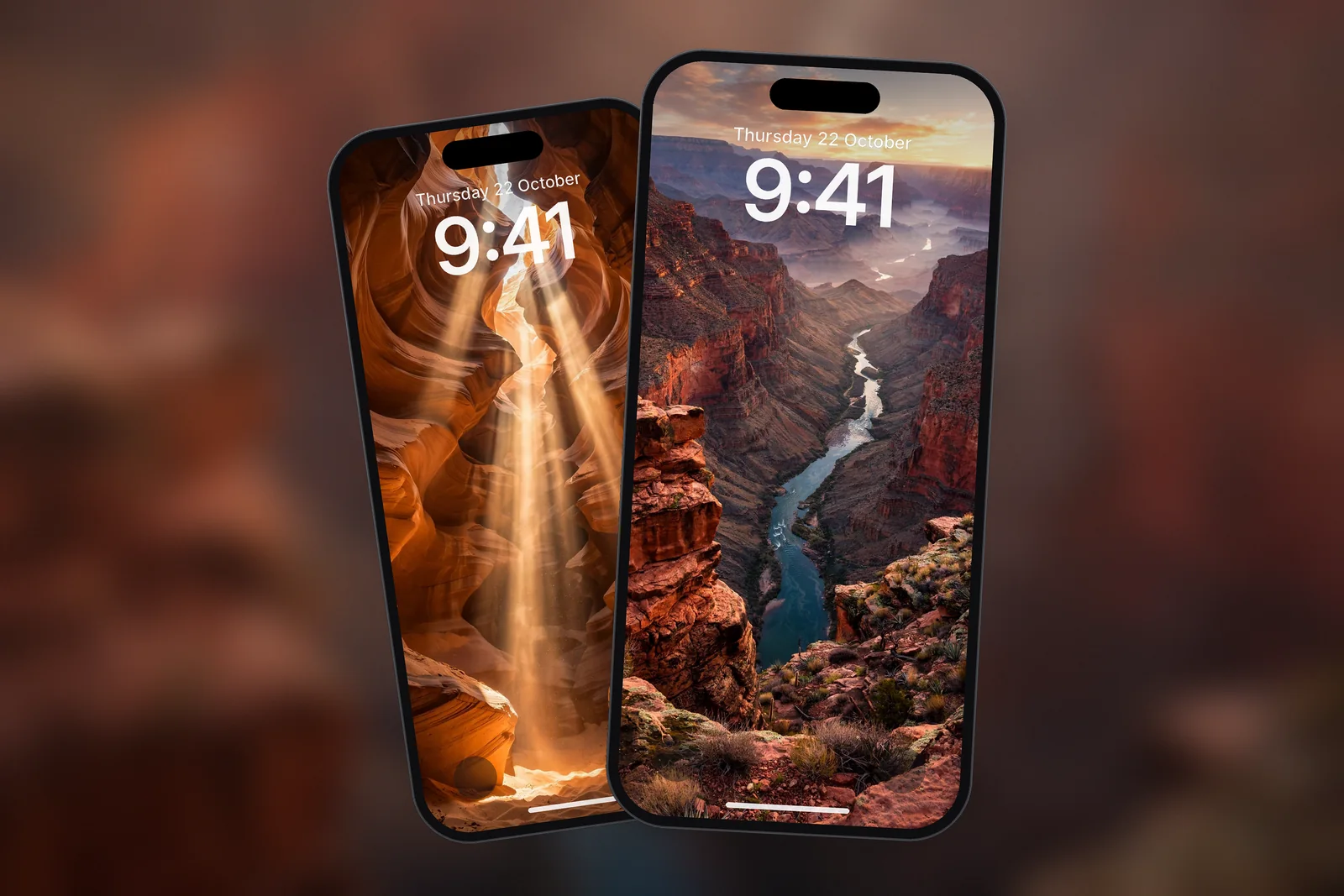
For the Lock Screen, pick a picture with a calm band at the top where the clock sits, such as sky or soft texture, and keep the brightest part of the scene lower down. Sunsets over mountains and canyons do this naturally.
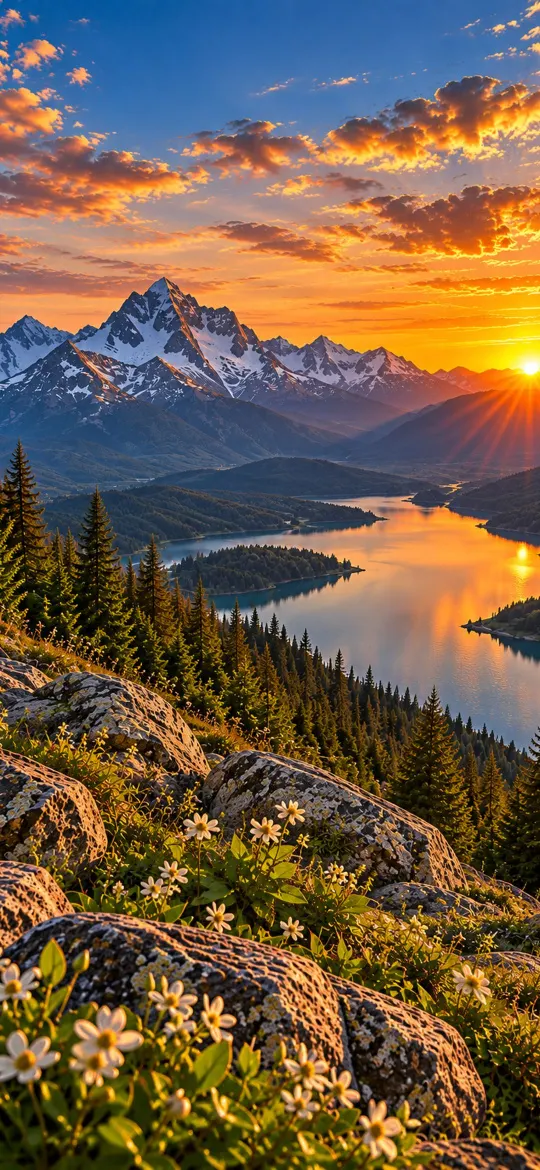 Mountain Lake Sunset
 Grand Canyon River Gorge Sunset
 Antelope Canyon Sunbeams Red Rock
 Beige Crimson Luxury
 Cream Brown Minimalist
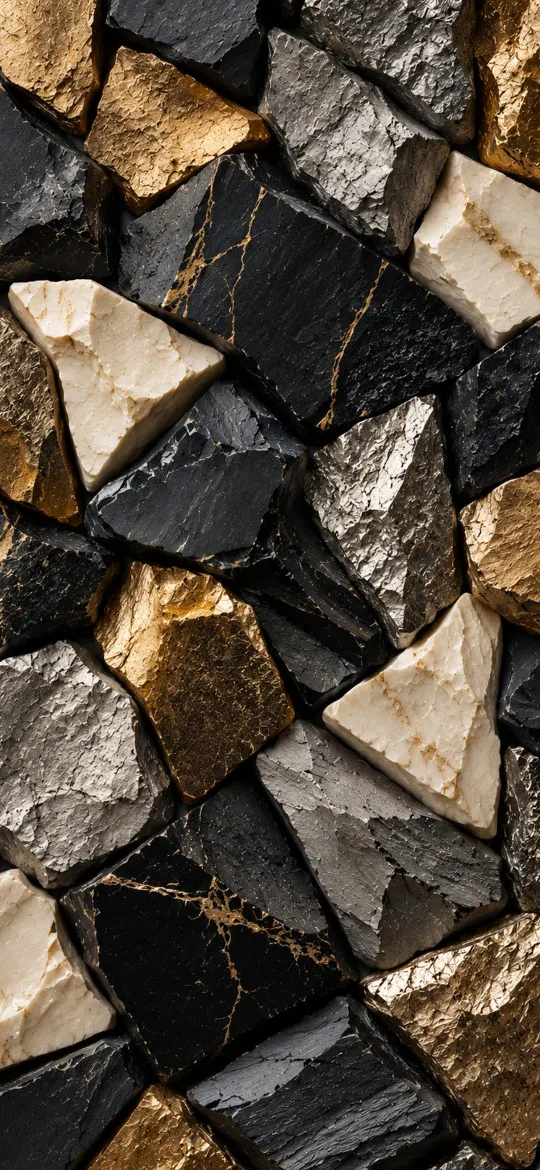 Luxury Black Gold Abstract Texture
The two minimal designs at the end of that set make good Home Screen partners for the landscapes. The gold-on-black texture is a nice middle ground if you have an OLED iPhone: the black areas stay truly dark, and the gold picks up the warmth of the season. More in the same colour family is collected under the gold wallpapers tag and the sunset wallpapers tag.
Autumn wallpapers for Mac and PC
On a desktop, autumn pictures do their best work as wide landscapes: avenues of turning trees, rolling valleys in evening light and rivers catching the last of the sun. Wide scenes give your windows somewhere calm to sit while the colour stays visible at the edges.
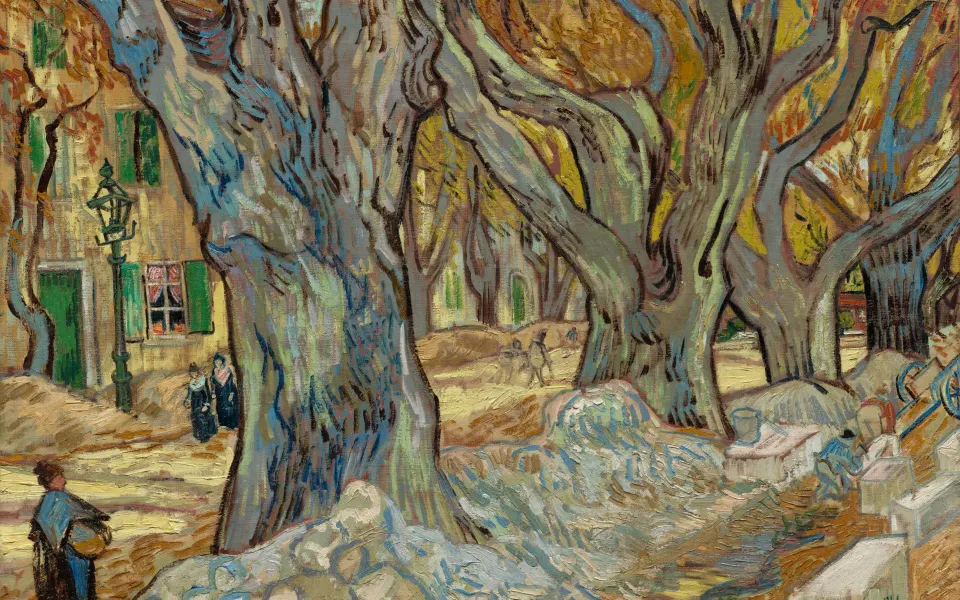



These come cut to exact MacBook Air, MacBook Pro and iMac sizes in the Mac wallpaper section. The same pictures are in the PC wallpaper section at 1080p, 1440p, 4K, 16:10 laptop and 3440 × 1440 ultrawide sizes.
On a Mac, put a few in one folder, then open System Settings → Wallpaper, scroll to Your Photos, click Add Photo → Choose Folder and pick it; Wallpaper settings can then shuffle through the pictures for the season. On Windows, put them in one folder and choose Slideshow under Settings → Personalisation → Background.
Autumn wallpapers for iPad
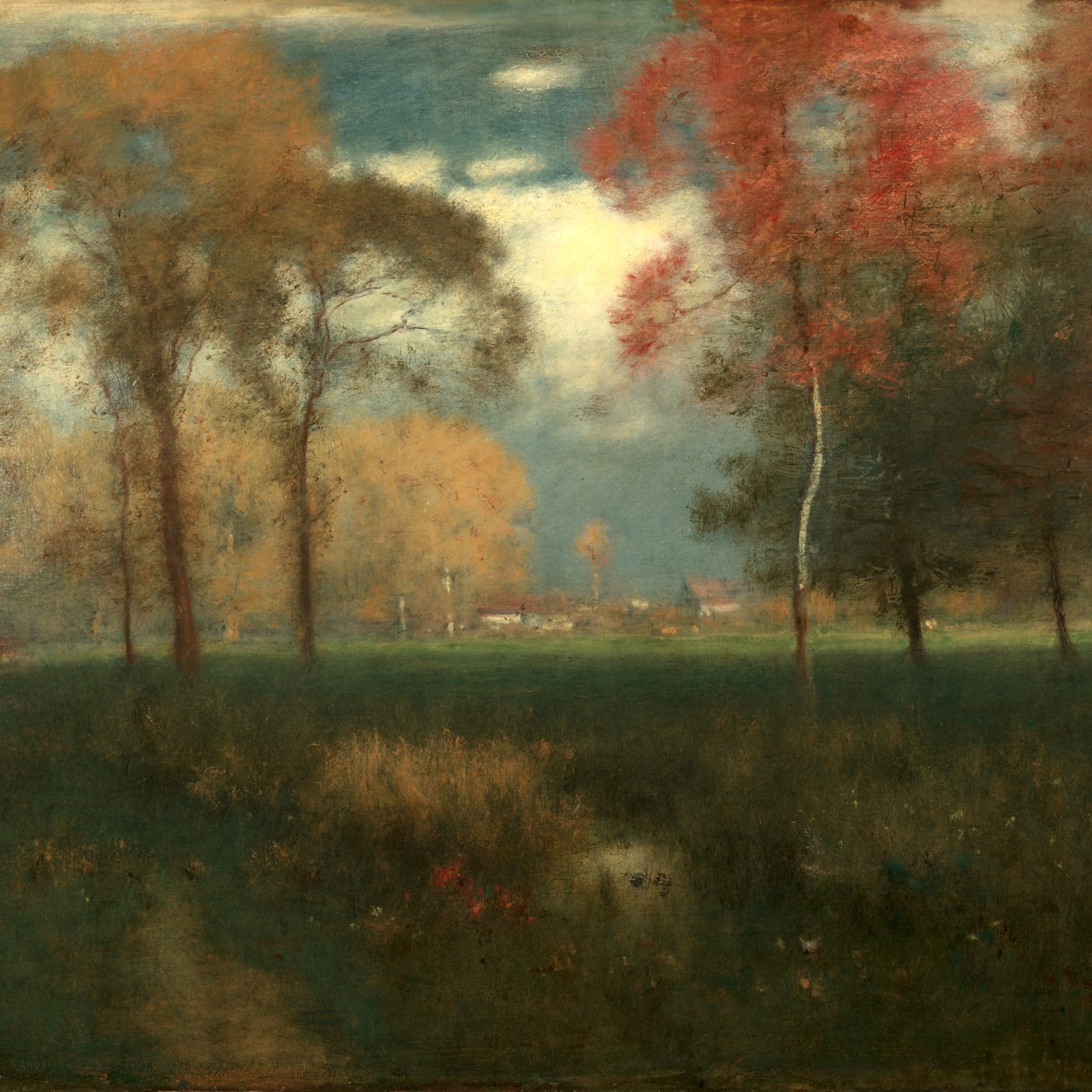
iPad wallpapers rotate with the device, so they need to look right in portrait and landscape. Scenes with the interest spread across the frame, like a meadow or a valley, survive the turn much better than a single tall subject.
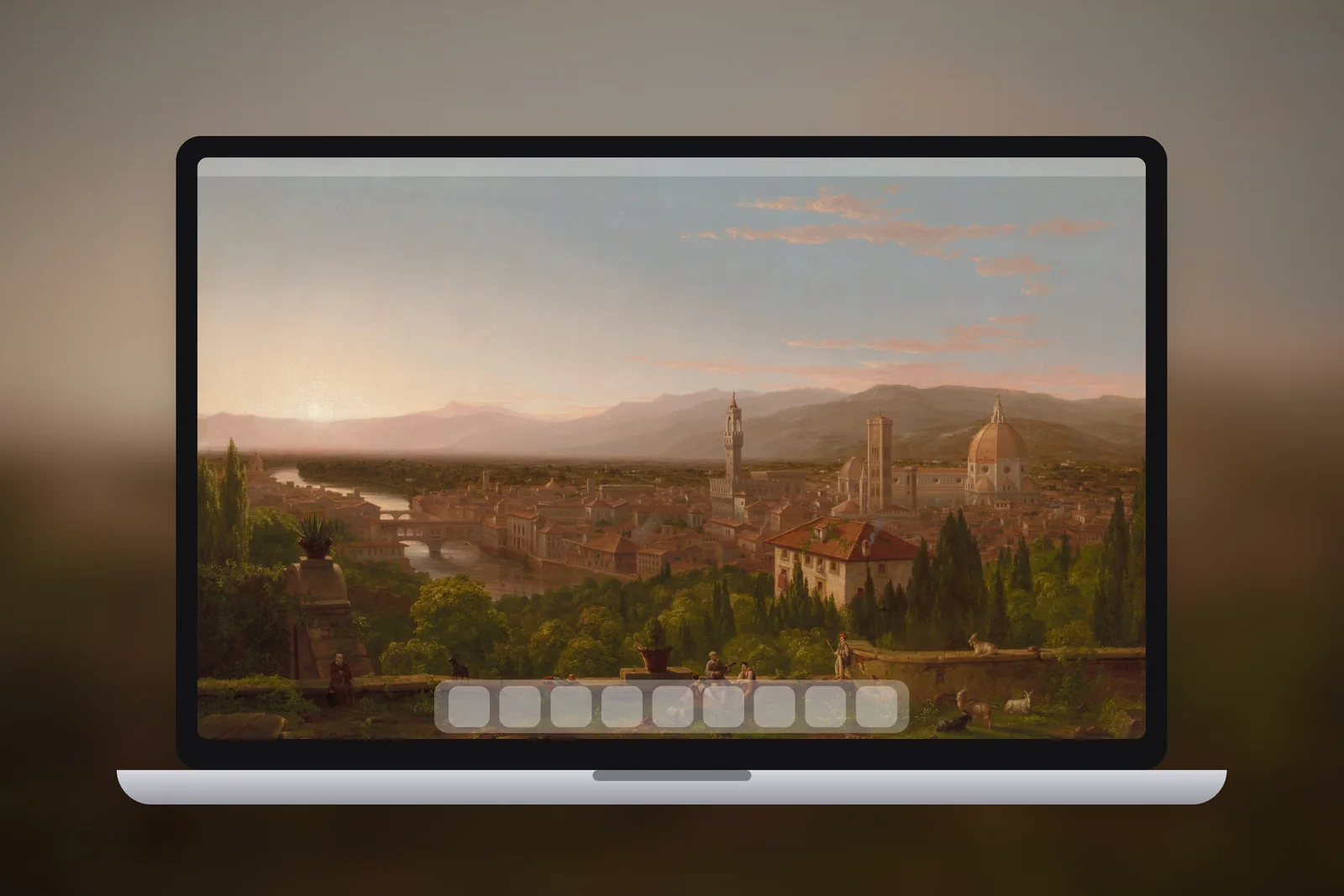


You will find more seasonal landscapes cut to every current iPad size among the nature wallpapers for iPad.
How to choose and set an autumn wallpaper
- Pick one tone and stick to it. A screen with amber sky, rust leaves and gold light hangs together; add a bright blue lake and it starts to look busy.
- Check where your text goes. On a phone that is the clock at the top and the app labels across the middle; on a desktop it is your icons and the taskbar or Dock.
- Download the exact size. A file made for your screen shows pixel for pixel, so leaves and textures stay crisp instead of soft.
- Pair Lock and Home Screens. Use a landscape on the Lock Screen and a plain warm texture from the same palette on the Home Screen, so the two feel connected.
Autumn photos tend to be darker and more detailed than summer ones, so a blurred Home Screen often looks better than the full picture. When you customise the Home Screen side of a wallpaper pair, the blur option softens the leaves into a warm wash that keeps app labels easy to read.
Read next: 10 Aesthetic iPhone Wallpaper Ideas That Work on a Lock Screen and Home Screen Wallpaper Ideas That Keep Your Apps Readable.
Quick answers
What colours make a good autumn wallpaper?
Amber, rust, burnt orange, deep red, gold and warm brown. Keep to two or three of them in one picture so it feels calm rather than busy.
Is an autumn wallpaper on iPhone hard to read?
Usually not. Warm autumn tones are mid to dark, so the white clock stands out. If the top of the picture is bright, move it down a little with a pinch and drag, or pick a scene with a darker sky.
What is the difference between autumn and fall wallpaper?
None. Autumn is the usual word in British English and fall in American English; both describe the same warm seasonal colours.
How do I make my wallpaper change automatically through autumn?
On a Mac, add a folder of autumn pictures under System Settings → Wallpaper → Your Photos → Add Photo → Choose Folder and set it to shuffle. On Windows, choose Slideshow next to Personalise your background and point it at the folder.
What size autumn wallpaper do I need for iPad?
A square file that matches the longest side of your screen, such as 2360 × 2360 for an iPad Air 11-inch or iPad (A16), or 2752 × 2752 for a 13-inch iPad Pro. A square fills the screen in portrait and landscape.
Sources
- Customize the wallpaper on your Mac, Apple Support
- How to Make Your Windows Computer Aesthetic, Microsoft
- Change the wallpaper on iPhone, Apple Support
- iPad Air - Technical Specifications, Apple