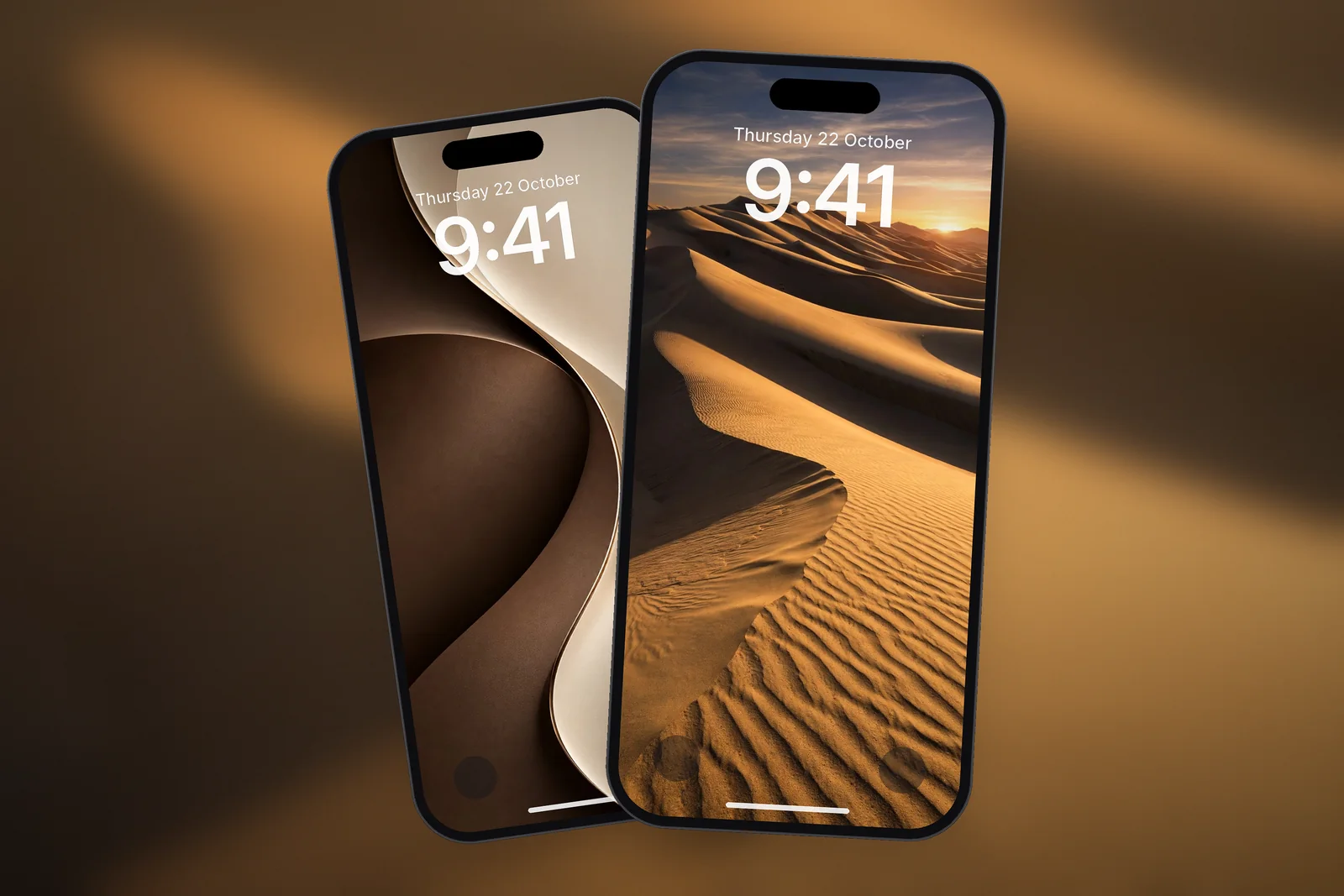
On iPhone, a desert wallpaper works best when smooth sand or open sky fills the top third of the screen, where the Lock Screen clock and widgets sit, and the dune ridges or canyon walls carry the detail lower down. Download it at your model's exact size, such as 1206 × 2622 for iPhone 17 Pro, or the 4K file at 2160 × 3840.
In short
- Sand dunes are made of soft curves and even tones, so they sit behind a Lock Screen clock better than most landscapes.
- Canyon photos have strong light and shadow; place the bright beam or opening away from the clock.
- Desert palettes are warm neutrals: beige, sand, ochre, rust and soft orange. A dark brown or white clock reads well on most of them.
- For a minimal look, choose one dune ridge on a plain sky rather than a wide view with many layers.
- On iPhonesWallpaper every iPhone wallpaper is cut to 15 exact iPhone screen sizes plus a universal 4K file (2160 × 3840).
Why do sand dunes make good iPhone wallpapers?
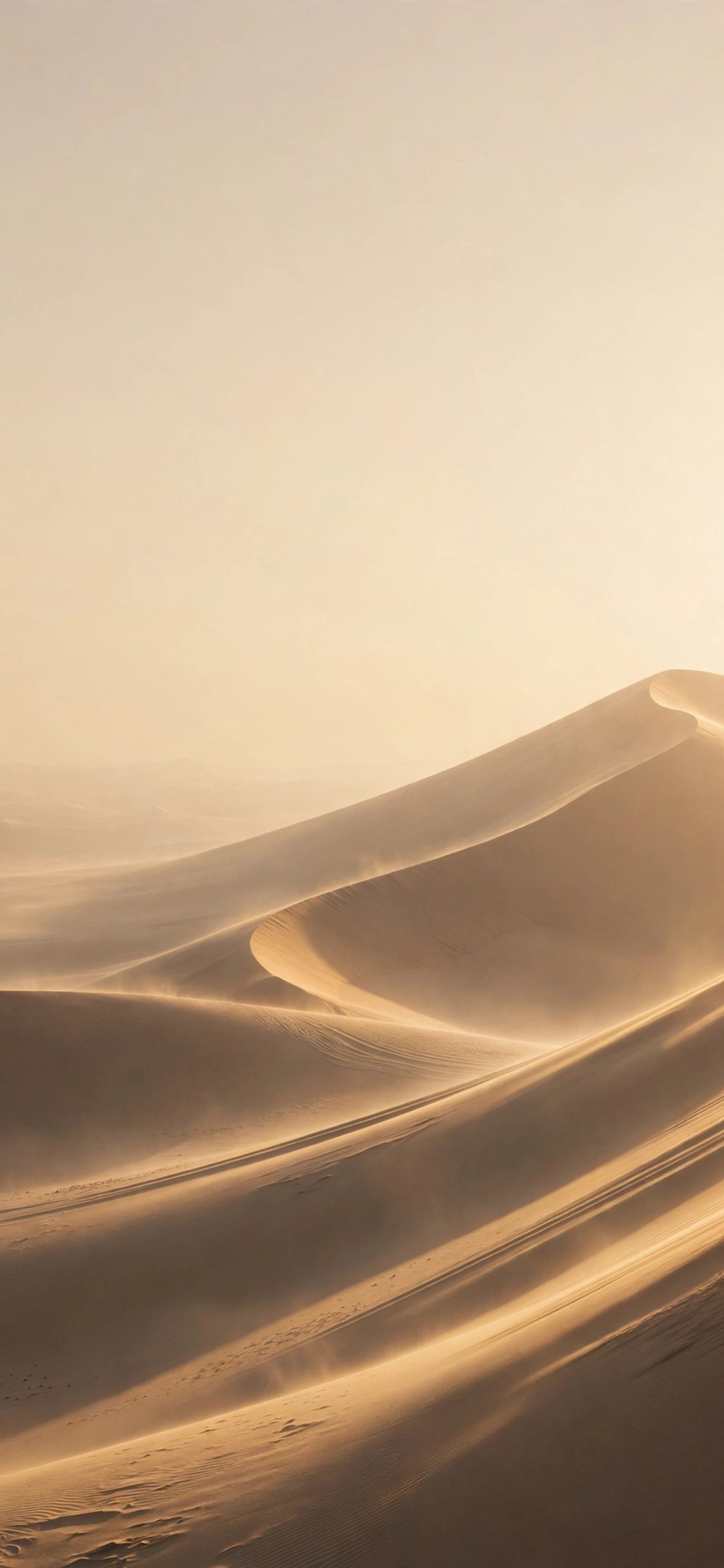
Sand dunes make good wallpapers because they are mostly empty space. A dune field is a few long curves, one direction of light and a narrow range of colour. That gives iOS large calm areas to place the clock and widgets on, and it keeps app icons readable on the Home Screen.
The curves also lead the eye. A ridge that sweeps from the bottom corner up towards the middle of the screen pulls attention through the picture without crowding the top. Look for photos taken in low sun, at golden hour, when one side of each dune is lit and the other falls into soft shadow.
Golden hour is the hour or so after sunrise and before sunset when the sun is low and the light is warm. In desert photos it adds the orange glow and long shadows that make sand look three-dimensional.
Desert and canyon wallpapers on the site
The site currently has four desert scenes: two dune fields at golden hour, a slot canyon with light beams and a canyon gorge at sunset. That is a small set, so the second group further down offers warm neutral minimal wallpapers that give the same sandy feel. All of them are tagged under desert wallpapers or sit in the nature category.
 Golden Hour Desert Dunes
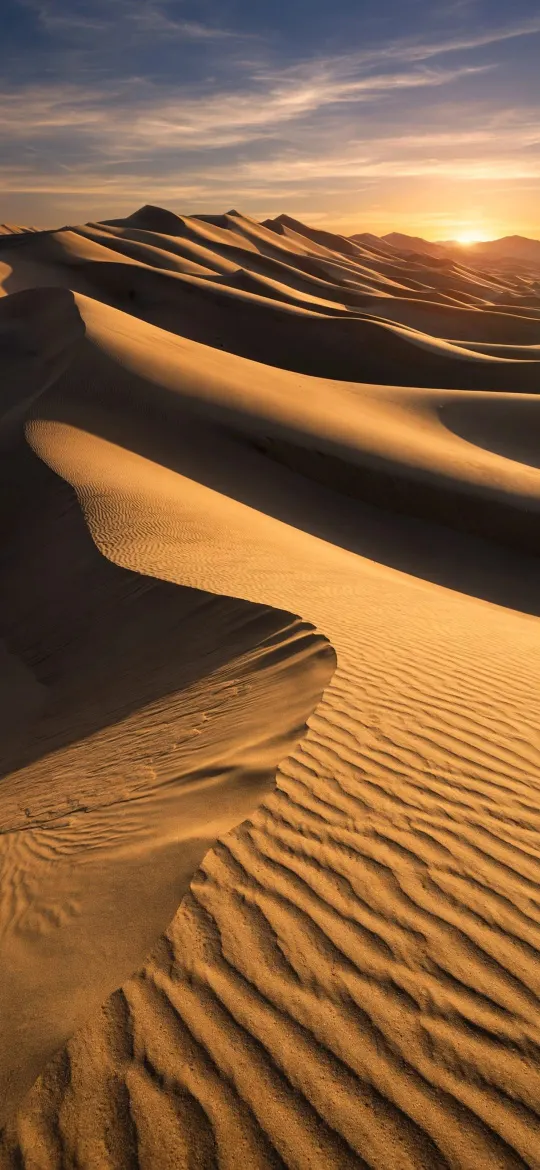 Golden Desert Sand Dunes at Sunset
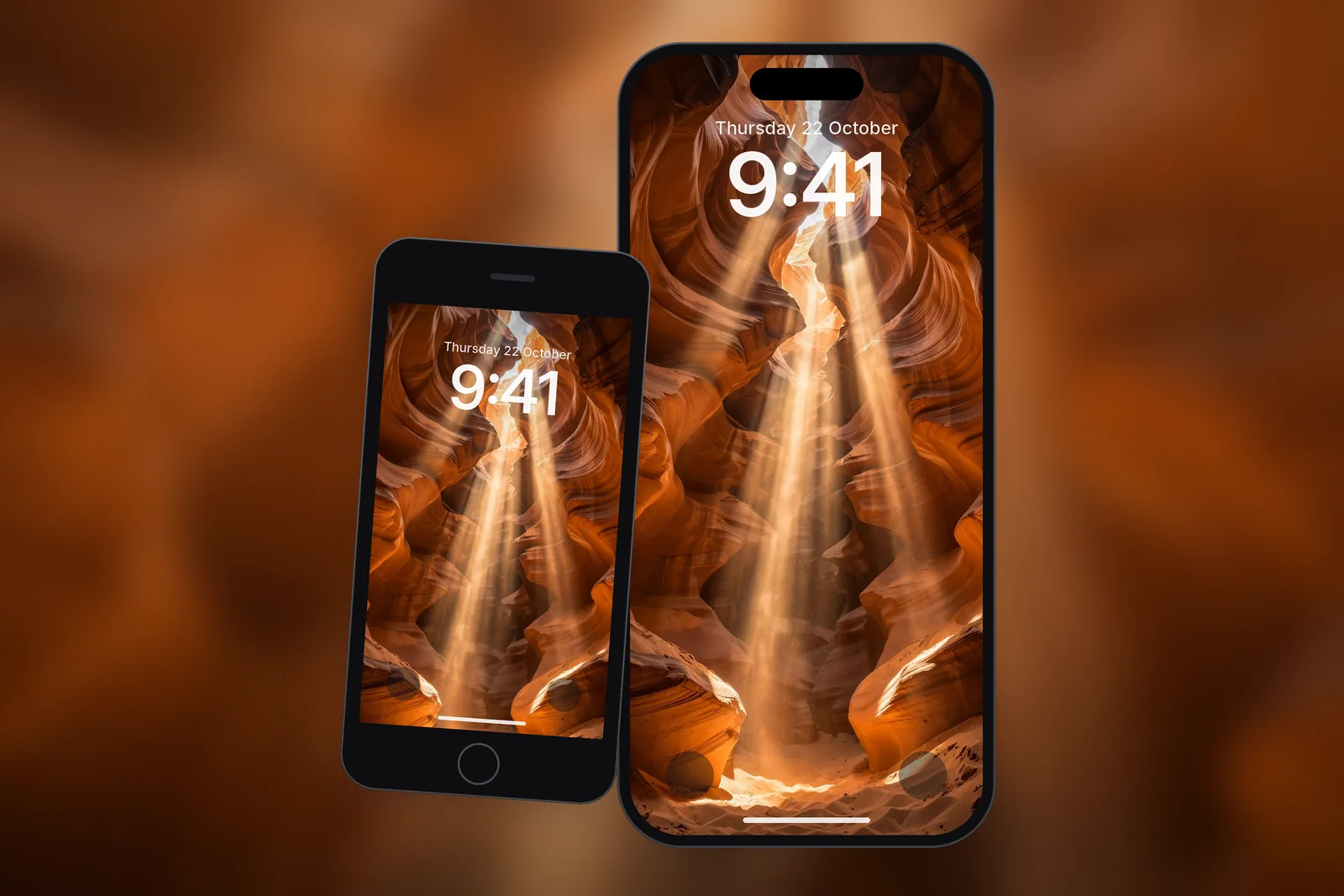
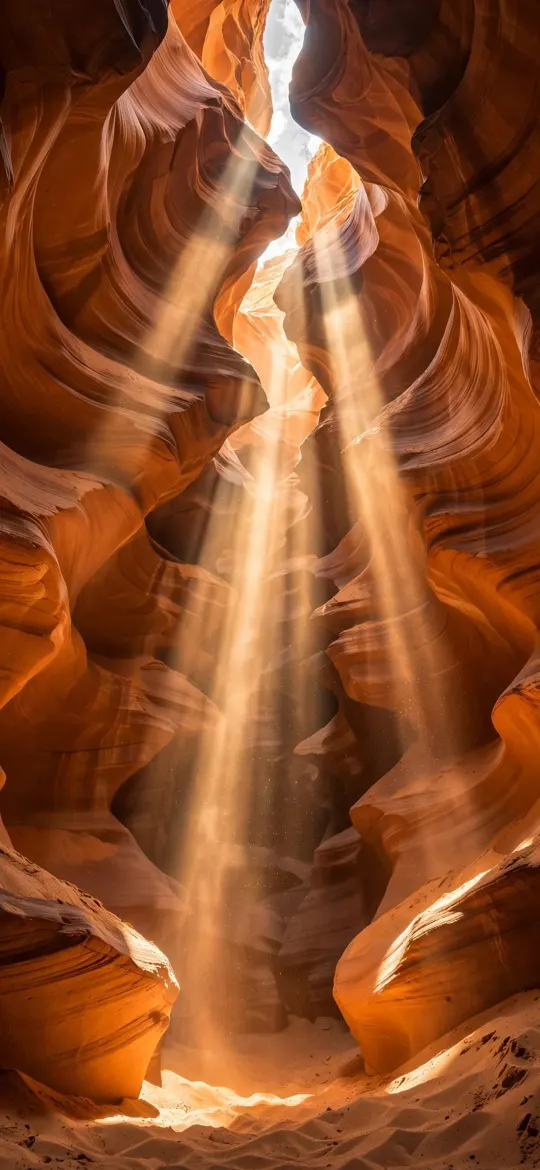 Antelope Canyon Sunbeams Red Rock
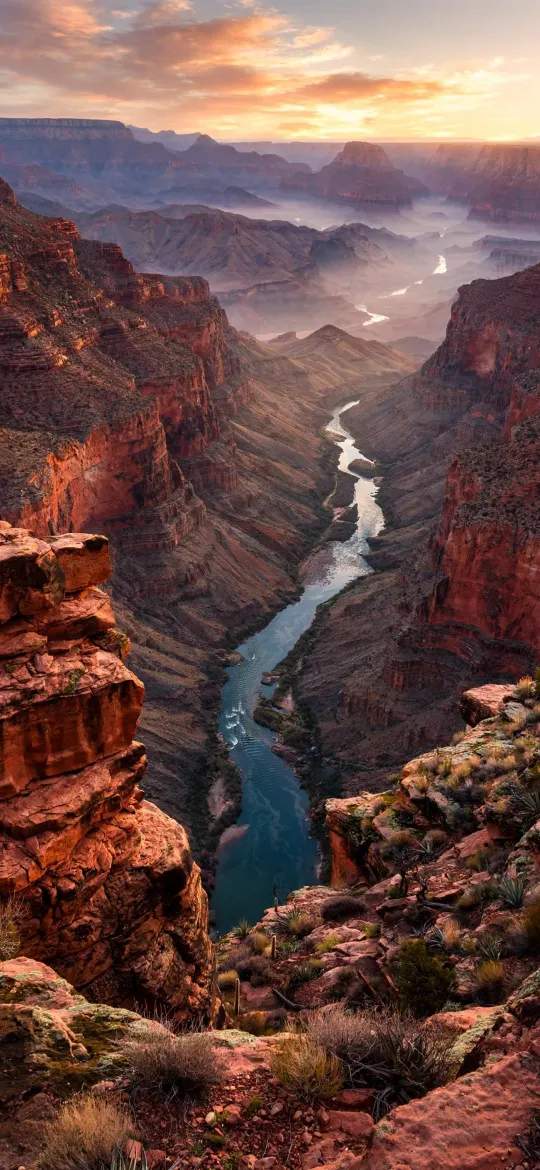 Grand Canyon River Gorge Sunset
Dunes or canyons: which suits your Lock Screen?
Dunes suit a Lock Screen with widgets; canyons suit one where the picture is the main event. Canyon walls are textured from edge to edge and often have a single blazing beam of light, which looks dramatic but leaves less quiet space for the time.
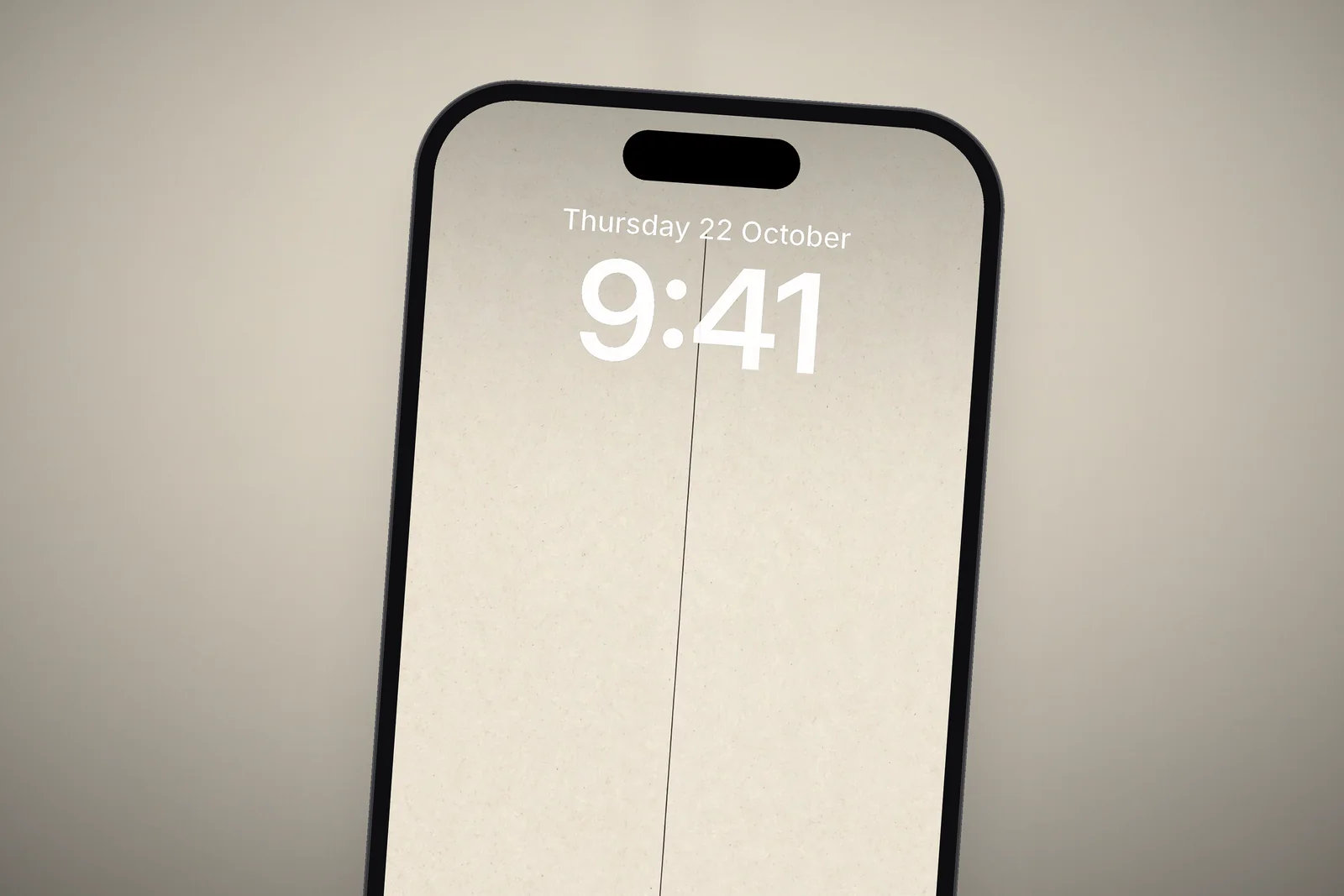
| Desert style | Main colours | Detail level | Best use on iPhone |
|---|---|---|---|
| Single dune ridge | Beige, sand, pale sky | Low | Lock Screen with a full row of widgets, minimal setups |
| Dune field at sunset | Gold, orange, deep shadow | Medium | Lock Screen with clock in the sky |
| Slot canyon with light beam | Red rock, orange, black | High | Lock Screen with no widgets, or Home Screen |
| Canyon gorge at sunset | Red, rust, purple | High | Home Screen with a blurred copy |
| Beige textured minimal | Cream, sand, brown line | Very low | Both screens, readable icons |
How do I pick a warm neutral palette that stays readable?
Pick a wallpaper where the area behind the clock is one even tone, then choose a clock colour from the opposite end of the brightness scale. Light sand needs a dark clock; a dark shadowed dune needs a white one. Long-press the Lock Screen, tap Customise, tap the clock and choose a colour; a shade picked from the sand or rock itself ties the time to the picture.
- Beige and cream backgrounds: use a dark brown or charcoal clock.
- Orange and gold dunes: a white clock reads well if the sky is deep enough; otherwise pick dark brown.
- Red rock canyons: white, or a pale peach taken from the lit rock.
- Keep widgets to one style (all small or both rectangular) so the row looks tidy against the sand.
Warm neutrals are also the base of most minimalist setups. If you like that look, our guide to minimalist wallpaper for iPhone covers how to keep widgets readable on plain backgrounds, and the autumn wallpaper picks share the same amber and rust tones.
Minimal alternatives with the same desert feel
A minimal wallpaper here means a plain textured background with one simple shape on it. These beige and cream designs borrow the desert palette without the photo detail, so they work with any widget layout and look tidy on both the Lock Screen and the Home Screen.
 Wabi Sabi Beige Textured Minimal
 Minimalist Arch Curve on Beige Textured Paper
 Cream Brown Minimalist
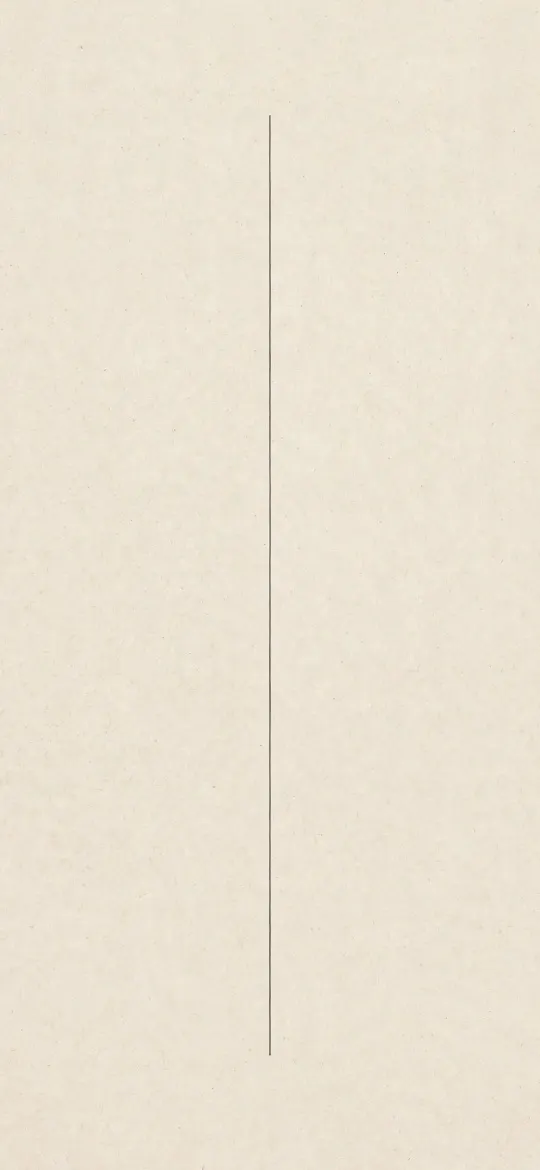 Minimalist Vertical Fine Line on Cream Paper
Which size should I download for a desert wallpaper?
Download the exact size for your iPhone when you want the dune framed as it was designed, and the 4K file when you want room to crop. Sand texture shows softness quickly, so avoid enlarging a small image.
| iPhone model | Size (pixels) |
|---|---|
| iPhone 18 Pro Max / 17 Pro Max / 16 Pro Max | 1320 × 2868 |
| iPhone 18 Pro / 17 Pro / 17 / 16 Pro | 1206 × 2622 |
| iPhone 16 Plus / 15 Plus / 15 Pro Max / 14 Pro Max | 1290 × 2796 |
| iPhone 16 / 15 / 15 Pro / 14 Pro | 1179 × 2556 |
| iPhone SE (2nd and 3rd gen) / 8 / 7 | 750 × 1334 |
| Any phone | 2160 × 3840 (4K universal) |
To set it, save the image to Photos (long-press it in Safari and tap Save to Photos), then go to Settings → Wallpaper → Add New Wallpaper → Photos. Pinch to zoom and drag with two fingers so the ridge line sits below the widget row, then tap Add.
Read next: Beach Wallpaper for iPhone: Sea, Coast and Calm Water Picks and Autumn Wallpaper: Amber, Rust and Gold Picks for Every Screen.
Quick answers
What is a good desert wallpaper for iPhone?
A good desert wallpaper for iPhone has plain sand or sky behind the clock and the dune ridge or canyon detail in the lower half. A single dune at golden hour is the easiest choice if you use Lock Screen widgets.
Is there a 4K desert wallpaper for phones?
Yes. Every iPhone wallpaper on the site, including the dune and canyon scenes, has a 2160 × 3840 file that fits any phone, alongside 15 exact iPhone sizes.
What clock colour goes with a beige wallpaper?
Dark brown or charcoal reads best on beige and cream. Tap the clock in the Lock Screen editor and pick a dark tone, ideally one taken from the shadows in the photo.
Why does my sand dune wallpaper look blurry?
The image is probably smaller than your screen and has been enlarged. Sand texture shows this quickly, so download the size for your exact model or the 4K file.
How do I move a dune wallpaper lower on my Lock Screen?
Touch and hold the Lock Screen, tap Customise, then pinch open to zoom in slightly and drag the image down with two fingers until the ridge sits below the widgets. Pinch closed to zoom back out. Start from the 4K file so zooming stays sharp.
Sources
- Create a custom iPhone Lock Screen, Apple Support
- Change your iPhone wallpaper, Apple Support
- iPhone - Compare Models, Apple