A moon wallpaper on iPhone looks best when the moon sits beside or below the clock, not directly behind it, with a dark sky filling the rest of the screen. A small crescent in an upper corner suits a minimal look; a large full moon over mountains or water suits a scenic one. Download the 2160 × 3840 4K file or your exact screen size so stars stay crisp.
In short
- The Lock Screen clock sits in the top part of the screen, so place the moon to one side of it, just below it, or low over a landscape.
- Night sky wallpapers are mostly near-black, so a white clock reads clearly and OLED iPhones switch the black pixels off.
- With Always-On display (Pro models from iPhone 14 Pro on, plus iPhone 17, iPhone Air and iPhone Duo), a dimmed Lock Screen keeps a soft moon glow; turn Show Wallpaper on or off under Settings → Display & Brightness → Always On Display.
- Dark Mode is in Settings → Appearance in iOS 27; a night sky already suits it, and swiping through the editor's colour filters can calm a moon that feels too bright at night.
- Tiny stars disappear when a small image is upscaled, so use the exact size for your model or the 2160 × 3840 file.
Why are moon wallpapers so popular on iPhone?
Moon wallpapers are popular because they combine a single clear subject with a dark, empty sky, which is exactly what a Lock Screen needs. The clock, date and widgets get a calm background, and the moon gives the screen a focal point without clutter.
They also suit how people use phones at night. A dark screen is easier on the eyes in a dim room, and on OLED iPhones a black sky looks truly black rather than dark grey. If you check the time in bed, a moonlit wallpaper feels right in a way a bright beach photo does not.
Where should the moon sit relative to the clock?
The moon should sit beside the clock, below it, or low over the horizon, never squarely behind the digits. A bright disc behind white numbers removes the contrast that makes the time readable.
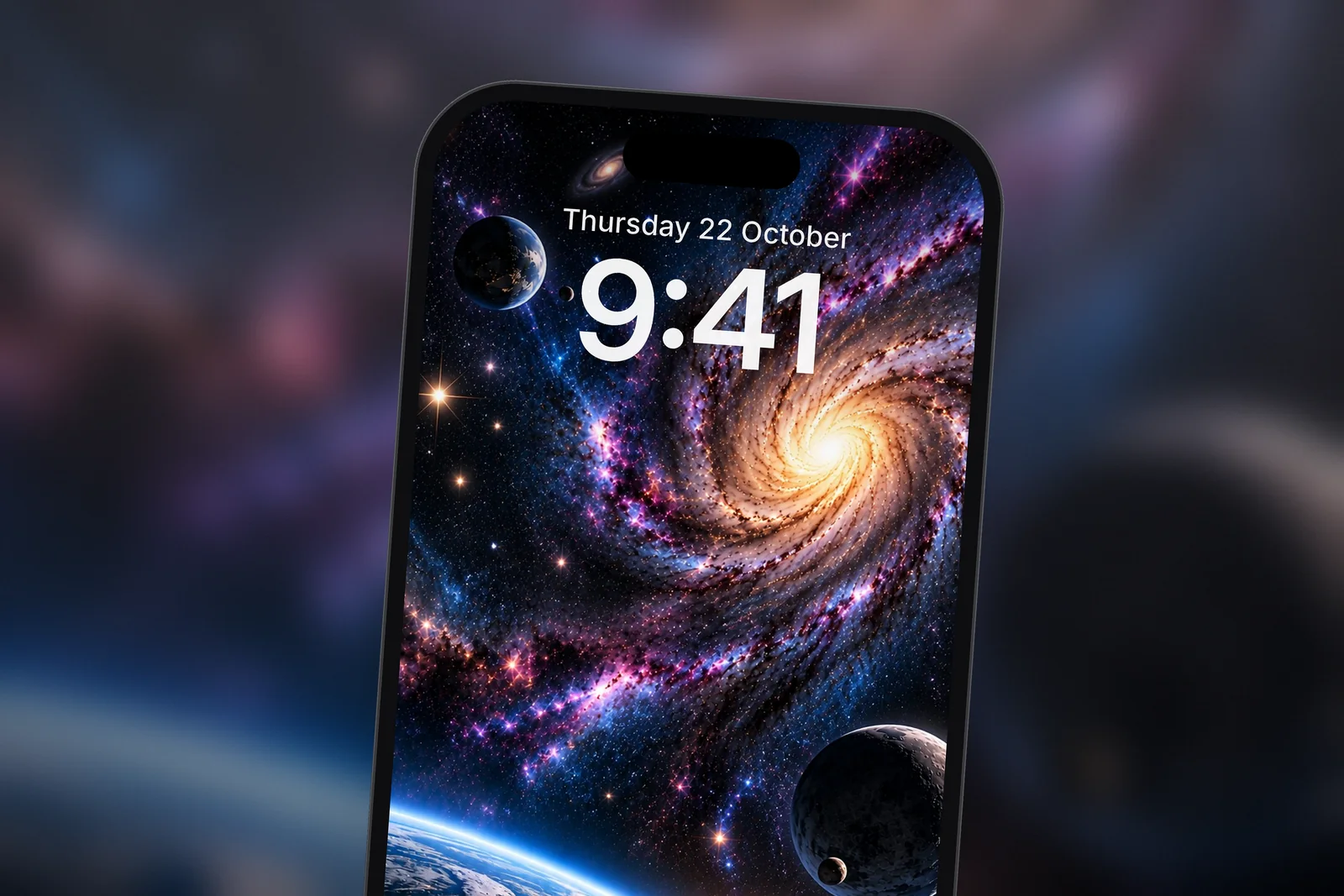
| Moon placement | Effect | Works best with |
|---|---|---|
| Upper corner, beside the clock | Minimal and balanced; the time and moon read as a pair | Small crescents, few widgets |
| Just below the clock | Moon frames the time like a full stop | Full moons on plain black skies |
| Low over a landscape | Scenic; the moon lights mountains, trees or water | Lock Screens with widgets under the clock |
| Behind the clock with Depth Effect | Clock appears behind a foreground subject | Scenes with a tree or ridge overlapping the time |
- Touch and hold the Lock Screen and tap Customise → Lock Screen, or open the image in Photos and tap Share → Use as Wallpaper.
- Pinch to zoom and drag with two fingers until the moon sits where you want it relative to the time; the clock stays fixed while the image moves.
- Tap the time to choose a colour; white works on almost every night sky, and a pale blue or cream can echo the moonlight.
- Add widgets only where there is plain sky behind them.
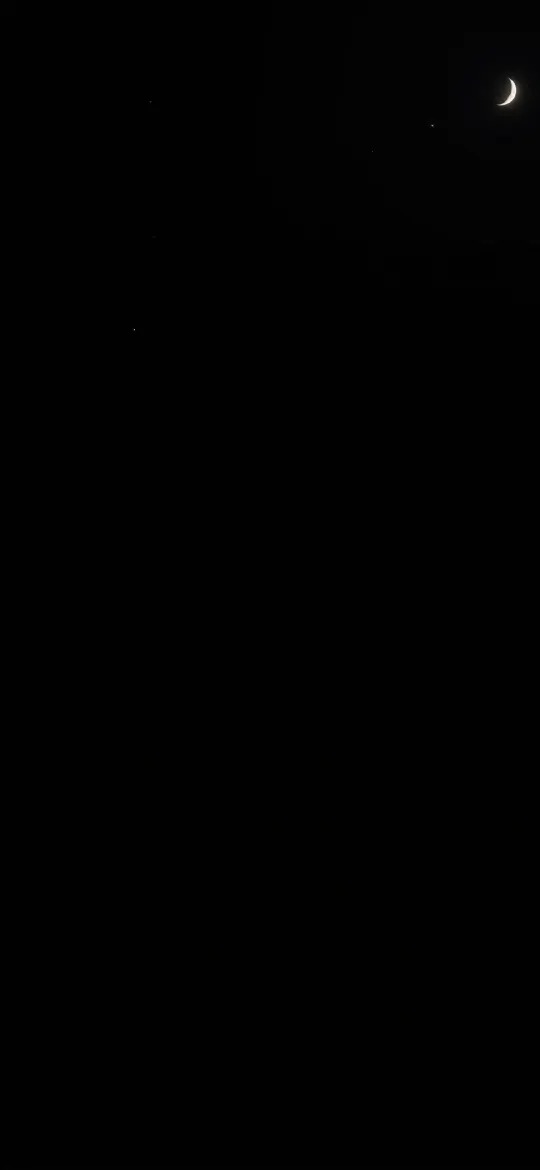 Dark Night Sky Crescent Moon & Tiny Stars
 Full Moon Over Misty Pine Forest Mountain
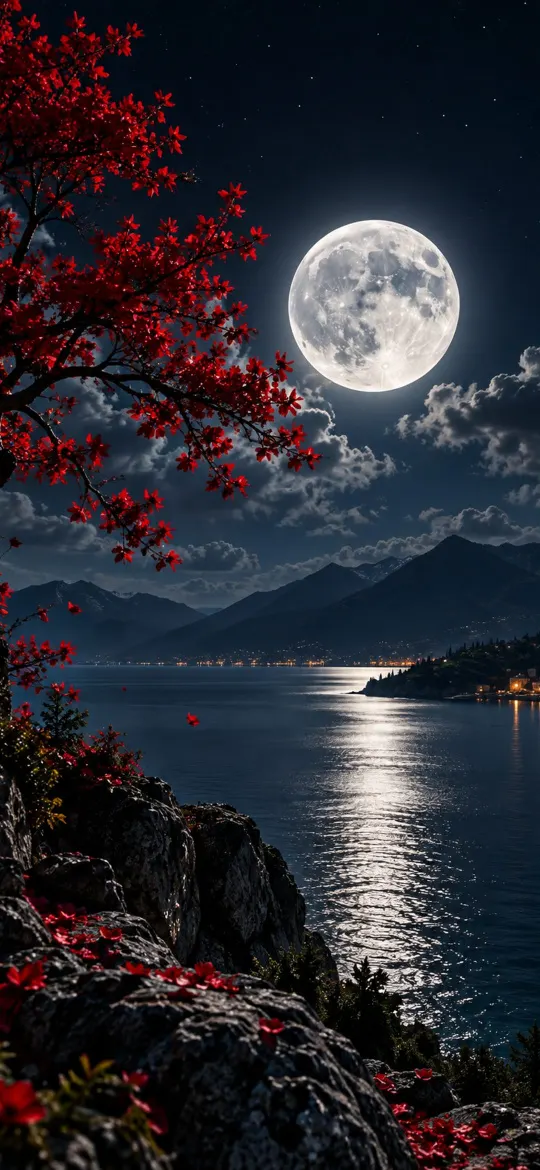 Moonlit Lake 4K Wallpaper – Full Moon Night Landscape
 Moonlit Cherry Blossom Night Garden
Moon wallpapers in dark mode and with Always-On display
Dark Mode darkens menus, widgets and app backgrounds; in iOS 27 you switch it in Settings → Appearance (Display & Brightness on iOS 26 and earlier), or set it to Automatic so it follows sunset. A moon wallpaper already fits that look. If the moon still feels too bright in a dark bedroom, open the Lock Screen editor and swipe left or right through the colour filters: a darker or monochrome style tones it down without changing the photo.
Always-On display keeps a dimmed version of the Lock Screen visible while the iPhone is locked, instead of going black. Apple lists it on the Pro models from iPhone 14 Pro onwards, iPhone 17, iPhone Air and iPhone Duo, but not iPhone 17e. Moon and night sky wallpapers handle the dimmed view well because most of the image is already dark, so only the moon and brightest stars stay faintly visible. Go to Settings → Display & Brightness → Always On Display and turn Show Wallpaper or Show Notifications on or off.
On OLED iPhones, black pixels are switched off, so a mostly black night sky also uses a little less power than a bright scene. The saving is modest; our post on whether dark wallpapers save battery covers the real numbers.
Night sky wallpapers beyond the moon
A night sky wallpaper is any image built around a dark sky: auroras, star fields, galaxies and nebulae as well as the moon. They follow the same rules: keep the brightest part away from the clock and let the dark areas carry the text. Auroras that drift across the top and bottom edges are particularly easy to use, because the middle of the screen stays dark.
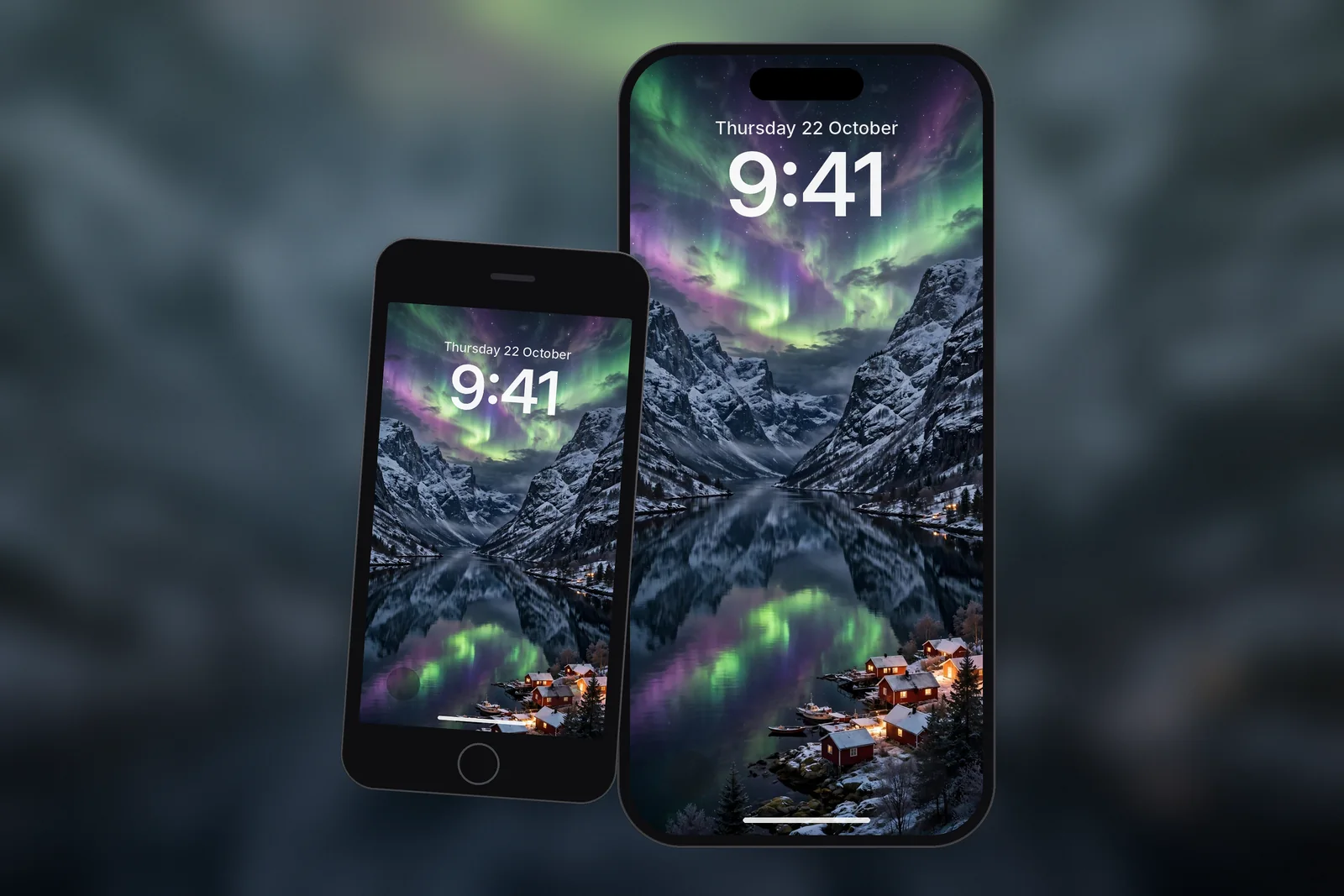
 Premium Aurora Night Sky
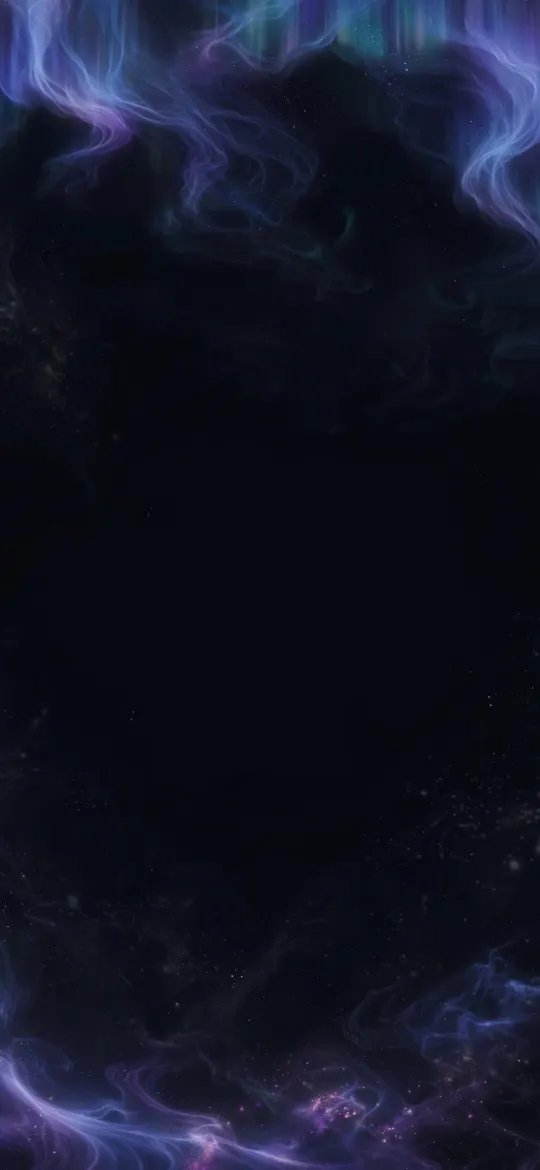 Ethereal Aurora Borealis Night Sky OLED
 Northern Lights Aurora Over Norwegian Fjord Village
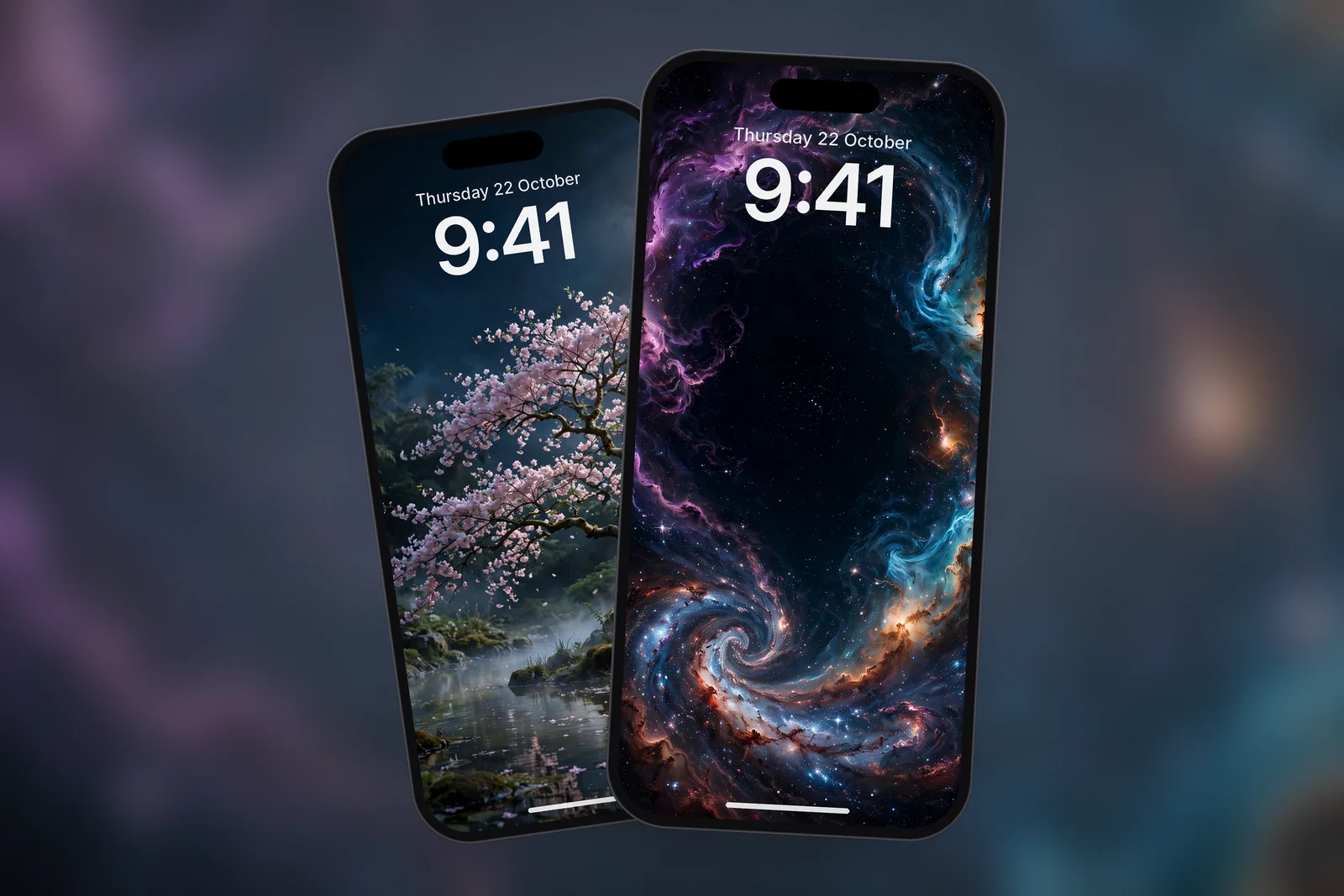
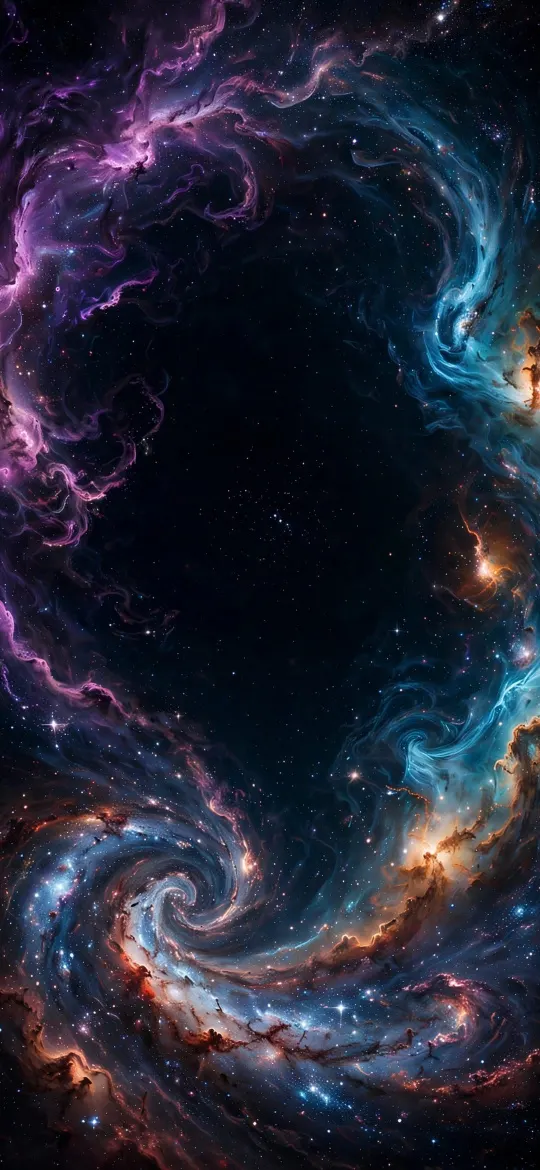 Deep Space Nebula Vortex Galaxy OLED
 Space Galaxy
Find every moon under the moon tag and every night scene under the night tag. If you also use a desktop, our space wallpaper 4K guide covers sky and orbit images for phone and PC.
Which size moon wallpaper should I download?
Download the size for your exact iPhone model, or the 2160 × 3840 universal 4K file. Night skies are unforgiving: when a small image is stretched, tiny stars turn into grey smudges and the edge of the moon goes soft. On iPhonesWallpaper, every wallpaper is cut to the exact screen size of every iPhone model plus the 4K file, so each star lands on a real pixel.
| iPhone model | Wallpaper size (pixels) |
|---|---|
| iPhone 18 Pro Max / 17 Pro Max / 16 Pro Max | 1320 × 2868 |
| iPhone 18 Pro / 17 Pro / 17 / 16 Pro | 1206 × 2622 |
| iPhone 16 Plus / 15 Plus / 15 Pro Max / 14 Pro Max | 1290 × 2796 |
| iPhone Air | 1260 × 2736 |
| iPhone 11 / XR | 828 × 1792 |
| Any phone (universal 4K) | 2160 × 3840 |
The iPhone wallpaper sizes guide lists every model.
Read next: Space Wallpaper 4K: Earth From Orbit for Phone and PC and Always On Display Wallpaper on iPhone: Settings and Best Picks.
Quick answers
What is the best moon wallpaper for iPhone?
The best moon wallpaper for iPhone has a near-black sky and a moon placed beside or below the clock rather than behind it. A small crescent suits a minimal Lock Screen; a full moon over a lake or mountain suits a scenic one.
Is there a 4K moon wallpaper for iPhone?
Yes. A 4K phone wallpaper is 2160 × 3840 pixels, which is larger than every iPhone screen, so iOS scales it down and keeps the moon and stars sharp. Exact-size files for each model work just as well.
How do I make the iPhone clock match a moon wallpaper?
In the Lock Screen editor, tap the time and pick a cream, soft yellow or pale blue from the colour options. A clock in the moon's own tone makes the time and the moon read as one design.
Can a moon wallpaper show on the Always-On display?
Yes, on iPhones with Always-On display: Pro models from iPhone 14 Pro on, iPhone 17, iPhone Air and iPhone Duo. Turn on Show Wallpaper under Settings → Display & Brightness → Always On Display.
Sources
- Keep the iPhone display on longer (iOS 27), Apple Support
- Create a custom iPhone Lock Screen (iOS 27), Apple Support
- Use Dark Mode on your iPhone and iPad, Apple Support
- iPhone – Compare Models, Apple