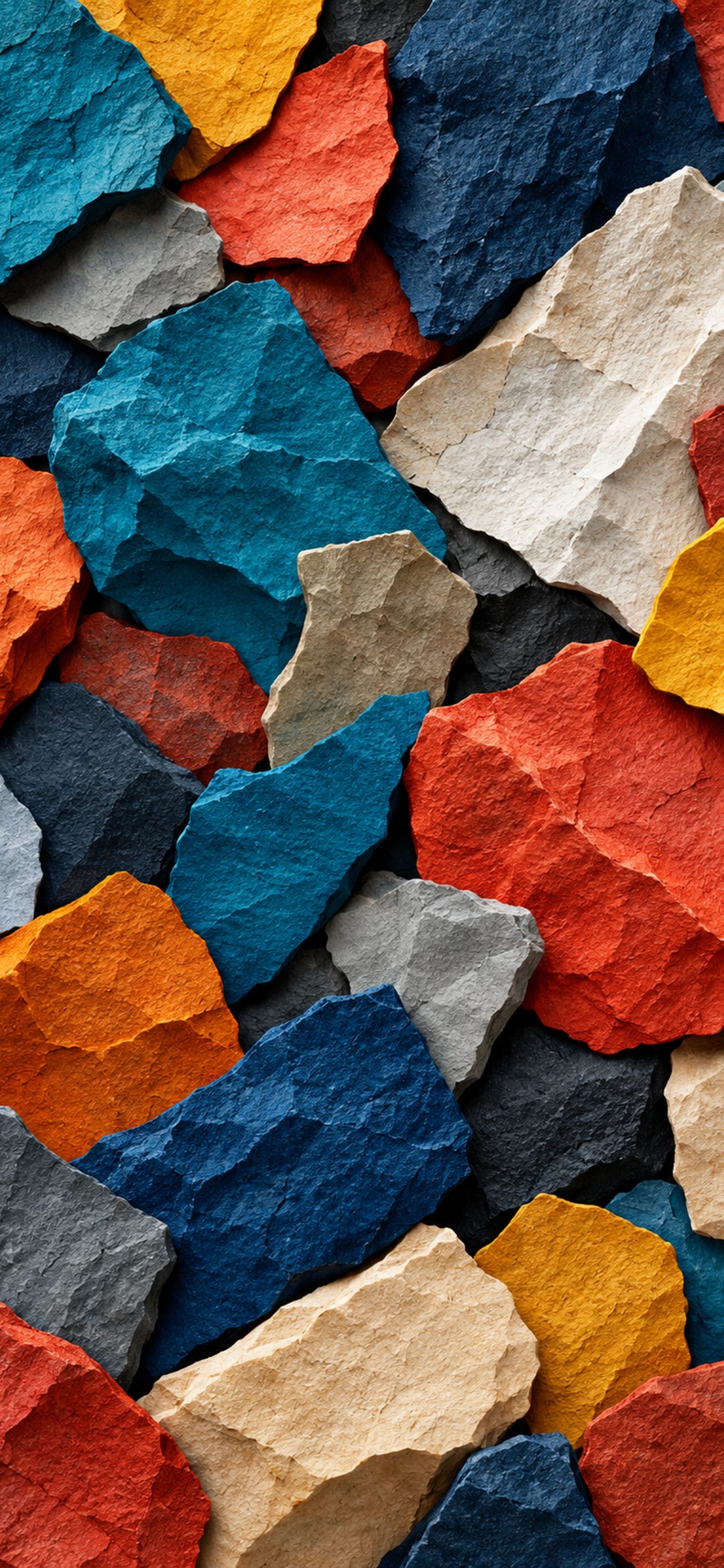
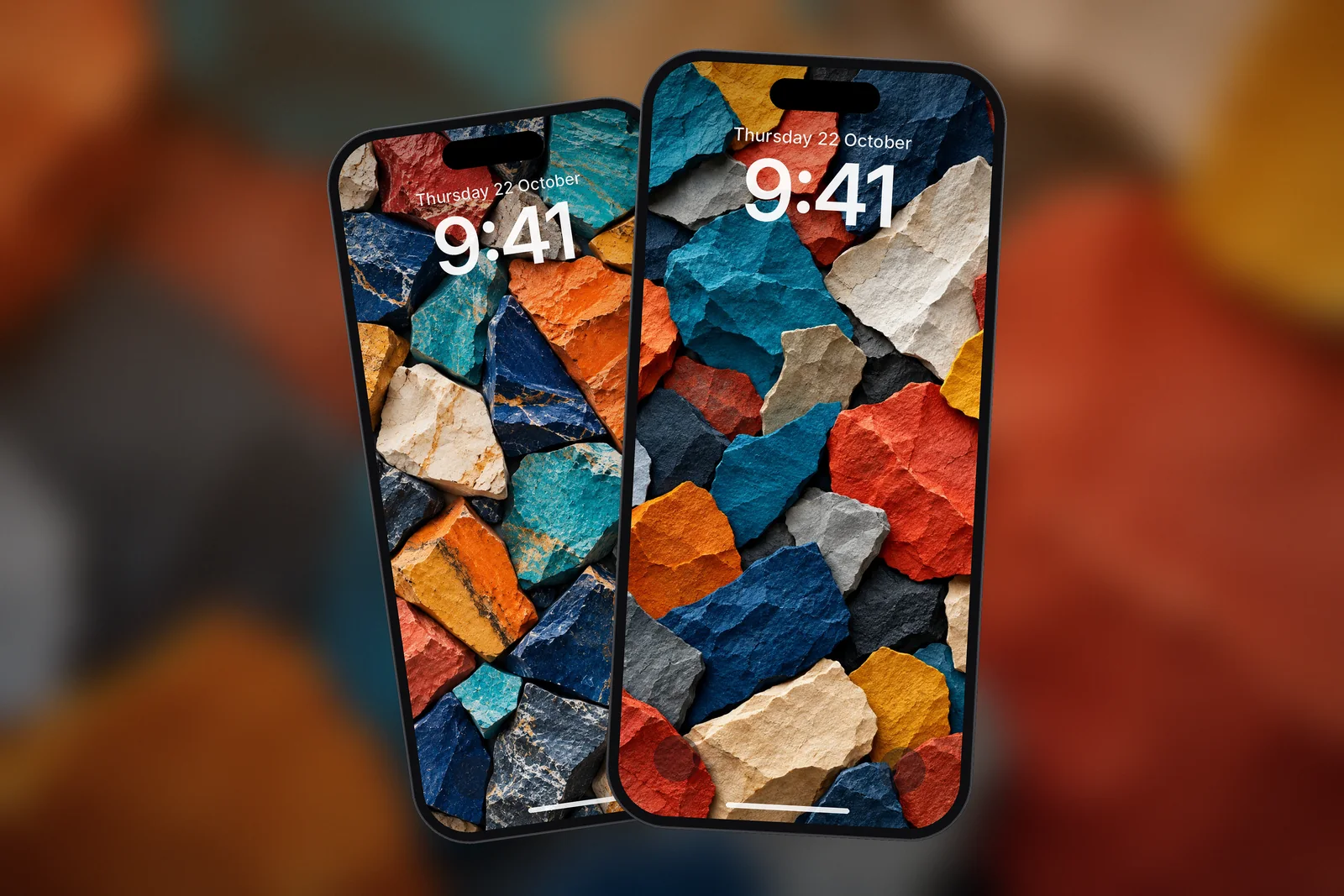
On iPhone, a texture wallpaper (stone, paper, fabric or marble) works well because its pattern is even across the whole screen, so the Lock Screen clock and up to four widgets always land on a similar background. Choose dark stone with a white clock or light stone with a dark clock, and download your model's exact size, such as 1320 × 2868 for iPhone 18 Pro Max or 17 Pro Max.
In short
- A texture wallpaper is an image of a surface, such as stone, marble, paper or fabric, with no single subject.
- Textures have no empty or busy half, so widgets and the clock read the same anywhere on the screen.
- Black marble and dark stone suit OLED iPhones and Dark Mode; white marble and cream paper suit Light Mode and a dark clock.
- Fine veins and paper grain show softness quickly, so use the exact size for your model or the 2160 × 3840 file.
- On iPhonesWallpaper every iPhone wallpaper is cut to 15 exact iPhone sizes plus a universal 4K file.
Why do texture wallpapers handle widgets so well?
Texture wallpapers handle widgets well because nothing in them needs to be seen. A landscape has a subject that widgets can cover; a texture is the same from top to bottom, so the clock, the inline widget above it and the widget row below never hide anything important.
The other reason is contrast. A good texture has fine detail but a narrow range of brightness. Black marble is mostly dark with thin pale veins; cream paper is mostly light with soft grain. Pick the opposite tone for the clock and it stays readable everywhere, even when Depth Effect is off and widgets are on.
Does the site have marble wallpapers?
Not a true marble one yet, to be honest. What the site does have is a set of stone, pebble and slab textures with the same calm, polished feel, plus paper and fabric textures in light neutrals. They live in the textures and patterns category and under the texture tag. The first group below is the closest to marble: stone surfaces, a graphite pebble and dark textured finishes with gold and emerald tones.
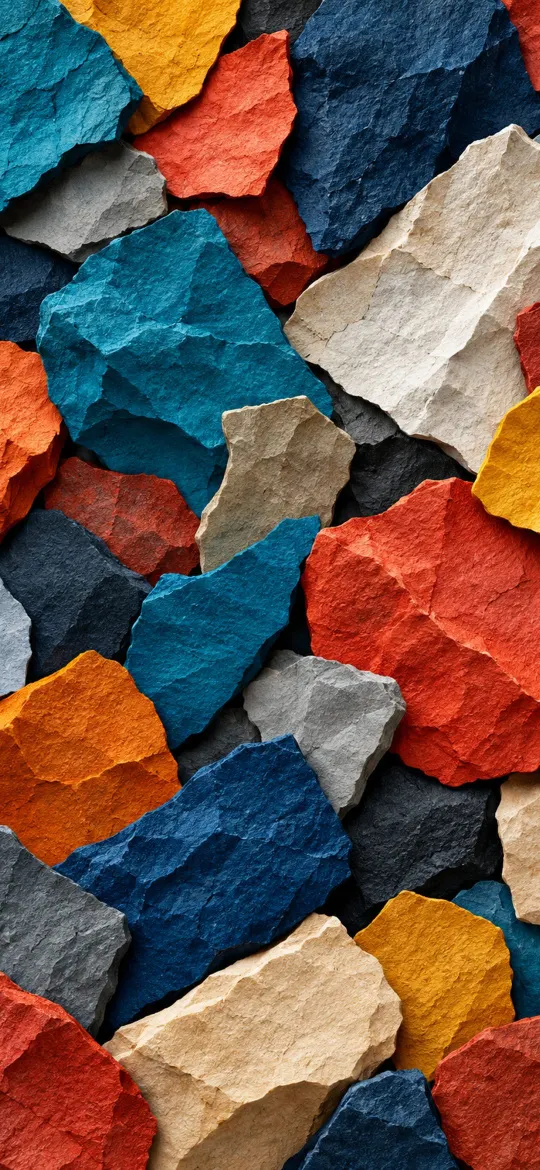 Abstract Stone Paper Texture
 Graphite Pebble
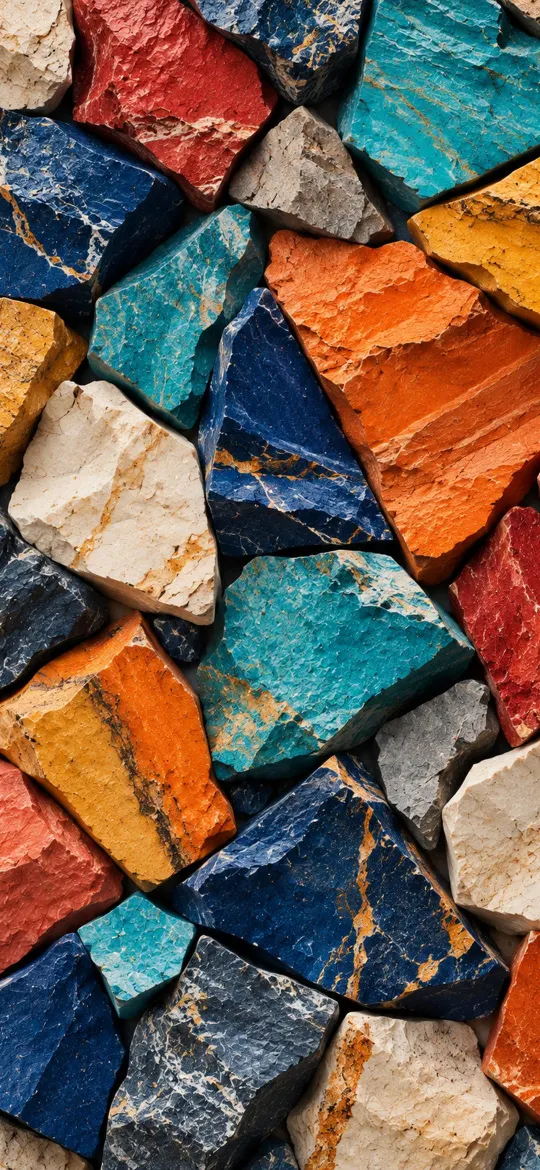 Colorful Stone Slabs Abstract
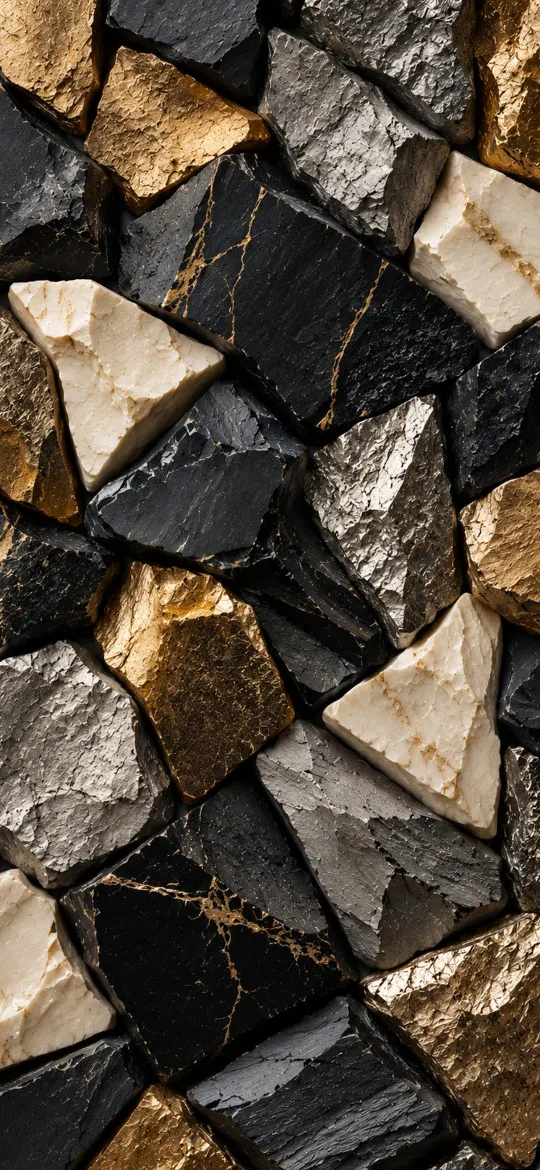 Luxury Black Gold Abstract Texture
 Emerald Green Abstract Texture
Black marble or white marble: which should you choose?
Choose black marble or dark stone if you use Dark Mode or have an OLED iPhone, and white marble or cream paper if you prefer Light Mode and a dark clock. The table compares the main texture types you will find.
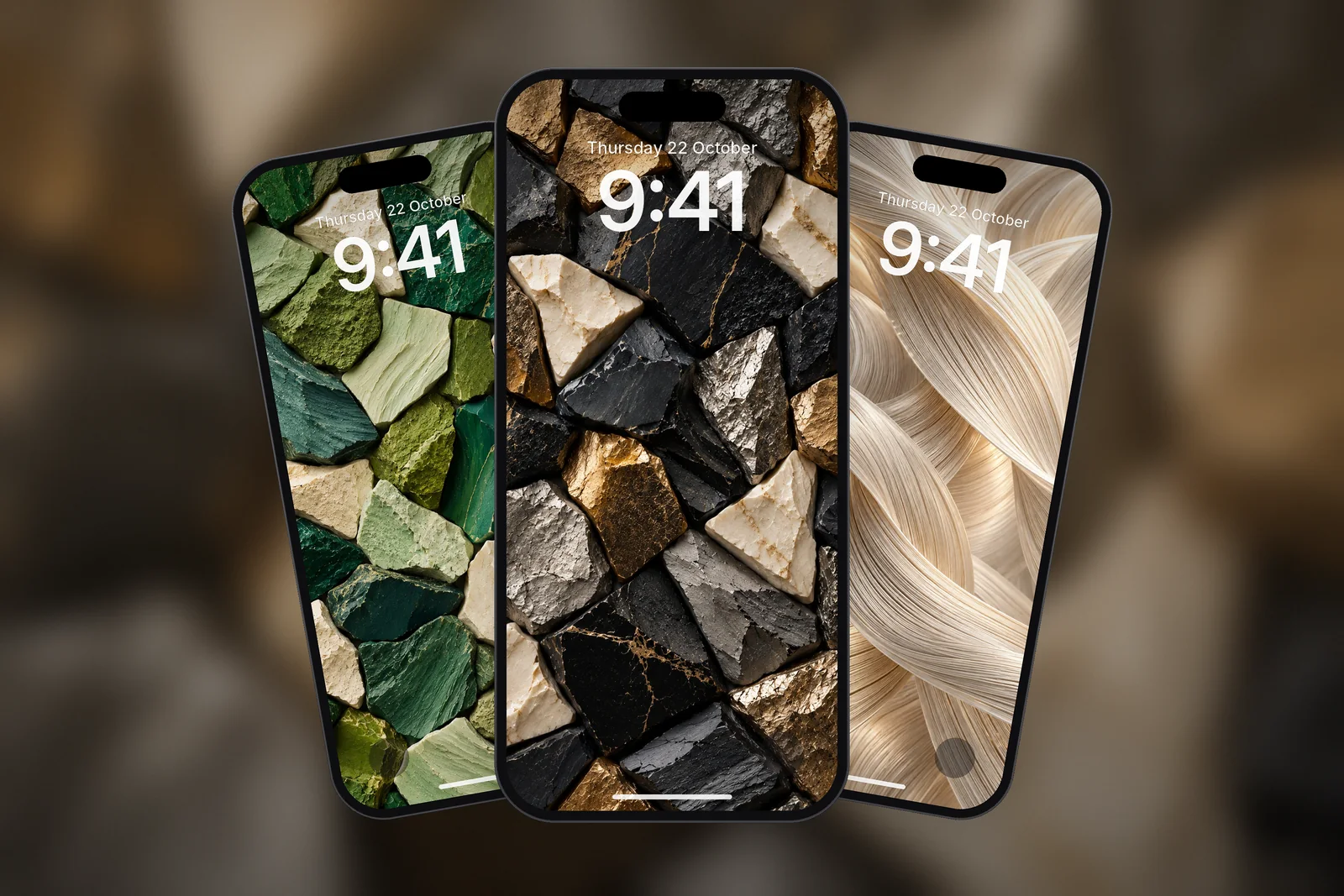
| Texture | Typical tones | Clock colour | Best for |
|---|---|---|---|
| Black marble / dark stone | Black, charcoal, gold or white veins | White or gold | OLED iPhones, Dark Mode, Always-On display |
| White marble / light stone | White, pale grey, soft veins | Black or navy | Light Mode, bright minimal setups |
| Pebble and slab | Graphite or mixed earth tones | White on dark, dark on light | A natural, tactile look |
| Textured paper | Cream, beige, rice-paper grain | Dark brown or charcoal | Minimal Lock Screens with one simple shape |
| Fabric and silk | Warm neutrals with thread texture | Depends on the dominant tone | Home Screen backgrounds |
Dark textures also pair well with the dark category and with the picks in our AMOLED and true-black wallpapers guide, if you want something even closer to pure black.
Paper and fabric textures for a lighter look
Paper textures are the light side of the same idea. Beige rice paper, cream card and fine thread give a soft surface with just enough grain to stop the screen looking flat. Several of them carry one simple mark, such as an arch, a brush circle or a single line, which you can place below the clock by dragging the image.
 Wabi Sabi Beige Textured Minimal
 Zen Enso Brush Circle on Textured Rice Paper
 Minimalist Arch Curve on Beige Textured Paper
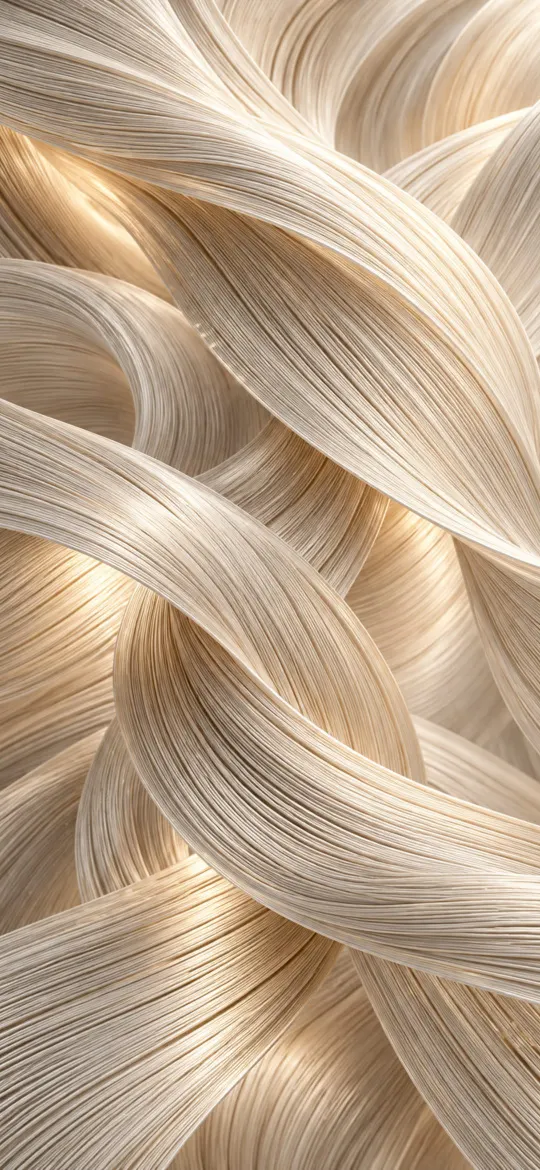 Luxury Silk Threads
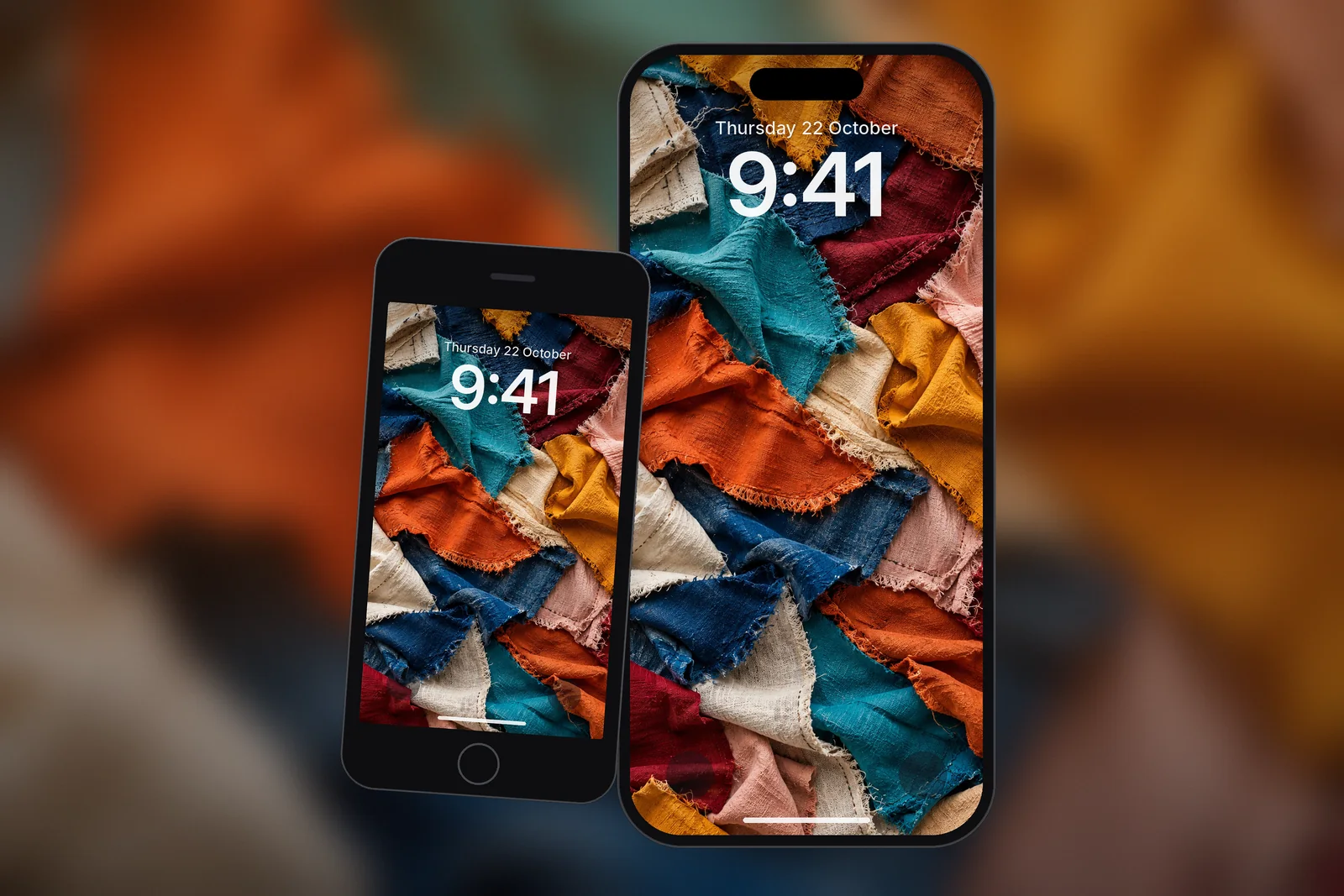
 Colorful Fabric Collage Texture
These sit close to minimal design. Our guide to minimalist wallpaper for iPhone explains how to keep a light background readable with widgets.
How do I set up a texture wallpaper so it looks sharp?
Download the exact size for your model, save it to Photos, then add it without zooming in. Textures are the least forgiving images for resolution: marble veins and paper fibres look soft as soon as an image is enlarged.
- Find your model under Settings → General → About.
- Download the matching size (see the table) and long-press the image in Safari, then tap Save to Photos.
- Touch and hold the Lock Screen, tap +, choose Photos and pick the texture.
- Leave the zoom at its default; drag only if a mark or vein lines up badly with the clock.
- Tap the time to choose a contrasting colour and font, add your widgets and tap Add.
| iPhone model | Size (pixels) |
|---|---|
| iPhone 18 Pro Max / 17 Pro Max / 16 Pro Max | 1320 × 2868 |
| iPhone 18 Pro / 17 Pro / 17 / 16 Pro | 1206 × 2622 |
| iPhone Air | 1260 × 2736 |
| iPhone 16 / 15 / 15 Pro / 14 Pro | 1179 × 2556 |
| iPhone 17e / 16e / 14 / 13 / 12 | 1170 × 2532 |
| Any phone (4K) | 2160 × 3840 |
Read next: Minimalist Wallpaper for iPhone: What Works With Widgets and Lock Screen Widgets on iPhone: Add, Remove and Fix Them.
Quick answers
Is there a marble wallpaper for iPhone on the site?
Not a true marble image yet. The closest options are the stone, pebble and dark gold textures in the textures and patterns category, each available in 16 sizes: one for every iPhone screen plus a universal 4K file.
What is the best texture wallpaper for a phone?
The best texture wallpaper for a phone has fine detail but an even brightness, such as dark stone or cream paper. That keeps the clock and widgets readable anywhere on the screen.
Is black marble wallpaper good for OLED iPhones?
Yes. OLED iPhones switch black pixels off, so a mostly black stone texture with thin veins looks deep and uses a little less power at high brightness than a white one.
Why does my marble wallpaper look blurry?
Fine veins and grain show enlargement quickly. Download the exact size for your model, for example 1206 × 2622 for iPhone 17 Pro, and avoid zooming in when you set it.
Does Depth Effect work with a texture wallpaper?
Not really. Depth Effect needs a clear subject to lift in front of the clock, and a texture has none. That is also why textures stay readable with widgets: nothing in the picture needs to be seen.
Sources
- Create a custom iPhone Lock Screen (iOS 27), Apple Support
- Keep the iPhone display on longer (iOS 27), Apple Support
- iPhone 18 Pro and 18 Pro Max – Technical Specifications, Apple