 Yellow Pink Liquid Chrome on Black
iPhone 14 Plus, 13 Pro Max and 12 Pro Max wallpapers page 12
582 free wallpapers cut to 1284 × 2778 pixels, the exact resolution of the 6.7-inch screen on the iPhone 14 Plus, 13 Pro Max and 12 Pro Max.
Yellow Pink Liquid Chrome on Black
 Yellow Pink Liquid Chrome Splash
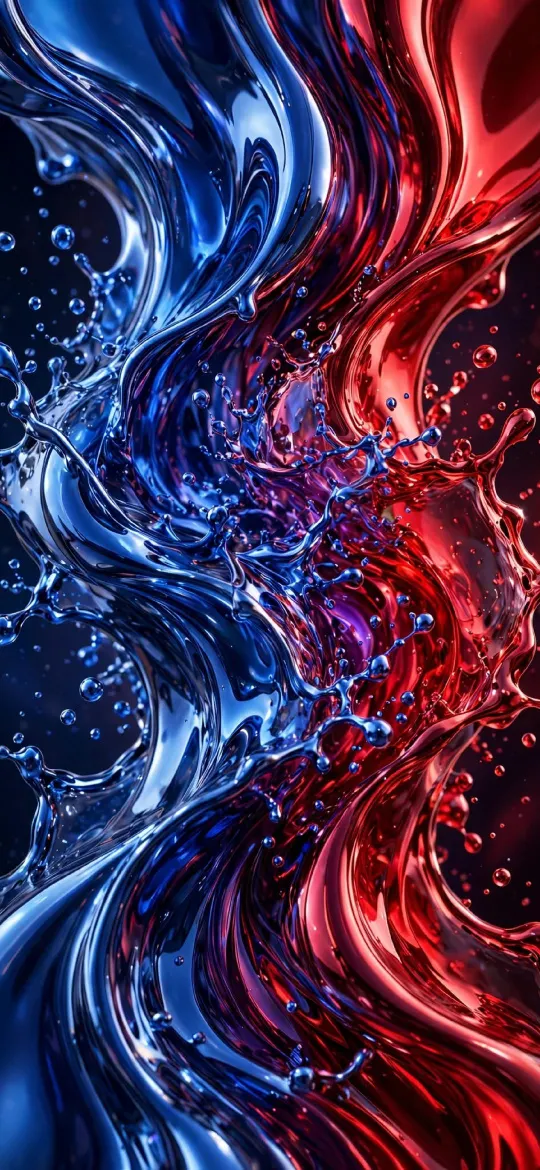 Blue Red Liquid Chrome Splash
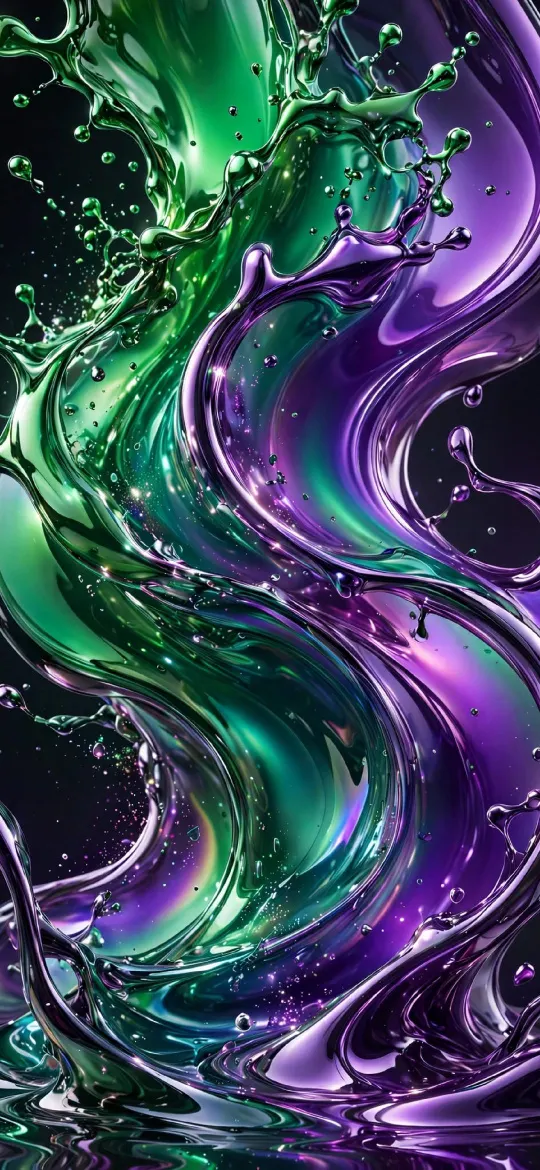 Green Purple Liquid Chrome Splash
 Neon Color Wave
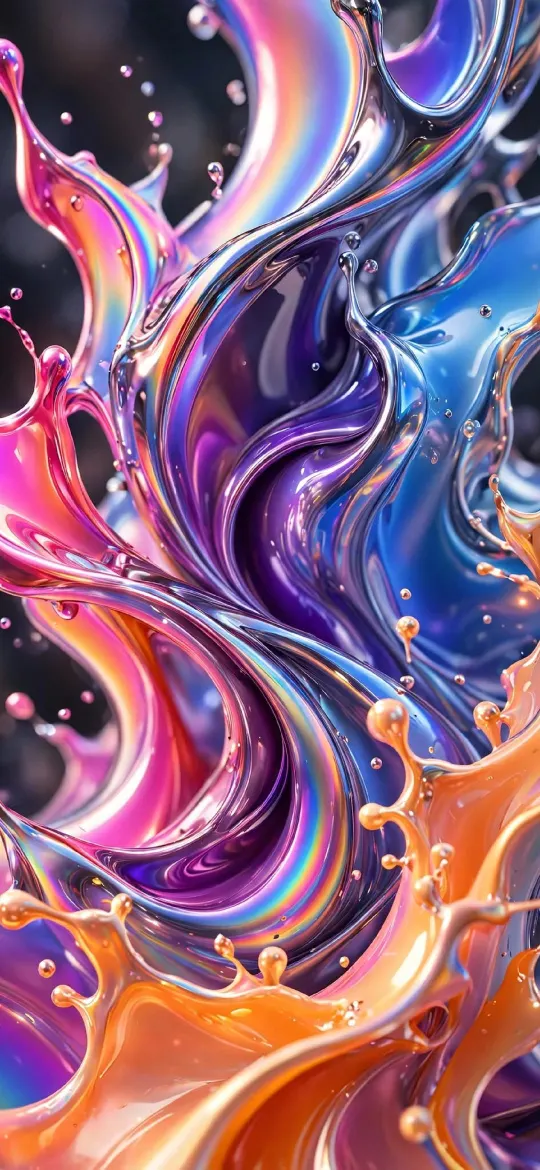 Colorful Liquid Chrome Splash
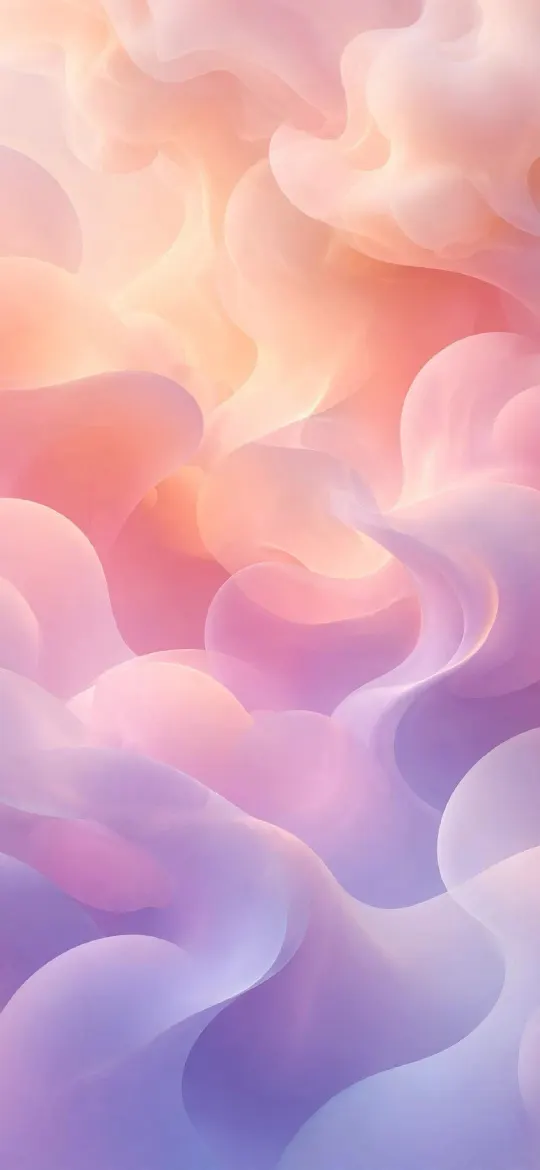 Pastel Gradient Blobs
 Liquid Chrome
 Solar Magnetic Loops
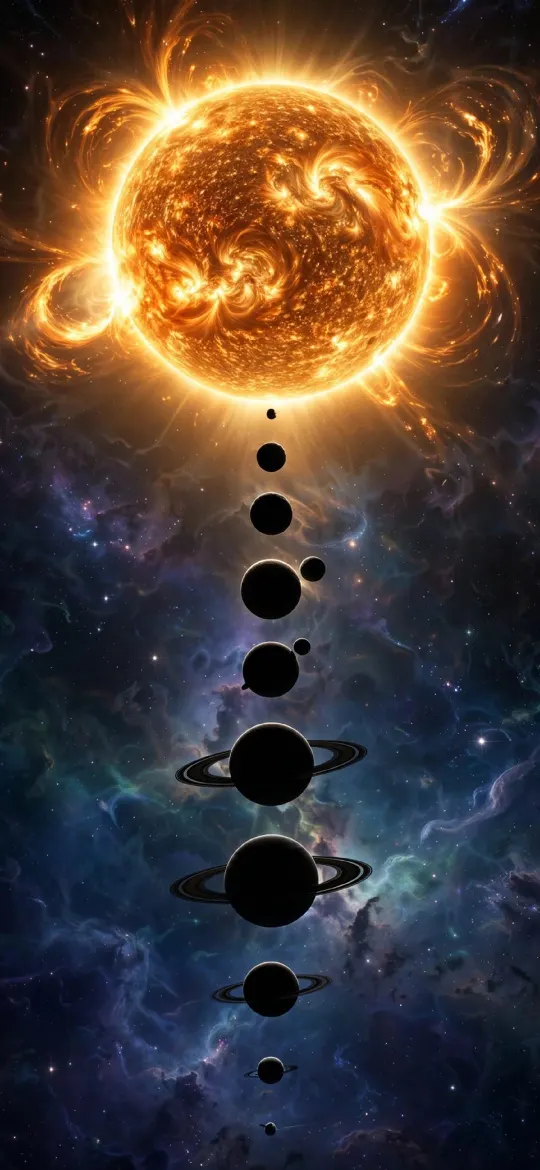 Solar System Sun
 Minimal Zen Sun
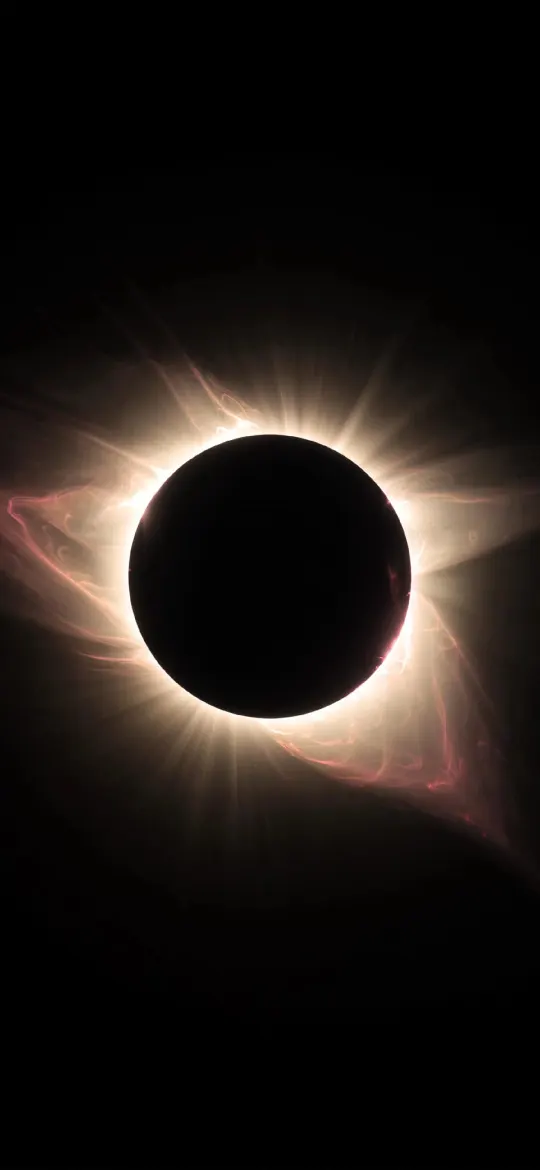 Total Solar Eclipse Corona
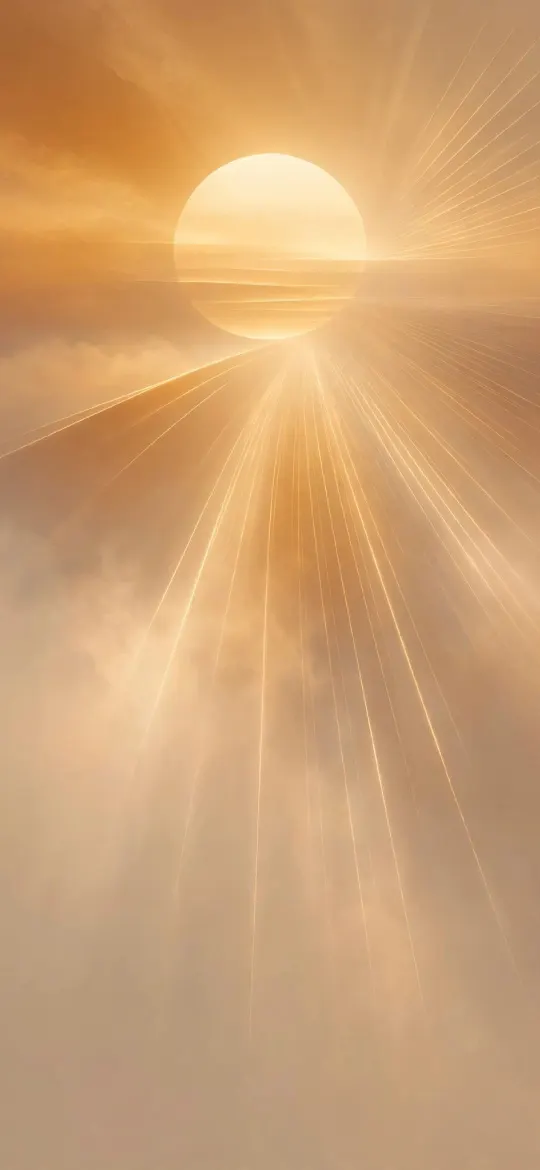 Golden Sun Through Amber Haze
 Solar Flare Sun Surface
 Wabi Sabi Beige Textured Minimal
 Pure Black OLED Minimal Arch
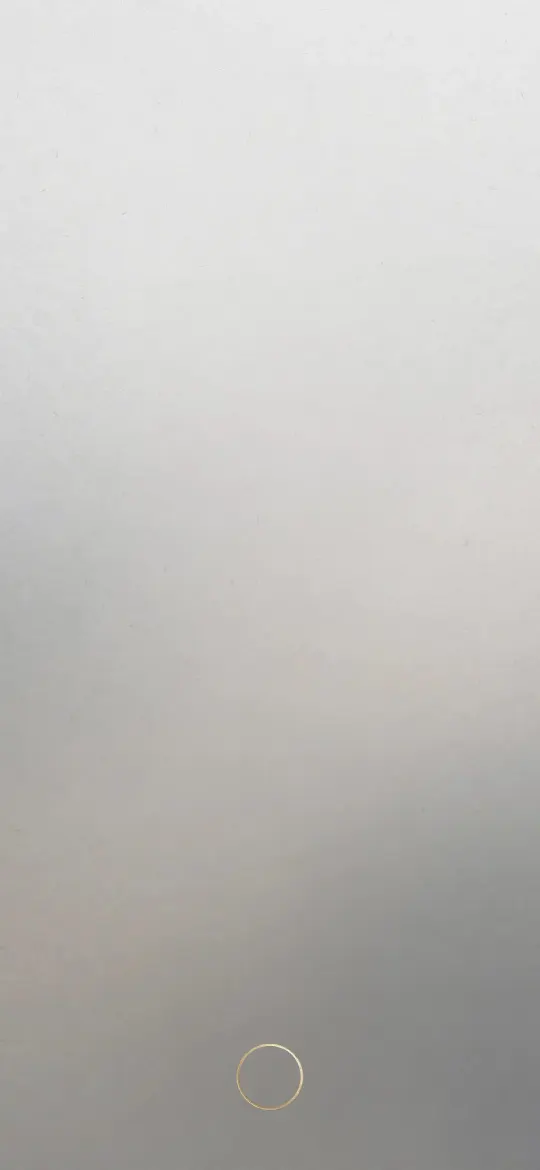 Minimal Zen Gray Gradient
 Dynamic Liquid Glass Chrome Splash OLED
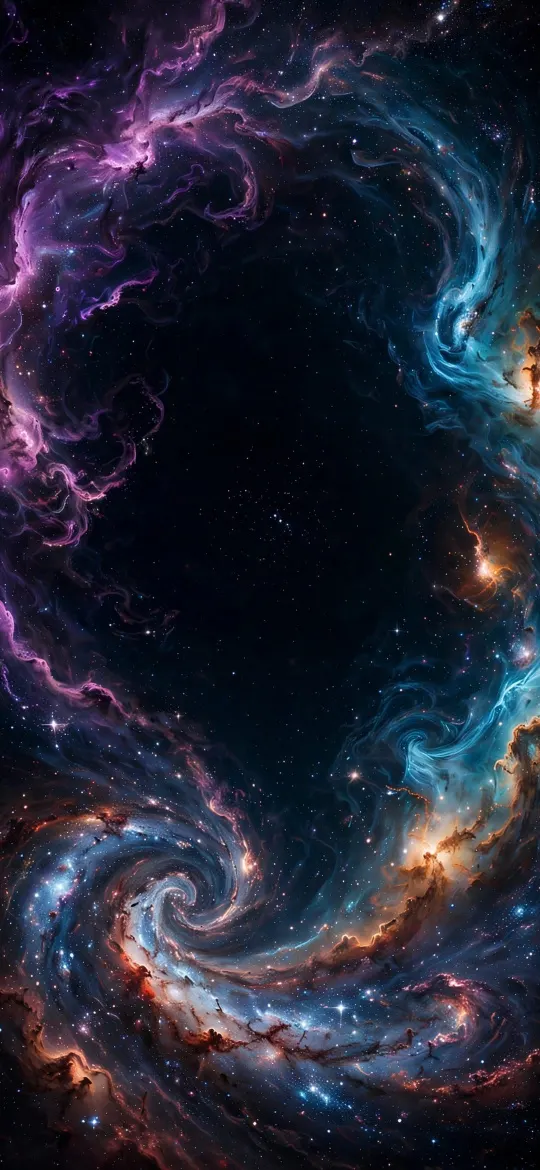 Deep Space Nebula Vortex Galaxy OLED
 Enchanted Magical Forest Fireflies
 Icelandic Waterfall with Rainbow Landscape
 Himalayan Snow Peaks Sunrise Valley
 Grand Canyon River Gorge Sunset
 Lush Rainforest Canopy Sunbeams
 Golden Desert Sand Dunes at Sunset
 Cherry Blossom Sakura Forest Stone Path
 Northern Lights Aurora Over Norwegian Fjord Village
 Alpine Mountain Lake Reflection & Pine Forest
 Tropical Beach Lagoon & Palm Trees
 Antelope Canyon Sunbeams Red Rock
 Liquid Chrome Splash Abstract 3D OLED
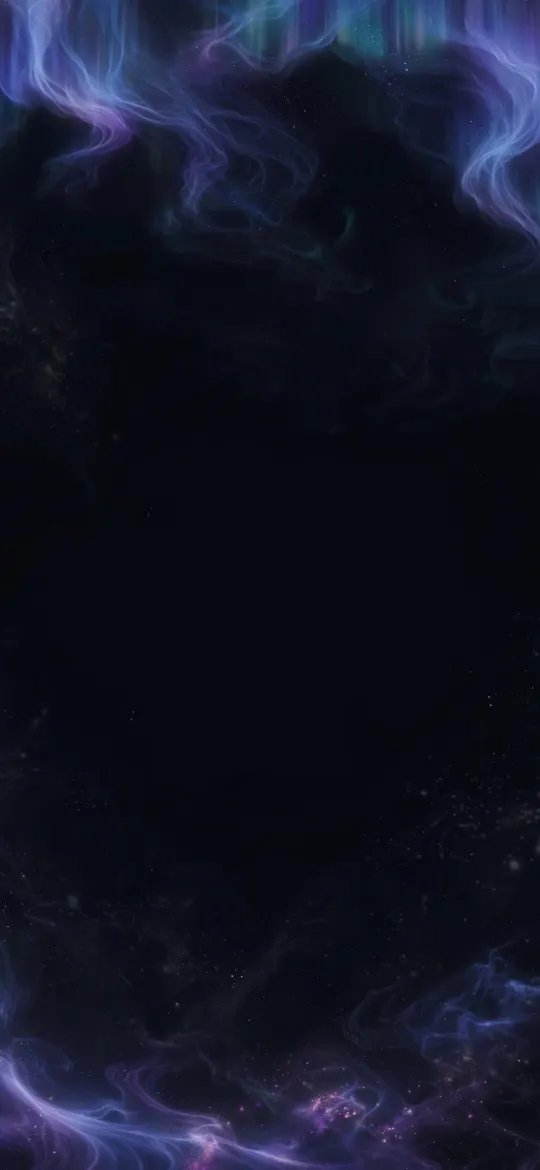 Ethereal Aurora Borealis Night Sky OLED
 Abstract Monochrome Smoke Swirls Void
 Full Moon Over Misty Pine Forest Mountain
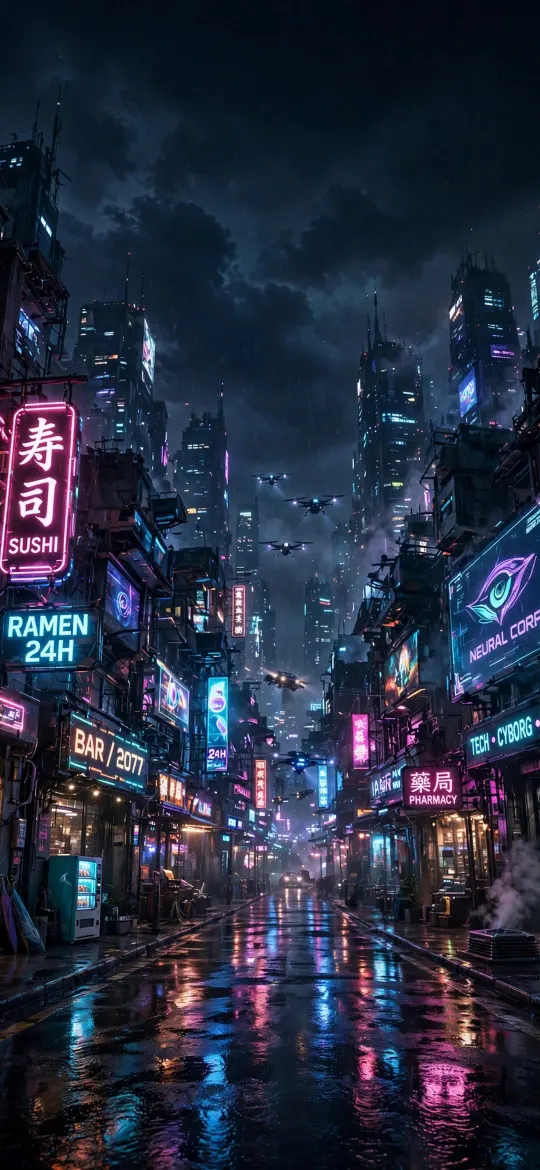 Cyberpunk Rainy Tokyo Street Neon Glow
 Minimal S-Curve Glowing White Line OLED
 Minimalist Wireframe Mountain Peaks Black
 Minimalist Vertical Fine Line on Cream Paper
 Zen Enso Brush Circle on Textured Rice Paper
 Minimalist Arch Curve on Beige Textured Paper
 Dark Night Sky Crescent Moon & Tiny Stars
 Minimalist Glowing Light Orb on Pitch Black
 Minimalist Blue Geometric Layers Abstract
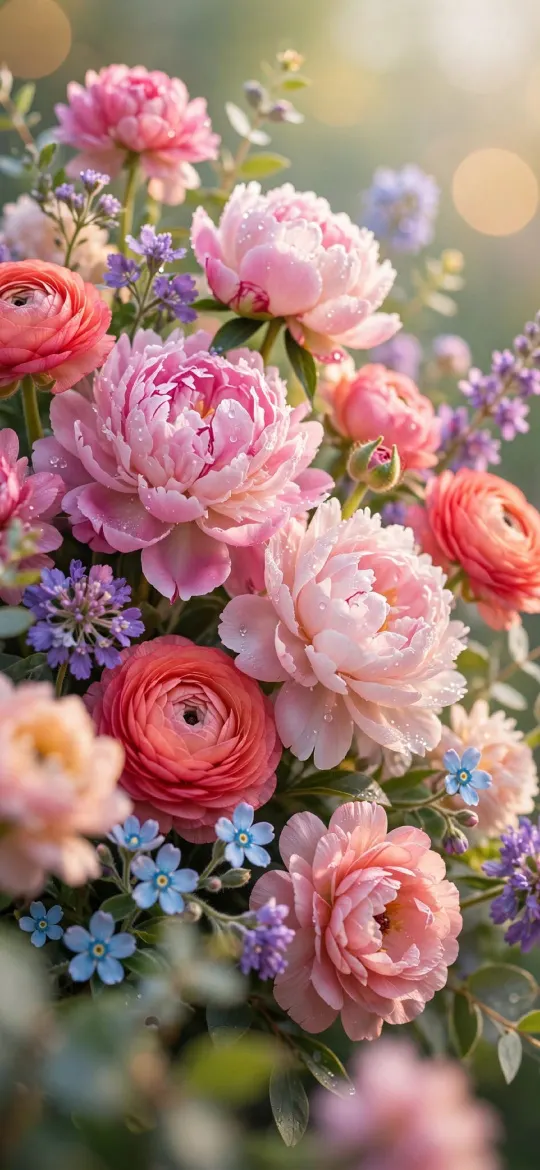 Soft Pastel Peonies & Ranunculus Floral
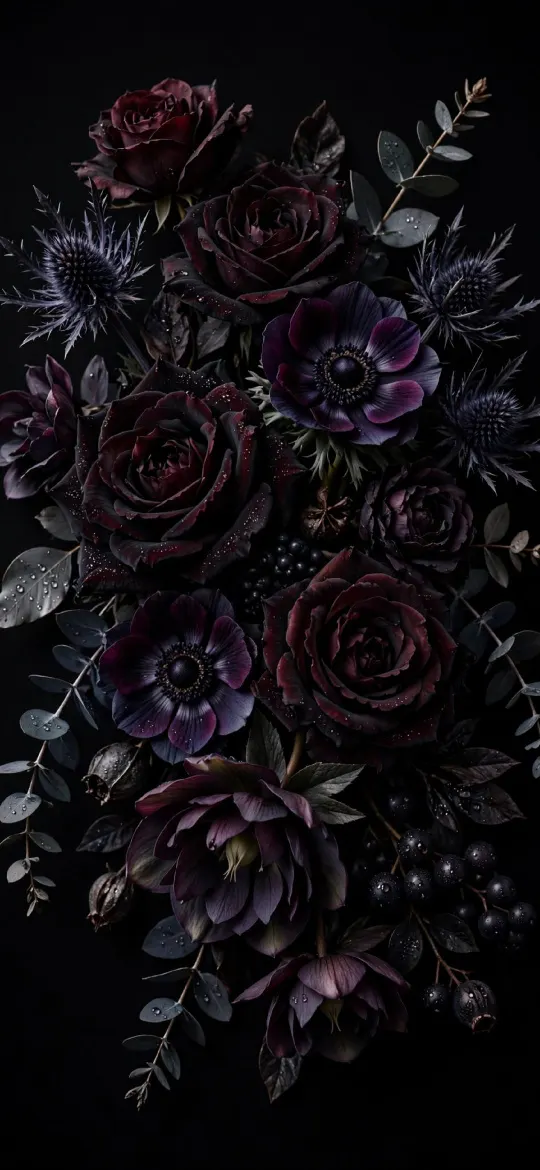 Gothic Dark Floral Bouquet on Black Background
 Wildflower Meadow in Morning Sunlight
 Elegant Pink Peonies & Roses Floral Bouquet
 Red and Black Flower
Why the exact 1284 × 2778 size matters
The iPhone 14 Plus screen is 1284 × 2778 pixels, an aspect ratio of about 19.5:9. A generic wallpaper at a different shape gets zoomed by iOS to fill the screen, which softens detail and can push the subject under the clock. Every wallpaper on this page has been cropped from its full-resolution original to exactly 1284 × 2778, so what you see in the preview is what lands on your lock screen.
How to set a wallpaper on the iPhone 14 Plus
- Open a wallpaper above and tap Download wallpaper. Your model is selected for you.
- Open the image in Photos, tap the share button, then Use as Wallpaper.
- Adjust the clock style or depth effect if you like, tap Add, then choose lock screen, home screen or both.
More detail, including Files and Safari downloads, is in our guide to setting a wallpaper on iPhone.
iPhone 14 Plus wallpaper questions
What wallpaper size does the iPhone 14 Plus need?
The iPhone 14 Plus has a 6.7-inch screen at 1284 × 2778 pixels. Every wallpaper on this page is cropped to exactly that size, so it fills the screen without stretching.
Which iPhones use 1284 × 2778 wallpapers?
The iPhone 14 Plus, 13 Pro Max and 12 Pro Max all share this 1284 × 2778 screen, so the same file fits each of them.
Will iOS zoom or move the wallpaper?
A wallpaper at your screen's exact resolution is shown as-is. If iOS still zooms it, turn off "Perspective Zoom" (on older iOS) or pinch to fit while adjusting the wallpaper.
Are these wallpapers free?
Yes. Every wallpaper is free to download and use on your own iPhone. See the license page for details.
Wallpapers for other iPhones
- iPhone Duo — inner screen (upright)
- iPhone Duo — cover screen
- iPhone 18 Pro Max / 17 Pro Max / 16 Pro Max
- iPhone 18 Pro / 17 Pro / 17 / 16 Pro
- iPhone Air
- iPhone 16 Plus / 15 Plus / 15 Pro Max / 14 Pro Max
- iPhone 16 / 15 / 15 Pro / 14 Pro
- iPhone 17e / 16e / 14 / 13 / 13 Pro / 12 / 12 Pro
- iPhone 13 mini / 12 mini
- iPhone 11 Pro Max / XS Max
- iPhone 11 Pro / XS / X
- iPhone 11 / XR
- iPhone 8 Plus / 7 Plus
- iPhone SE (2nd & 3rd gen) / 8 / 7
- 4K Universal (any phone)