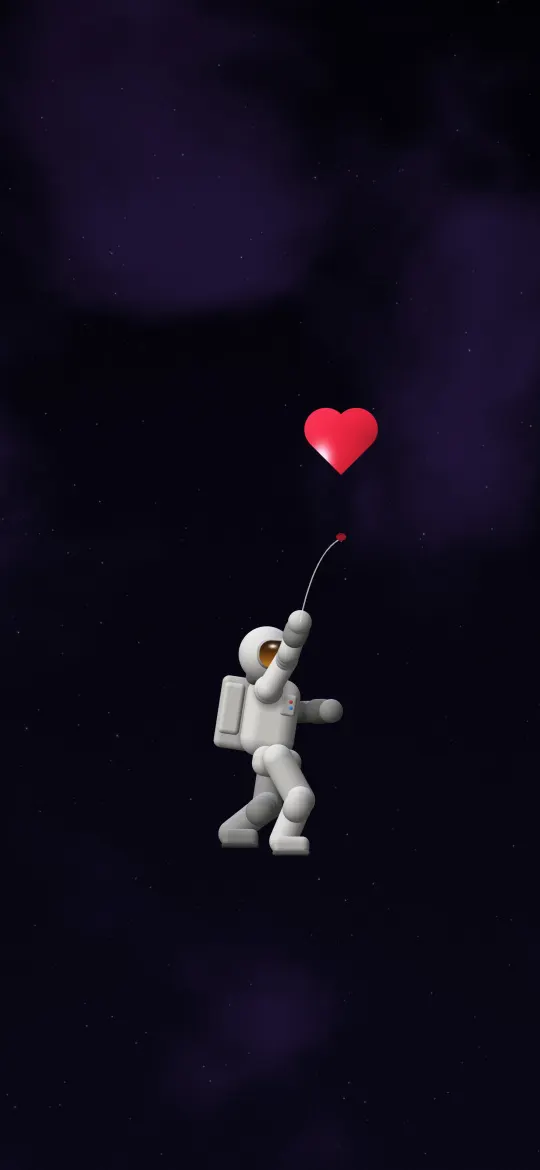
 Astronaut with a Heart Balloon
iPhone Duo — cover screen wallpapers page 2
575 free wallpapers cut to 1398 × 2034 pixels, the exact resolution of the 5.4-inch screen on the iPhone Duo — cover screen.
Astronaut with a Heart Balloon
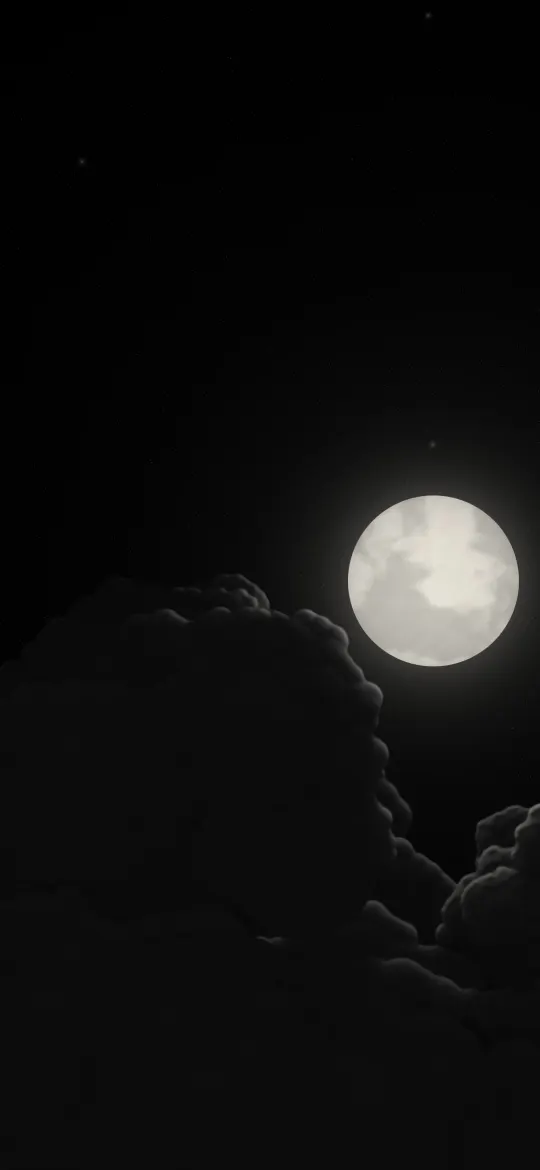 Moon Over Dark Clouds
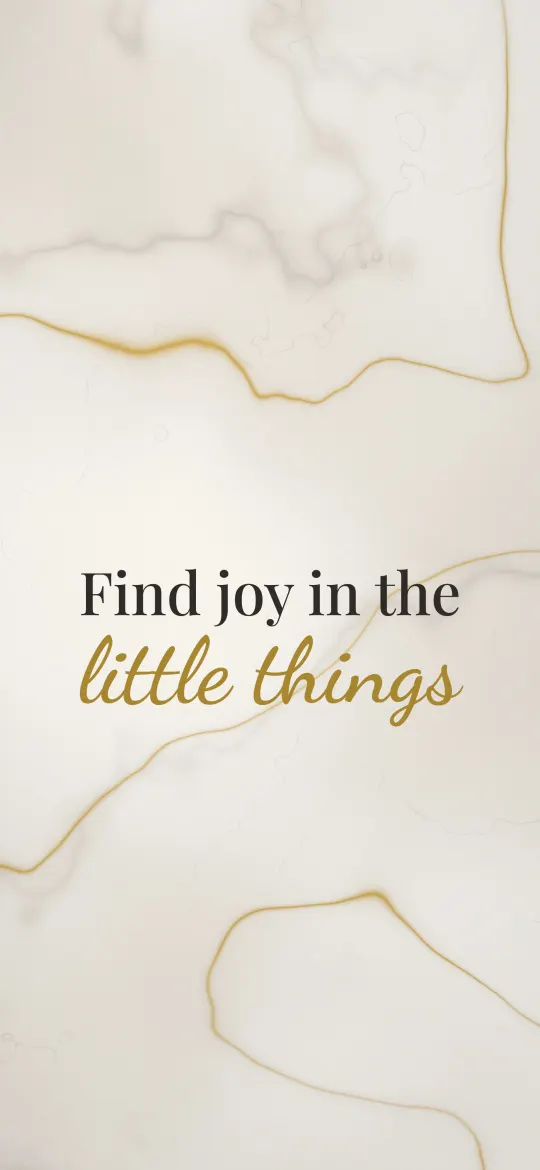 Joy in Little Things
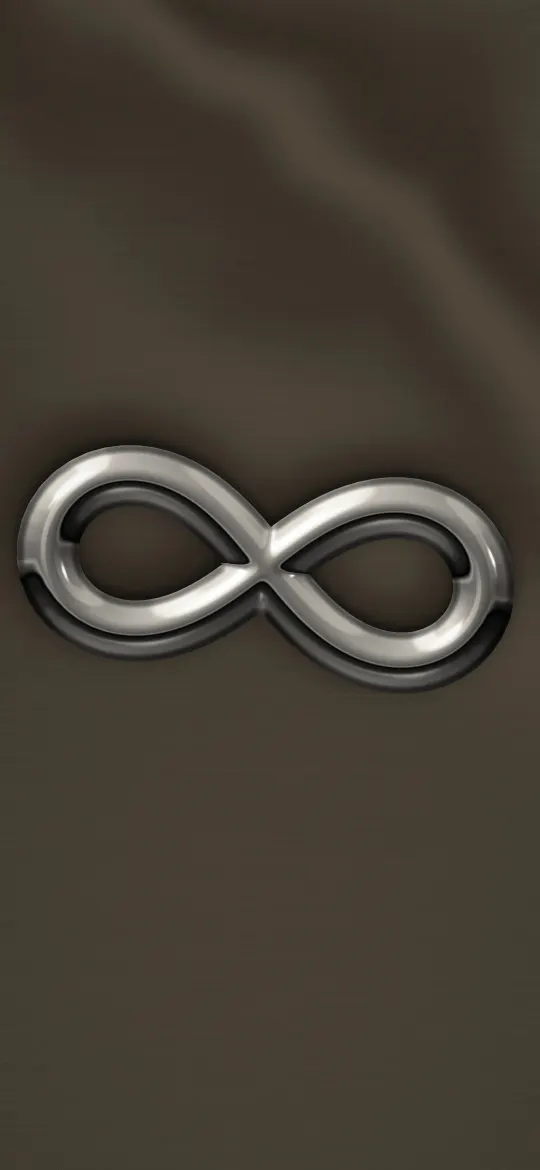 Chrome Infinity Sign
 Three Lucky Clovers
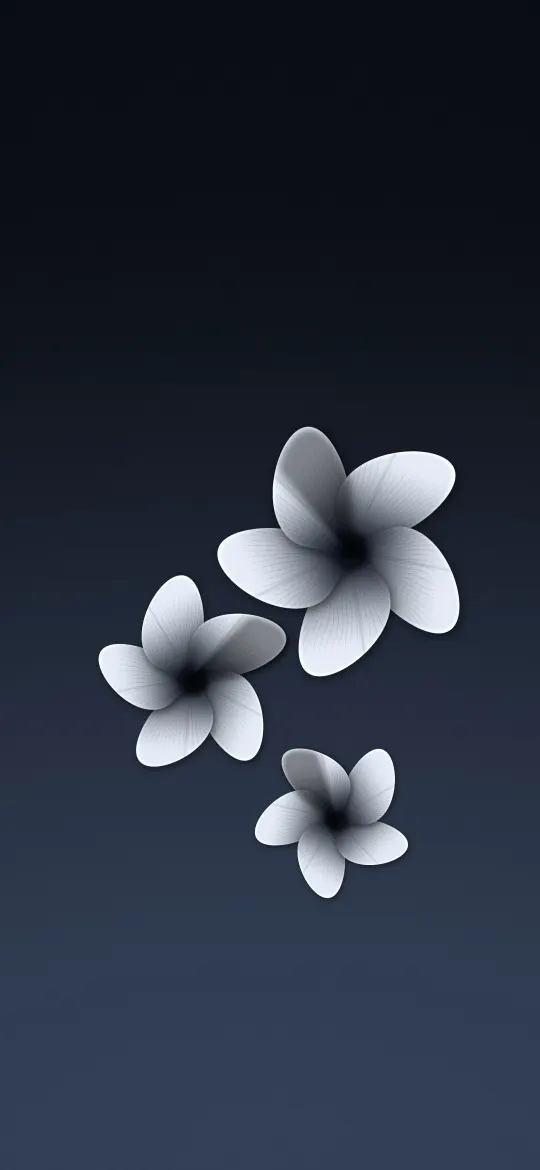 Three Frangipani on Slate
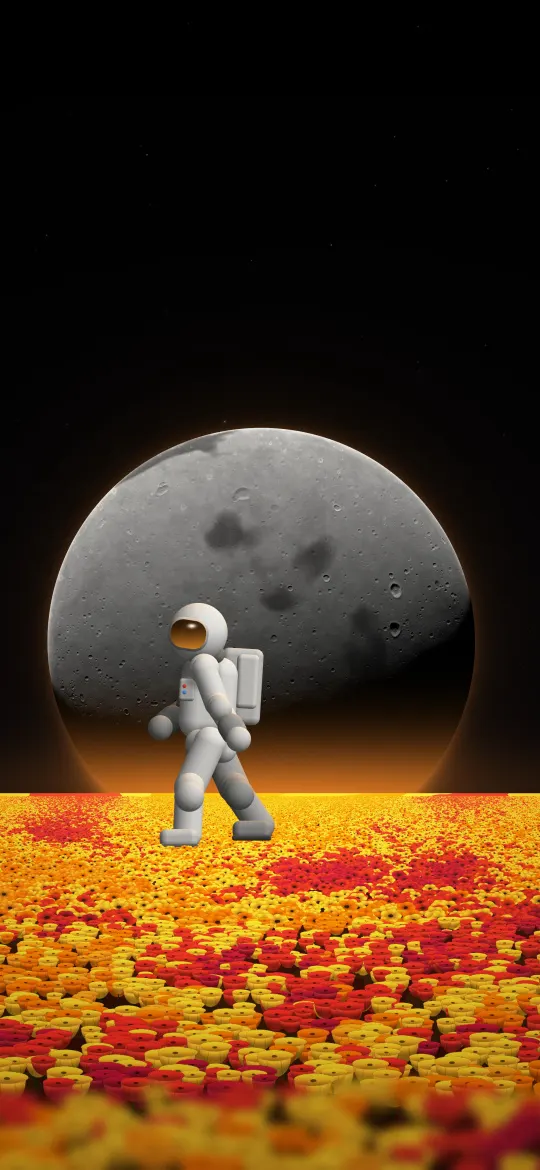 Astronaut in a Flower Field
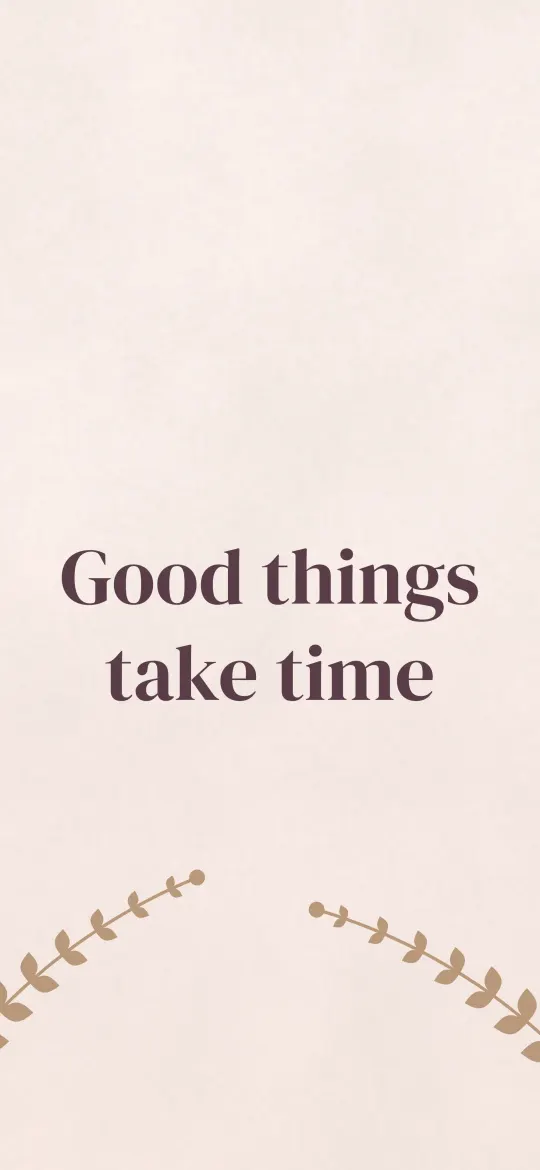 Good Things Take Time
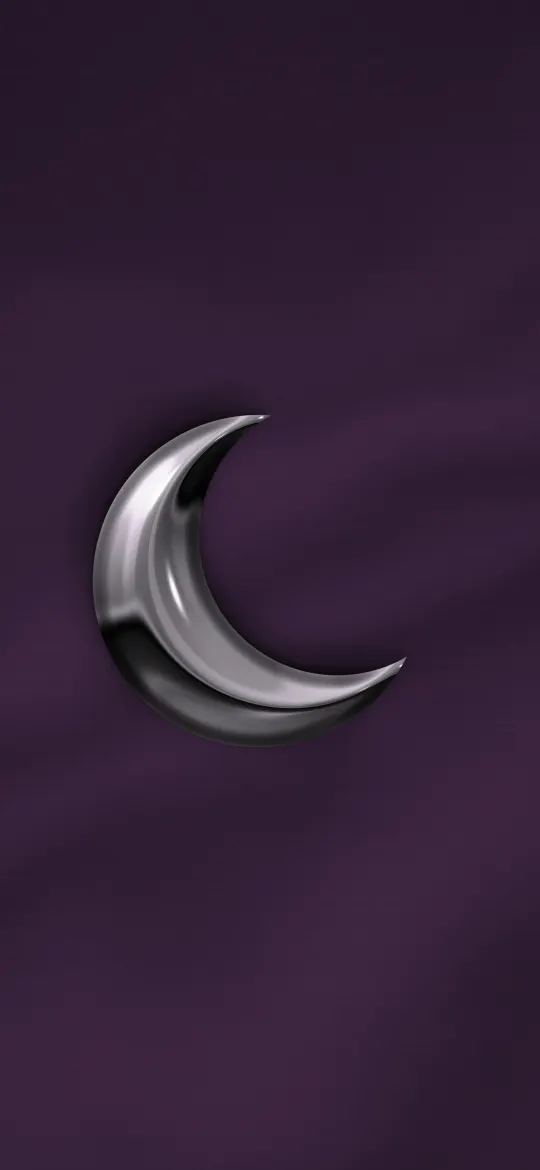 Chrome Crescent Moon
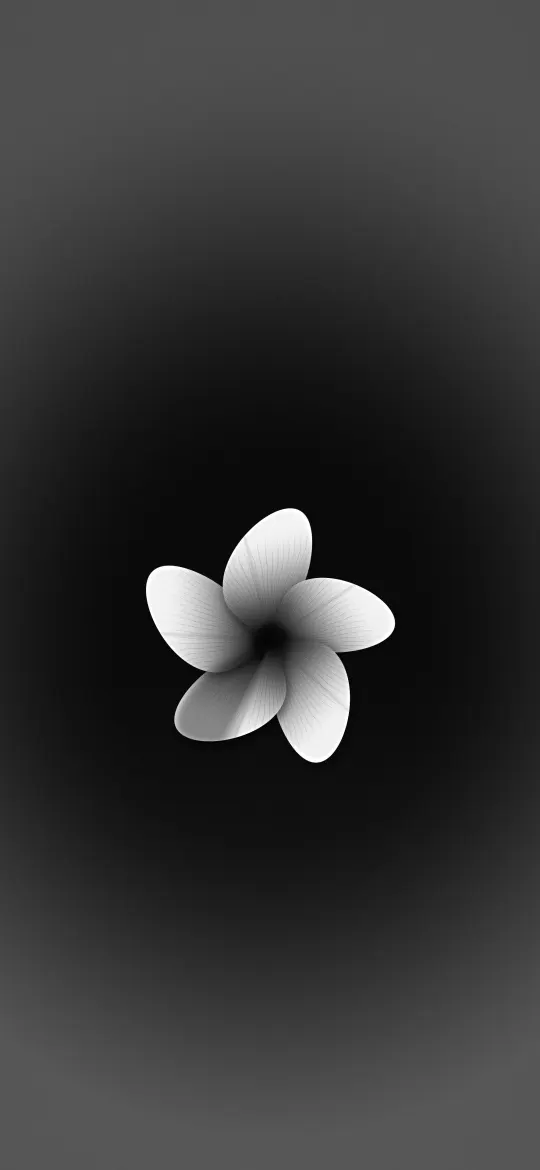 Grey Frangipani Bloom
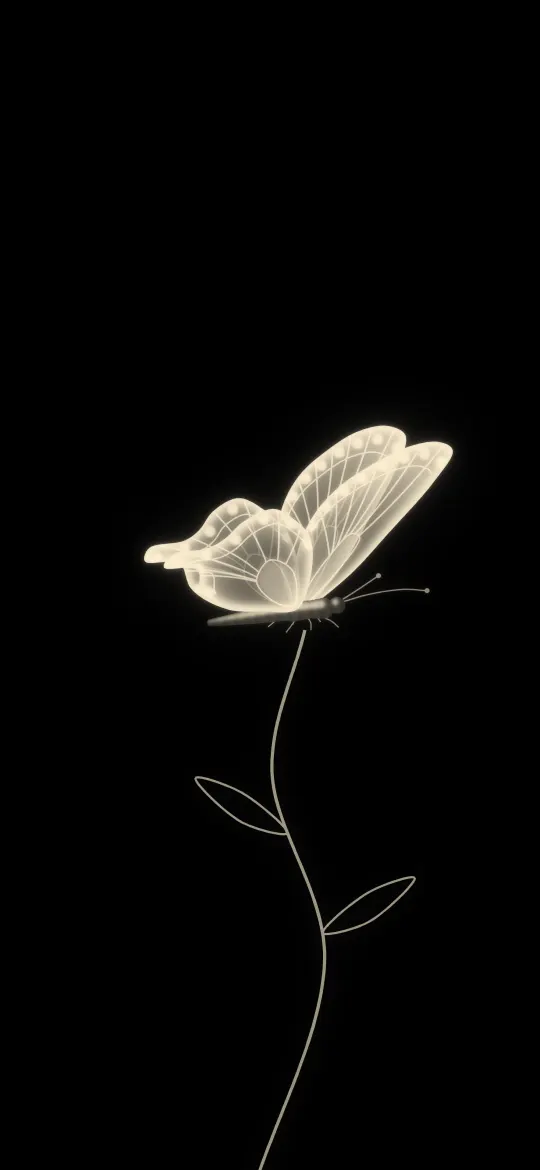 Butterfly on a Glowing Stem
 Your Own Pace
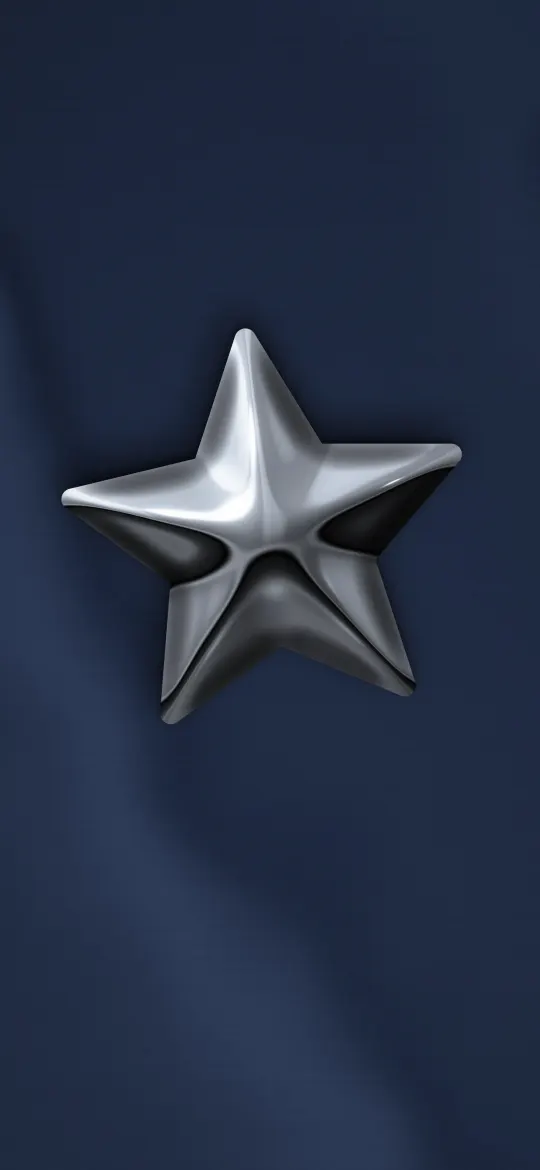 Chrome Star on Navy Satin
 Violet Butterfly Swarm
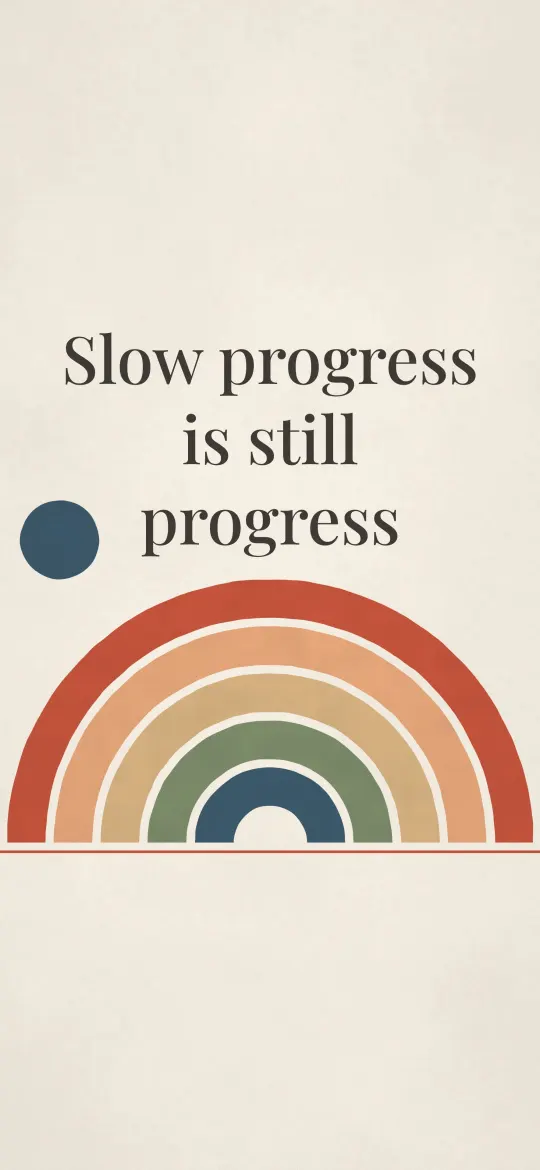 Slow Progress Counts
 Ice Blue Butterfly in Flight
 Always Begin Again
 Kind to Your Mind
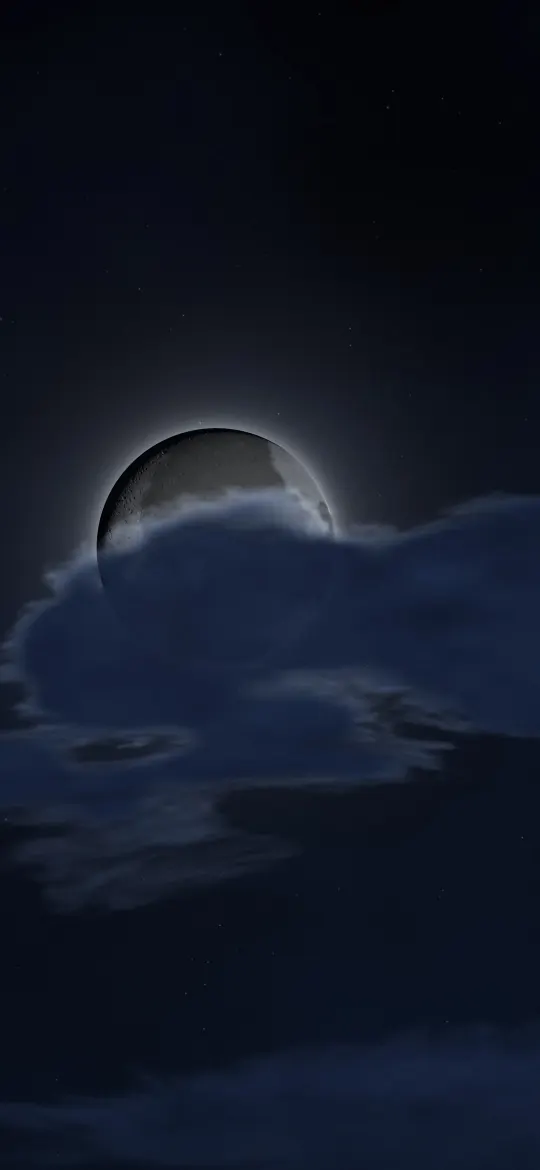 Moon Behind Night Clouds
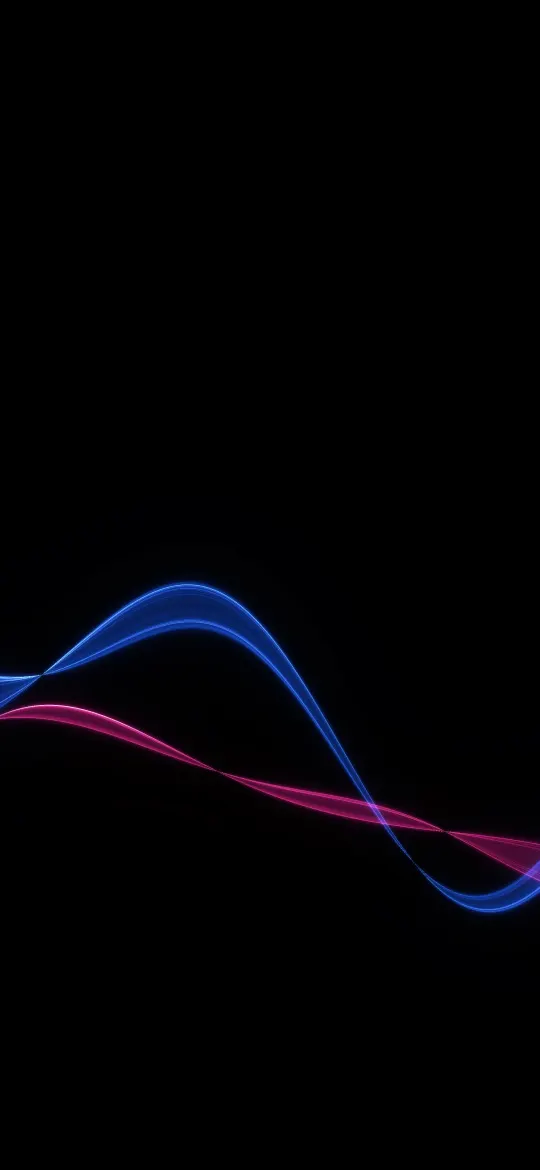 Blue Magenta Light Wave
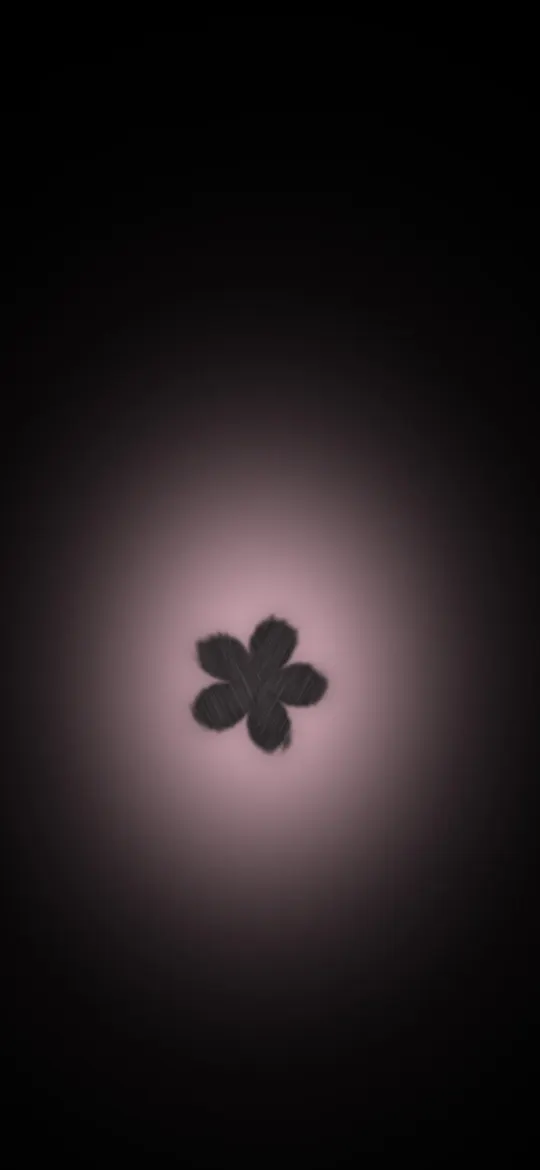 Charcoal Flower Rose Glow
 Glossy Red Heart
 Better Than You Think
 Mint Night Moon
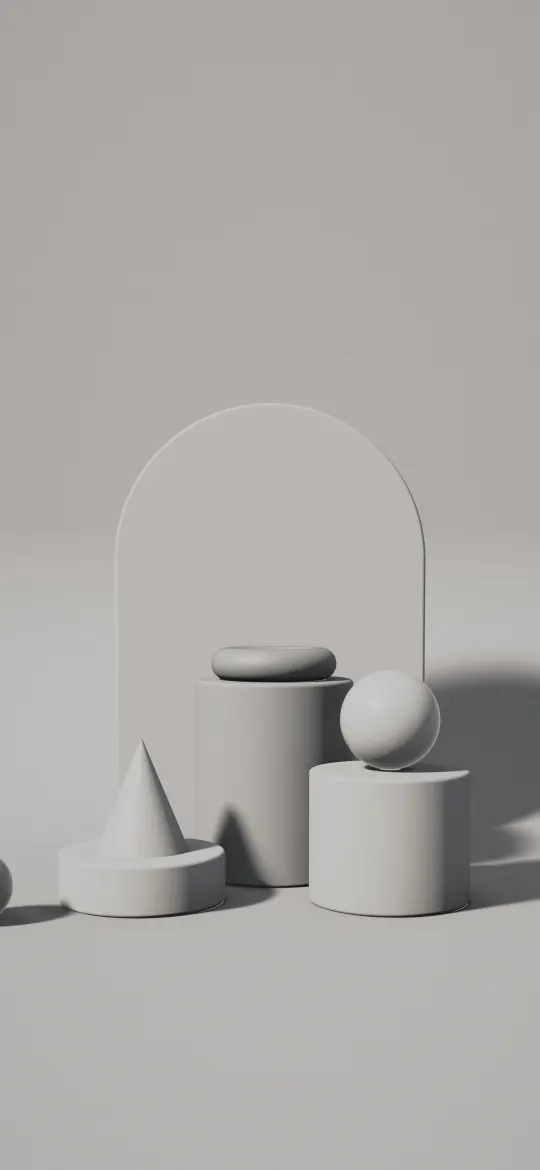 Ash Plinth Studio
 Poured Concrete Panels
 Rosy Dune Layers
 Cloud Grey Mist
 Blush Paper Portal
 Golden Oak Leaves
 Moon Glitter Path at Sea
 Emerald Light Spiral
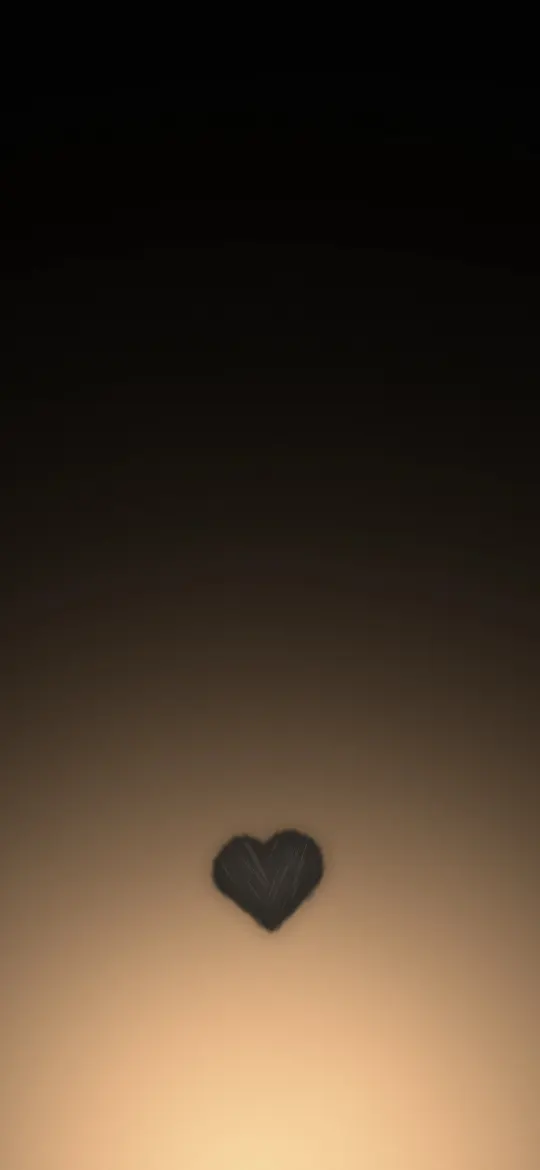 Heart at Sunrise Glow
 Rose Gold Hearts
 Small Steps Daily
 Peach Moon Lullaby
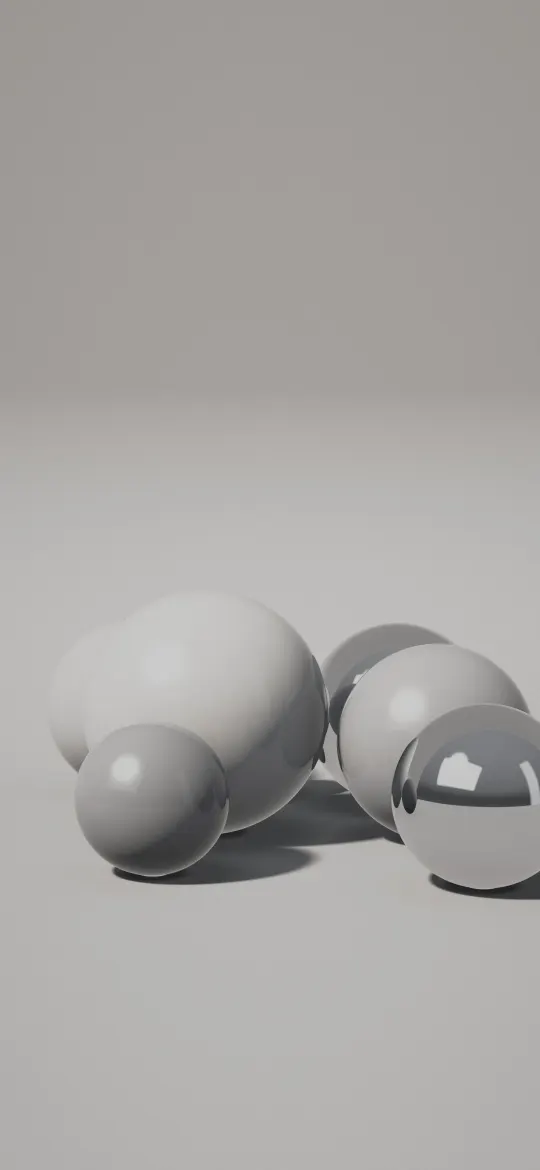 Silver Sphere Cluster
 Strawberry Milk Terrazzo
 Cotton Candy Clouds
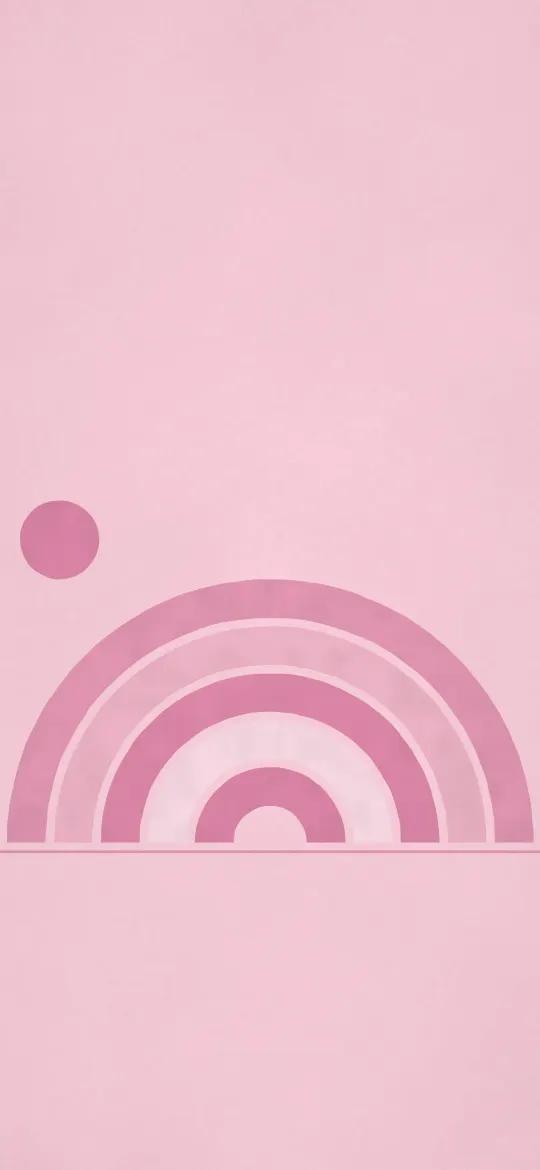 Rose Arch Rainbow
 Peony Paper Waves
 Red Maple Fall
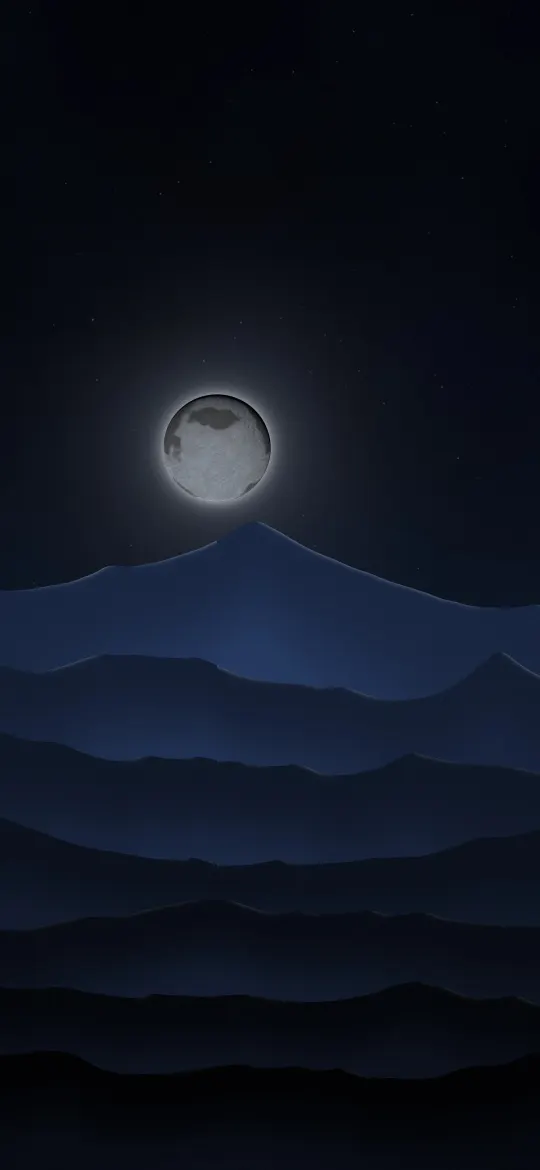 Full Moon Over Misty Ranges
 Violet Light Fan
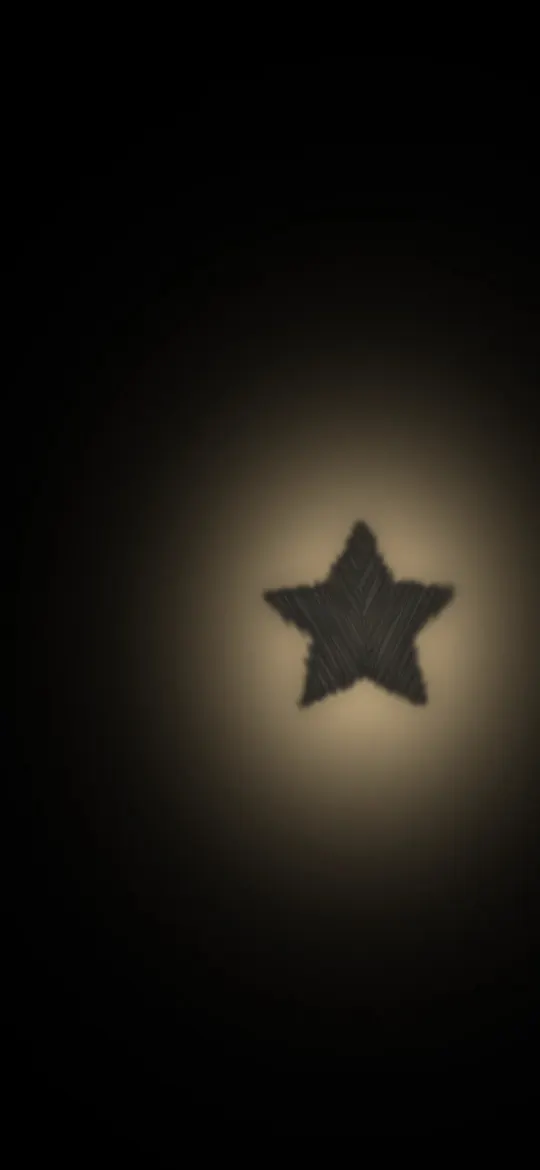 Amber Glow Star
 Floating Candy Hearts
 Bloom Where You Are
 Crescent Moon Dream
Why the exact 1398 × 2034 size matters
The iPhone Duo — cover screen screen is 1398 × 2034 pixels, an aspect ratio of about 13:9. A generic wallpaper at a different shape gets zoomed by iOS to fill the screen, which softens detail and can push the subject under the clock. Every wallpaper on this page has been cropped from its full-resolution original to exactly 1398 × 2034, so what you see in the preview is what lands on your lock screen.
How to set a wallpaper on the iPhone Duo — cover screen
- Open a wallpaper above and tap Download wallpaper. Your model is selected for you.
- Open the image in Photos, tap the share button, then Use as Wallpaper.
- Adjust the clock style or depth effect if you like, tap Add, then choose lock screen, home screen or both.
More detail, including Files and Safari downloads, is in our guide to setting a wallpaper on iPhone.
iPhone Duo — cover screen wallpaper questions
What wallpaper size does the iPhone Duo — cover screen need?
The iPhone Duo — cover screen has a 5.4-inch screen at 1398 × 2034 pixels. Every wallpaper on this page is cropped to exactly that size, so it fills the screen without stretching.
Which iPhones use 1398 × 2034 wallpapers?
The iPhone Duo — cover screen all share this 1398 × 2034 screen, so the same file fits each of them.
Will iOS zoom or move the wallpaper?
A wallpaper at your screen's exact resolution is shown as-is. If iOS still zooms it, turn off "Perspective Zoom" (on older iOS) or pinch to fit while adjusting the wallpaper.
Are these wallpapers free?
Yes. Every wallpaper is free to download and use on your own iPhone. See the license page for details.
Wallpapers for other iPhones
- iPhone Duo — inner screen (upright)
- iPhone 18 Pro Max / 17 Pro Max / 16 Pro Max
- iPhone 18 Pro / 17 Pro / 17 / 16 Pro
- iPhone Air
- iPhone 16 Plus / 15 Plus / 15 Pro Max / 14 Pro Max
- iPhone 16 / 15 / 15 Pro / 14 Pro
- iPhone 14 Plus / 13 Pro Max / 12 Pro Max
- iPhone 17e / 16e / 14 / 13 / 13 Pro / 12 / 12 Pro
- iPhone 13 mini / 12 mini
- iPhone 11 Pro Max / XS Max
- iPhone 11 Pro / XS / X
- iPhone 11 / XR
- iPhone 8 Plus / 7 Plus
- iPhone SE (2nd & 3rd gen) / 8 / 7
- 4K Universal (any phone)