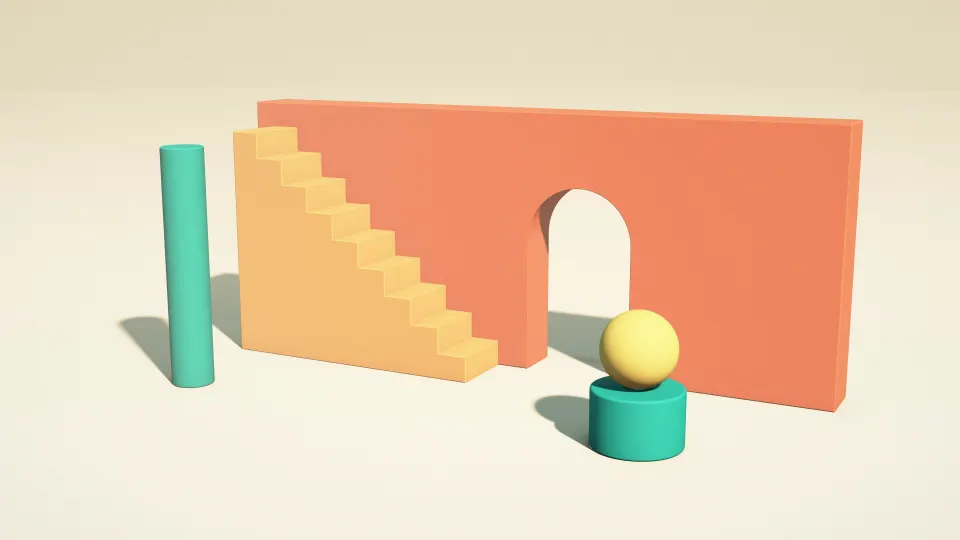
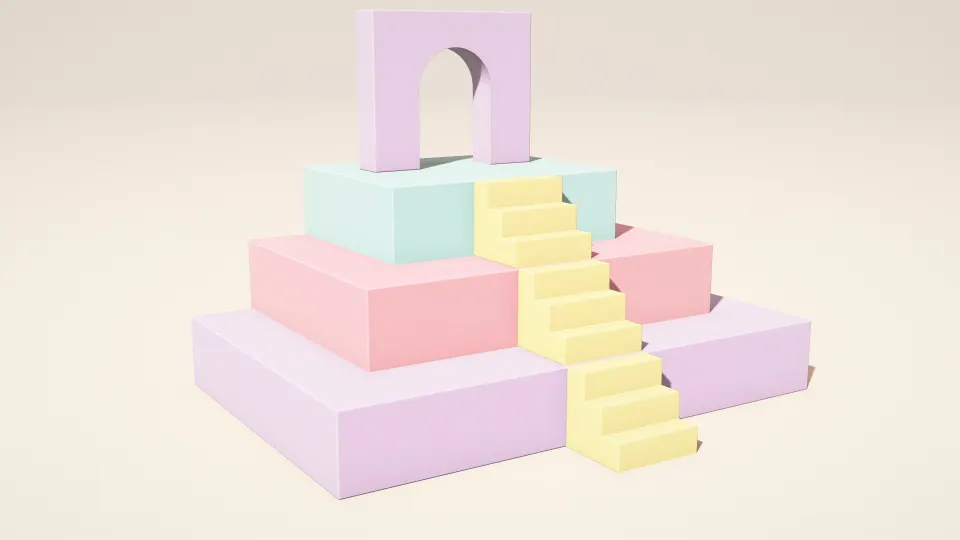
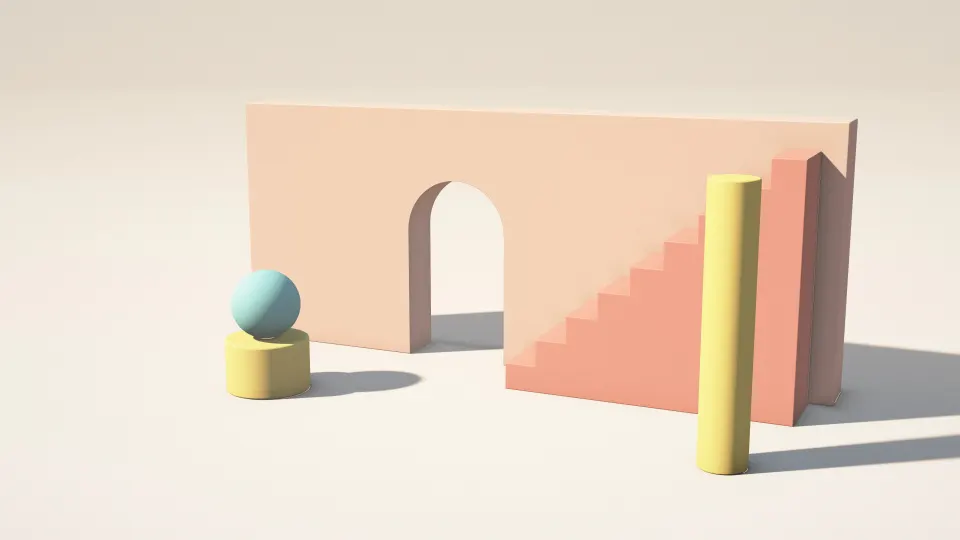
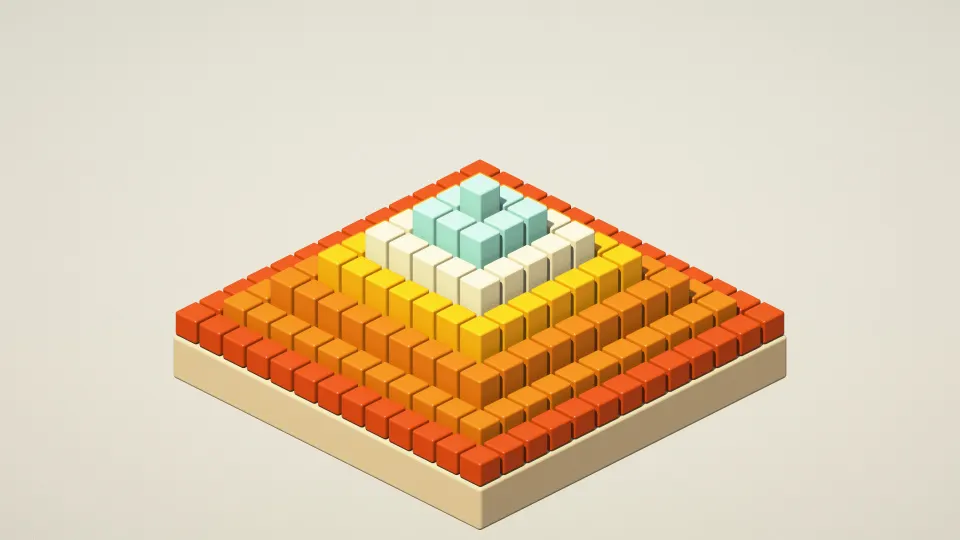
 Ember Paper Layers
1366x768 wallpapers
Free wallpapers at exactly 1366 × 768 pixels, the HD resolution of many budget and older 11- to 15.6-inch laptops. The files are small and quick to download, and fit the screen exactly.
HD (laptop) · 1366 × 768 · 95 wallpapers
- 1366 × 768pixels, about 1 megapixel
- 16:9almost exactly
- HD · WXGAother names for the same size
- 100 ppion a 15.6-inch laptop (112 ppi at 14 inches)
Ember Paper Layers
















Which screens are 1366 × 768?
1366 × 768 was the standard laptop resolution for years and is still common on entry-level laptops, older school and office machines and some small TVs. It is a little wider than 720p (1280 × 720), and very close to 16:9.
Because it has fewer pixels than other screens, any larger 16:9 wallpaper (1080p or 4K) also looks sharp here once Windows scales it down. The exact 1366 × 768 file is simply the smallest download.
How do I check my resolution?
On Windows 11, open Settings › System › Display: Display resolution shows your screen's size, usually marked (Recommended). Display scaling such as 125% or 150% does not change which wallpaper you need; the wallpaper is drawn at the screen's full resolution.
Other sizes: 1920x1080 wallpapers, 2560x1440 wallpapers, 3840x2160 wallpapers, 1920x1200 wallpapers, 2560x1600 wallpapers, 3440x1440 wallpapers. Every wallpaper's page lists all Windows PC & Laptop sizes; browse them in Windows PC & Laptop wallpapers. More on this size: Wallpaper Resolution Guide: What Size Do You Need?.
1366x768 wallpaper questions
Is 1366x768 the same as 720p?
No, but it is close. 720p is 1280 × 720; 1366 × 768 is a little larger. Both are sold as "HD".
Can I use a 1920x1080 wallpaper on a 1366x768 laptop?
Yes. Both are 16:9, so Windows scales the 1080p picture down and it looks sharp. The 1366 × 768 file is just smaller.
Why does my wallpaper look blurry on a 1366x768 screen?
Usually the picture was smaller than the screen or a different shape, so Windows enlarged it. Use a wallpaper at 1366 × 768 or larger with the fit set to Fill.
Are these wallpapers free?
Yes. Every wallpaper is free to download and use on your own devices. The license page explains the details.