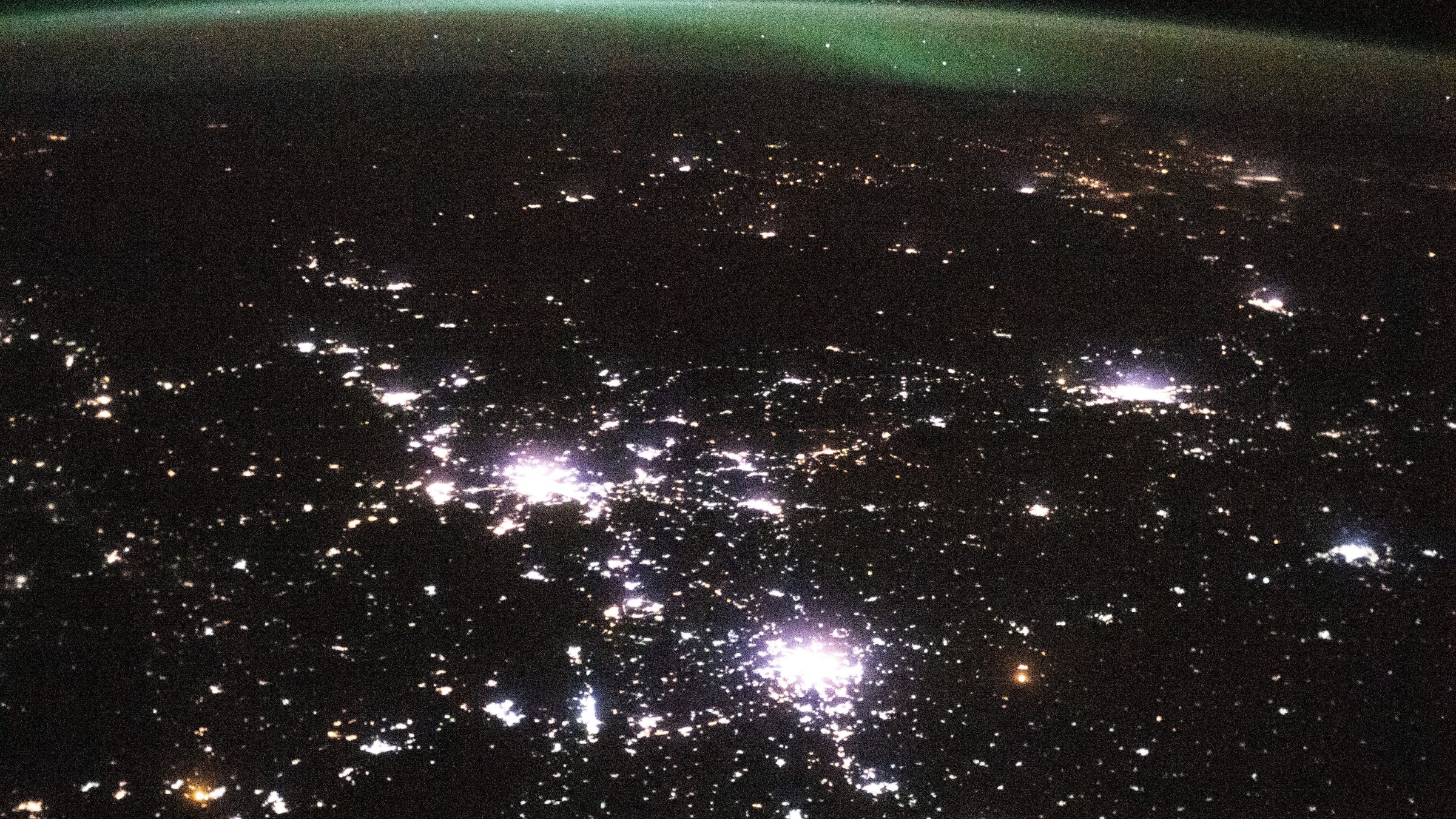
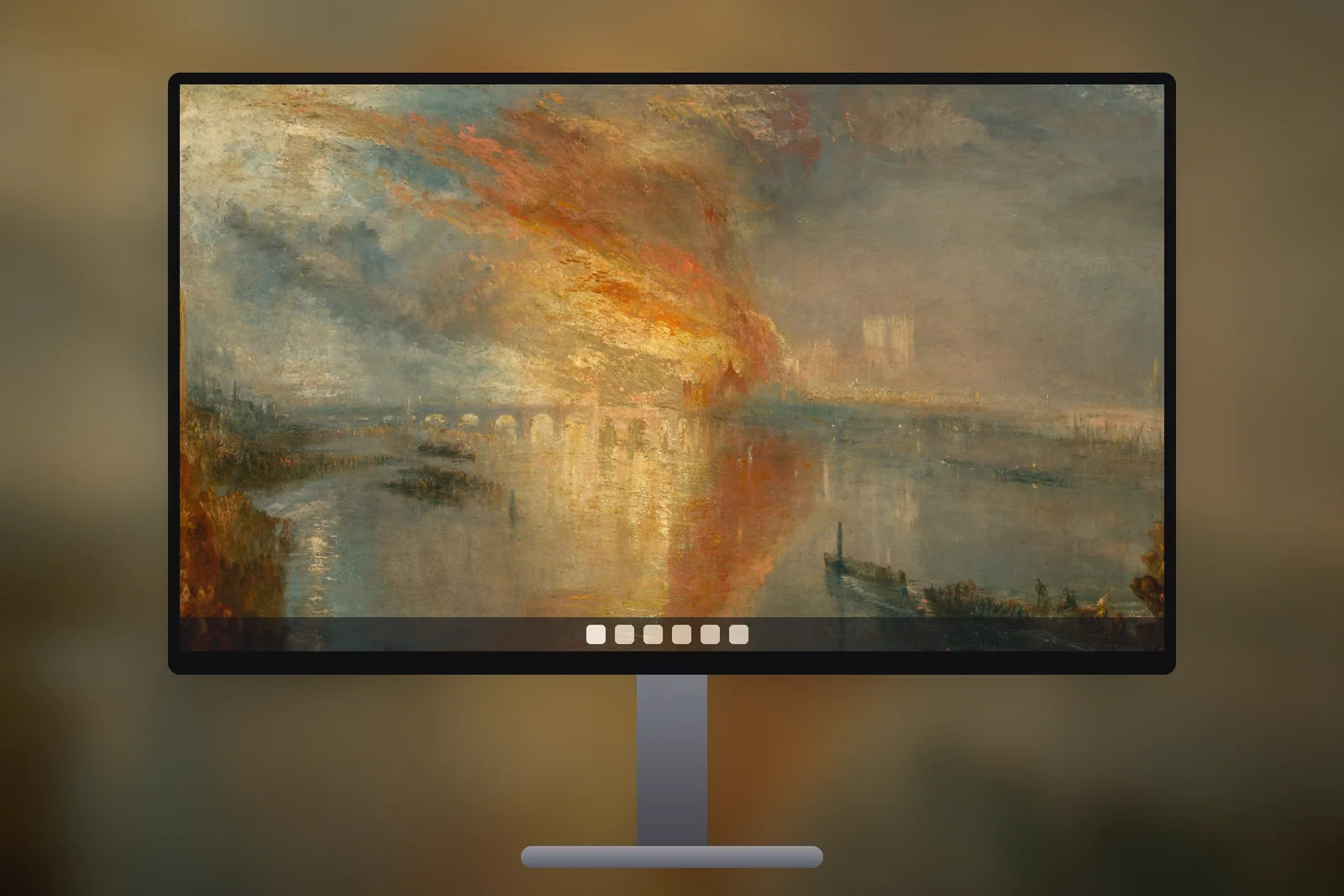
A dark desktop wallpaper is a background made mostly of black and deep tones, with one area of light or colour as the subject. On Windows 11 it pairs with dark mode (Settings → Personalisation → Colours → Choose your mode → Dark), keeps white icon labels readable, and on OLED screens leaves black pixels switched off. Download it at your screen’s resolution or in 4K.
In short
- Turn on dark mode in Settings → Personalisation → Colours → Choose your mode → Dark; the wallpaper is set separately under Background.
- Desktop icon labels in Windows are white with a shadow, so they read best on dark or mid-tone pictures.
- On an OLED monitor or laptop, black pixels are switched off, so pure black areas look deeper and use less power than bright ones.
- A 4K UHD file (3840 × 2160) scales cleanly to 1080p and 1440p; 16:10 laptops should use 1920 × 1200 or 2560 × 1600.
- Dark images show banding and compression blocks more easily, so a high-quality file at full resolution matters more than usual.
Why use a dark wallpaper with dark mode?
A dark wallpaper keeps the whole screen at one brightness level. Dark mode is a Windows setting that switches the taskbar, Start menu, File Explorer and supporting apps to dark grey backgrounds with light text. With a bright wallpaper behind them, every minimised window reveals a flash of white; with a dark one, the desktop and the apps sit together and your eyes don’t have to adjust.
It matters most in the evening and in dim rooms, and on large monitors where the desktop is a big area of light. Windows can also take its accent colour from the picture: under Colours → Accent colour, choose Automatic and a dark wallpaper with an orange sunset or green aurora gives the taskbar highlights a matching tint.
 City Lights From Space
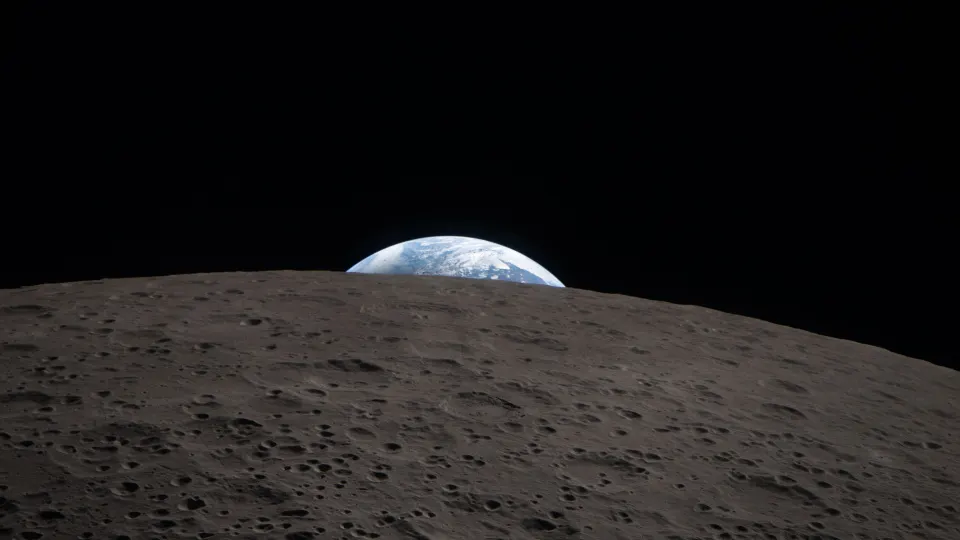 Earthset Over the Moon
 Green Aurora Arc
 Northern Lights From Orbit
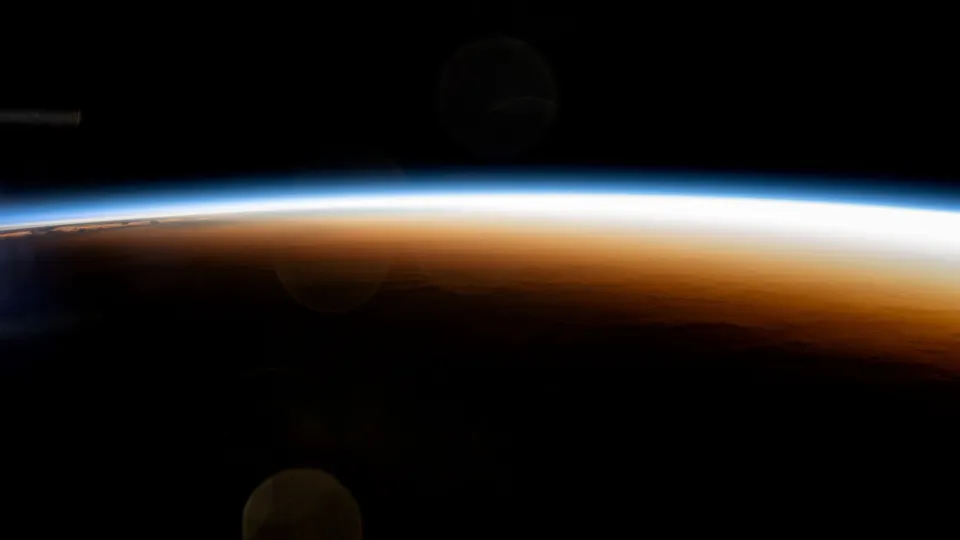 Orbital Sunrise Horizon
Do dark wallpapers help on OLED monitors and laptops?
Yes, mainly for contrast and slightly for power. OLED is a screen technology in which each pixel makes its own light, so a black pixel is simply off. That gives true black with no backlight glow, which is why space scenes and night skies look especially deep on OLED laptops and monitors.
Because dark pixels draw less power, a mostly black desktop uses a little less energy than a white one on an OLED laptop. The saving only applies while the desktop is visible, and on LCD screens it makes no difference, because the backlight stays on whatever the image. The same logic on phones is covered in do dark wallpapers save battery.
How do I keep icons and text readable on a dark wallpaper?
Keep the area under your icons plain and dark. Windows lines desktop icons up from the top-left corner and draws their labels in white with a soft shadow, so a dark, even area there reads clearly, while a bright moon or city light directly behind a label makes it hard to see.
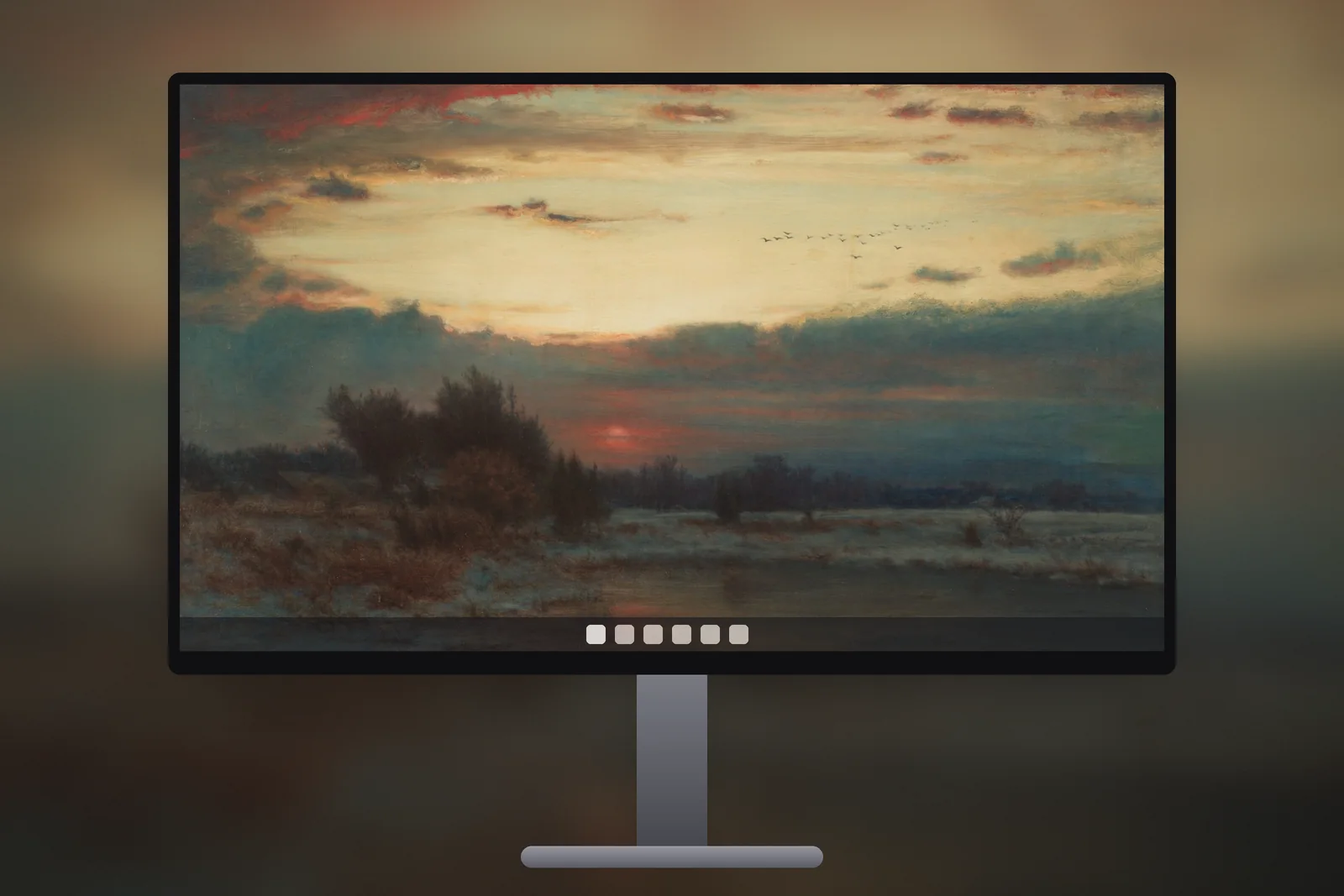
- Subject on the right or centre: pictures whose light sits away from the top-left keep icons clear.
- Not pure black everywhere: a little texture or a faint horizon shows where the screen ends and stops the desktop from looking empty.
- Avoid tiny bright detail behind the taskbar: the strip along the bottom of the screen is covered, so detail there is lost.
- Fewer icons: right-click the desktop → View → Show desktop icons hides them all when you want a clean screen.
Which kind of dark wallpaper suits which screen?
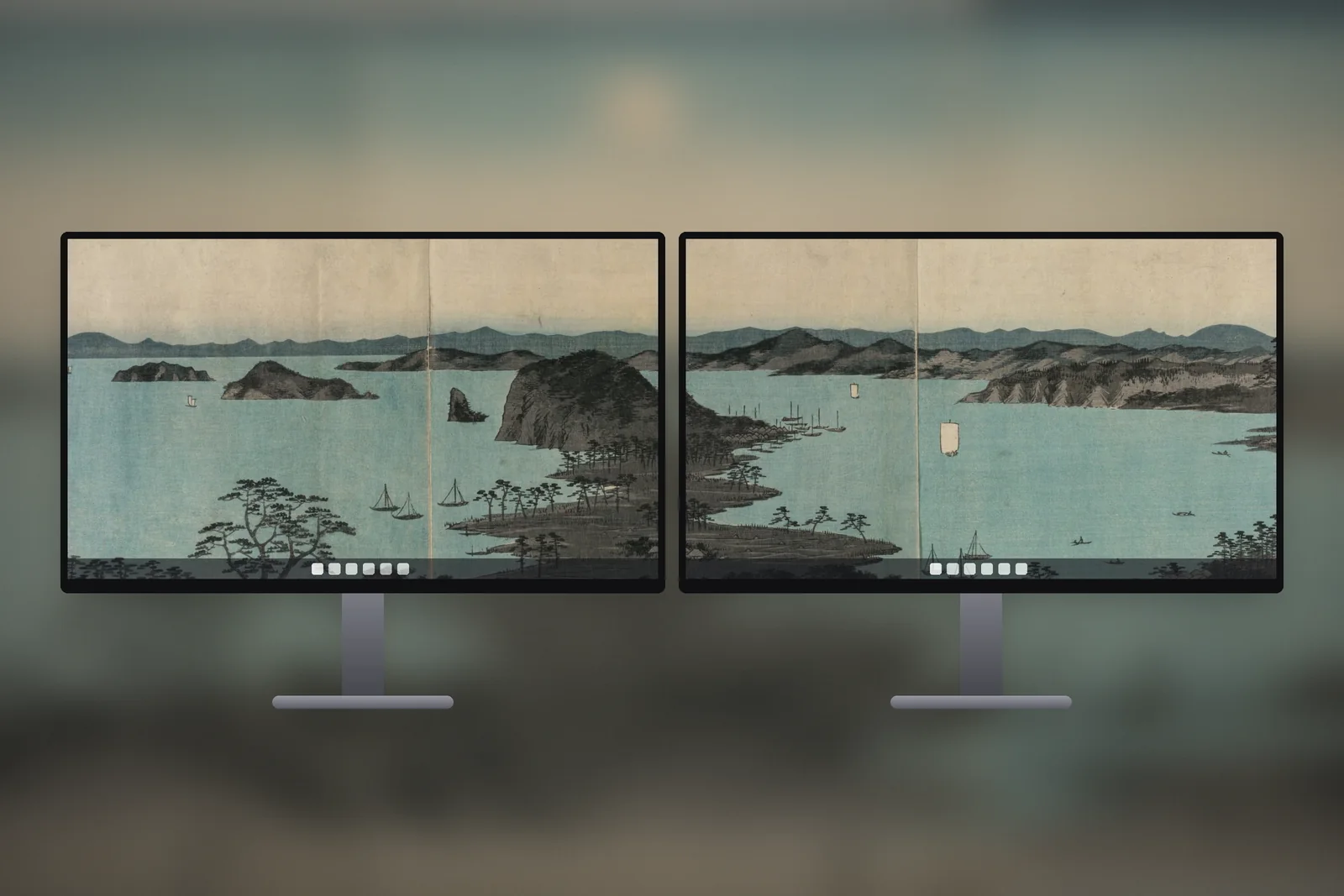
Pick by how dark your room is and what screen you have. Near-black space scenes suit OLED and dim rooms; dark landscapes with a warm glow suit everyday LCD monitors; moody grey scenes are the easiest on icons.
| Style | What it looks like | Best on | Icon readability |
|---|---|---|---|
| Space and night sky | Mostly black with stars, Earth or aurora | OLED monitors and laptops, dark rooms | Very good if the light is off-centre |
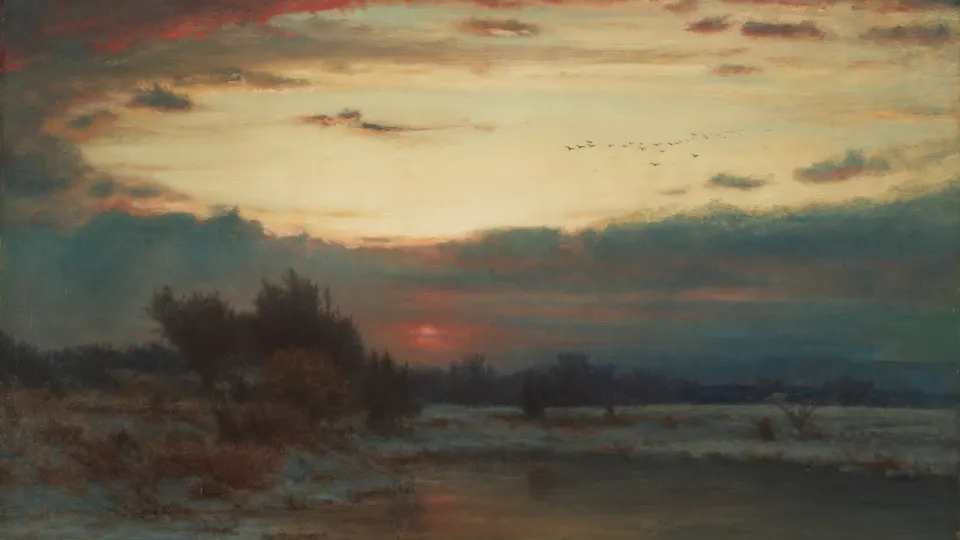
| Dusk landscape | Dark ground with an orange or red sky | LCD and IPS monitors, daytime use | Good on the dark half of the image |
| Moody grey | Mist, storm clouds, moonlit water | Any screen, work setups | Very good, low contrast |
| Pure black | Solid black, no detail | OLED screens only | Excellent, but looks flat on LCD |

Which size dark wallpaper should I download for a laptop or PC?
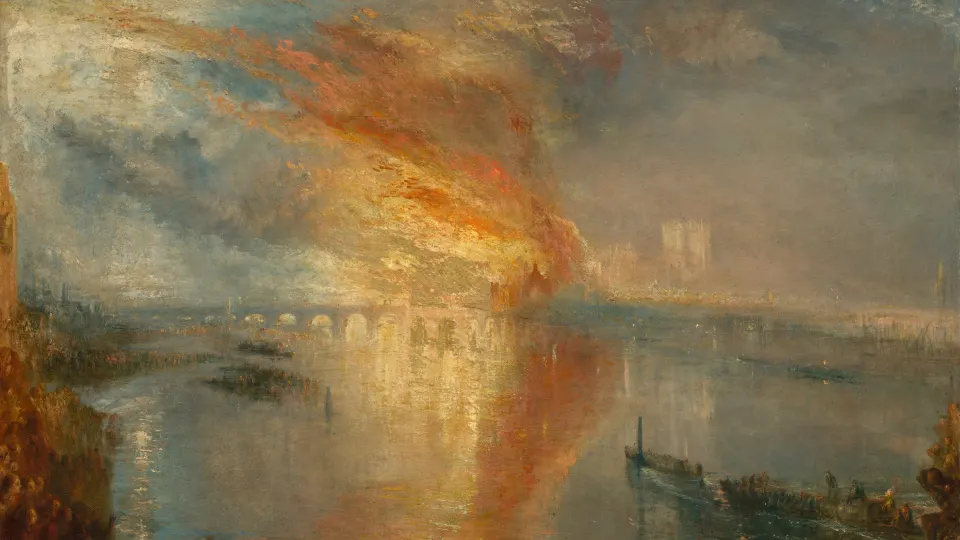
Download the size that matches your screen, shown under Settings → System → Display → Display resolution. Exact sizes matter more on dark pictures, because enlarging a smaller image turns smooth gradients in the sky into visible bands.
- 1920 × 1080: most 24-inch monitors and many laptops.
- 1920 × 1200 or 2560 × 1600: newer 16:10 laptops.
- 2560 × 1440: 27-inch and gaming monitors.
- 3840 × 2160 (4K): 4K monitors, and a safe choice for any 16:9 screen.
On iPhonesWallpaper, every PC wallpaper is cut to seven exact screen sizes, from 1366 × 768 to 4K UHD. The darkest picks are in the space wallpapers for PC, and the whole collection is in the PC section. Set your choice with Settings → Personalisation → Background → Picture, fit set to Fill; how to change wallpaper on Windows 11 has the full steps.
On a MacBook, the same pictures come cut to Mac screen sizes in the Mac section, and they pair well with dark appearance under System Settings → Appearance.
Read next: 3840x2160 Wallpaper: 4K UHD for PC, Scaling and File Sizes and Windows 11 Lock Screen Wallpaper: Set It, Fix Spotlight, Match It.
Quick answers
What is the best dark wallpaper for an OLED laptop?
A near-black space or night-sky picture, where most pixels are black and switched off. Choose one with the bright subject away from the top-left so desktop icons stay readable.
How do I get dark mode on Windows 11?
Open Settings → Personalisation → Colours and set “Choose your mode” to Dark. Dark mode doesn’t change the wallpaper, so set a dark picture separately under Background.
Does a dark wallpaper save battery on a laptop?
Only on OLED laptops, and only a little while the desktop is visible. On LCD laptops the backlight stays on, so the wallpaper makes no difference to battery life.
What resolution is a 4K dark wallpaper for PC?
3840 × 2160 pixels. It fits 4K screens exactly and scales cleanly to 1920 × 1080 and 2560 × 1440 monitors.
Does Night light change how a dark wallpaper looks?
Yes, a little. Night light in Settings → System → Display shifts the screen towards warmer colours, so blue skies turn greyish while orange dusk scenes barely change. Warm dark wallpapers look the most natural with it on.
Sources
- When to use Dark mode in Windows 11, Microsoft
- How to Make Your Windows Computer Aesthetic, Microsoft
- Reducing Digital Eyestrain in Windows 11, Microsoft