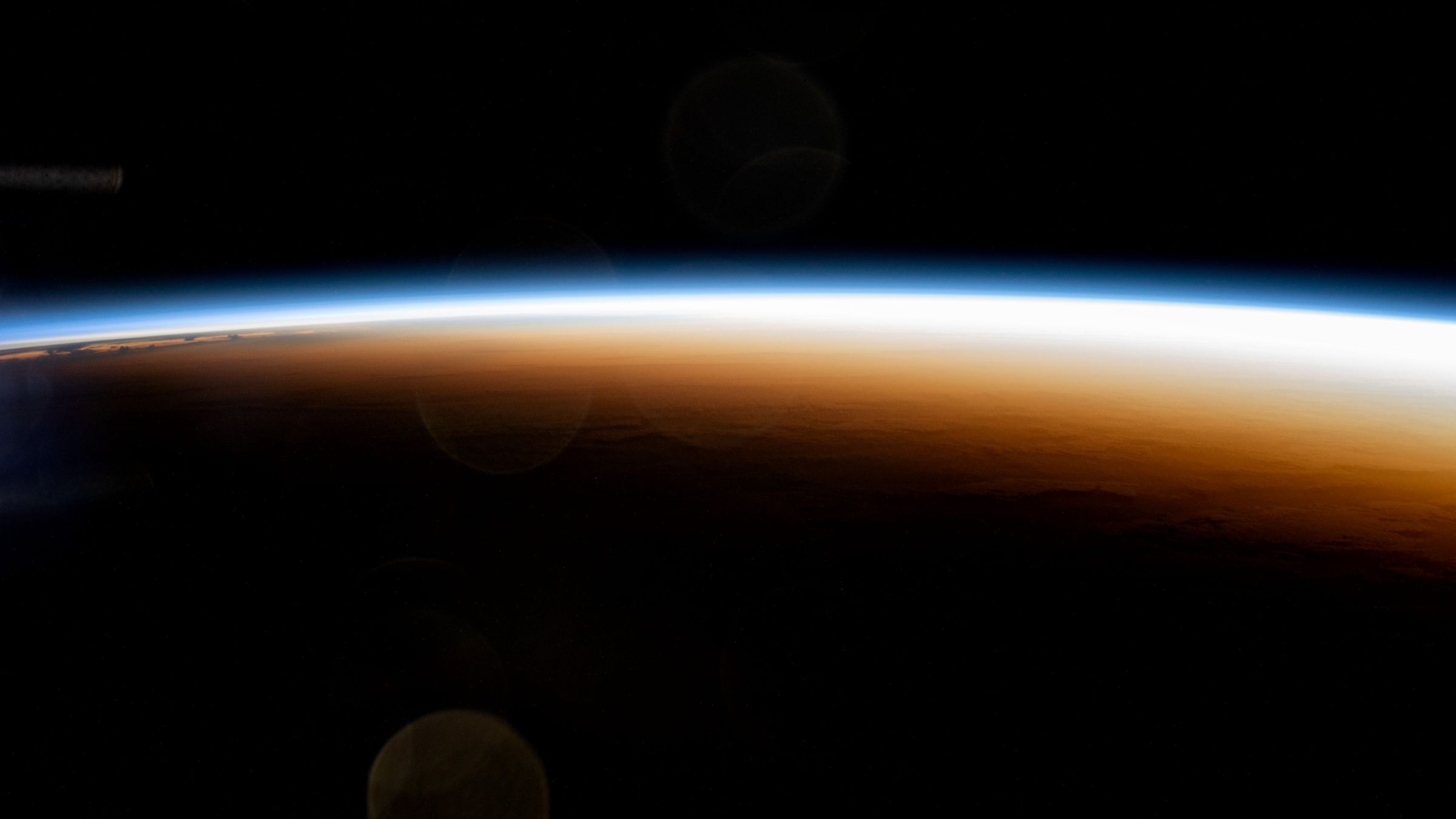
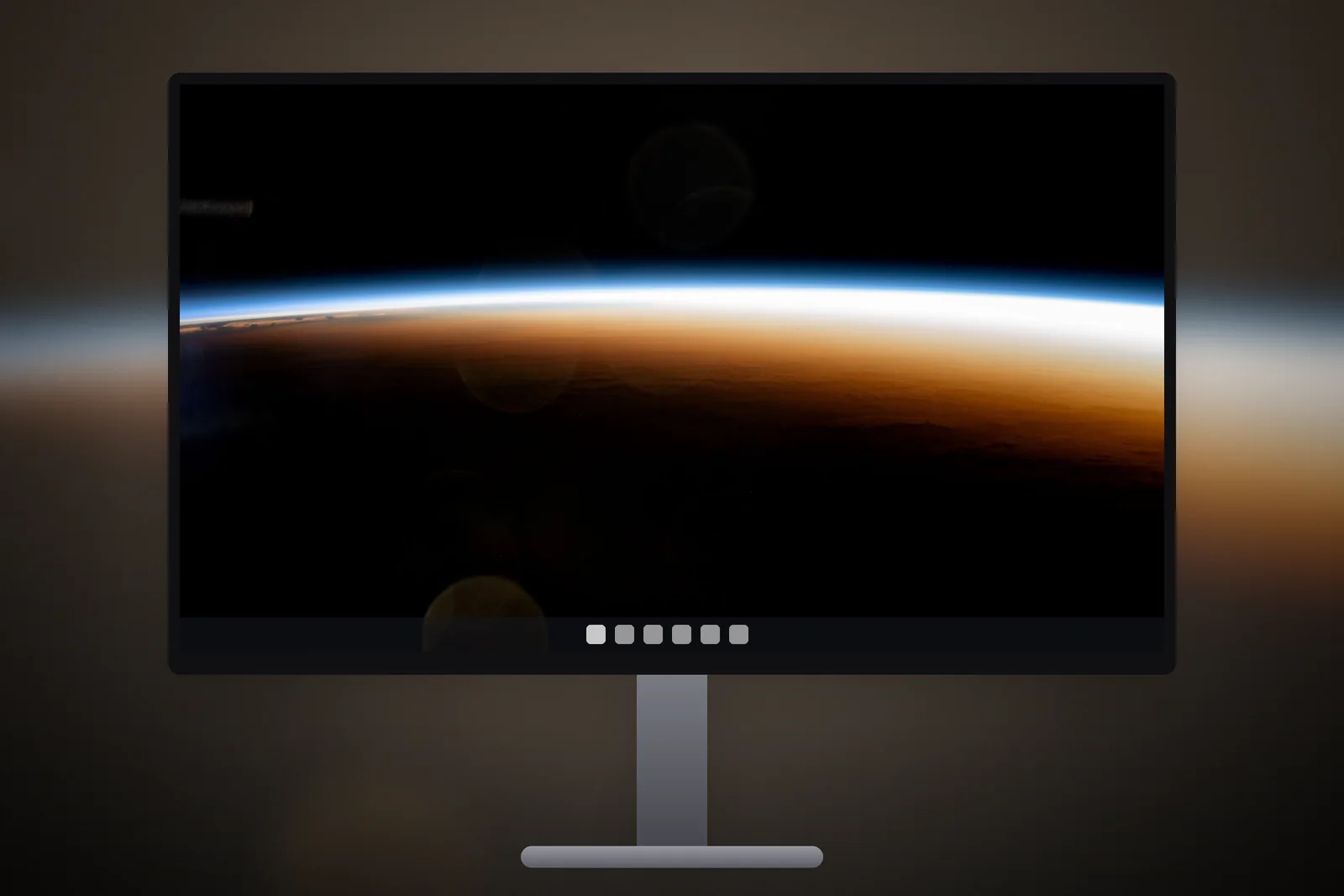
A 3840x2160 wallpaper is a 4K UHD image: 3,840 pixels wide by 2,160 tall, a 16:9 shape with about 8.3 million pixels. It fills a 4K monitor or laptop pixel for pixel, and on Windows it also scales down cleanly to 1080p and 1440p screens. Set it under Settings → Personalisation → Background → Picture with the fit set to Fill.
In short
- 4K UHD (Ultra HD) is 3840 × 2160, exactly twice Full HD in width and height, and four times its pixel count.
- 27-inch 4K monitors are commonly run at 150% scaling, but the wallpaper is still drawn at all 3,840 × 2,160 pixels.
- A 4K wallpaper is typically 2 to 6 MB as a JPEG; the same image saved as PNG can be 15 MB or more.
- One 4K file fits 1920 × 1080, 2560 × 1440 and 3840 × 2160 screens with no cropping, because all three are 16:9.
- Screens that are 16:10 or 21:9 crop a 4K file at the edges; download the exact size for those.
What is the difference between 4K and UHD?
On a PC monitor, 4K and UHD mean the same thing: 3840 × 2160. Strictly, cinema 4K is 4096 × 2160, a slightly wider format used for film. TVs and monitors use the 16:9 version, often labelled 4K UHD or 2160p, and that is the size wallpaper sites mean when they offer a 4K PC file.
4K screens are now common at 27 and 32 inches, on many high-end laptops at 14 to 16 inches, and on TVs connected to PCs. At 27 inches 4K gives about 163 pixels per inch, so a good wallpaper shows fine detail such as individual stars or leaves.
How does Windows display scaling affect a 4K wallpaper?
Display scaling enlarges text, icons and windows, but it does not enlarge the wallpaper. Scaling is a Windows setting under Settings → System → Display → Scale that makes interface elements bigger so they stay readable on high-density screens. At 150%, a 4K monitor lays out apps as if it were 2560 × 1440, yet it still has 3,840 × 2,160 real pixels to draw with.
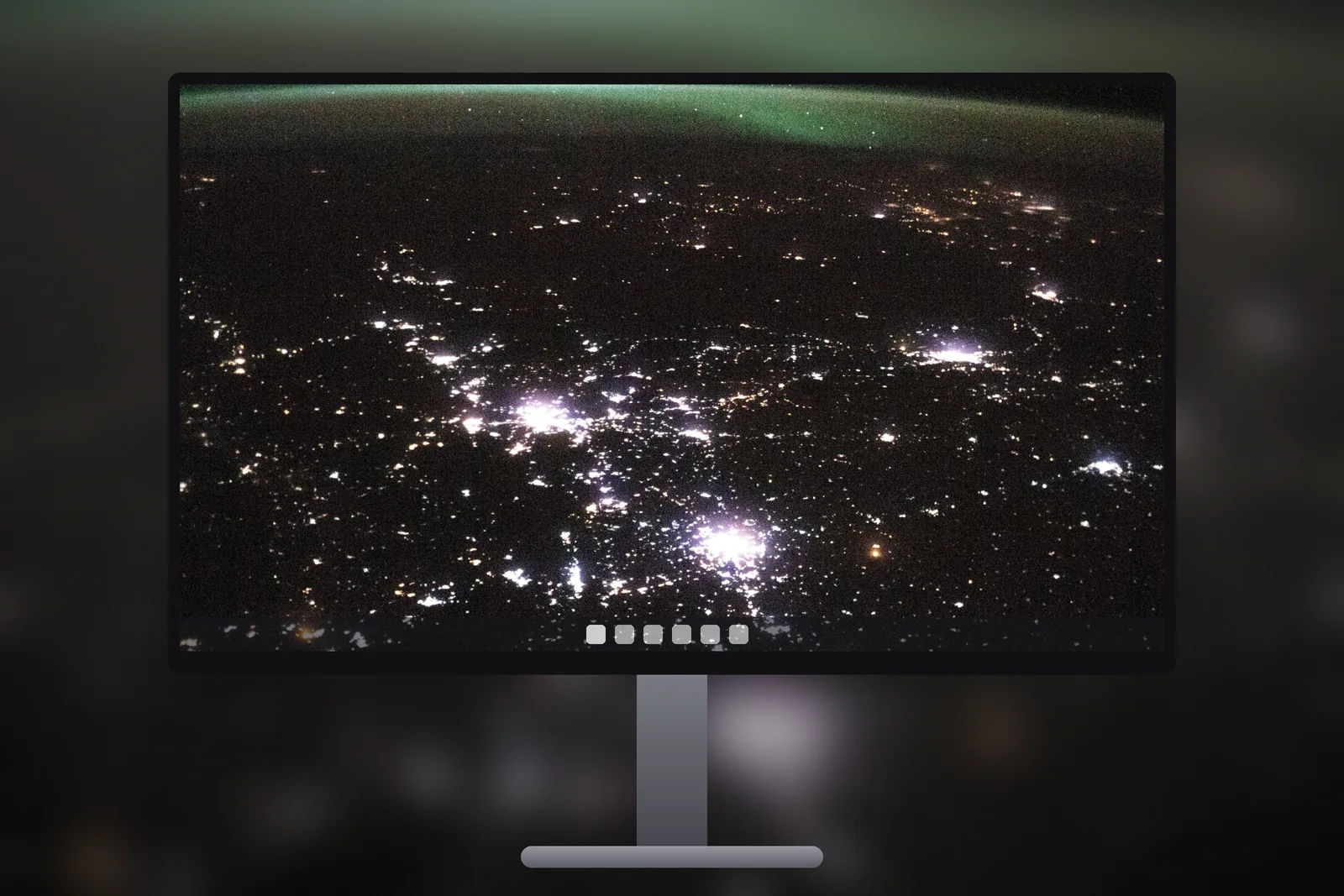
The desktop background is always rendered at the screen’s real resolution. So a 3840 × 2160 file on a 4K screen at 150% is still shown pixel for pixel, and a 2560 × 1440 file on the same screen would be enlarged by 50 percent and look soft. That is the most common reason a wallpaper looks blurry on a new 4K monitor.
| Screen | Native resolution | Common Windows scale | Wallpaper to use |
|---|---|---|---|
| 24-inch 1080p monitor | 1920 × 1080 | 100% | Full HD or 4K |
| 27-inch 1440p monitor | 2560 × 1440 | 100% | QHD or 4K |
| 27-inch 4K monitor | 3840 × 2160 | 150% | 4K UHD |
| 32-inch 4K monitor | 3840 × 2160 | 125% to 150% | 4K UHD |
| 14 to 16-inch 4K laptop | 3840 × 2160 or 3840 × 2400 | 200% to 250% | 4K UHD (or the exact 16:10 size) |
How big is a 4K wallpaper file?
A 3840 × 2160 JPEG wallpaper is usually between 2 and 6 MB, depending on detail. Smooth gradients and dark skies compress well and stay near the low end; dense forests, water and grain push the size up. A PNG of the same image is lossless and much larger, often 15 to 30 MB.
A larger file costs you download time on a slow connection and a little disk space. It is still the right choice for a 4K screen: a smaller file saved to look the same would have to throw away the very detail the extra pixels are there to show.


Why does one 4K file suit most PC screens?
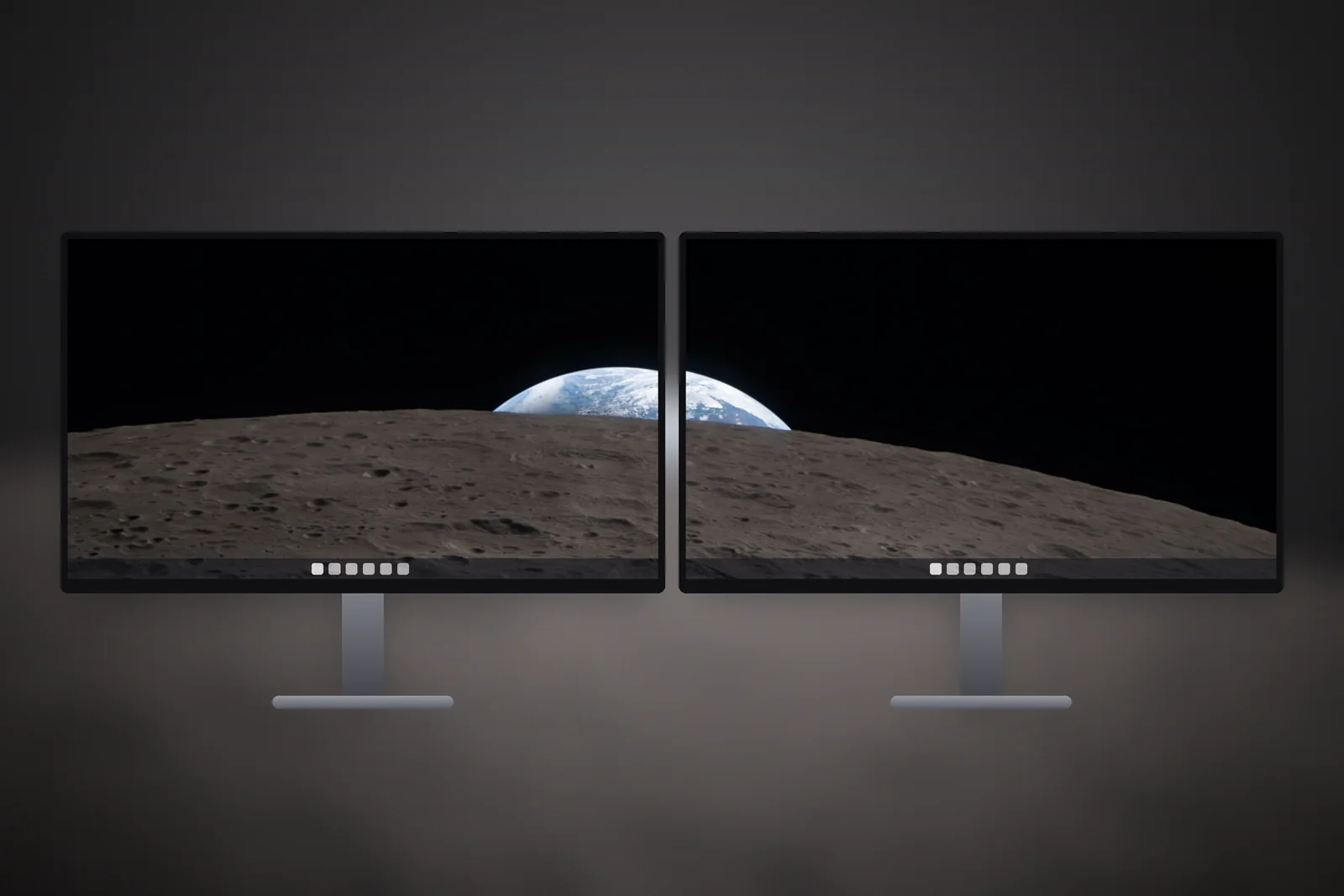
A 4K wallpaper suits most PC screens because the three most common desktop resolutions are all 16:9, and 4K divides into them neatly. It shrinks to exactly half for 1080p and to two-thirds for 1440p, and scaling down keeps detail while scaling up loses it. If you use several 16:9 monitors, one 4K download covers them all.
- 1920 × 1080: scaled to 50%, no cropping, sharp.
- 2560 × 1440: scaled to 67%, no cropping, sharp.
- 1366 × 768: scaled to about 36%, no cropping, sharp but a larger file than needed.
- 1920 × 1200 or 2560 × 1600 (16:10): Fill crops about 10 percent from the left and right edges.
- 3440 × 1440 ultrawide (21:9): Fill crops about a quarter of the height, so the top and bottom of the picture are lost.
For the 16:10 and ultrawide cases, download the matching file instead. On iPhonesWallpaper, every PC wallpaper is cut to seven exact screen sizes, including 4K UHD, WQXGA 2560 × 1600 and ultrawide 3440 × 1440, so the framing is chosen for each shape rather than left to Windows. The wallpaper resolution guide compares every size side by side.
How do I set a 4K wallpaper in Windows 11?
- Download the 4K UHD file from the PC wallpaper section.
- Right-click the file in File Explorer and choose Set as desktop background, or open Settings → Personalisation → Background.
- Under “Personalise your background”, choose Picture and click Browse photos.
- Set “Choose a fit for your desktop image” to Fill. On a 16:9 screen, Fill shows the whole image.
If the picture still looks soft, check two things: that the file really is 3840 × 2160, and that Display resolution is set to the value Windows marks as Recommended. More fixes are in how to change wallpaper on Windows 11.
What makes a good 4K wallpaper?
A good 4K wallpaper has real detail at full size, not an enlarged smaller photo. Zoom the file to 100 percent before using it: edges should be crisp and skies free of blocky banding. Large, smooth areas such as space, sky or calm sea look especially clean on a 4K screen, and dark scenes from the space category make icons easy to read.
 Green Aurora Arc
 Low Tide Blue Coast
 Tuscan Valley Evening
 River Blaze at Dusk
 Storm Over Fir Forest
Read next: 2560x1440 Wallpaper: QHD Sizes for 1440p and Gaming Monitors and Dark Desktop Wallpaper: 4K Picks for Dark Mode and OLED Screens.
Quick answers
What resolution is a 4K wallpaper for PC?
A 4K PC wallpaper is 3840 × 2160 pixels, a 16:9 aspect ratio. It is also called 4K UHD or 2160p.
Will a 4K wallpaper work on a 1080p monitor?
Yes. Windows scales the 3840 × 2160 image to exactly half size for 1920 × 1080, so it fills the screen with no cropping and stays sharp.
Why does my 4K wallpaper look blurry at 150% scaling?
Scaling does not blur the wallpaper. If it looks soft, the image is probably smaller than 3840 × 2160 and has been enlarged, or the display is running below its native resolution. Use a true 4K file and the recommended resolution.
How many MB is a 4K wallpaper?
A 3840 × 2160 JPEG is usually 2 to 6 MB. A PNG version of the same picture is often 15 MB or more.
Is a 3840x2160 wallpaper right for a 3840x2400 laptop?
Not exactly. 3840 × 2400 is a taller 16:10 screen, so Windows enlarges a 16:9 4K file by about 11 percent and trims the left and right edges. A file cut for the 16:10 shape fills it without cropping.