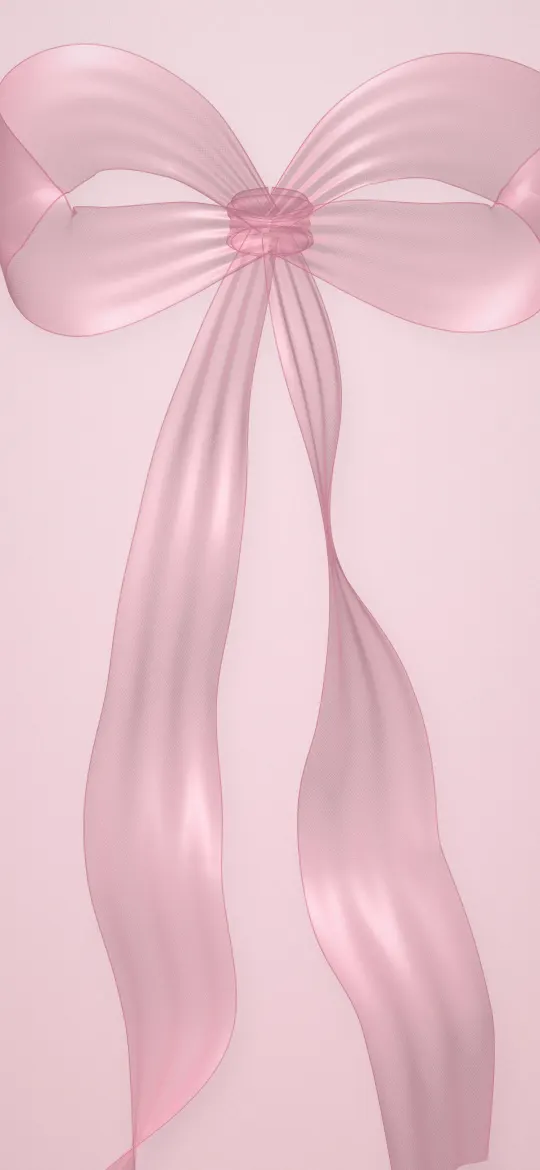
A good flower wallpaper for iPhone has the blooms in the lower or middle part of the frame and a calm area at the top for the clock. Flowers on a black background suit dark mode and OLED iPhones; pastel pink peonies and cherry blossom suit a light, aesthetic look. Download it at your exact screen size, or 2160 × 3840, so petals stay sharp.
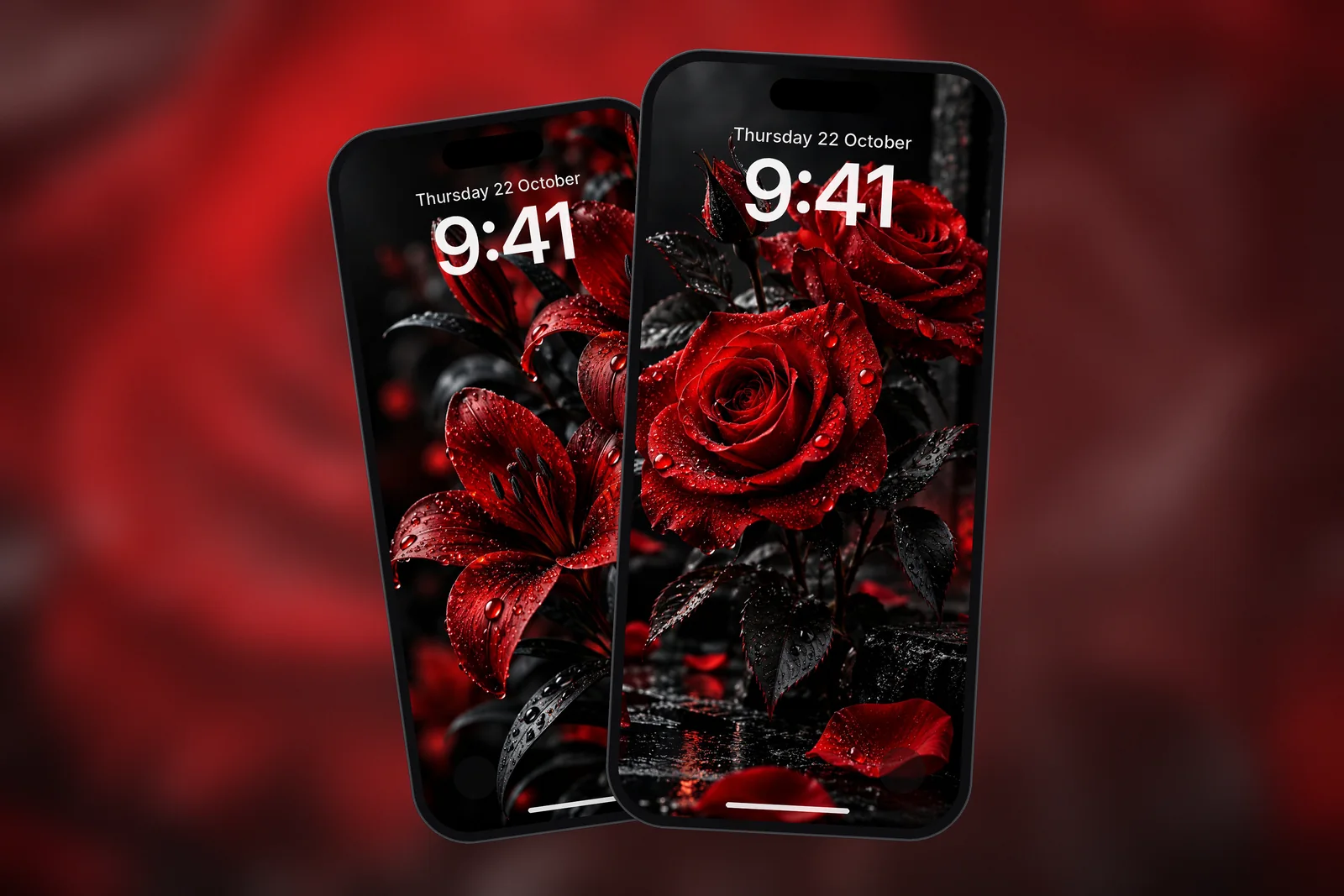
In short
- Dark floral wallpapers, such as red roses on black, look rich on OLED iPhones because black pixels are switched off and the petals seem to glow.
- Pastel flower wallpapers in pink, peach and coral suit light setups; choose a white or deep plum clock depending on the tone behind it.
- Keep the top third of the image calm (dark background, soft blur or sky) so the time and Lock Screen widgets stay readable.
- For the Home Screen, a blurred version or a simpler floral keeps app icons and labels easy to read; tap Customise on the Home Screen side to change it.
- Use the exact size for your model or the universal 2160 × 3840 file; fine details like dew drops show softness quickly.
Which floral styles work best on an iPhone?
Four floral styles work reliably on an iPhone: dark close-ups, bouquets, blossom scenes and meadows. They differ in how much of the screen they fill and how much quiet space they leave for the clock.
| Floral style | What it looks like | Clock contrast | Best for |
|---|---|---|---|
| Dark close-up | One or a few blooms on a black background | Very high with a white clock | OLED iPhones, dark mode, Always-On |
| Bouquet | Many flowers filling the frame | Medium; needs a careful crop | Lock Screen with few widgets |
| Blossom scene | Cherry or sakura trees, paths, ponds | Good when sky or mist sits at the top | Calm, seasonal Lock Screens |
| Meadow | Wildflowers in a field under soft light | Good with sky above the flowers | Bright, natural Home Screens |
A floral close-up is the easiest to live with because the background does most of the work. A full bouquet is the most colourful but the hardest to read text over, so it often works better as a Lock Screen than as a Home Screen.
Why do flowers on a black background look so good?
Flowers on a black background look good because the contrast makes the petals the only bright thing on the screen, and on OLED iPhones the black areas are completely dark. The result feels like a photo printed on velvet: deep, calm and very easy to read a white clock over.
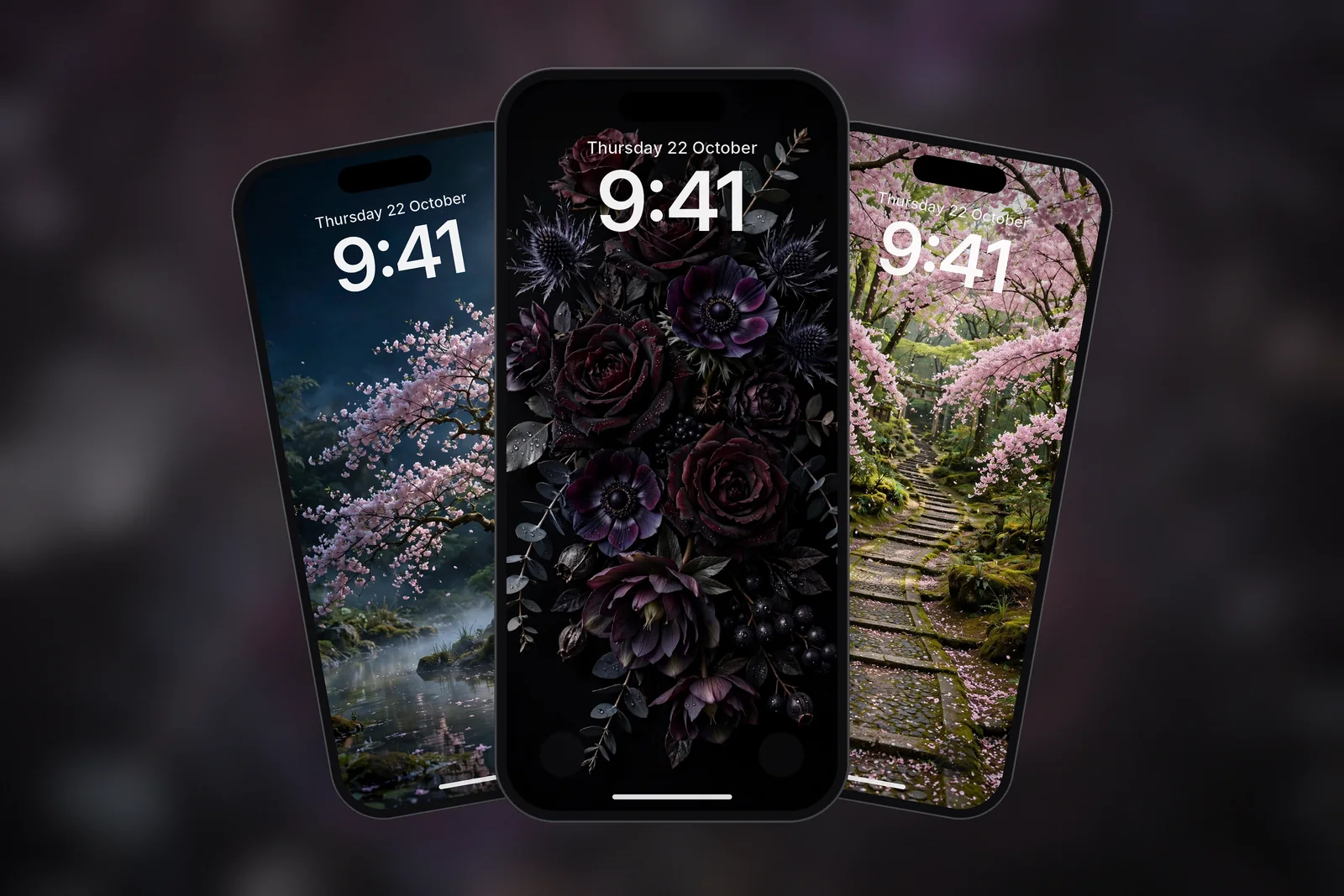
A dark floral wallpaper is any flower image where the background is near-black, such as dew-covered red roses or a gothic bouquet of burgundy and black blooms. They are also a good fit for the dimmed Always-On view on models that have it, because the black areas stay dark and only the flowers show faintly. To control what appears there, go to Settings → Display & Brightness → Always On Display and toggle Show Wallpaper.
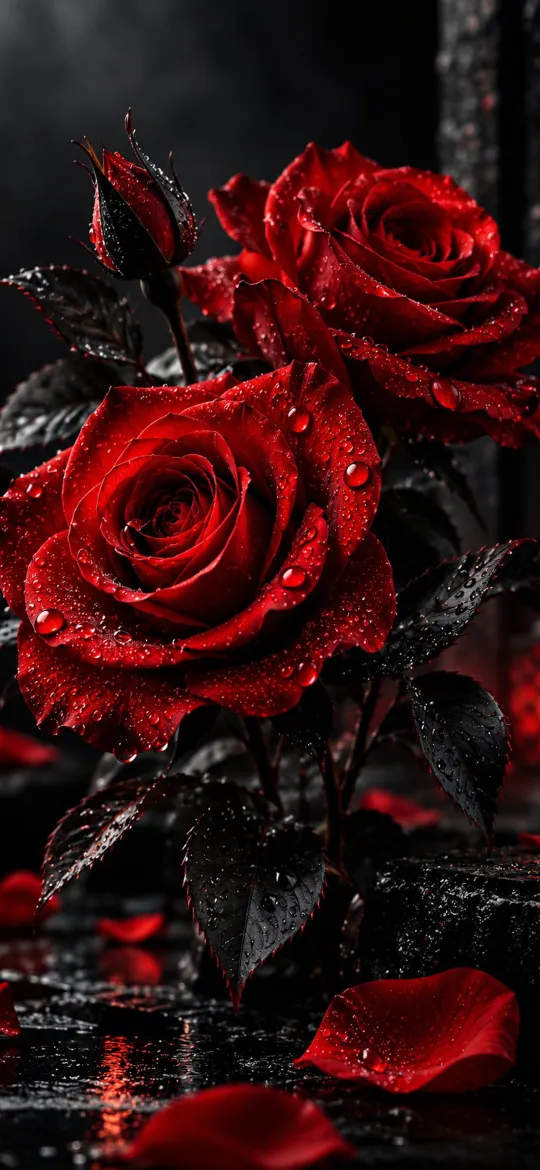 Red and Black Rose
 Red and Black Flower
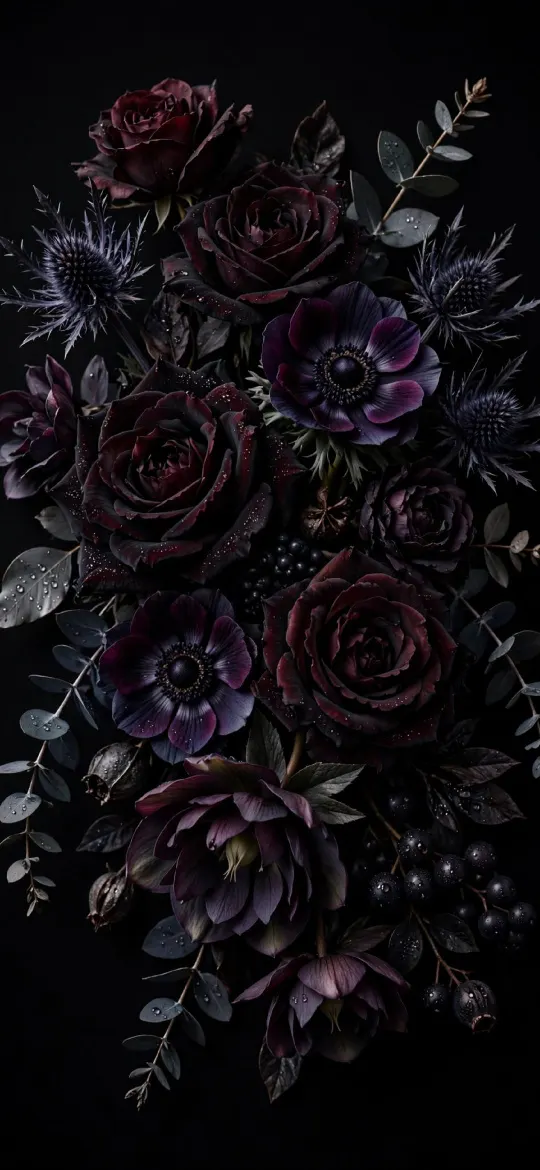 Gothic Dark Floral Bouquet on Black Background
 Moonlit Cherry Blossom Night Garden
For more wallpapers built around true black, see the best AMOLED and true-black iPhone wallpapers.
Pink and pastel flower wallpapers: the aesthetic option
Pink and pastel flower wallpapers give the soft, warm look most people mean by an aesthetic floral. Peonies, ranunculus and roses in blush, peach and coral suit a light Lock Screen, and a cherry blossom path adds a seasonal feel without being too busy.
Pastels need a little more care with the clock. A white clock can fade into pale pink petals, so tap the time in the Lock Screen editor and try a deep rose, plum or near-black colour taken from the flower centres. If a solid clock still looks heavy, switch it to the more transparent look.
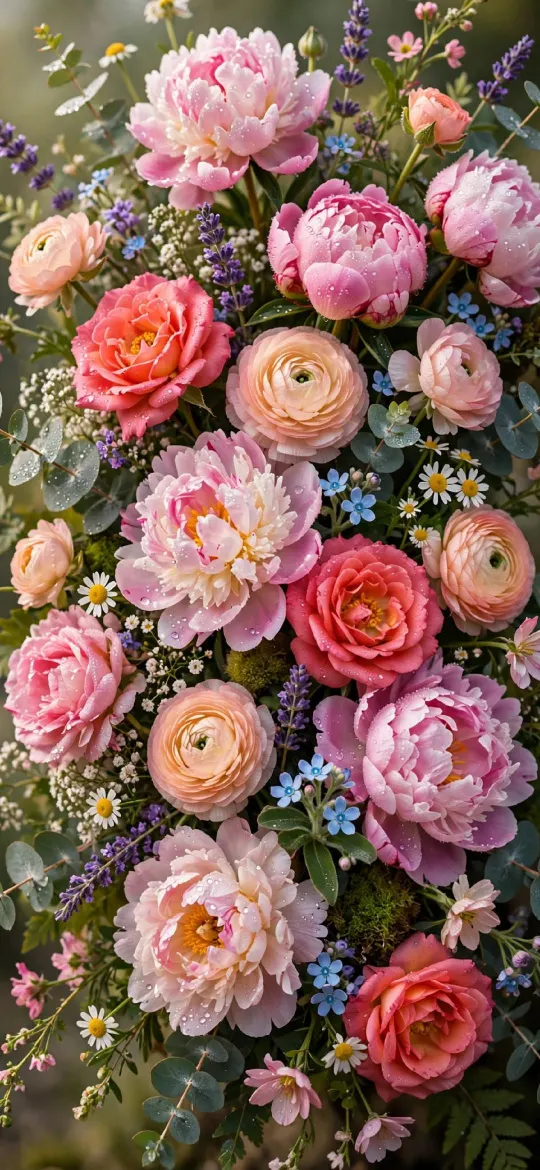 Elegant Pink Peonies & Roses Floral Bouquet
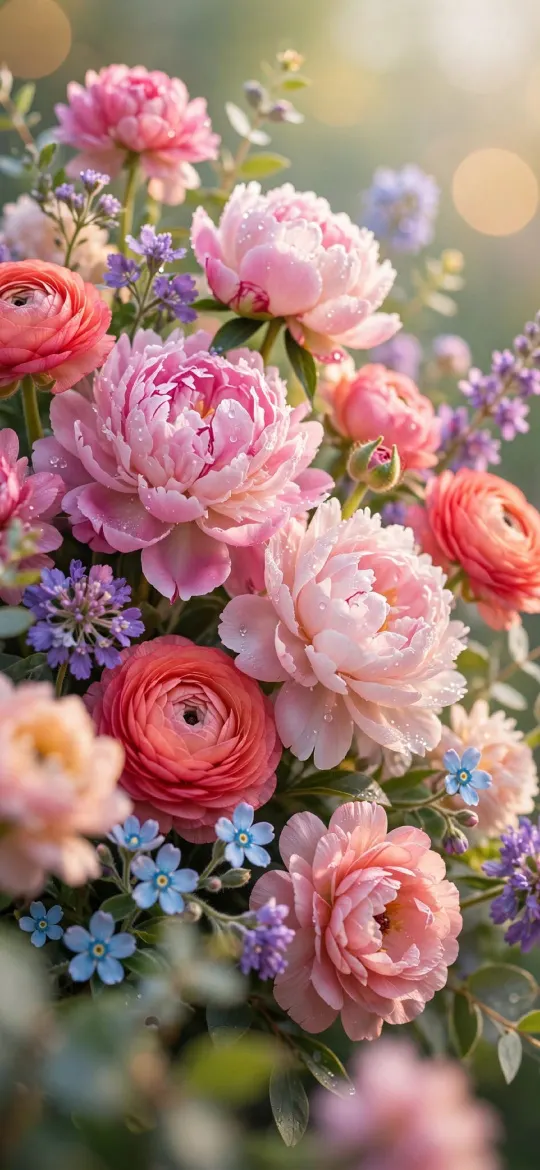 Soft Pastel Peonies & Ranunculus Floral
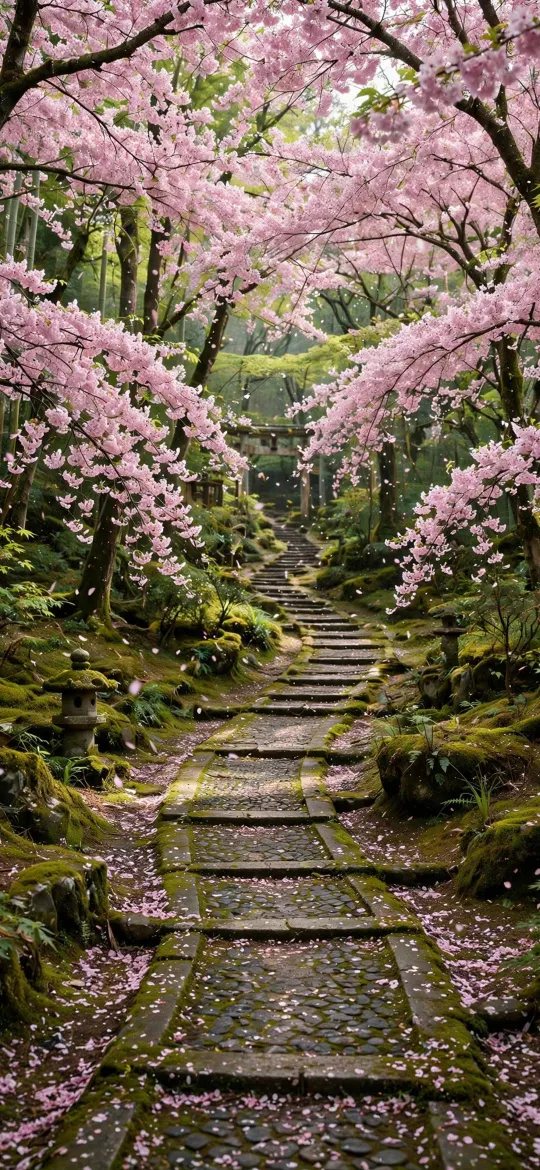 Cherry Blossom Sakura Forest Stone Path
 Wildflower Meadow in Morning Sunlight
Browse the full set under the flowers tag, or see more garden and landscape scenes in the nature category.
How do I keep the clock and app icons readable over flowers?
Keep text readable by placing the busiest part of the bouquet away from the clock and by simplifying the Home Screen. Floral images have lots of small edges and colour changes, and text sitting directly on them is harder to read.
- In the Lock Screen editor, pinch and drag so the main flowers sit below the clock and the widget row, with background or blur behind the time.
- Pick the boldest clock font and a colour with strong contrast: white on dark florals, deep plum or navy on pastels.
- On the Home Screen side, tap Customise and choose Blur. iOS softens the same photo so app icons and labels stand out, while the Lock Screen keeps the full detail.
- Or pair a detailed floral Lock Screen with a plain matching colour on the Home Screen; the Colour option in Customise offers one.
Our guide to Home Screen wallpapers that keep apps readable has more pairing ideas.
Which size flower wallpaper should I download?
Download the size for your iPhone model, or the 2160 × 3840 universal 4K file if you are not sure. On iPhonesWallpaper, every wallpaper is cut to the exact screen size of every iPhone model plus that universal file, so dew drops, petal edges and fine stems are shown pixel for pixel. For example, iPhone 18 Pro, 17 Pro, 17 and 16 Pro use 1206 × 2622, and iPhone 13 mini and 12 mini use 1080 × 2340.
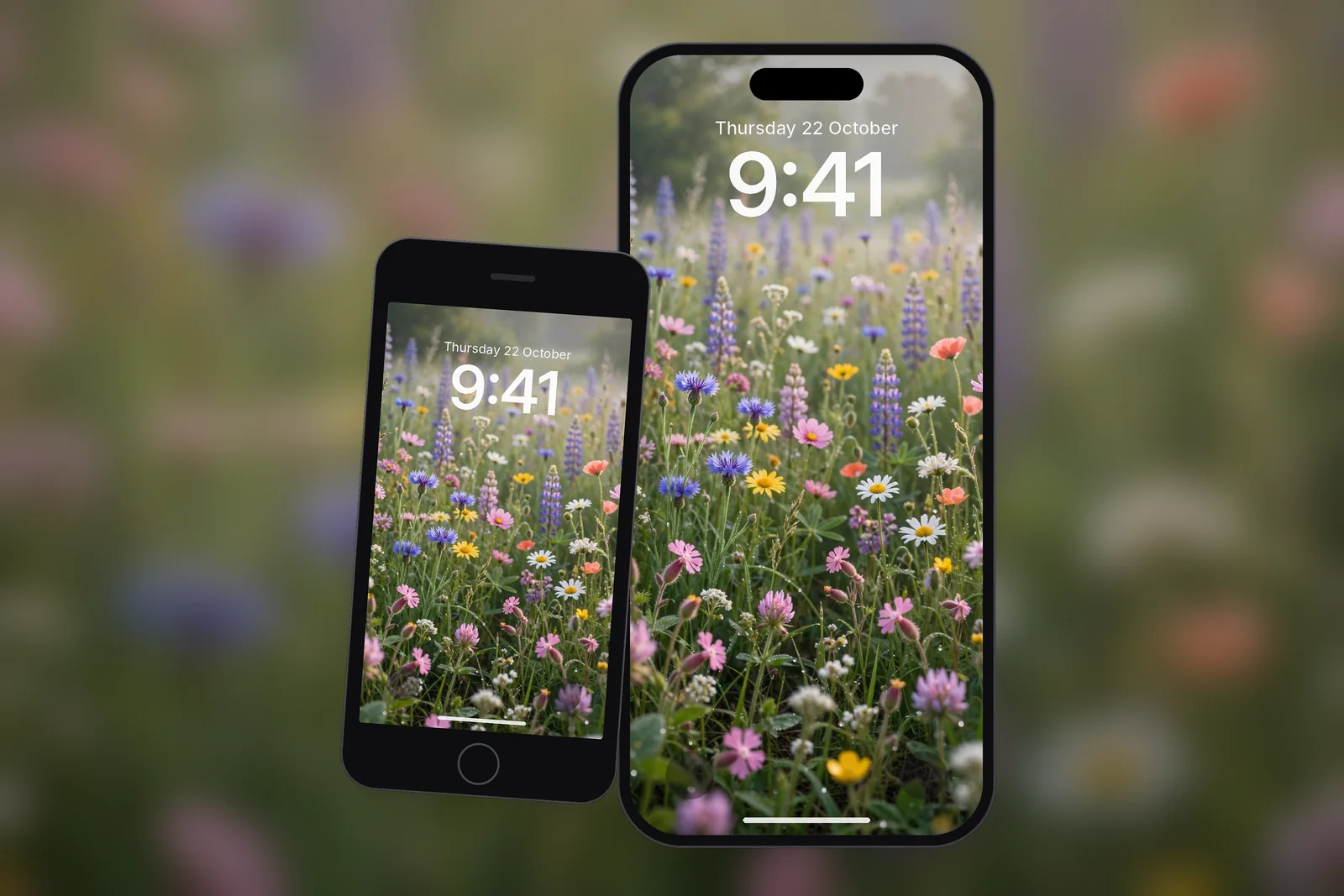
Read next: 10 Aesthetic iPhone Wallpaper Ideas That Work on a Lock Screen and Texture Wallpaper for iPhone: Stone, Paper, Fabric and Marble Tips.
Quick answers
What is the best flower wallpaper for iPhone?
The best flower wallpaper for iPhone keeps the blooms in the middle or lower half and a calm area at the top for the clock. Dark close-ups such as red roses on black are the easiest to read over; pastel peonies suit a lighter look.
Are black background flower wallpapers better for OLED iPhones?
Yes, they look deeper on OLED iPhones because black pixels are switched off, so only the petals light up. Pure black areas also use slightly less power than bright ones, though the saving is small.
How do I make my flower wallpaper less busy on the Home Screen?
Long-press the Lock Screen, tap Customise, choose Home Screen and tap Blur. iOS uses a softened copy of the same flower photo so app icons and labels are easier to read.
Where can I find pink flower wallpapers for iPhone?
Pink peonies, roses, ranunculus and cherry blossom are the most popular pink florals. Look for ones with soft blush tones and a little open space at the top, and download the exact size for your iPhone.
Can I rotate several flower wallpapers automatically?
Yes, with Photo Shuffle. Save the flowers to one album, then go to Settings → Wallpaper → Add New Wallpaper → Photo Shuffle, choose the album and set the frequency to On Tap, On Lock, Hourly or Daily.
Sources
- Create a custom iPhone Lock Screen, Apple Support
- Change your iPhone wallpaper, Apple Support
- Keep the iPhone display on longer, Apple Support