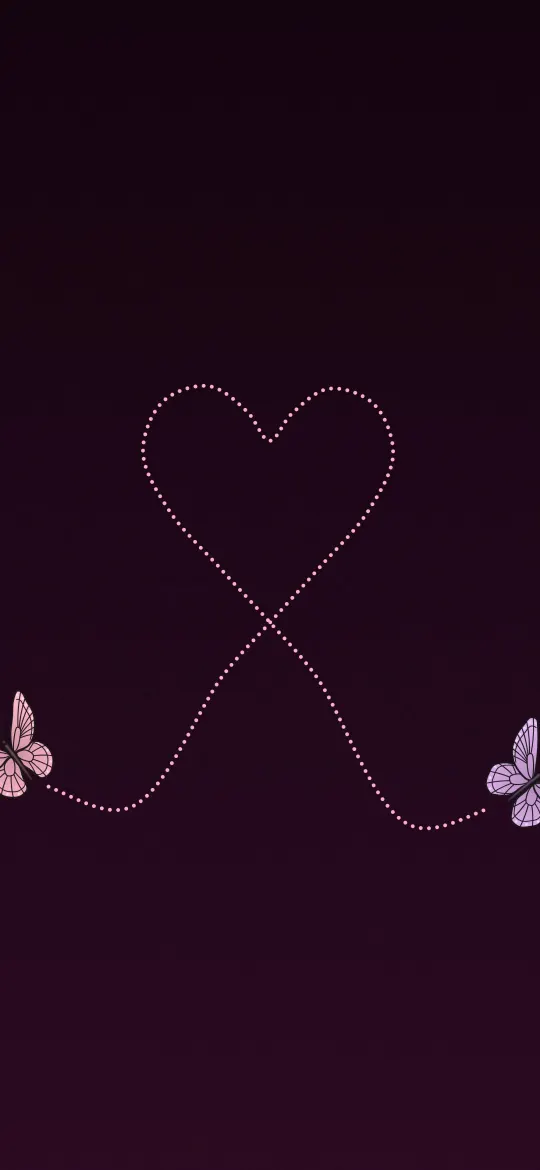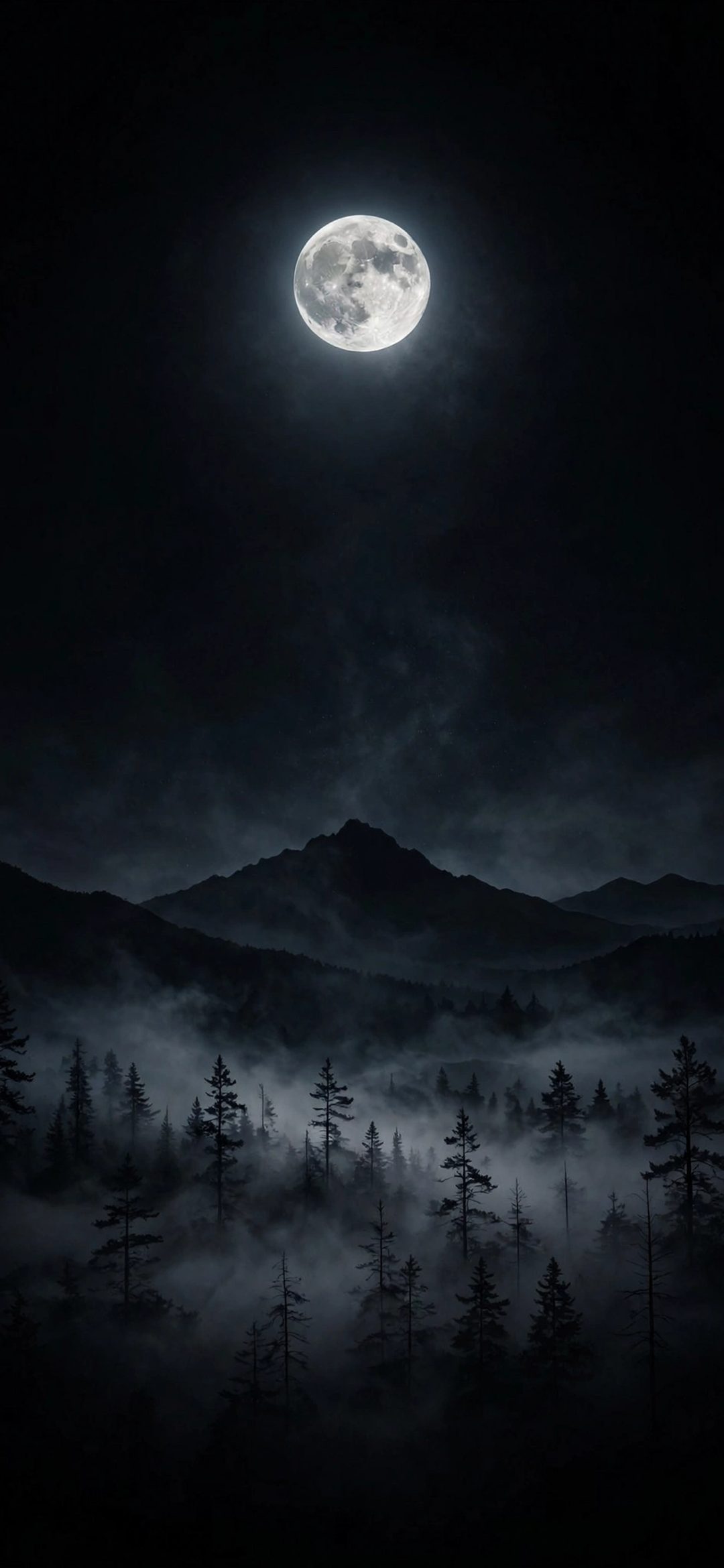
On iPhone, the best forest wallpaper has a calm area at the top, such as sky, mist or a bright gap in the canopy, behind the Lock Screen clock, with the trunks and foliage lower down. Misty and night forests suit widgets best. Download your model's exact size, for example 1320 × 2868 for iPhone 17 Pro Max, or the 4K file at 2160 × 3840.
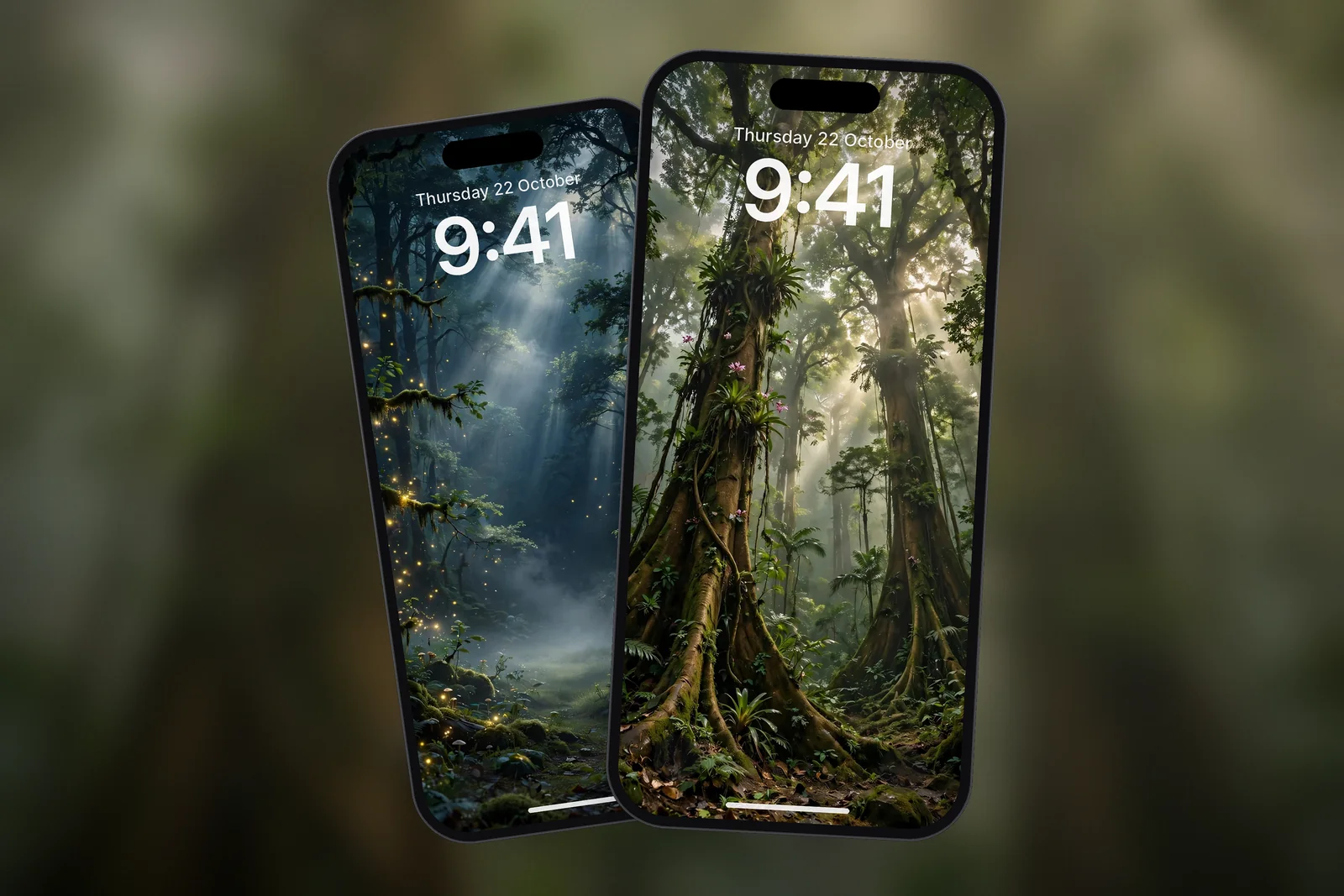
In short
- Forest photos are dense with leaves and branches, so the area behind the clock needs mist, sky or deep shadow to stay readable.
- Light rays (sunbeams through trees) look best when the brightest beam falls below the widget row.
- Fog softens detail and is the easiest forest style to use with a full row of Lock Screen widgets.
- Dark green and night forests suit OLED iPhones, which switch black pixels off, and look good with Always-On display.
- On iPhonesWallpaper every iPhone wallpaper is cut to 15 exact iPhone screen sizes plus a universal 4K file.
Why are forest wallpapers hard to read on?
Forest wallpapers are hard to read on because they are busy from edge to edge. Every leaf and branch is a small patch of light and dark, and a clock placed over that pattern loses its outline. A beach or desert has a natural empty sky; a forest usually does not.
The fix is to choose forests that bring their own quiet space. There are three common kinds: a canopy with light rays, a misty forest where fog flattens the background, and a night forest where most of the frame is dark. Each gives the clock something even to sit on.
Sunlit forests and light rays
Light rays, also called crepuscular rays or sunbeams, are visible shafts of sunlight that appear when light passes through gaps in leaves and catches mist or dust. They make a forest photo feel deep, but the brightest part of the beam can wash out a white clock.
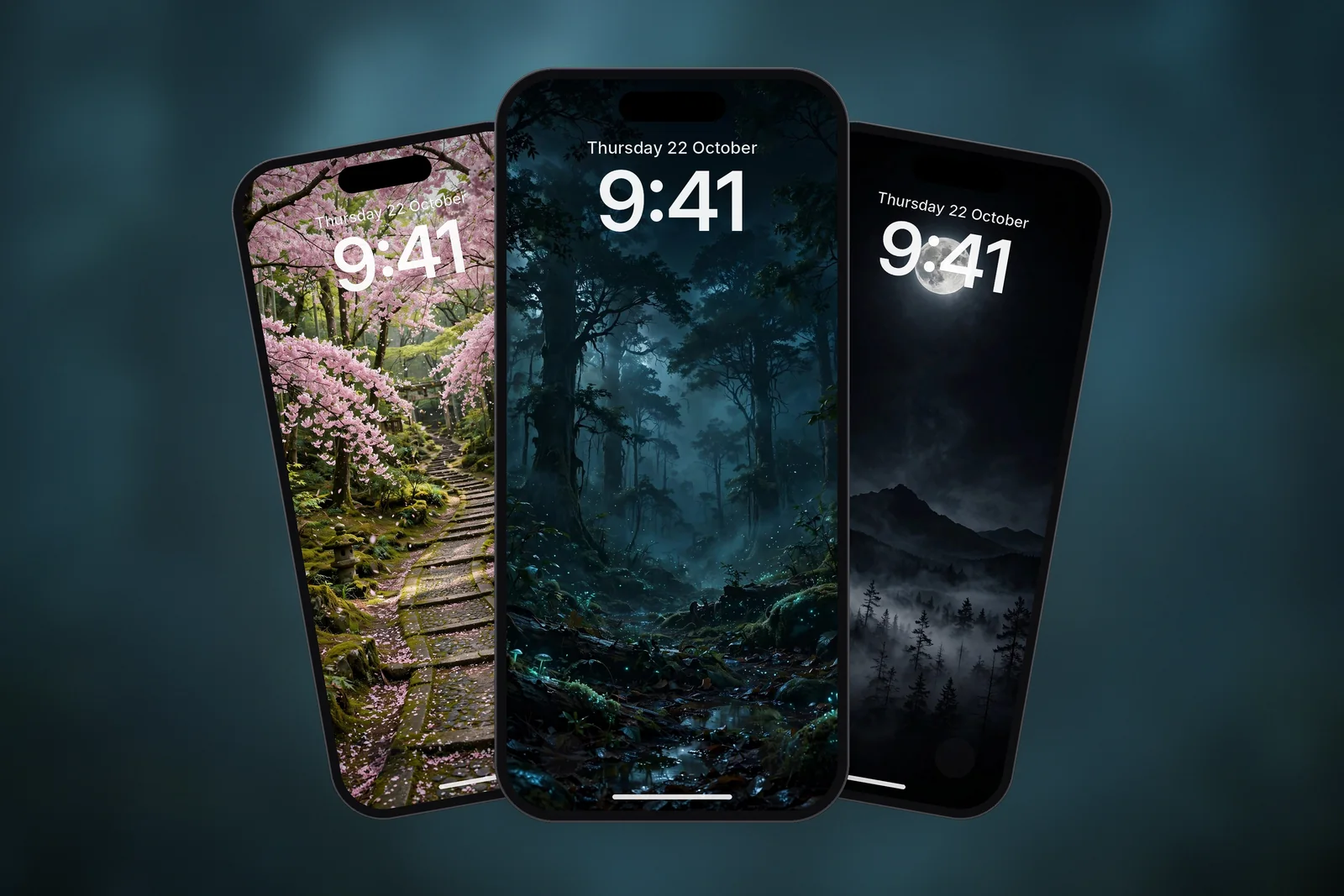
Look for photos where the rays fall diagonally through the middle of the frame and the very top is either dark canopy or open sky. Drag the image in the editor so the beam starts just under the widget row. Sunlit scenes on the site include a rainforest canopy, a cherry blossom forest path and a pine forest by a mountain lake; more are in the forest tag.
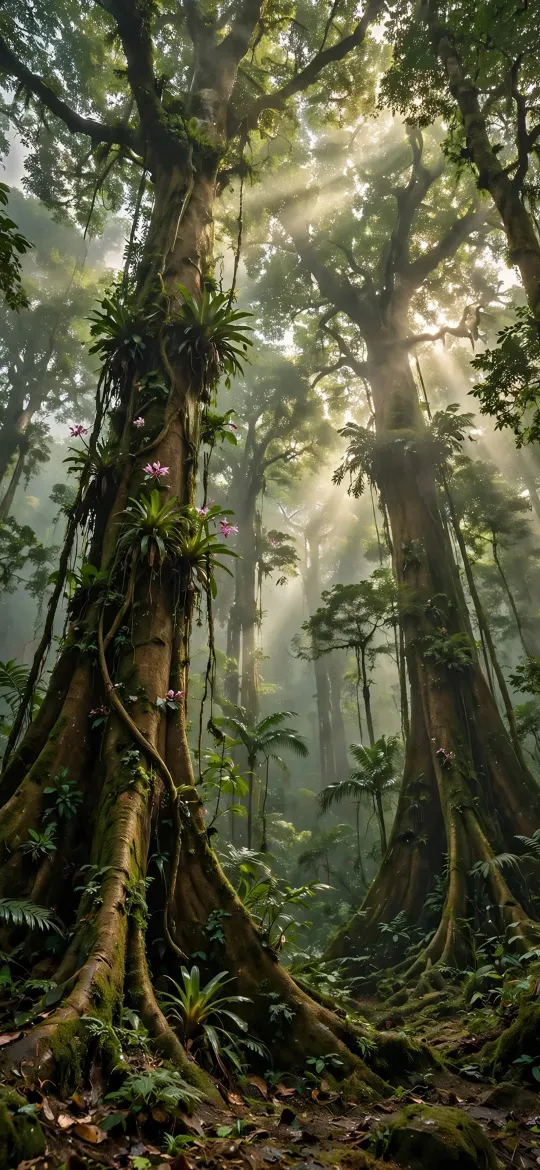 Lush Rainforest Canopy Sunbeams
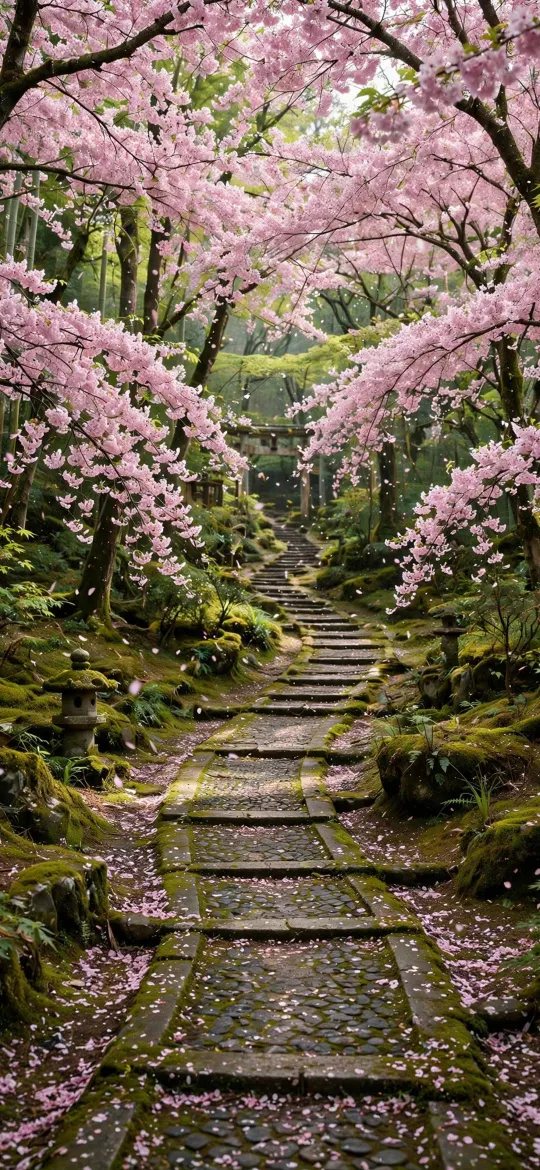 Cherry Blossom Sakura Forest Stone Path
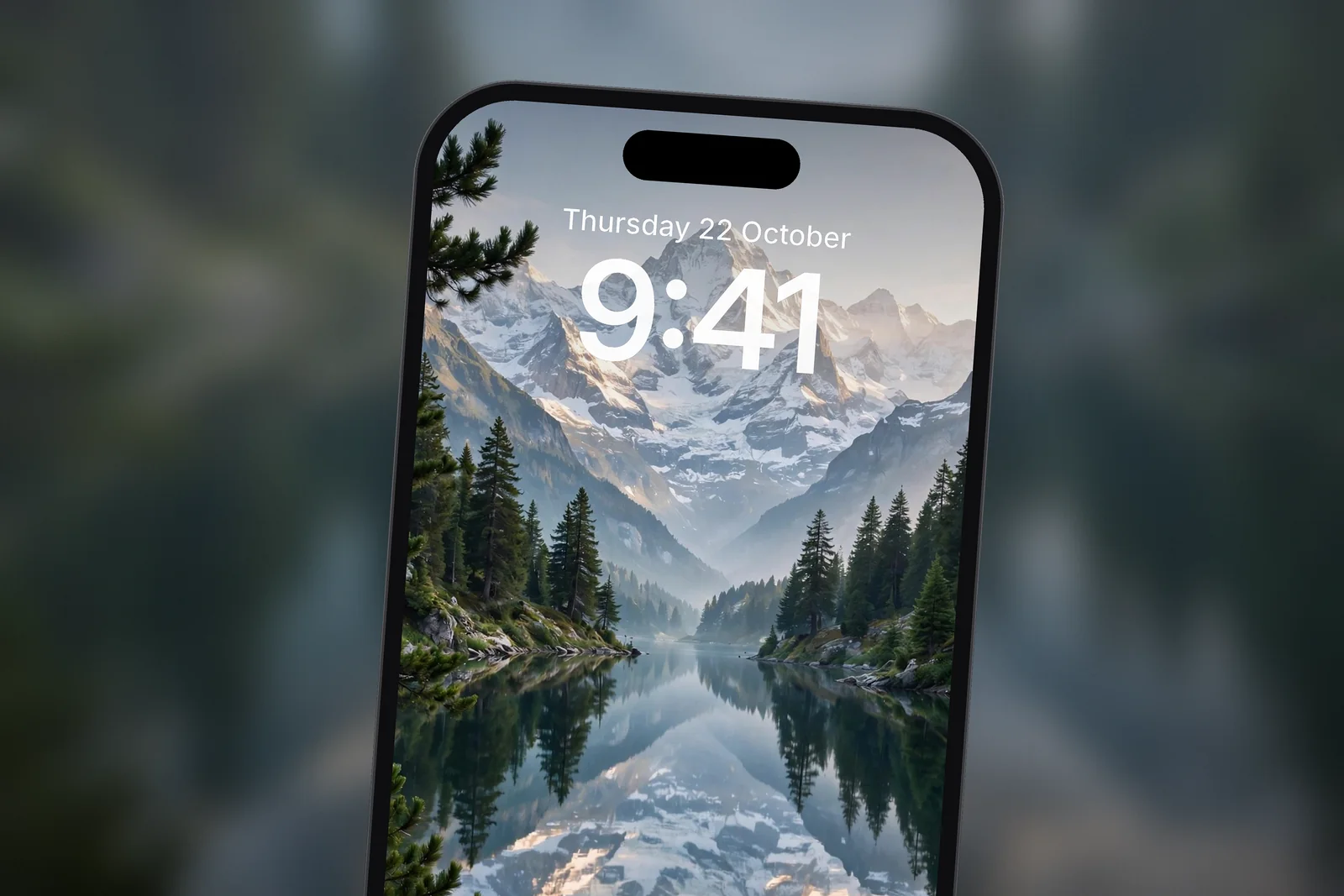
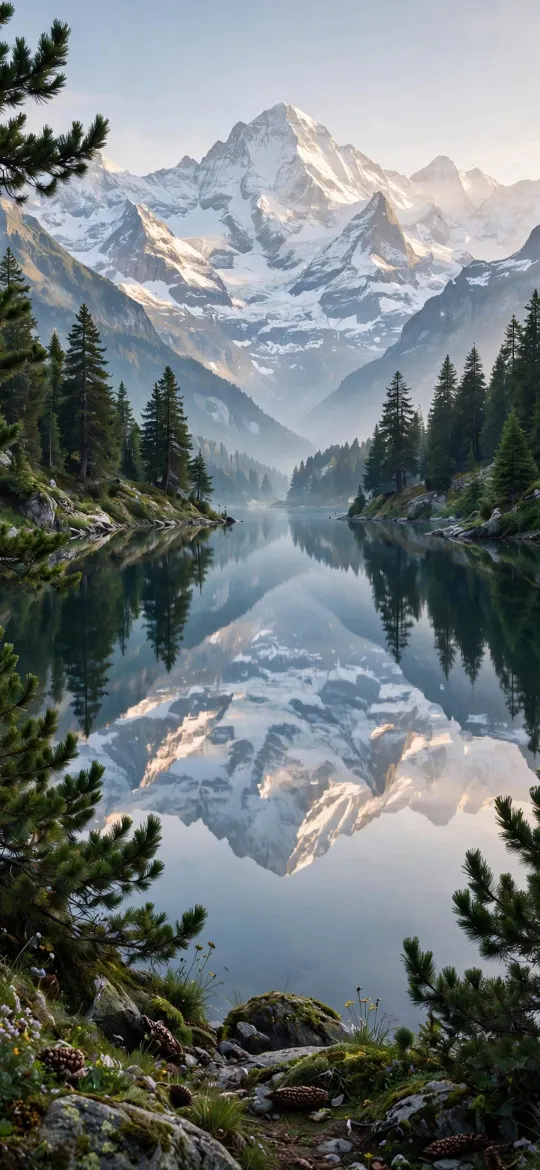 Alpine Mountain Lake Reflection & Pine Forest
Misty and dark forests for OLED iPhones
Misty and dark forests are the easiest forest wallpapers to live with. Fog fades the trees in the distance into one soft tone, so the clock sits on an even background. Night forests go further: most of the screen is near black, with the moon or a few points of light as the only bright detail.
On OLED iPhones, black pixels are switched off, so a dark forest looks deep and costs very little to display. Our post on whether dark wallpapers save battery explains how much difference that really makes. The site has three darker forest scenes: a full moon over a misty pine forest, a forest with fireflies and a glowing forest at night.
 Full Moon Over Misty Pine Forest Mountain
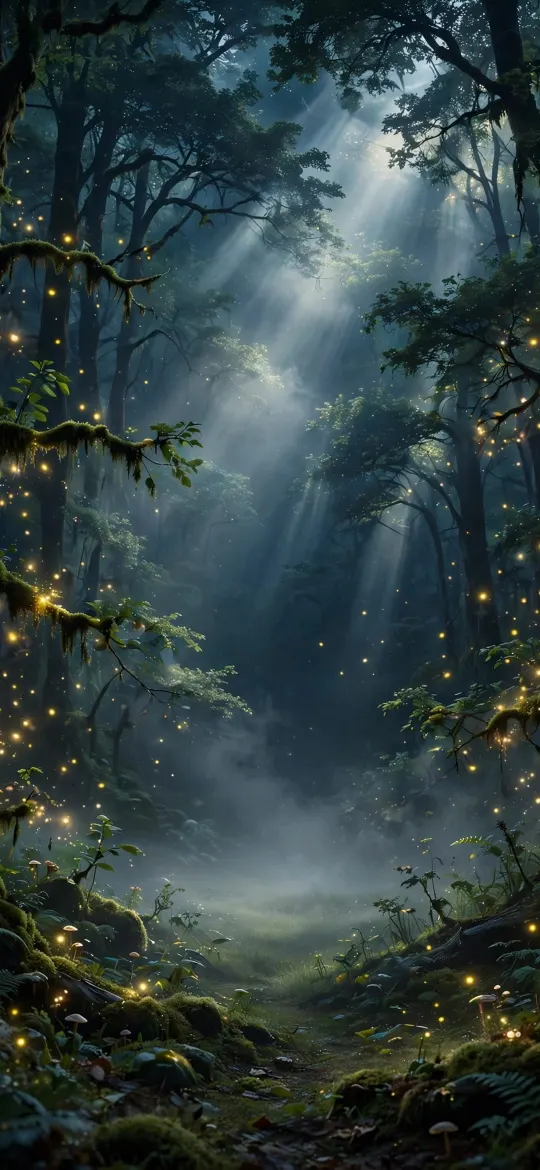 Enchanted Magical Forest Fireflies
 Bioluminescent Ancient Forest Night
Which forest style suits your Lock Screen?
Match the forest style to how much you put on the Lock Screen. The more widgets you use, the darker or mistier the forest should be.
| Forest style | Main tones | Readability behind clock | Best use |
|---|---|---|---|
| Misty pine forest | Grey-green, silver, black | High | Lock Screen with a full row of widgets |
| Night forest with moon or fireflies | Black, deep blue, small lights | High with a white clock | OLED iPhones, Always-On display |
| Canopy with light rays | Green, gold, deep shadow | Medium; place the beam low | Lock Screen with few widgets or none |
| Forest path in blossom | Pink, brown, green | Medium | Lock Screen with the path below the clock |
| Pine forest with lake | Green, blue, white peaks | High in the sky area | Lock Screen and Home Screen |
How do I keep the clock readable on a forest wallpaper?
Put the calmest part of the photo behind the clock and choose a contrasting clock colour. Long-press the Lock Screen, tap Customise, choose the Lock Screen, then drag and pinch until mist, sky or shadow sits behind the time. Tap the clock to change its colour.
- On dark forests, use a white or pale green clock.
- On bright canopies, try a dark green or black clock picked from the photo's own colours.
- Tap … to try Depth Effect: a single tree or peak can overlap the clock, though Apple notes it may not work if the subject is too high, too low or would hide too much of the time.
- On the Home Screen, choose the blurred version of the photo so app labels sit on soft green rather than sharp leaves.
Our guide to a Lock Screen wallpaper that keeps the clock readable goes further into contrast, and the step-by-step guide to setting a wallpaper on iPhone covers every menu.
Finally, download the exact size for your model so leaves and needles stay crisp; enlarged forest photos turn to mush quickly. You will find more trees, lakes and mountains in the nature category.
| iPhone model | Size (pixels) |
|---|---|
| iPhone 18 Pro Max / 17 Pro Max / 16 Pro Max | 1320 × 2868 |
| iPhone 18 Pro / 17 Pro / 17 / 16 Pro | 1206 × 2622 |
| iPhone 16 / 15 / 15 Pro / 14 Pro | 1179 × 2556 |
| iPhone 13 mini / 12 mini | 1080 × 2340 |
| Any phone (4K) | 2160 × 3840 |
Read next: Mountain Wallpaper for iPhone: Peaks, Light and a Clear Clock and Autumn Wallpaper: Amber, Rust and Gold Picks for Every Screen.
Quick answers
What is the best forest wallpaper for iPhone?
The best forest wallpaper for iPhone has mist, sky or deep shadow behind the clock and the dense trees lower in the frame. A misty pine forest or a dark night forest works best with Lock Screen widgets.
Is there a 4K forest wallpaper for phones?
Yes. Each forest wallpaper on the site comes as a 2160 × 3840 file that fits any phone, plus 15 exact iPhone sizes.
Why is the clock hard to see on my forest wallpaper?
Leaves and branches break up the background behind the digits. Drag the photo so a calm area sits behind the time, or tap the clock and pick a colour that contrasts with the trees.
Are dark forest wallpapers good for OLED iPhones?
Yes. OLED iPhones switch black pixels off, so a mostly dark forest looks richer and uses a little less power at high brightness than a bright one.
Where should the sunbeam sit in a forest wallpaper?
Below the widget row. Touch and hold the Lock Screen, tap Customise, then drag the photo with two fingers until the brightest part of the beam starts under the widgets, so the clock sits on darker canopy or open sky.
Sources
- Create a custom iPhone Lock Screen, Apple Support
- Keep the iPhone display on longer, Apple Support
- About the Super Retina display and Super Retina XDR display on your iPhone, Apple Support