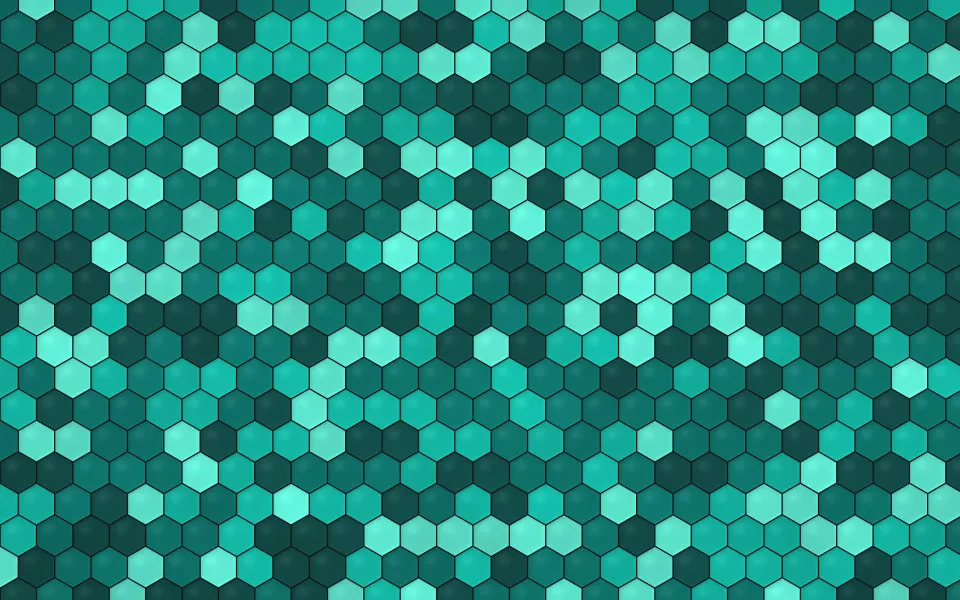
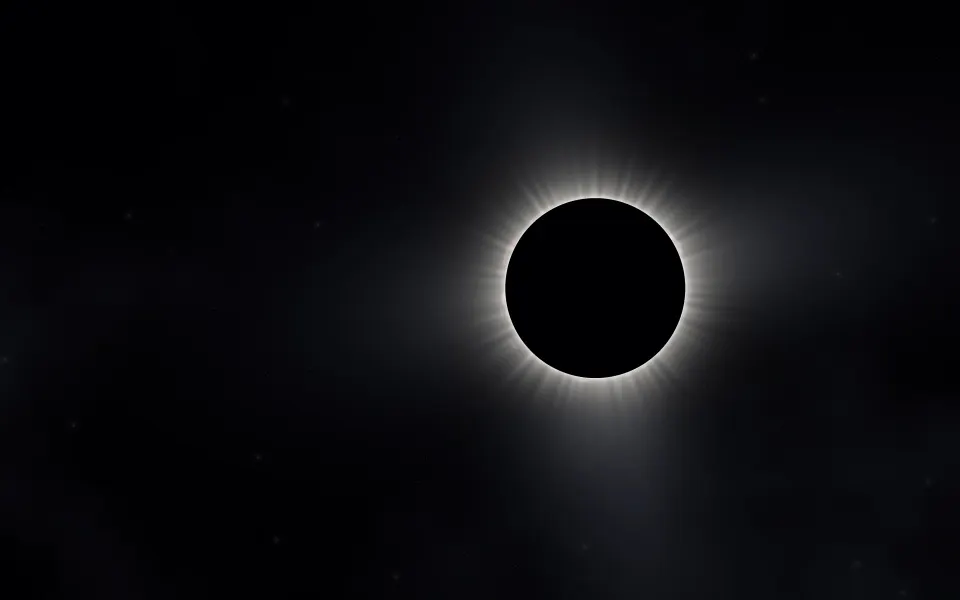
 Deep Teal Honeycomb
MacBook Air 15-inch wallpapers
Free wallpapers at exactly 2880 × 1864 pixels, the native resolution of the 15.3-inch MacBook Air. Each file matches the screen's shape around the camera notch, so it fills the display edge to edge.
MacBook Air 15-inch · 2880 × 1864 · 115 wallpapers
- 2880 × 1864native pixels
- 15.3-inchLiquid Retina display
- 224 ppipixel density
- 1710 × 1112the default "looks like" size in Displays settings
Deep Teal Honeycomb






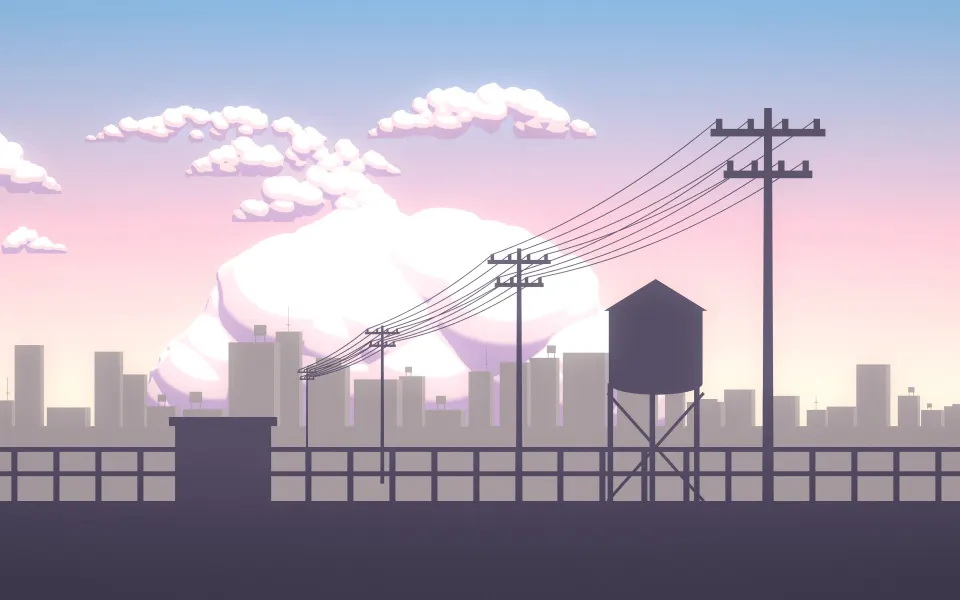



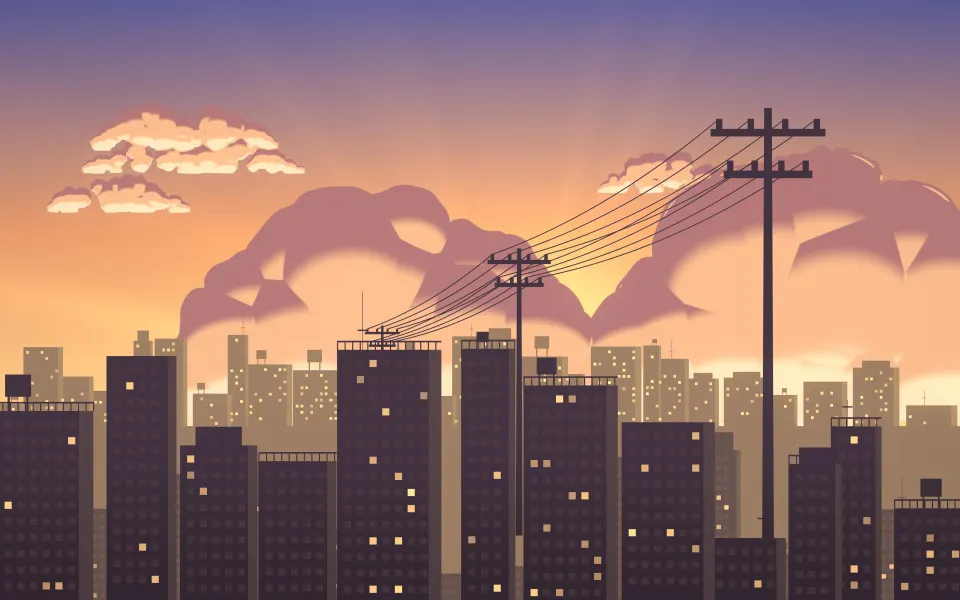




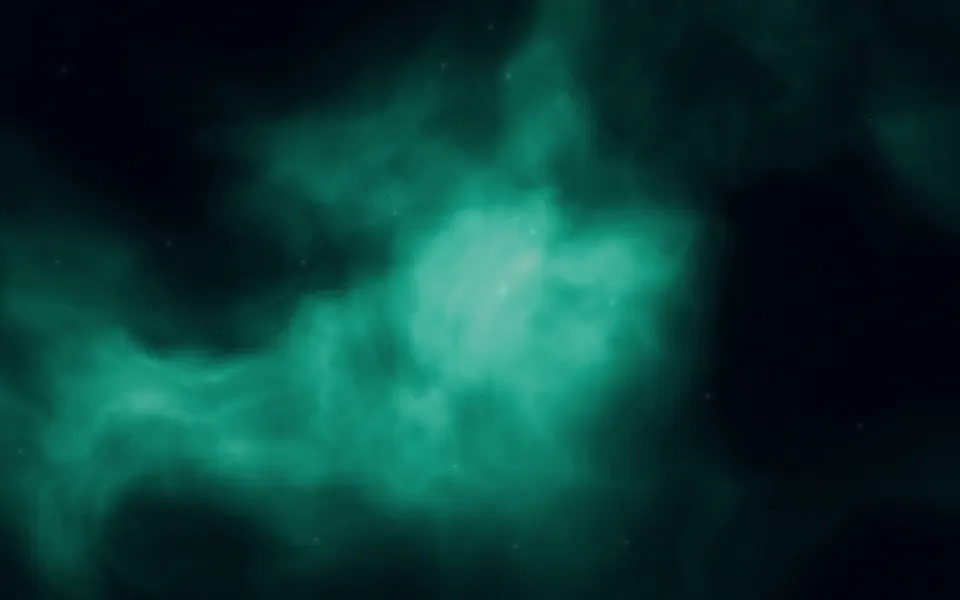
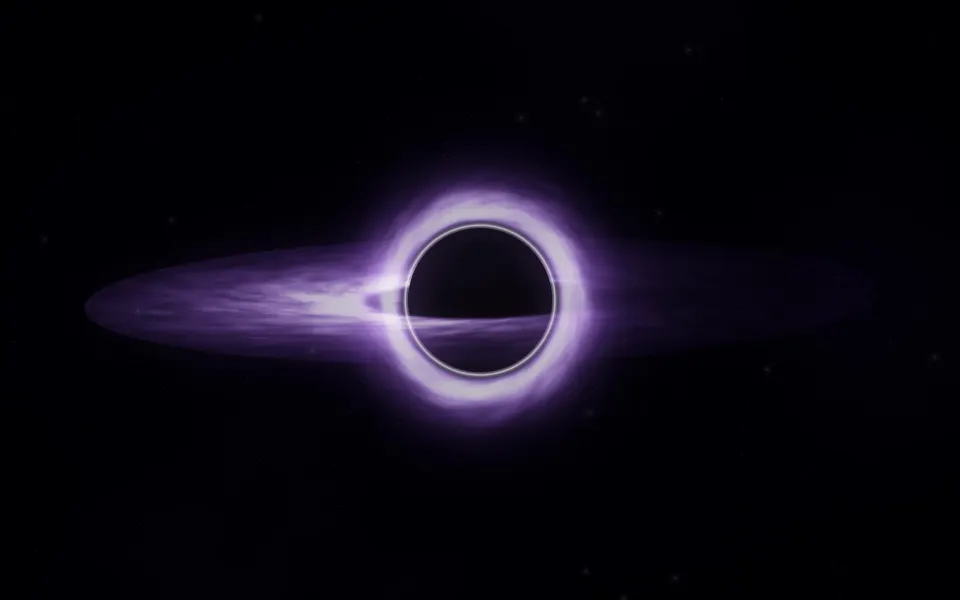





Which Mac is 2880 × 1864?
Only the 15-inch MacBook Air uses this size. It has the same pixel density as the 13-inch model, spread over a bigger screen, so the 13-inch files would look slightly soft when enlarged to fit. Apple menu › About This Mac tells you which MacBook Air you have.
Like the 13-inch, the screen is a little taller than 16:10 because it extends up around the notch. A wallpaper made for this exact shape keeps its subject where you expect it instead of being cropped.
Other sizes: MacBook Air 13-inch wallpapers, MacBook Pro 14-inch wallpapers, MacBook Pro 16-inch wallpapers, MacBook Air M1 & 13-inch MacBook Pro wallpapers, MacBook Neo wallpapers, iMac 24-inch wallpapers, 5K wallpapers for Studio Display, 6K wallpapers for Pro Display XDR. Every wallpaper's page lists all MacBook & iMac sizes; browse them in MacBook & iMac wallpapers. Every model and its size: Mac wallpaper sizes: MacBook Air, MacBook Pro, iMac and displays.
MacBook Air 15″ wallpaper questions
What size wallpaper fits the 15-inch MacBook Air?
2880 × 1864 pixels, the screen's native resolution.
Can I use a 13-inch MacBook Air wallpaper on the 15-inch?
It has nearly the same shape, so it fits, but macOS enlarges it by about 12%, which softens fine detail. The 2880 × 1864 file is sharper.
Why does Displays show 1710 × 1112?
That is the default scaled size; the Retina screen has twice the pixels each way. Use the full 2880 × 1864 for the wallpaper.
How do I set a wallpaper on a Mac?
Open System Settings › Wallpaper and add the picture, or right-click the downloaded file in Finder and choose Set Desktop Picture. Choose Fill Screen so it covers the display.
Are these wallpapers free?
Yes. Every wallpaper is free to download and use on your own devices. The license page explains the details.