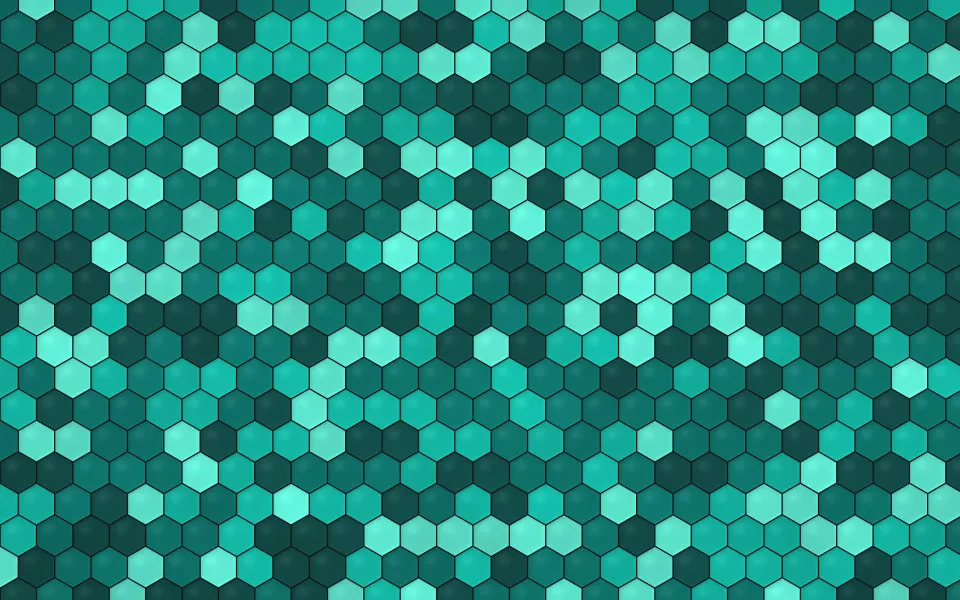
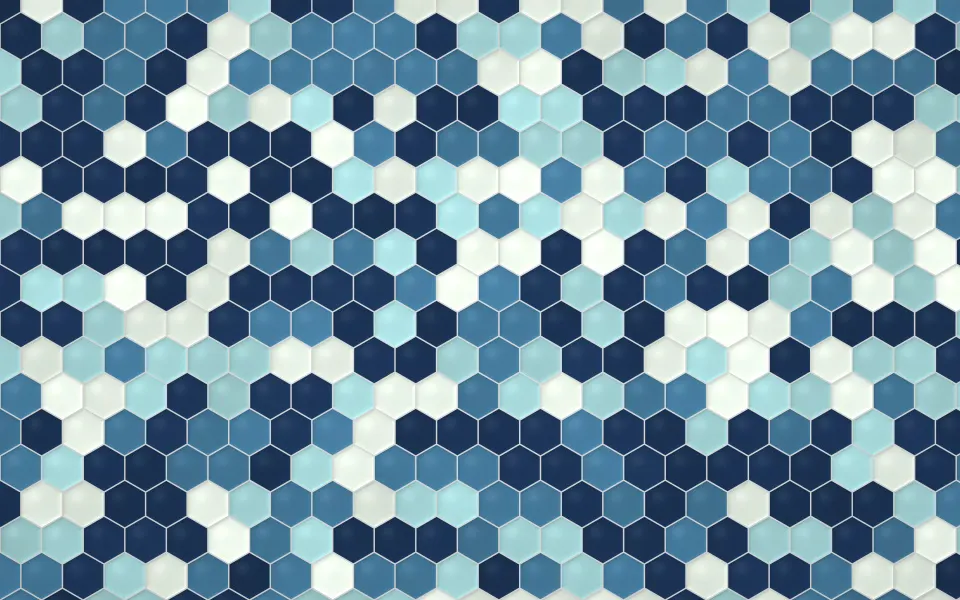
 Deep Teal Honeycomb
6K wallpapers for Pro Display XDR
Free 6K wallpapers at exactly 6016 × 3384 pixels, the native resolution of Apple's 32-inch Pro Display XDR. The largest Mac size we make: about 20 million pixels, each shown one to one.
Pro Display XDR (6K) · 6016 × 3384 · 106 wallpapers
- 6016 × 3384native pixels, about 20.4 megapixels
- 32-inch 6KRetina XDR display
- 218 ppipixel density
- 16:9same shape as 4K and 5K
Deep Teal Honeycomb





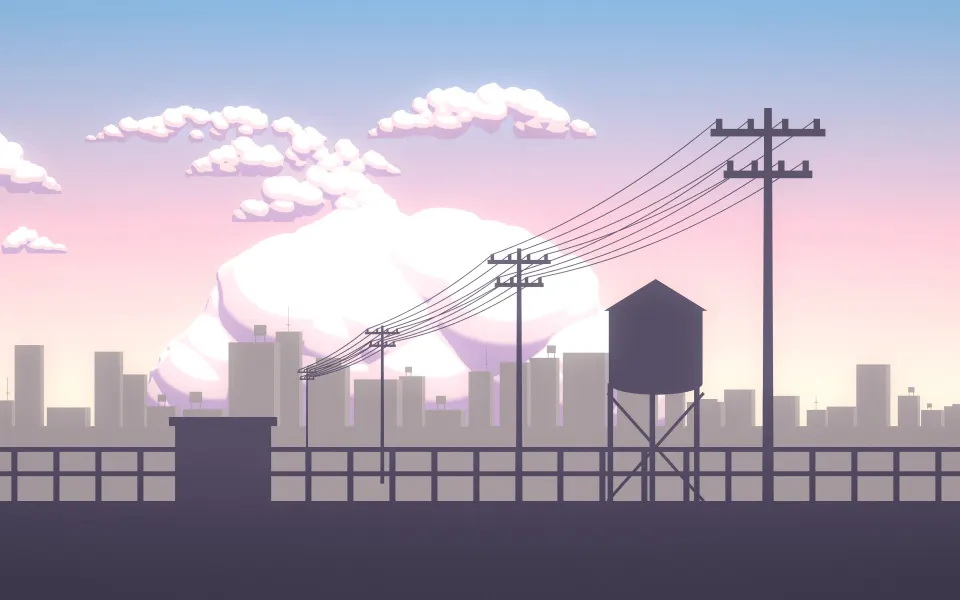



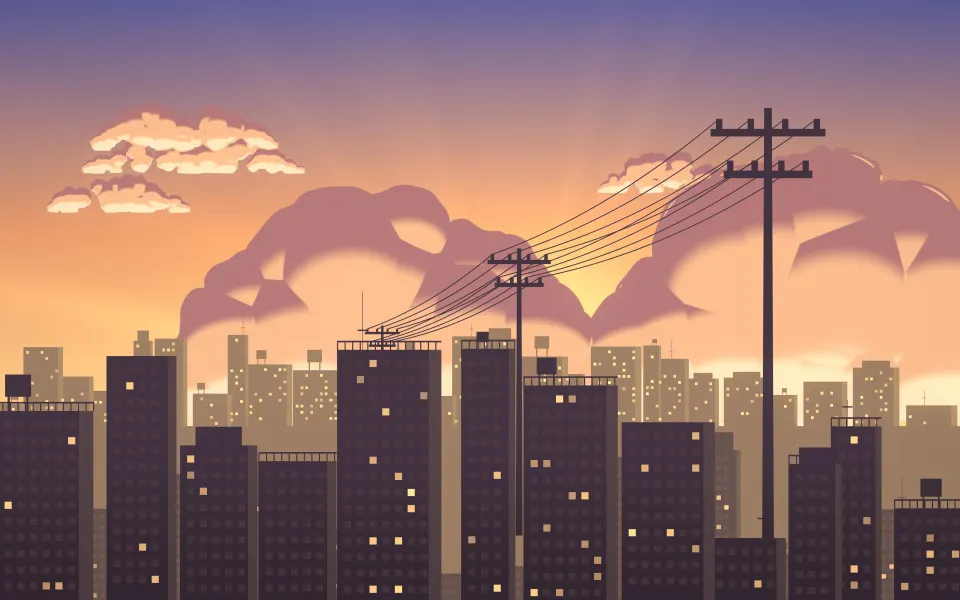

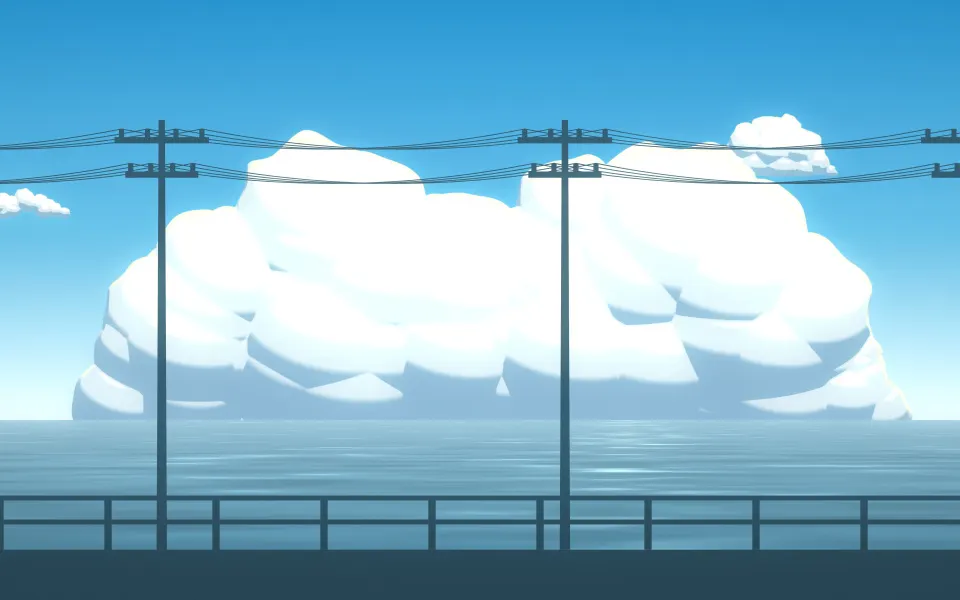
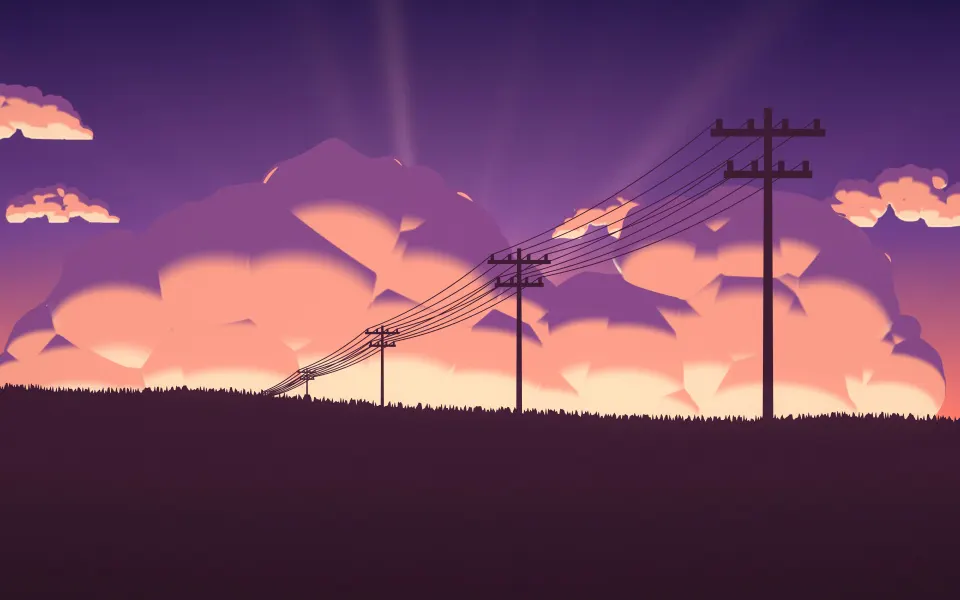

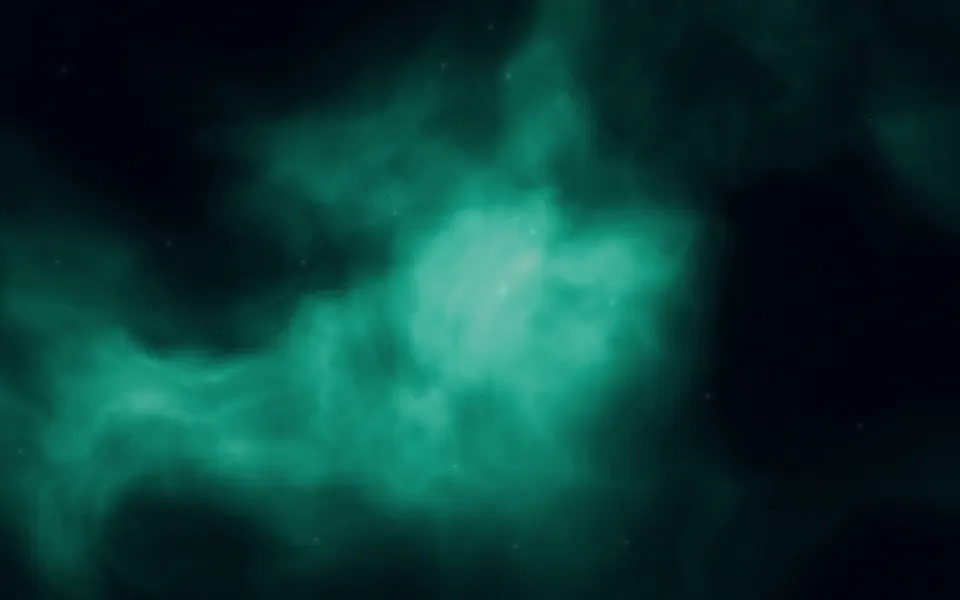
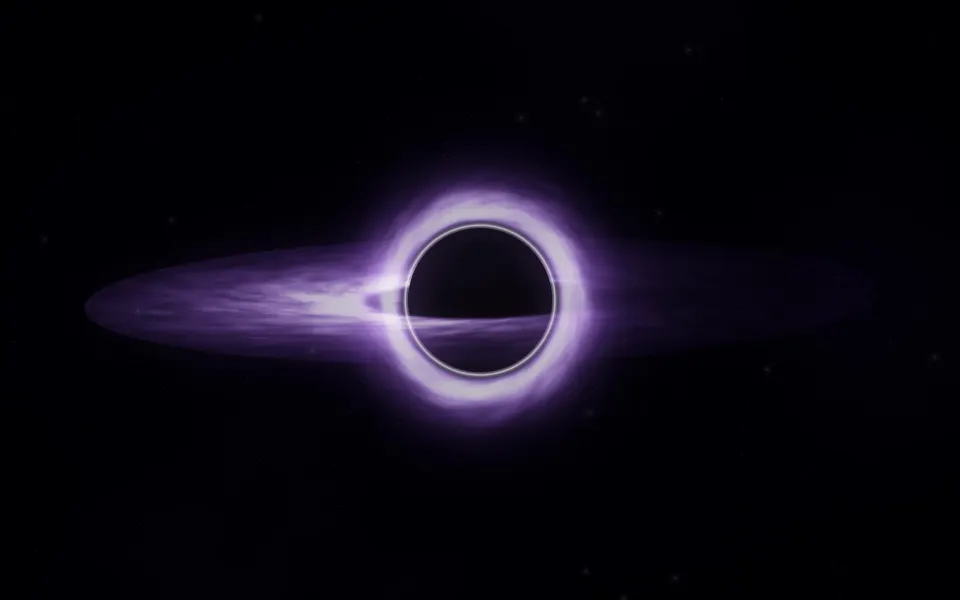
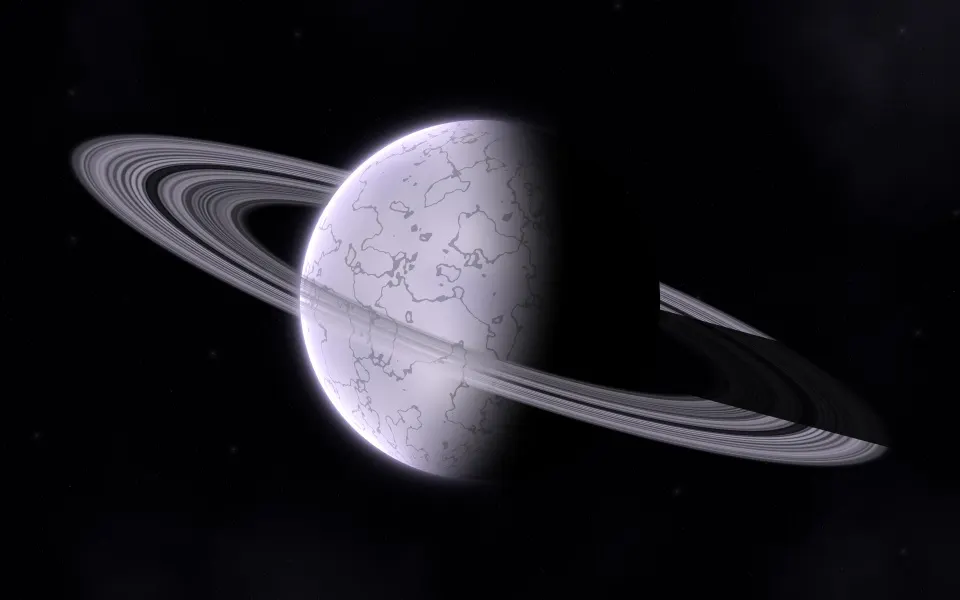





Which screen is 6016 × 3384?
Pro Display XDR, Apple's 32-inch 6K monitor (now discontinued), runs at 6016 × 3384. Its default scaled size in Displays settings is 3008 × 1692, half the native size, but the wallpaper should use every pixel.
Most pictures online are 4K or 5K, which have to be enlarged by 57% or 18% to fill this screen. Only wallpapers from originals large enough get a 6K file here, so these stay detailed even up close.
Other sizes: MacBook Air 13-inch wallpapers, MacBook Air 15-inch wallpapers, MacBook Pro 14-inch wallpapers, MacBook Pro 16-inch wallpapers, MacBook Air M1 & 13-inch MacBook Pro wallpapers, MacBook Neo wallpapers, iMac 24-inch wallpapers, 5K wallpapers for Studio Display. Every wallpaper's page lists all MacBook & iMac sizes; browse them in MacBook & iMac wallpapers. Every model and its size: Mac wallpaper sizes: MacBook Air, MacBook Pro, iMac and displays.
Pro Display XDR 6K wallpaper questions
What size wallpaper fits Pro Display XDR?
6016 × 3384 pixels, its native 6K resolution.
Is a 5K wallpaper enough for Pro Display XDR?
It has the same 16:9 shape but fewer pixels, so macOS enlarges it by about 18%. A 6K file is sharper.
Can I use a 6K wallpaper on a smaller screen?
Yes. It is 16:9, so it scales down to any 16:9 display and stays sharp; it is just a large download.
How do I set a wallpaper on a Mac?
Open System Settings › Wallpaper and add the picture, or right-click the downloaded file in Finder and choose Set Desktop Picture. Choose Fill Screen so it covers the display.
Are these wallpapers free?
Yes. Every wallpaper is free to download and use on your own devices. The license page explains the details.