 Club Beam Spectrum
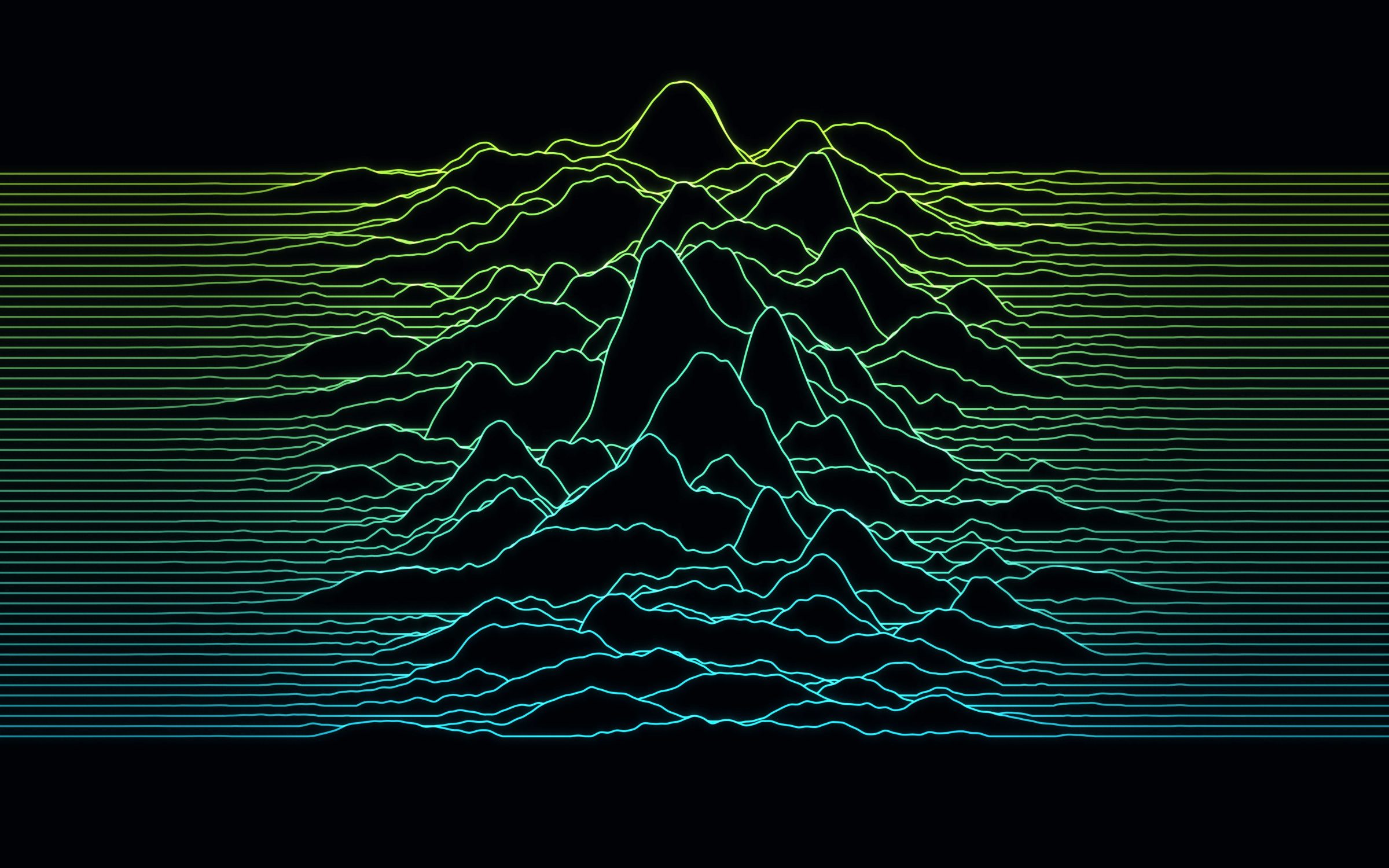
Lime Frequency Lines Mac Wallpaper
MacBook & iMac · 24 downloads
Lime and cyan lines swell into a glowing range of peaks across a black desktop, like a neon frequency readout.
Download
JPEG, 2560 × 1664 pixels
Download wallpaper
Preparing your download
Not sure which size? See the Mac size chart or how to set it on a Mac.
Report a problem
How to set it as your wallpaper
- Download the size for your Mac.
- Open System Settings › Wallpaper and click Add Photo, or right-click the file in Finder and choose Set Desktop Picture.
- Choose Fill Screen so the picture covers the whole display.
About this wallpaper
Lime and cyan lines swell into a glowing range of peaks across a black desktop, like a neon frequency readout.
Lime Frequency Lines is a free neon wallpaper for MacBook & iMac with mostly black tones, available in 9 sizes, each cut from the full-resolution original to an exact screen resolution, so nothing is stretched.
Download by screen
| Mac | Size (pixels) | File | Download |
|---|---|---|---|
| MacBook Air 13-inch (M2 and later) | 2560 × 1664 | 0.8 MB | Download for MacBook Air 13-inch (M2 and later) |
| MacBook Air 15-inch | 2880 × 1864 | 0.9 MB | Download for MacBook Air 15-inch |
| MacBook Pro 14-inch | 3024 × 1964 | 1.0 MB | Download for MacBook Pro 14-inch |
| MacBook Pro 16-inch | 3456 × 2234 | 1.2 MB | Download for MacBook Pro 16-inch |
| MacBook Air 13-inch (M1) / older MacBook Pro 13-inch | 2560 × 1600 | 0.8 MB | Download for MacBook Air 13-inch (M1) / older MacBook Pro 13-inch |
| MacBook Neo | 2408 × 1506 | 0.7 MB | Download for MacBook Neo |
| iMac 24-inch | 4480 × 2520 | 1.7 MB | Download for iMac 24-inch |
| Studio Display / iMac 27-inch 5K | 5120 × 2880 | 2.2 MB | Download for Studio Display / iMac 27-inch 5K |
| Pro Display XDR 6K | 6016 × 3384 | 2.7 MB | Download for Pro Display XDR 6K |