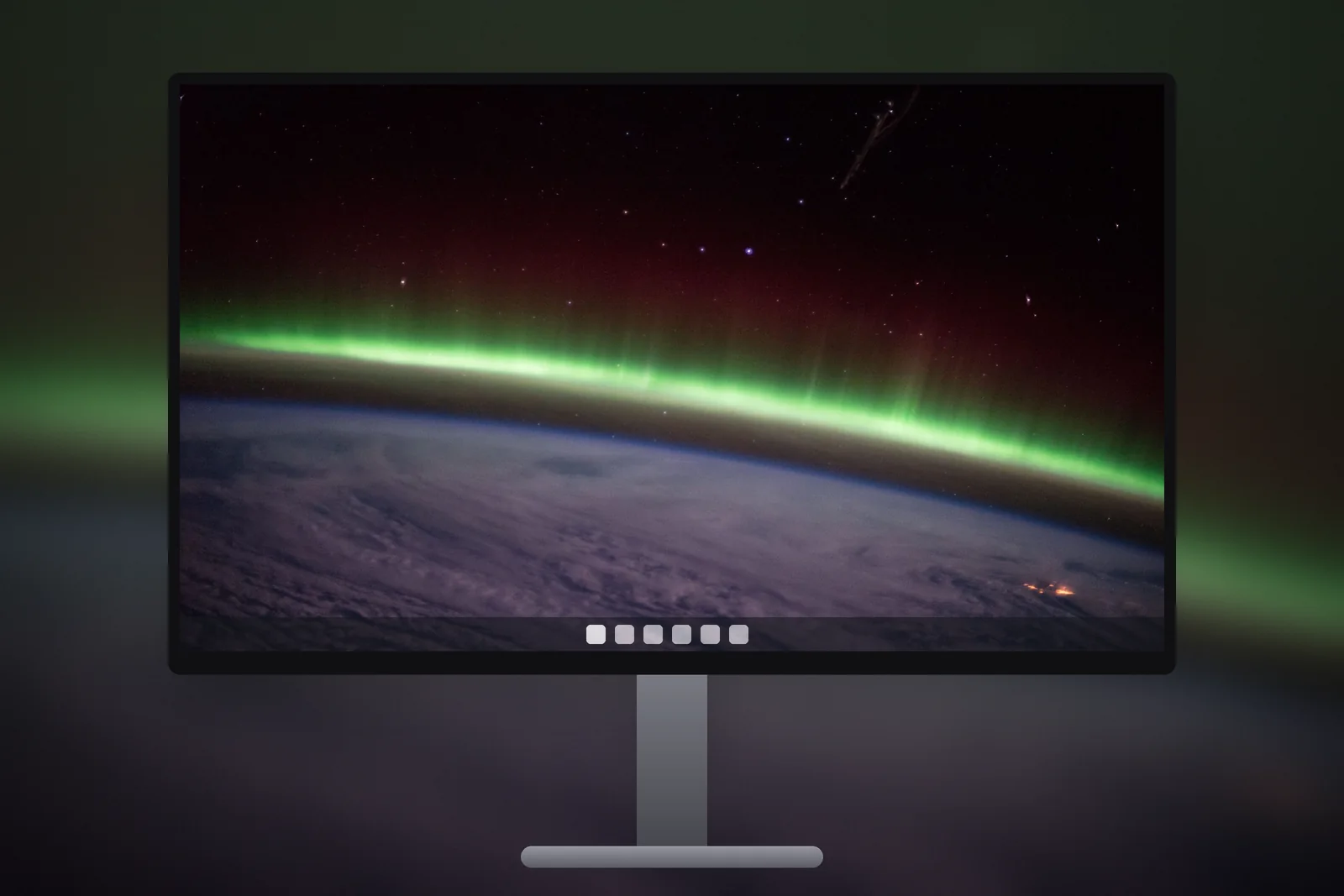
A 2560x1440 wallpaper is an image 2,560 pixels wide and 1,440 pixels tall: QHD, also called 1440p, with a 16:9 shape. It is the native resolution of most 27-inch monitors and many gaming monitors. On Windows, confirm it in Settings → System → Display → Display resolution, then set a file of exactly that size for a pixel-perfect desktop.
In short
- 2560 × 1440 is QHD (Quad HD), so named because it has four times the pixels of 1280 × 720 HD. It is 16:9.
- It is the standard resolution of 27-inch monitors and a popular choice for high refresh rate gaming monitors (144 Hz and up).
- At 27 inches, 1440p gives about 109 pixels per inch, noticeably sharper than 1080p at the same size (about 82).
- Laptops with 2560 × 1600 screens are 16:10, so they need a 2560 × 1600 file, not a 1440p one.
- A 4K (3840 × 2160) wallpaper also works on 1440p: it shrinks by exactly two-thirds in each direction.
What is QHD, and how is it different from 1080p and 4K?
QHD is a 16:9 resolution of 2560 × 1440, about 3.7 million pixels. That is 78 percent more pixels than Full HD (1920 × 1080) and 44 percent of 4K UHD (3840 × 2160). It sits in the middle on purpose: sharper text and images than 1080p, but light enough on a graphics card that games can still run at high frame rates.
Don’t confuse QHD with qHD (lower-case q), an old phone resolution of 960 × 540. When a monitor box says QHD, WQHD or 1440p, it means 2560 × 1440.
| Name | Pixels | Aspect ratio | Typical screen | Approx. PPI at 27 inches |
|---|---|---|---|---|
| Full HD 1080p | 1920 × 1080 | 16:9 | 21.5 to 24-inch monitors | 82 |
| QHD 1440p | 2560 × 1440 | 16:9 | 27-inch and gaming monitors | 109 |
| WQXGA | 2560 × 1600 | 16:10 | 13 to 16-inch laptops | not usual at 27 inches |
| Ultrawide 1440p | 3440 × 1440 | 21:9 | 34-inch curved monitors | not 27 inches |
| 4K UHD | 3840 × 2160 | 16:9 | 27 to 32-inch monitors | 163 |
Who has a 2560 × 1440 screen?
Mostly desktop users. The 27-inch 1440p monitor has been the default upgrade from a 24-inch 1080p screen for years, for both office work and gaming. Gaming monitors at 1440p commonly run at 144, 165 or 240 Hz, and many 27-inch OLED gaming monitors use this resolution too.
A few gaming laptops also have 2560 × 1440 panels at 16 or 17 inches, but most laptops near this resolution are 2560 × 1600. Check Settings → System → Display before you download: the second number tells you which file you need.
Why does 1440p look so sharp at 27 inches?
Pixel density, measured in pixels per inch (PPI), decides how sharp a screen looks, and 1440p at 27 inches lands at about 109 PPI. At a normal desk distance of 60 to 80 cm, individual pixels are hard to see, so photos look smooth and gradients show little stepping. The same 27-inch size at 1080p, about 82 PPI, shows visible grain on fine lines.
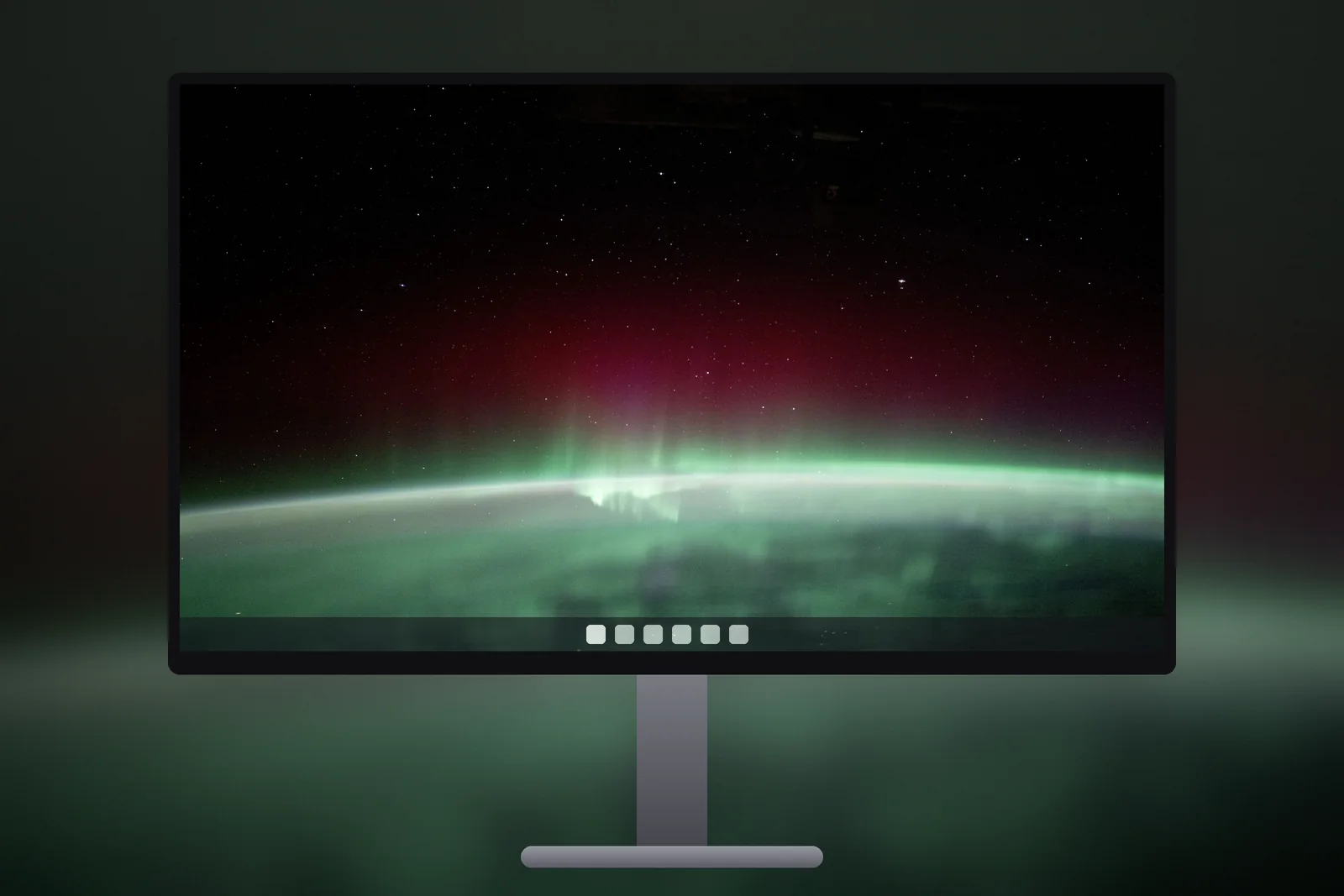
For a wallpaper, that density means detail actually shows. Mountain ridges, tree bark, star fields and the texture of water all come through, which makes 1440p a good screen for detailed landscape and space photos. Windows usually runs it at 100% scaling, so the wallpaper is shown at full size with no system enlargement.
 Green Aurora Arc
 Northern Lights From Orbit
 Storm Over Fir Forest
 Crimson Wilderness Twilight
 Moonlit Bay Islands
16:9 or 16:10: do I need 2560 × 1440 or 2560 × 1600?
Use 2560 × 1440 on a 16:9 monitor and 2560 × 1600 on a 16:10 laptop. Both have the same width, but 2560 × 1600 is 160 pixels taller. Laptop makers moved to 16:10 because the extra height shows more lines of text.
If you put a 1440p image on a 1600-pixel-tall screen with the Fill option, Windows enlarges it by about 11 percent to cover the height and trims the left and right edges. The result is slightly soft and a little cropped. The reverse, a 16:10 image on a 16:9 monitor, trims the top and bottom instead, which can cut the sky or foreground from a landscape.
Laptops with 2560 × 1600 screens often run at 150% or more display scaling to keep text readable. That changes the size of icons and text, not the wallpaper: Windows always draws the background at the screen’s real pixel count.
Which file should I download for a 1440p monitor?
- Download the QHD 1440p file if your screen says 2560 × 1440. It fills the screen pixel for pixel.
- On a 2560 × 1600 laptop, download WQXGA 2560 × 1600 instead.
- If you run a 1440p monitor next to a 4K one, download the 4K UHD file once and use it on both.
- For a 34-inch ultrawide at 3440 × 1440, use the ultrawide file. The ultrawide wallpaper guide explains the 21:9 crop.
On iPhonesWallpaper, every PC wallpaper is cut to seven exact sizes, including QHD 1440p, WQXGA 2560 × 1600, ultrawide 3440 × 1440 and 4K UHD. Pick one in the PC wallpaper section and set it with Settings → Personalisation → Background → Picture, fit set to Fill.
If you have a second monitor at a different resolution, Windows can give each screen its own picture. Right-click a picture in the Background settings and choose the monitor, as described in dual monitor wallpaper on Windows 11.
What makes a good 1440p wallpaper?
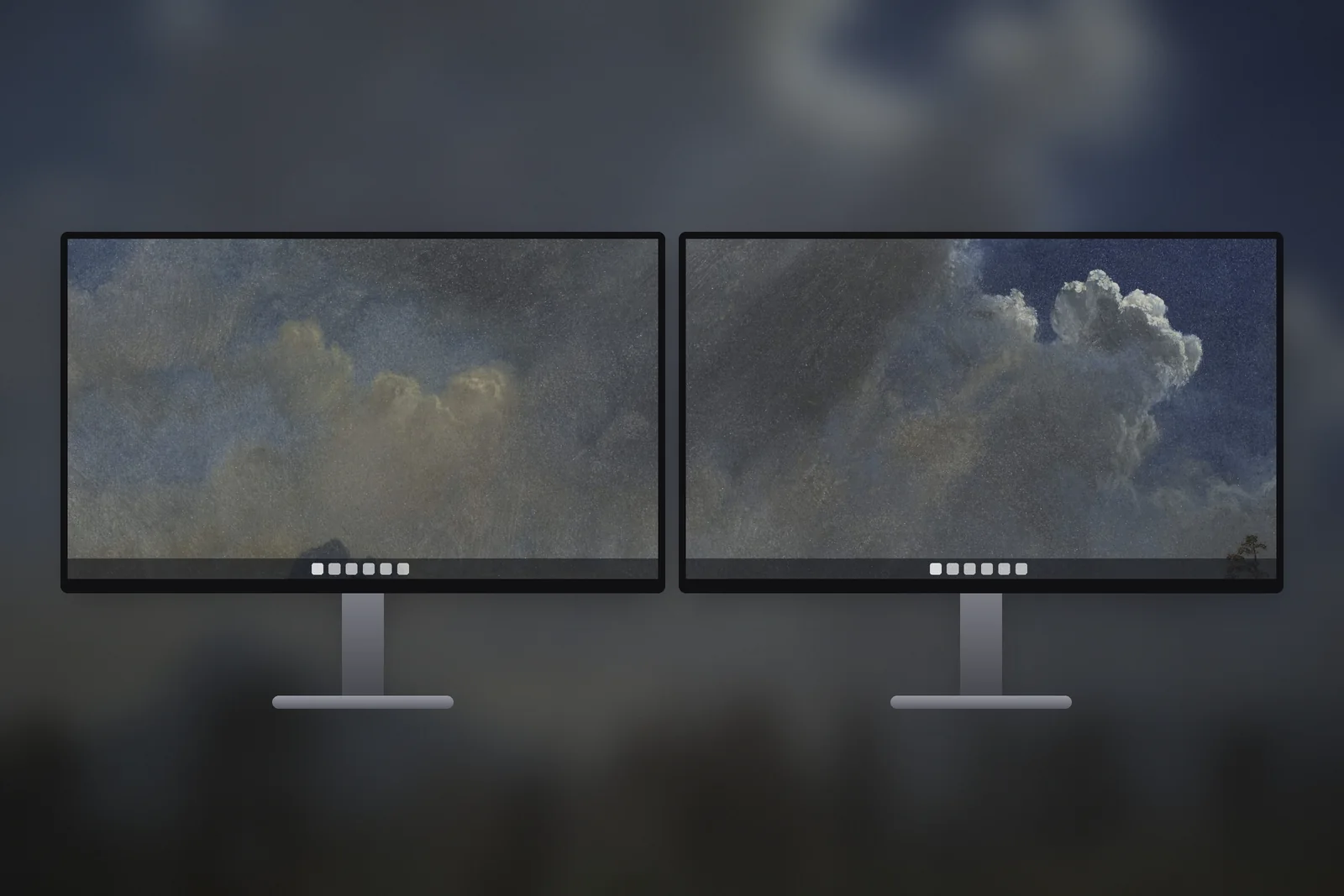
- Real detail: at 109 PPI, a sharp landscape or space wallpaper shows texture that a 1080p screen would blur.
- A clean source: avoid images smaller than 2560 × 1440, because enlarged pictures look soft at this density.
- Calm space for icons: Windows places desktop icons from the top-left, so a picture with its subject in the centre or right side keeps them readable.
- Dark or mid-tone images on gaming monitors, especially OLED ones, which show deep blacks and avoid a bright flash between games.


Read next: 3840x2160 Wallpaper: 4K UHD for PC, Scaling and File Sizes and 1920x1080 Wallpaper: Full HD Sizes for Laptops and Monitors.
Quick answers
Is 1440p the same as 2K?
Monitor sellers often call 2560 × 1440 “2K”, but strictly 2K is the cinema width of 2048 pixels. For wallpapers, search for 2560 × 1440 or 1440p to get the right size.
Can I use a 4K wallpaper on a 1440p monitor?
Yes. Windows scales a 3840 × 2160 image down to 2560 × 1440 and it stays sharp, because shrinking keeps detail. The file is simply larger than you need.
What size wallpaper for a 27 inch monitor?
Most 27-inch monitors are 2560 × 1440, so a 1440p wallpaper fits exactly. Some 27-inch monitors are 4K (3840 × 2160) or 1080p, so check Settings → System → Display first.
Will a 2560x1440 wallpaper fit a 2560x1600 laptop?
Only with cropping. Windows enlarges the 16:9 image to cover the taller 16:10 screen and trims the sides, so a 2560 × 1600 file is the better choice.
Does a high refresh rate monitor need a special wallpaper?
No. A still wallpaper is the same file on a 60 Hz or a 240 Hz monitor; only the resolution matters. For a 2560 × 1440 gaming monitor, download the QHD 1440p file.